
Package Name:com.hzlt.zzxw
Show More

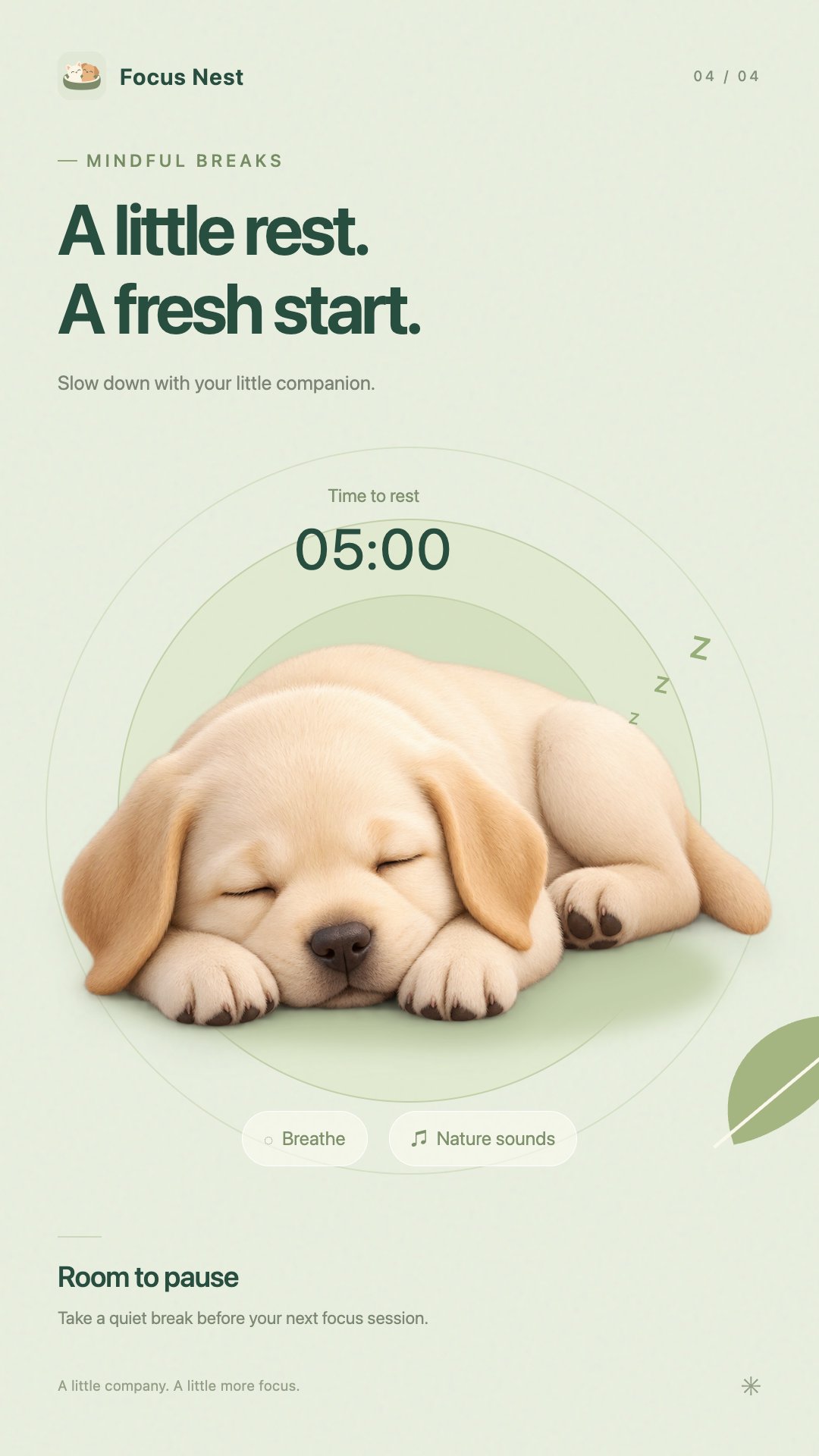
Stay focused with a pet companion, a focus timer, and mindful breaks.
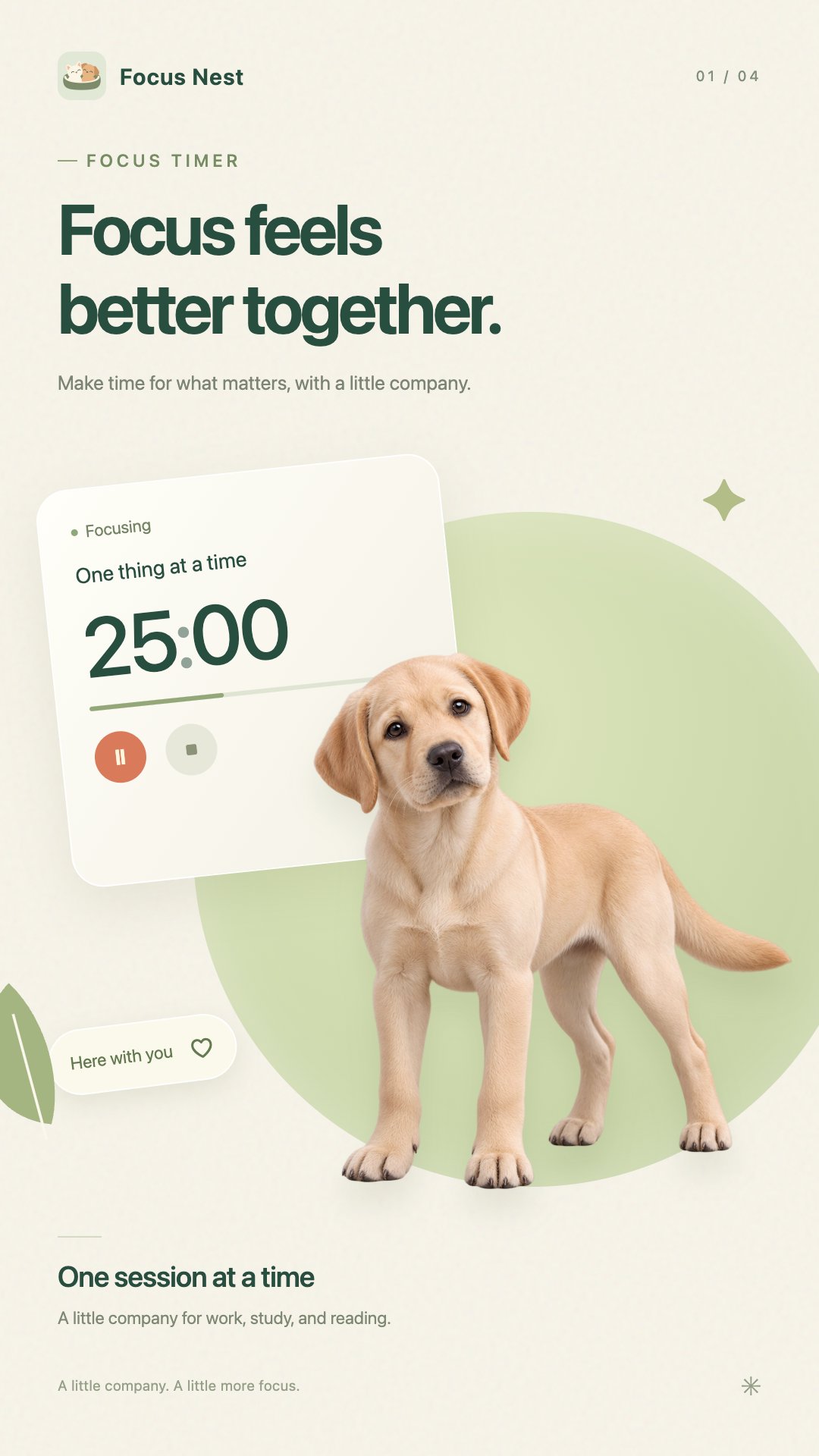
Focus Nest brings a little companionship to your focus time.
Whether you’re studying, working, reading, or creating, make room for focused time with a friendly pet by your side. Take things one task at a time and build progress at your own pace.
FIND YOUR FOCUS RHYTHM
Choose a focus duration that suits your task and find a balance between effort and rest. Break larger tasks into manageable focus sessions to make getting started feel easier.
FOCUS WITH A PET COMPANION
Choose your favorite pet to keep you company. Bring a little warmth to time spent working on your own, and make each focus session something to look forward to.
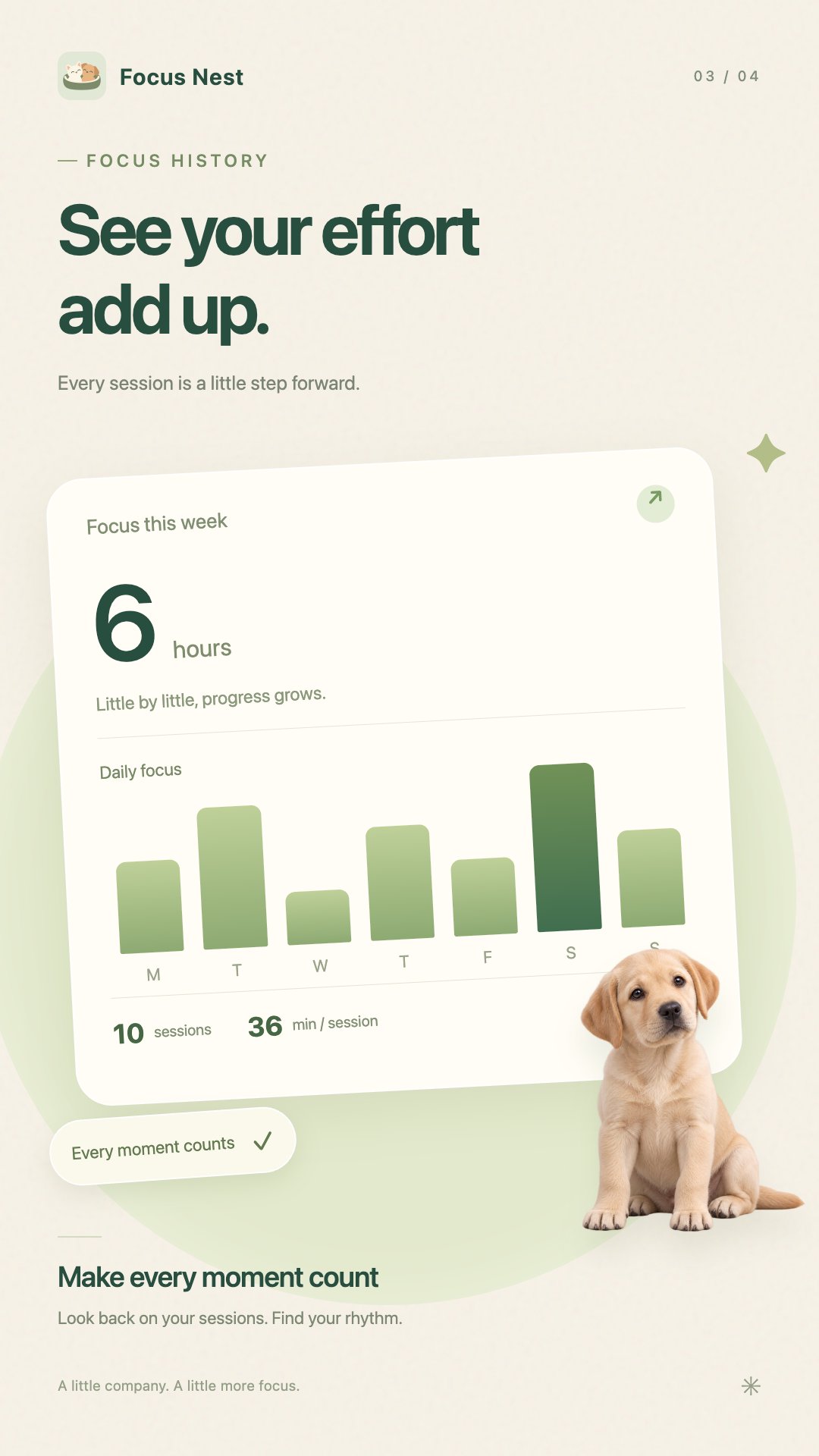
SEE YOUR PROGRESS
Look back at your focus history and explore how your effort adds up over time. Every moment of focused work deserves to be seen.
ENJOY A CALM, SIMPLE SPACE
Soft colors and a clear interface make it easy to begin your next session and keep your attention on the task at hand.
Start with a little focused time. Move closer to what matters to you, one session at a time.
Use of Accessibility Services
Focus Nest uses the Android AccessibilityService API for its optional Deep Focus feature. During a Deep Focus session that you start, the service accesses app identifiers from the current and visible windows to identify apps outside your allowed list. It displays a blocking overlay to help reduce distractions. Apps on your allowed list remain available.
App identifiers are processed locally on your device. The service does not upload app usage history or read or save screen text or anything you type. You choose whether to enable this permission and can disable it at any time in Android Accessibility settings. The standard focus timer works without this permission.


One-click to install XAPK/APK files on Android!

Thanks for your rating and feedback!
You have already rated.