Safe & Fast APK Downloads on APKPure
APKPure uses signature verification to ensure virus-free G-Droid APK downloads for you.

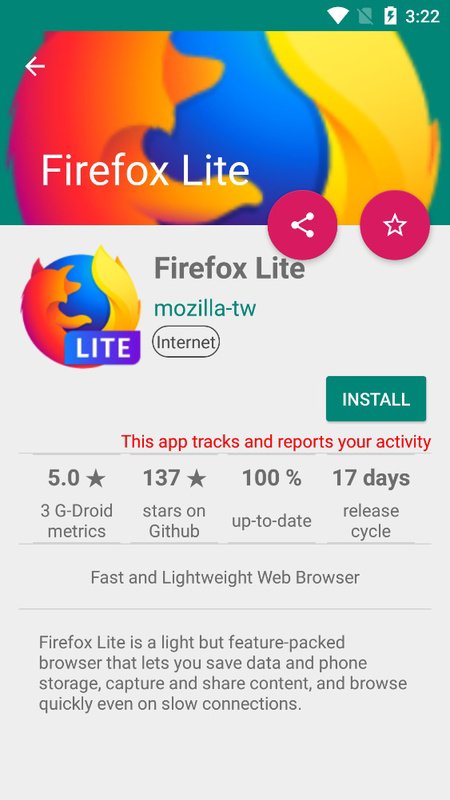
G-Droid is a store-style client for discovering free, open-source Android apps.
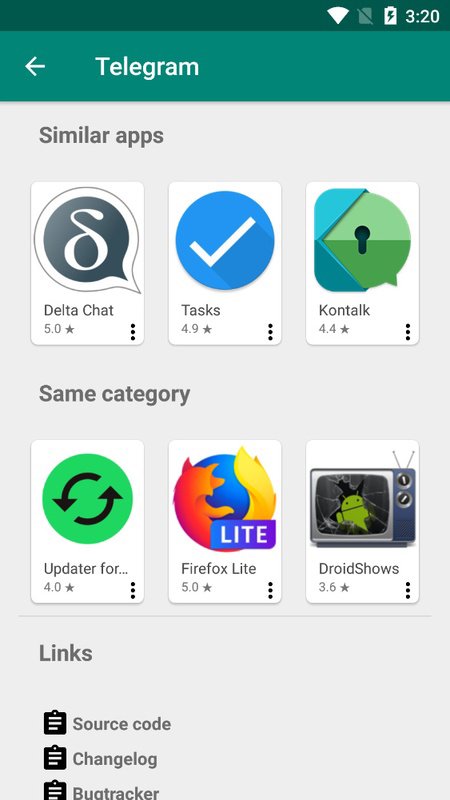
Developed by Andreas Redmer, it makes the F-Droid repository easier to browse by adding a familiar catalog layout, app pages, and community feedback. Users can download G-Droid to explore software built around transparency rather than commercial app listings. Its main tools are easy to spot in everyday browsing.
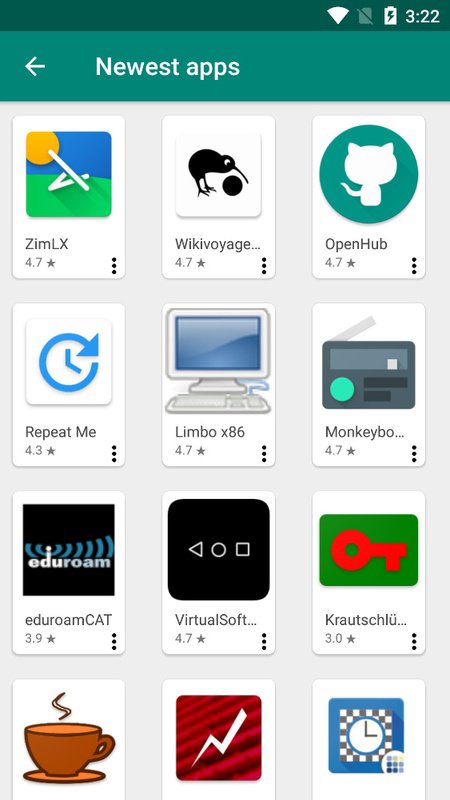
Browse more than 1,500 free and open-source Android apps.
Read app reviews and comments before choosing a download.
Select older releases when a newer version does not suit.
Detect installed F-Droid apps and view available app updates.
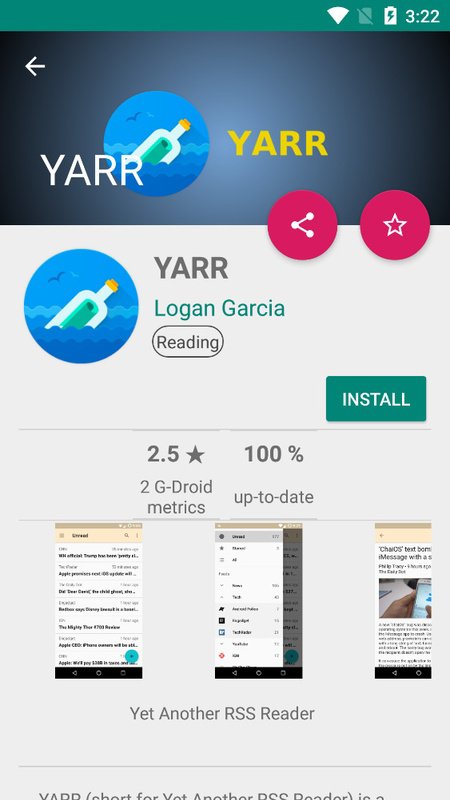
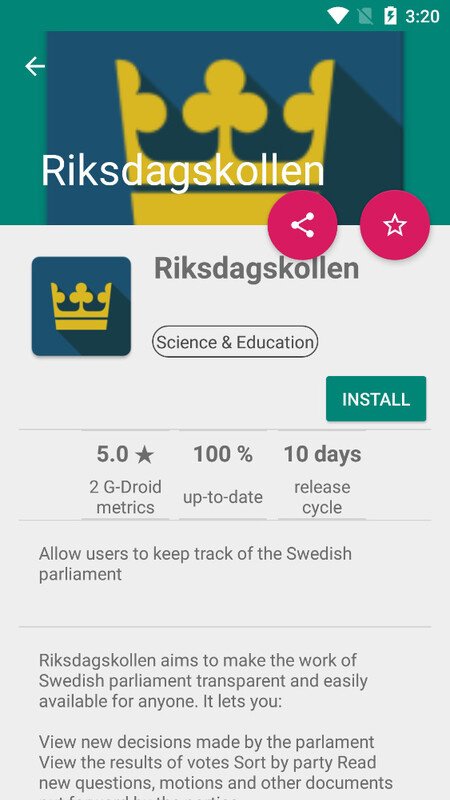
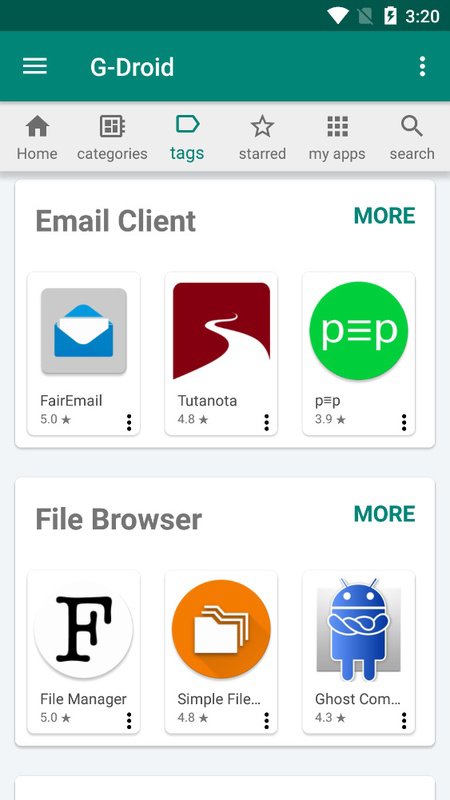
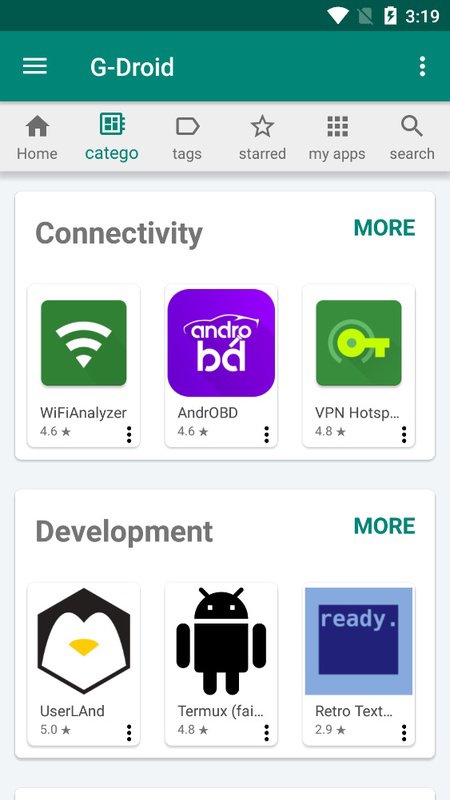
G-Droid presents F-Droid apps in a clean catalog that feels familiar to anyone who has used an app store before. The selection centers on free, open-source apps, so it is useful for finding tools, utilities, and everyday software without sorting through commercial listings. You can browse the main catalog, open an app page, and check its description before deciding whether it fits your needs. The catalog does not aim to include popular paid services or large commercial games, but that limitation keeps its focus clear for users seeking open-source apps.
G-Droid adds reviews and comments to individual app pages, giving users more context than a plain repository listing. These comments can help when choosing between similar tools, such as several note apps, file managers, or privacy-focused browsers. Reading recent feedback may reveal whether an app works well on certain devices or whether a change has affected everyday use. Community opinions are still personal experiences rather than guarantees, so it is sensible to compare them with the app description and version details.
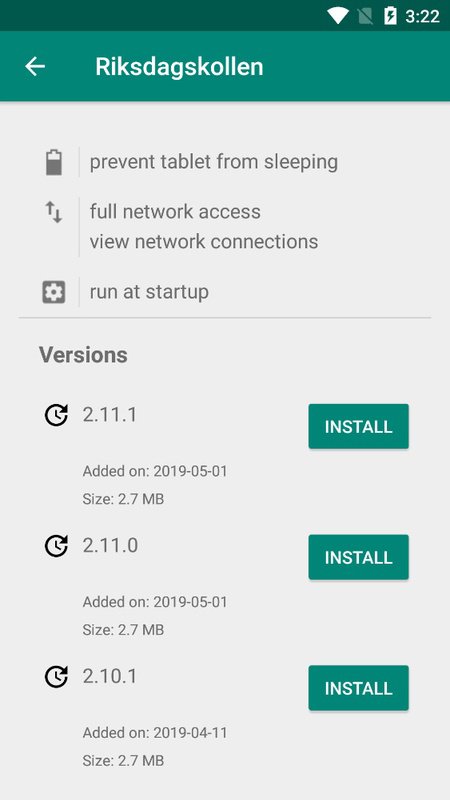
G-Droid can show older available releases for supported apps, which is helpful when the newest update is not the best match for a device or workflow. For example, a user who prefers a previous layout or encounters a problem after an update can check whether an earlier version remains listed. Version availability depends on the F-Droid repository, so not every app will offer a long history of releases. This option gives more choice than a download page limited to a single current build, while still keeping the selection tied to repository availability.
G-Droid detects compatible F-Droid apps already installed on the device and surfaces available app updates. This makes it easier to revisit software downloaded earlier without remembering every app name or checking each listing separately. When an update appears, users can open its page to review the available version before downloading it. The feature only covers apps recognized through the repository, so software installed from unrelated sources will not necessarily appear in the update view.
G-Droid works best as a F-Droid client for people who want a simple way to discover and manage open-source software. Its strengths come from the added browsing and feedback tools, while its limits reflect the repository it uses.
Pros
Large catalog of free, open-source Android software
Store-style layout is easy to navigate
Reviews and comments add useful app context
Older available versions offer practical flexibility
Detects installed apps and available updates
Cons
Commercial apps and major games are generally unavailable
Versions depend on the F-Droid repository selection
You can download the latest G-Droid APK from APKPure and install it as a small download of roughly 3MB. On a typical connection, the file should finish quickly, although installation may take a little longer if Android asks for confirmation before opening the package. The G-Droid latest version is a practical choice for users who want its current catalog browsing, reviews, and update detection features.
After installation, browse the catalog or check detected apps to see whether updates are available. Before downloading other software, review each app page and select an older release only when it suits your device or preferences.

One-click to install XAPK/APK files on Android!

Thanks for your rating and feedback!
You have already rated.