











Thanks for your rating and feedback!
You have already rated.

GalleryRAW is a lightweight Android RAW image viewer for photographers.
ElveroStudio builds GalleryRAW around one clear need: checking camera files directly from external storage without a laptop. It opens RAW photos from SD cards, USB drives, SSDs, HDDs, flash drives, and card readers through OTG, which makes it useful during travel, events, and quick client previews. If you need an Android RAW viewer for fast selection work, these core tools are worth knowing first.
GalleryRAW is designed for photographers who want to review camera files on an Android phone or tablet soon after shooting. Instead of moving everything to a computer first, the app can read photos from SD cards, USB drives, SSDs, HDDs, flash drives, and card readers when the device supports OTG.
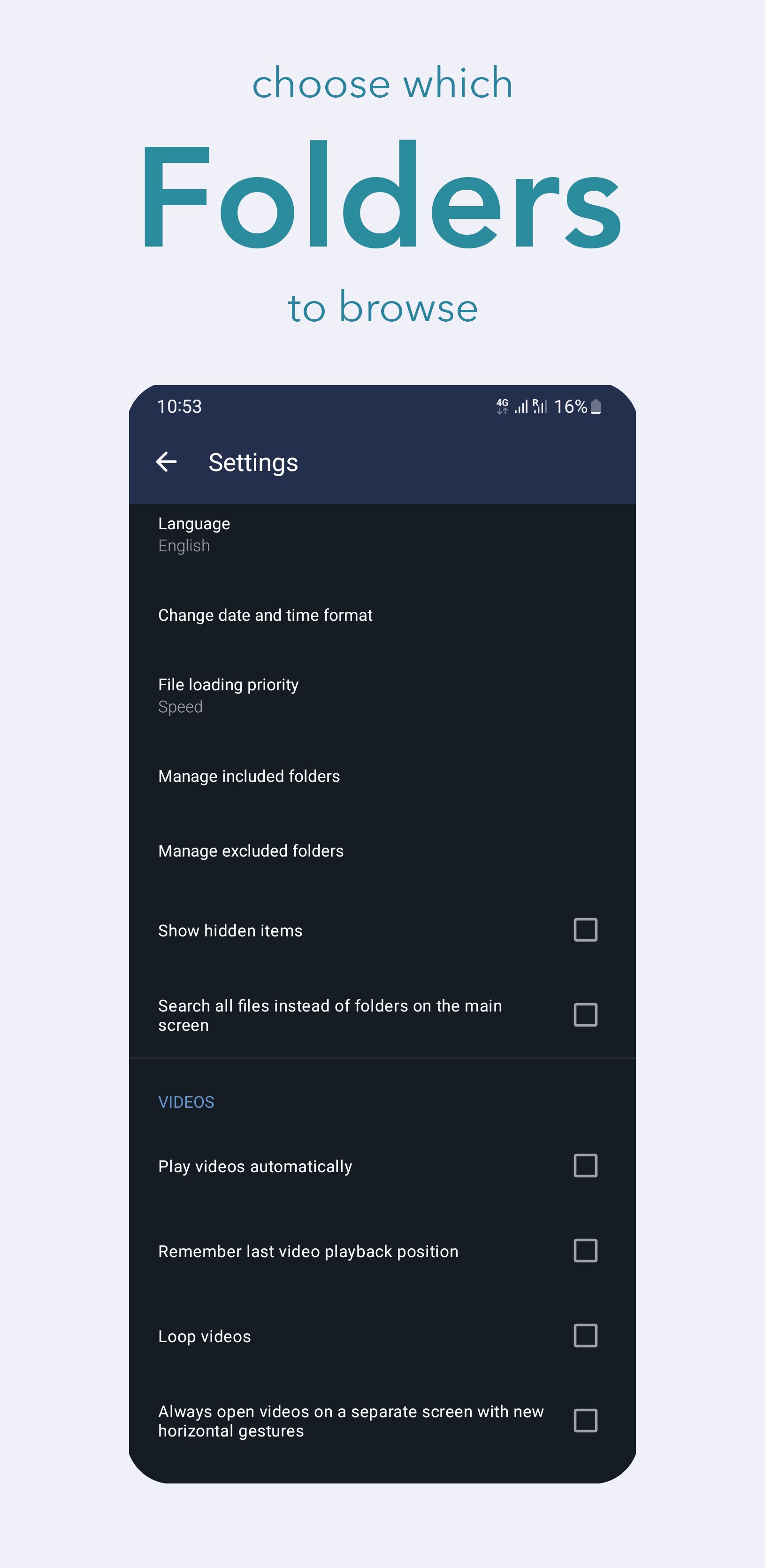
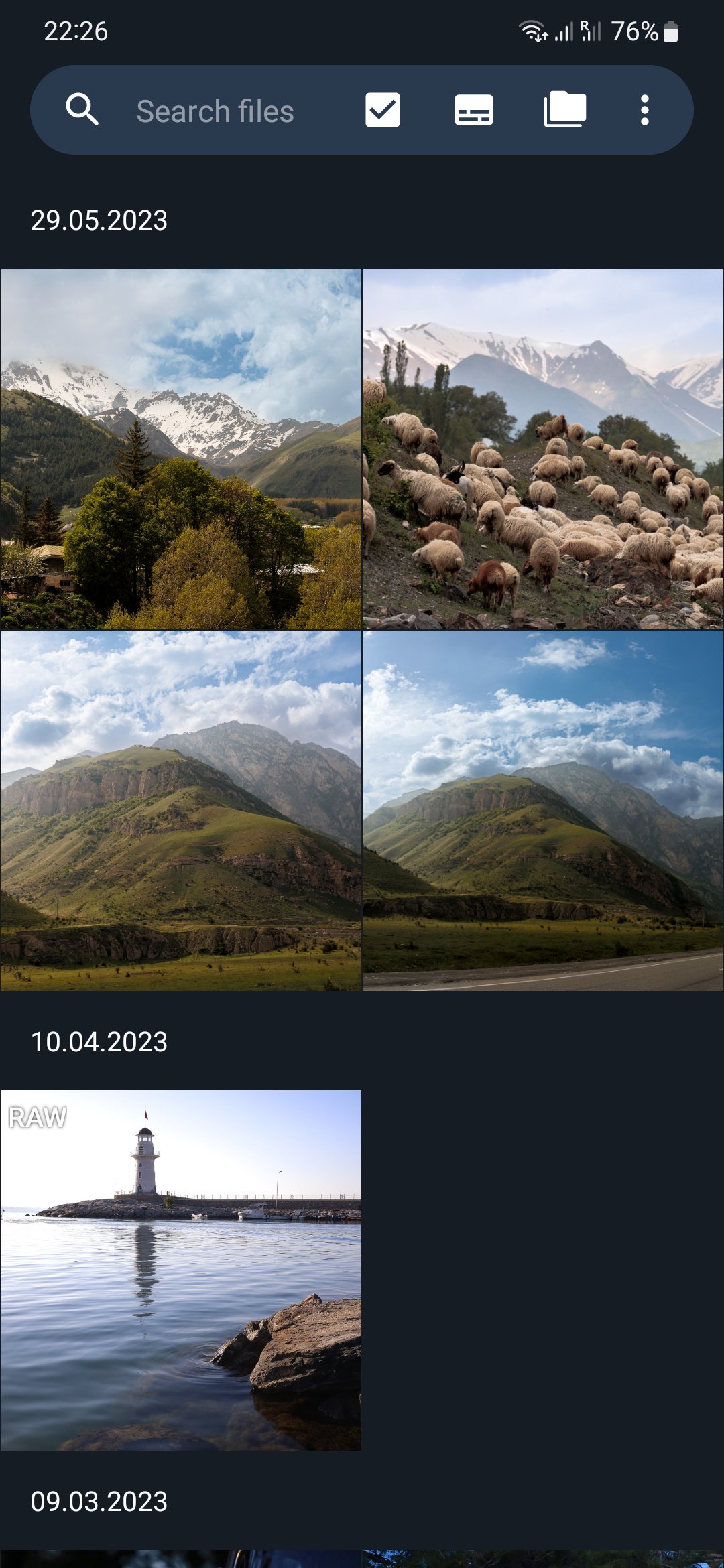
This is especially practical after a long shoot, when only a quick check is needed before packing up or moving to the next location. A photographer can connect a camera card through an adapter, include the storage folder in the app, refresh the folder list, and start browsing thumbnails. Some storage devices may need manual folder setup, so users should expect a short first-time configuration rather than instant browsing in every case.
GalleryRAW supports several widely used RAW formats, including Canon CR2 and CR3, Nikon NEF, Sony ARW, Fujifilm RAF, and Olympus ORF. This makes it useful for mixed camera workflows, such as a wedding shoot where one photographer uses Canon gear while another brings Sony or Nikon bodies.
The app works best as a quick RAW image viewer rather than a full editing suite. It focuses on opening files, showing previews, and helping users decide which images are worth keeping or sending onward. RAW support is not complete, and formats such as 3FR are not supported yet, so users with less common camera systems should check file compatibility before depending on it for an important shoot.
GalleryRAW helps users sort through shoots when speed matters. The app displays embedded high-resolution JPEG previews from RAW files, so photos keep camera-style colors and profiles while loading more quickly than a full RAW editing workflow.
This approach suits practical review tasks. A user can scan a folder of portraits, check whether eyes look sharp, compare several similar frames, and mark the strongest shots for later editing. It does not replace detailed color grading or advanced RAW adjustments, but it can reduce the number of files that need deeper work later. For travel, press work, event coverage, or on-set checks, that lighter workflow can save time and phone storage.
GalleryRAW can send selected images to phone storage, external storage, or compatible editing apps such as Lightroom, Snapseed, and ON1. This makes the app useful as a bridge between camera media and mobile editing, especially when only a few chosen frames need attention.
After marking the best shots, users can share selected RAW files to an editor instead of importing an entire card. That keeps the workflow more focused and avoids filling the phone with every exposure from a shoot. The app’s role stays clear: it helps users view, select, and pass files along. Anyone expecting full RAW development tools inside the same app should treat it as a companion viewer rather than a replacement for a dedicated editor.
These points come from GalleryRAW’s focus on fast photo review, external storage access, and mobile RAW file handling. Its strengths are clear for field work, while its limits mostly relate to format coverage and editing depth.
ProsYou can download GalleryRAW latest version from APKPure and install the GalleryRAW APK on an Android phone or tablet that supports the app. The latest version found on APKPure is 0.2.1, and no verified changelog details are available, so users should treat it mainly as the current available release rather than an update with confirmed new features.
The APK size information may vary by release, but GalleryRAW is presented as a lightweight viewer, so the download should usually be quick on a stable connection. Before installing, make sure the Android device supports OTG if external card or drive access is important. After installation, connect a storage device, add the folder that contains RAW files, refresh the folder list, and begin checking thumbnails before exporting selected shots to an editor.




One-click to install XAPK/APK files on Android!
Thanks for your rating and feedback!
You have already rated.