Package Name:com.nth.fps.gfx.tool
Show More

Customize resolution, FPS & graphics settings for a smoother gaming experience
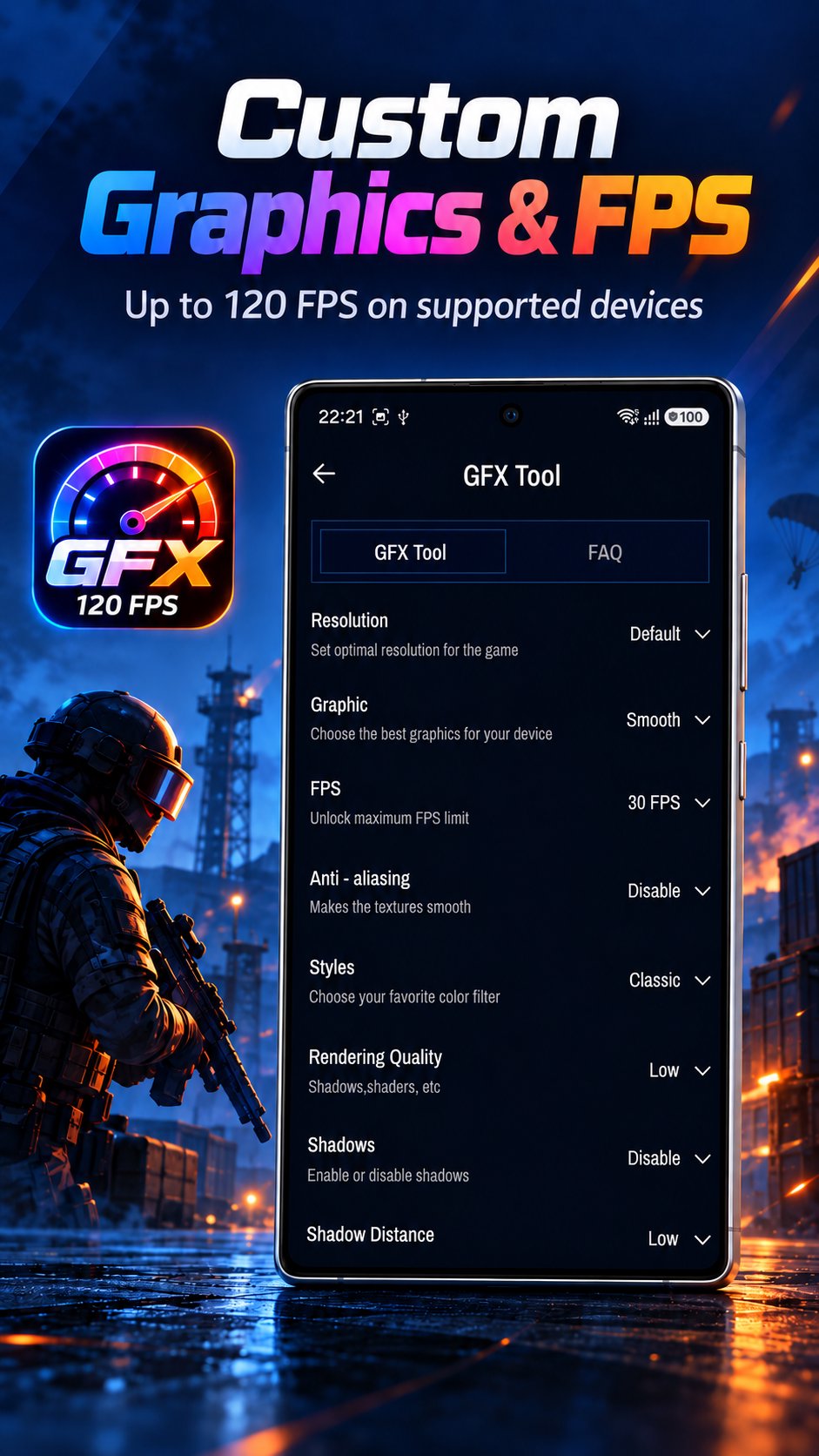
GFX Tool - FPS & Graphics helps you take control of your game's graphics settings. Adjust resolution, frame rate, shadows, effects and more, then jump straight into your game with the look and feel you prefer.
🎮 GFX TOOL – FINE-TUNE EVERY DETAIL
Pick your game version and customize the settings that matter to you:
• Resolution – from 768x432 up to 2560x1440
• Graphics quality – Smooth, Balanced, HD, HDR or Ultra
• Frame rate – 30, 40, 60, 90 or 120 FPS (on supported devices)
• Anti-aliasing – Disable, 2X or 4X for smoother edges
• Color styles – Classic, Colorful, Realistic, Soft or Movie
• Shadows, shadow distance and moving shadows
• Texture, effects, objects and foliage detail levels
• Color format, light effects, graphics API and more
Save your setup with one tap on Accept and launch the game right away.
⚡ UNLOCK FPS
Choose a higher frame rate for your game version. Available options depend on what your device and the game support.
🔓 SHIZUKU SUPPORTED
Optional Shizuku integration for better compatibility on newer Android devices. Seamlessly apply your preferred FPS settings (like 90 or 120 FPS) on supported devices. A step-by-step guide is included.
🛠️ CUSTOM SETTINGS FILE
Already have your own settings file? Upload it and apply it to the game version of your choice.
📶 NETWORK TOOLS FOR GAMERS
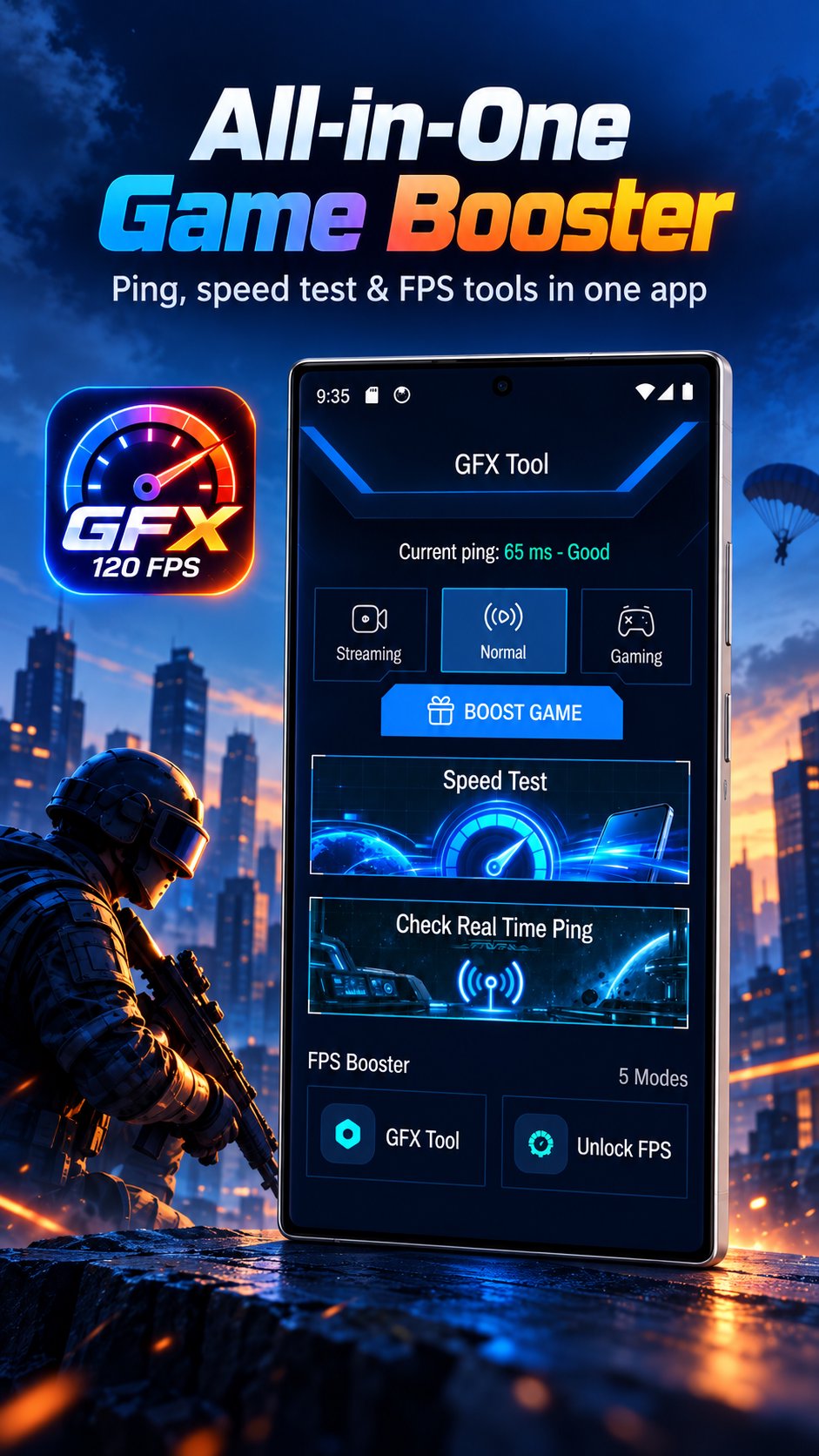
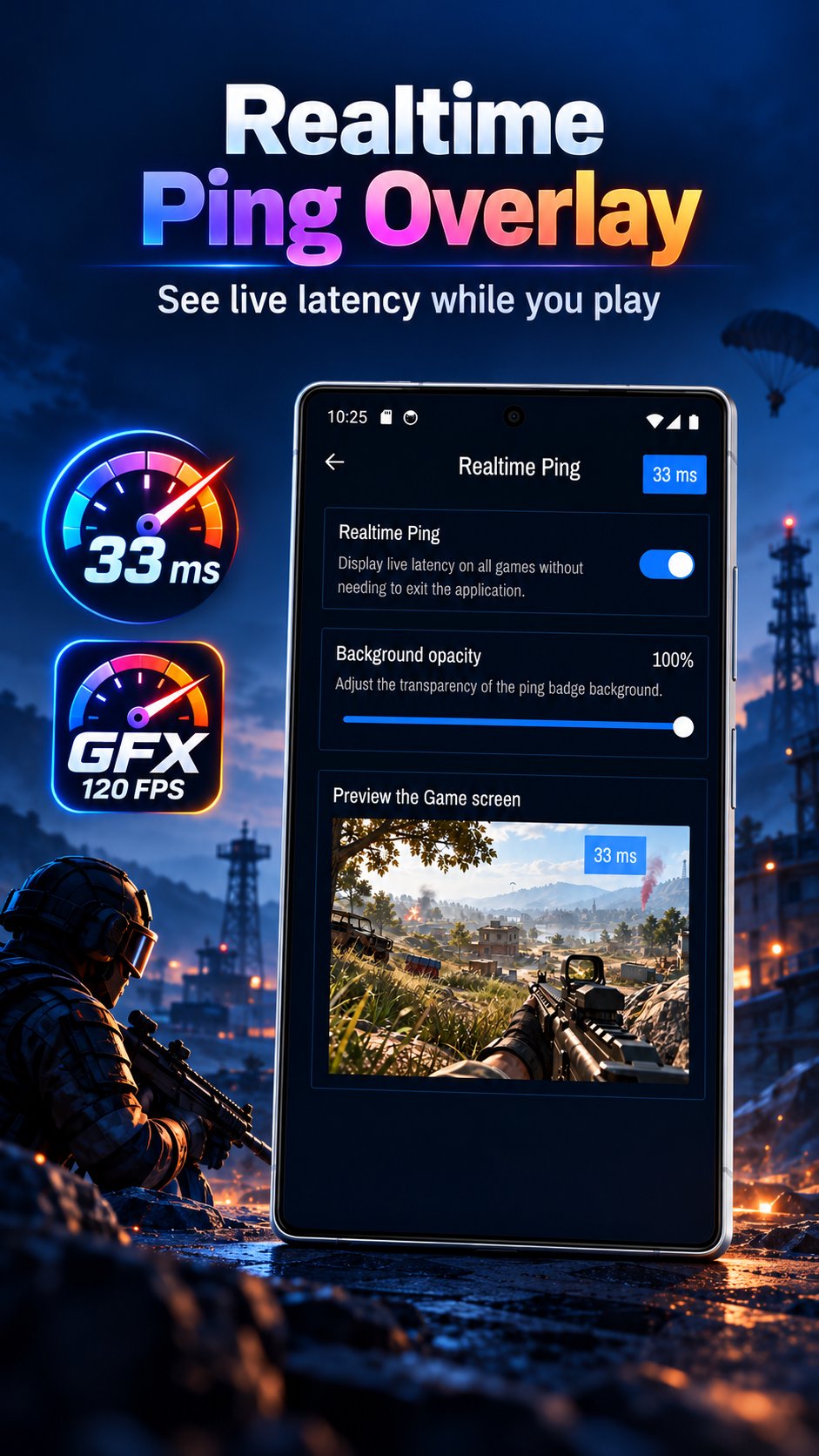
• Real-time ping – keep an eye on your connection while you play with a small floating ping display
• Speed test – measure download speed, upload speed, ping and jitter, and review your test history
• Choose from Streaming, Normal and Gaming modes
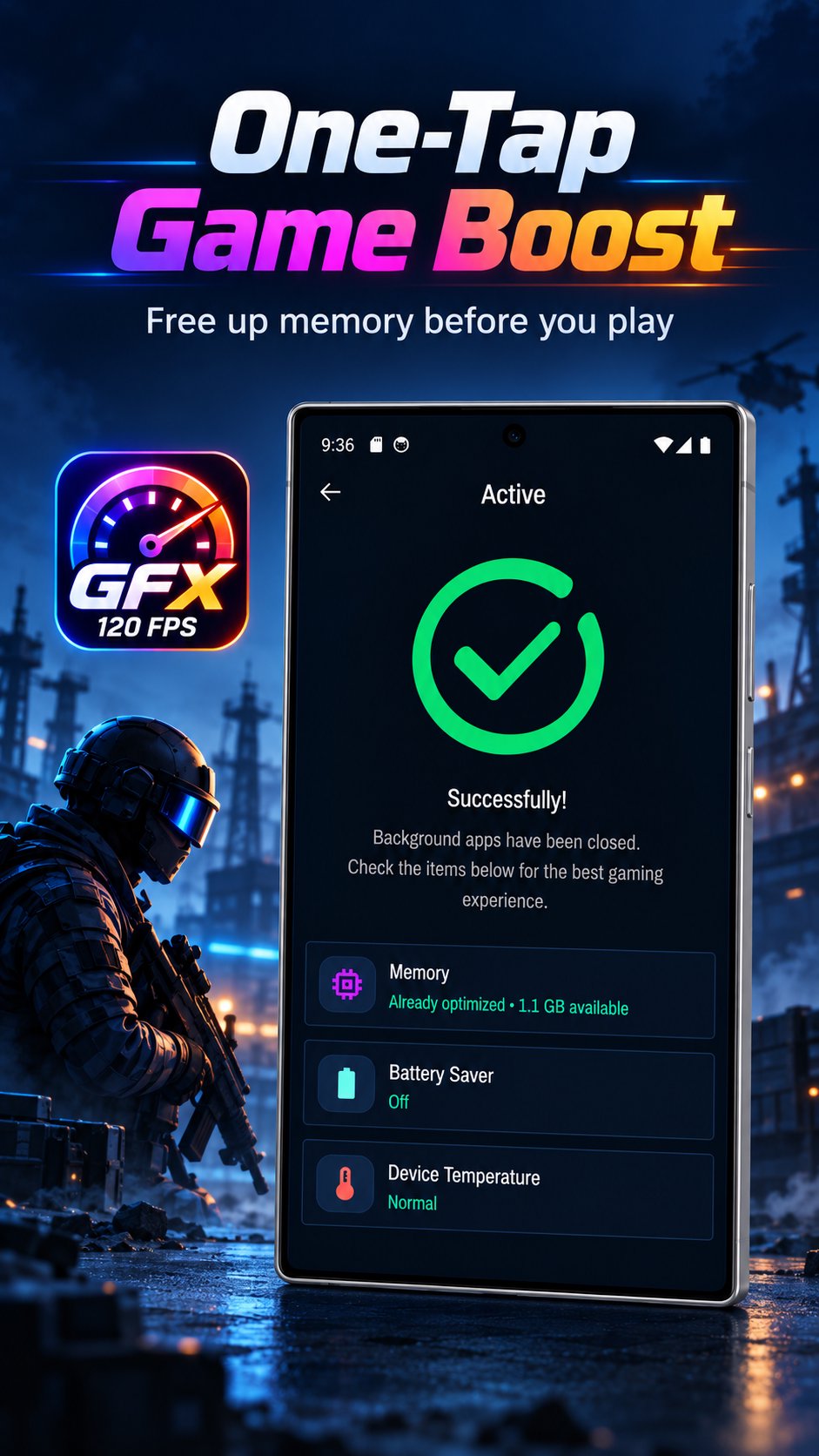
🚀 GAME BOOST
Free up memory and get a quick overview of your device status before you start playing.
💡 FIX ISSUES GUIDE
Can't apply settings on your Android version? Follow the built-in guide with simple steps and tutorials.
HOW IT WORKS
1. Select your game version
2. Choose your preferred settings
3. Tap Accept and launch the game
GRAPHICS SETTINGS ONLY – NO GAMEPLAY CHANGES
GFX Tool only changes graphics and display options in the game's own settings file – the same kind of options you can find in the game's settings menu. It does not modify game code, does not give any gameplay advantage, and does not interfere with gameplay, other players, game accounts or online services. It is not a cheat, hack or mod tool.
GOOD TO KNOW
• Results vary by device, Android version and game version. Some options, such as 90 or 120 FPS, only work on devices the game supports.
• The game may reset some settings when you change graphics options inside the game. Simply apply your setup again.
• Your original settings file is backed up automatically, and you can restore it at any time.
• Close the game completely before applying new settings.
PERMISSIONS
• Storage / folder access: used only to read and update the game's settings files you choose to change.
• Display over other apps: used only to show the floating ping display.
• Shizuku (optional): used only on Android versions that block folder access.
DISCLAIMER
GFX Tool - FPS & Graphics is an independent tool. It is not affiliated with, endorsed by or sponsored by any game developer or publisher. All game names and trademarks belong to their respective owners. The app only adjusts graphics settings and does not interfere with gameplay. Changing game files is done at your own discretion.
Have feedback or ideas? We'd love to hear from you – your suggestions help us make GFX Tool better for every gamer.


One-click to install XAPK/APK files on Android!

Thanks for your rating and feedback!
You have already rated.