












Thanks for your rating and feedback!
You have already rated.

GhostMap is an Android utility for controlling touch apps with external hardware input.
Developed by Beat Kiều, GhostMap focuses on flexible touch mapping for users who prefer a keyboard, mouse, or controller in supported Android apps. Its main appeal is the ability to turn physical input into screen taps, swipes, and multi-touch actions without rebuilding each setup from scratch. For users comparing an Android utility before an APK download, these are the key points to know:
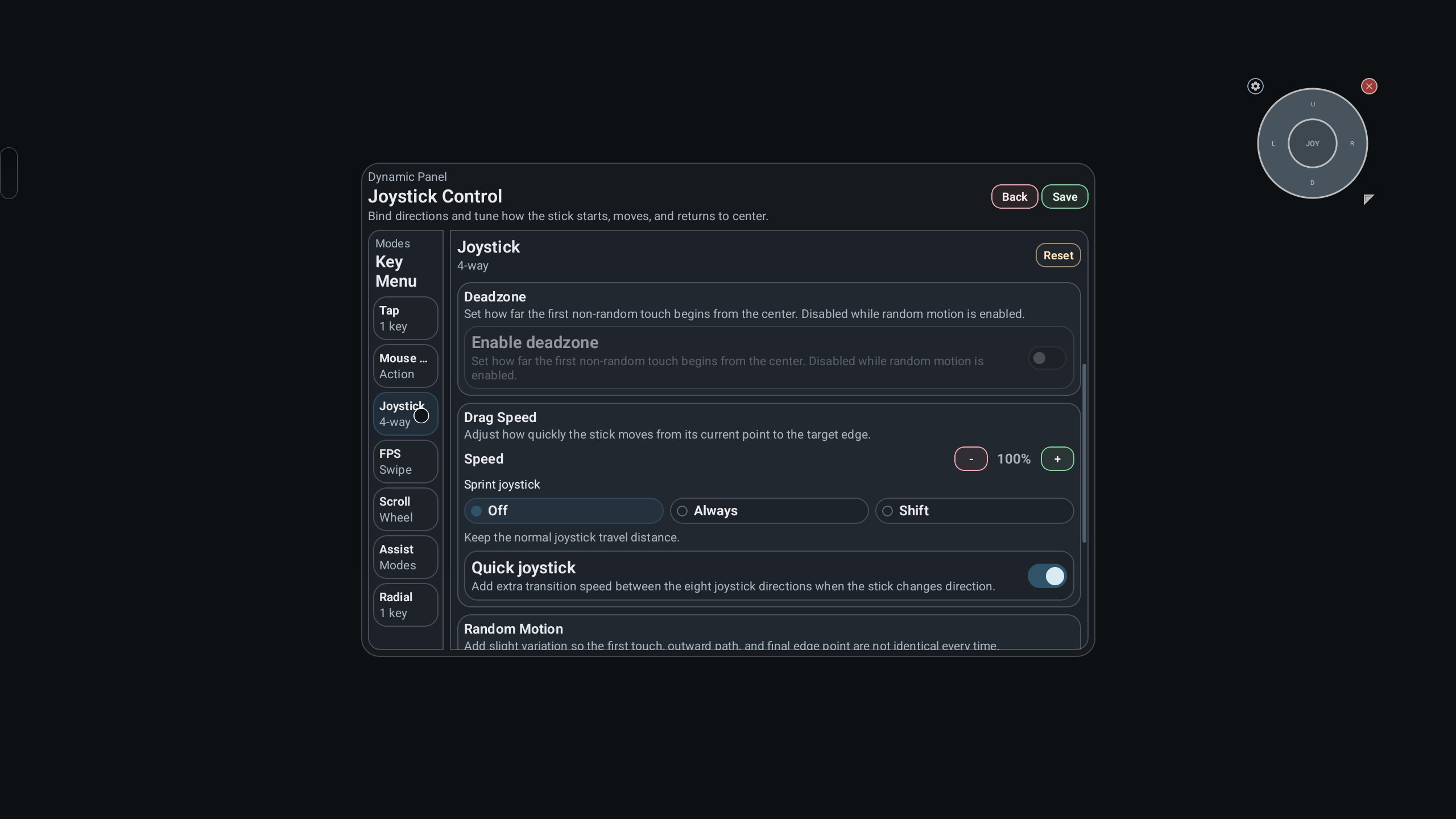
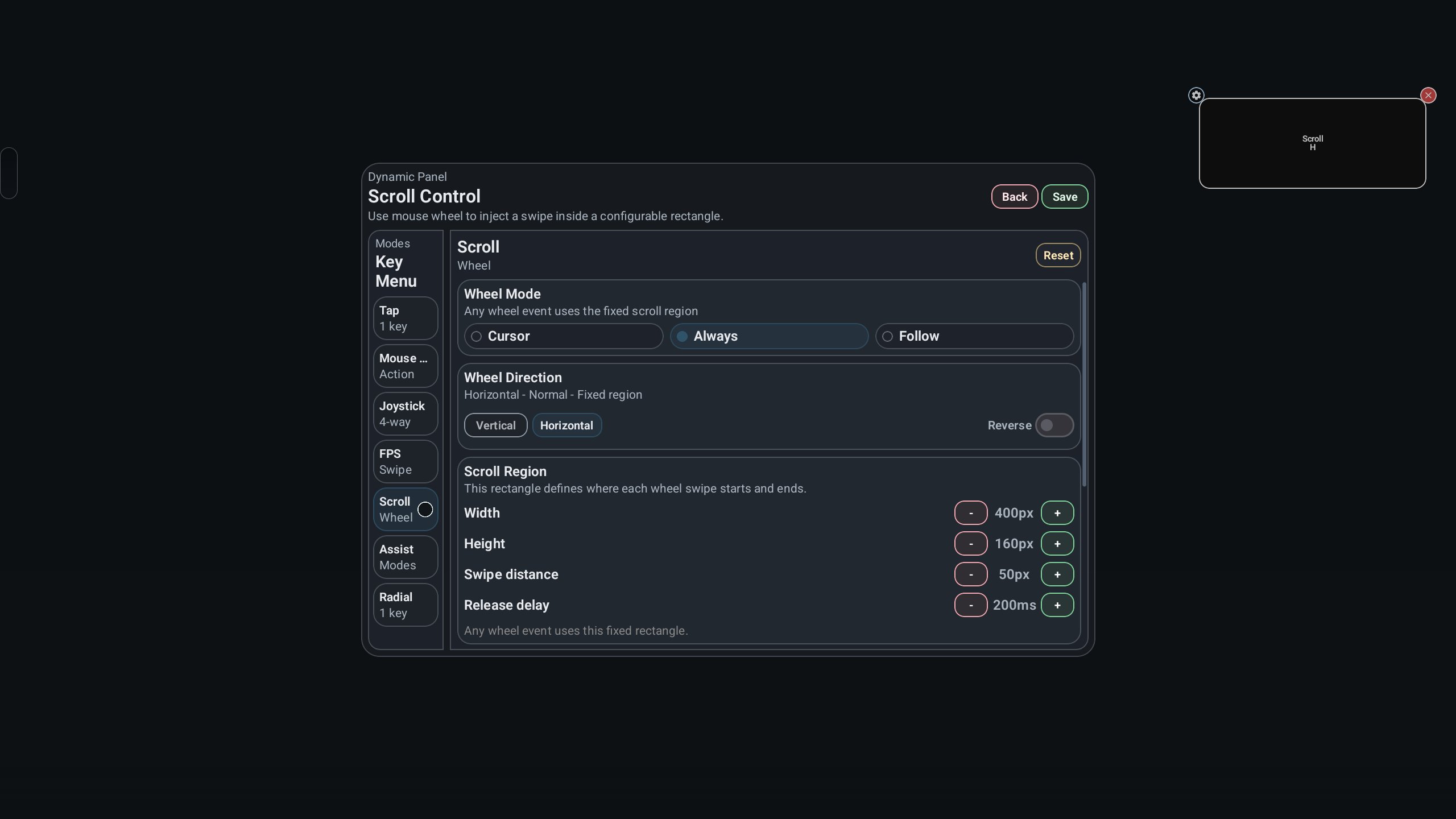
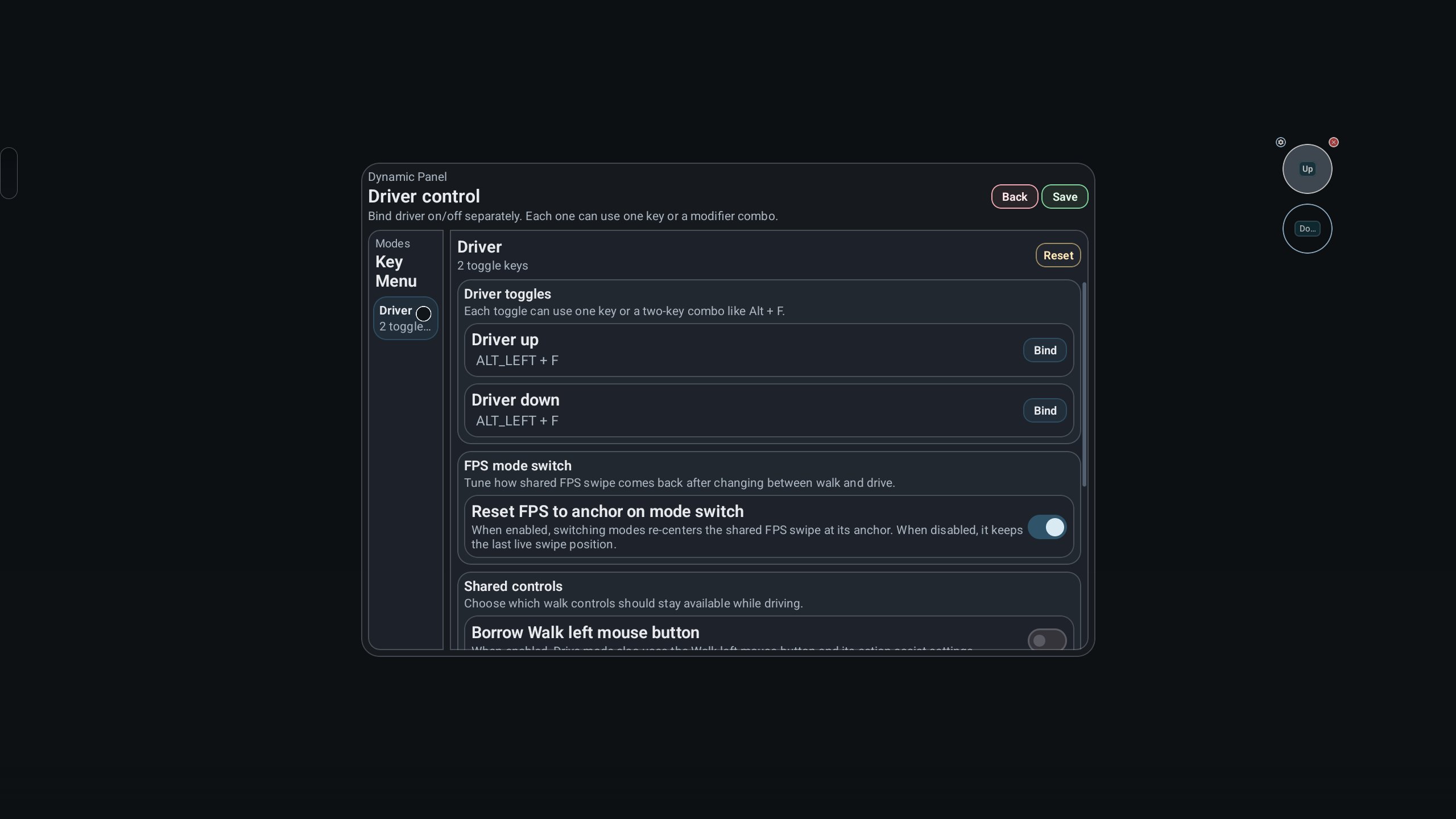
GhostMap turns supported hardware input into actions that touch-based Android apps can understand. A keyboard key can act like a tap, a mouse click can trigger a screen action, and controller analog input can be set for movement-style controls when the target app supports that kind of use.
This is useful when an app feels better with physical controls but does not offer full built-in support for a keyboard mouse controller setup. For example, a player may place a tap point over a virtual button, then assign it to a keyboard key for quicker reactions. Swipes and multi-touch gestures can also be mapped, which helps with apps that depend on drag movement or combined screen inputs. Compatibility still depends on the Android device, the connected hardware, and the behavior of the app being controlled, so some setups may need testing before they feel right.
The floating overlay is where GhostMap becomes practical during real use. It lets users place control points directly on the current screen instead of guessing positions from a separate settings page. This makes it easier to match a key, click, or analog action with the exact area used by the active app.
The overlay can be adjusted for position, size, opacity, and layout while staying inside the current workflow. A user can keep it more visible while building a layout, then lower the opacity once the controls are placed. This is especially helpful in apps with crowded interfaces, where large markers could block important visual information. The overlay is not meant to replace the app interface, but it gives enough visual feedback to make mapping easier without constant switching between screens.
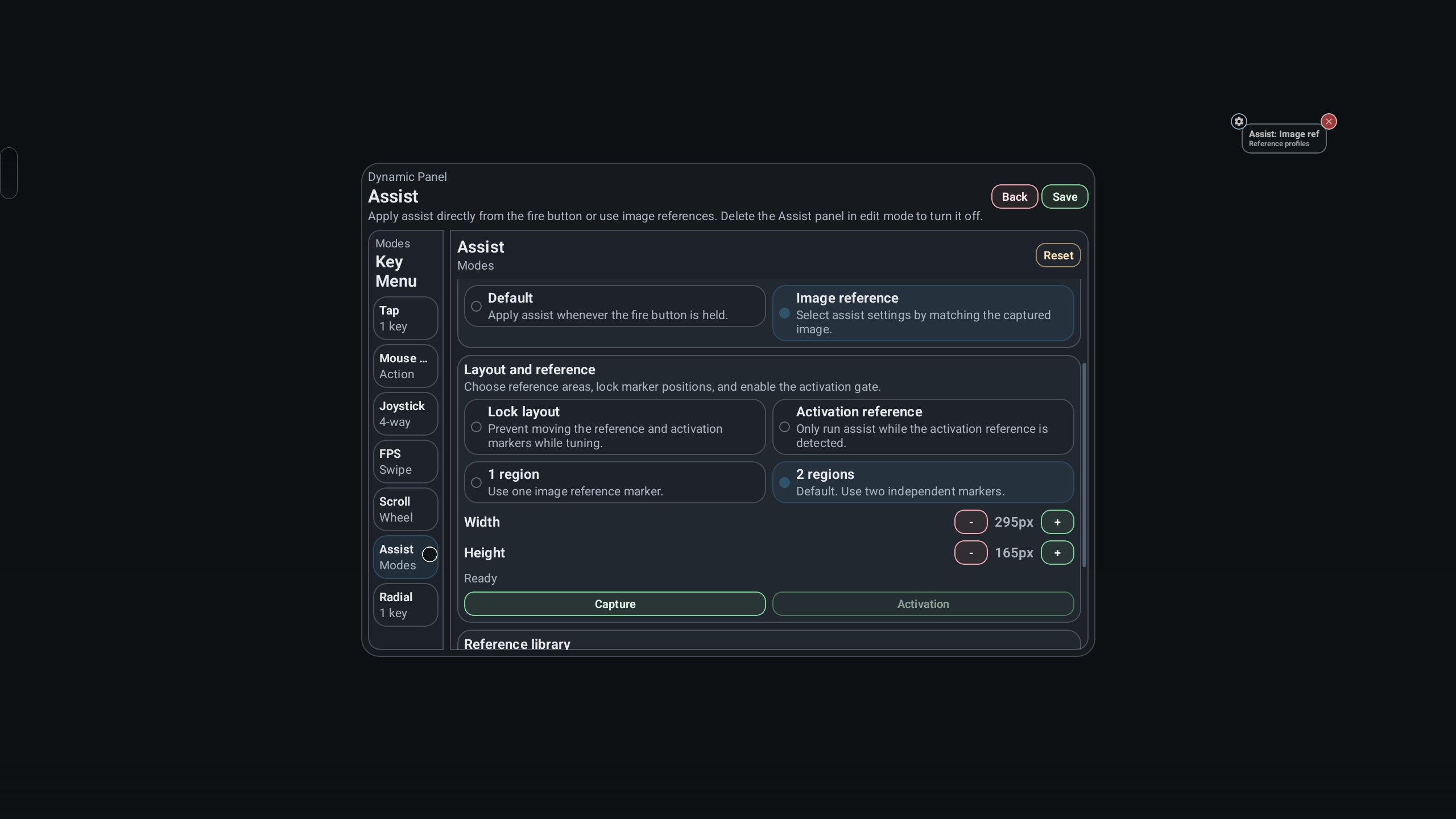
GhostMap supports separate profiles, which helps users avoid rebuilding control layouts for every situation. A profile can hold a specific mapping setup for one app, one game style, or one hardware arrangement. When moving between different usage scenarios, saved profiles can be switched instead of manually changing each input again.
This matters because touch layouts are rarely identical across apps. A profile made for a landscape game may not fit a portrait utility, and a mouse-focused setup may not suit a controller. Keeping different profiles also helps when the same device is used by more than one person or when a user changes between casual and more precise control layouts. The feature does require some initial setup time, but it saves time later for users who regularly return to the same apps.
GhostMap processes most mapping data and runtime behavior locally, which is important for users who care about input privacy. The app is designed not to send input events or app lists externally for its main mapping behavior, based on the provided feature information. This approach fits a utility that deals with controls used inside other apps.
There are also tuning options for refining how controls feel on a particular device setup. Users can adjust behavior when a key feels too sensitive, a controller action needs finer control, or a mouse click does not land as expected. Some functions may require authorization and local environment activation, so the first setup may take longer than a simple install-and-open tool. If a device does not support the needed environment, checking hardware compatibility before building many profiles can prevent wasted time.
These points reflect how GhostMap works as a touch mapping tool for Android users with external input devices. Its strengths come from flexible setup options, while its limits mostly depend on permissions, device support, and Android environment conditions.
ProsYou can download GhostMap latest version from APKPure and install the GhostMap APK on a compatible Android device. Since the listed package size is not available here, check the APKPure download page before starting, especially if the device has limited storage or a slower connection.
During installation, Android may ask for permission to install an APK file, and some devices may show extra security prompts. After opening the app, expect to spend a little time granting required authorization and preparing the local environment before mapping controls. For the best first setup, connect the keyboard, mouse, or controller first, then create a simple test profile before building more detailed layouts.




One-click to install XAPK/APK files on Android!
Thanks for your rating and feedback!
You have already rated.