
Safe & Fast APK Downloads on APKPure
APKPure uses signature verification to ensure virus-free GPS Blocker APK downloads for you.

GPS Blocker helps to always keep active device location.
DESCRIPTION:
---------------------
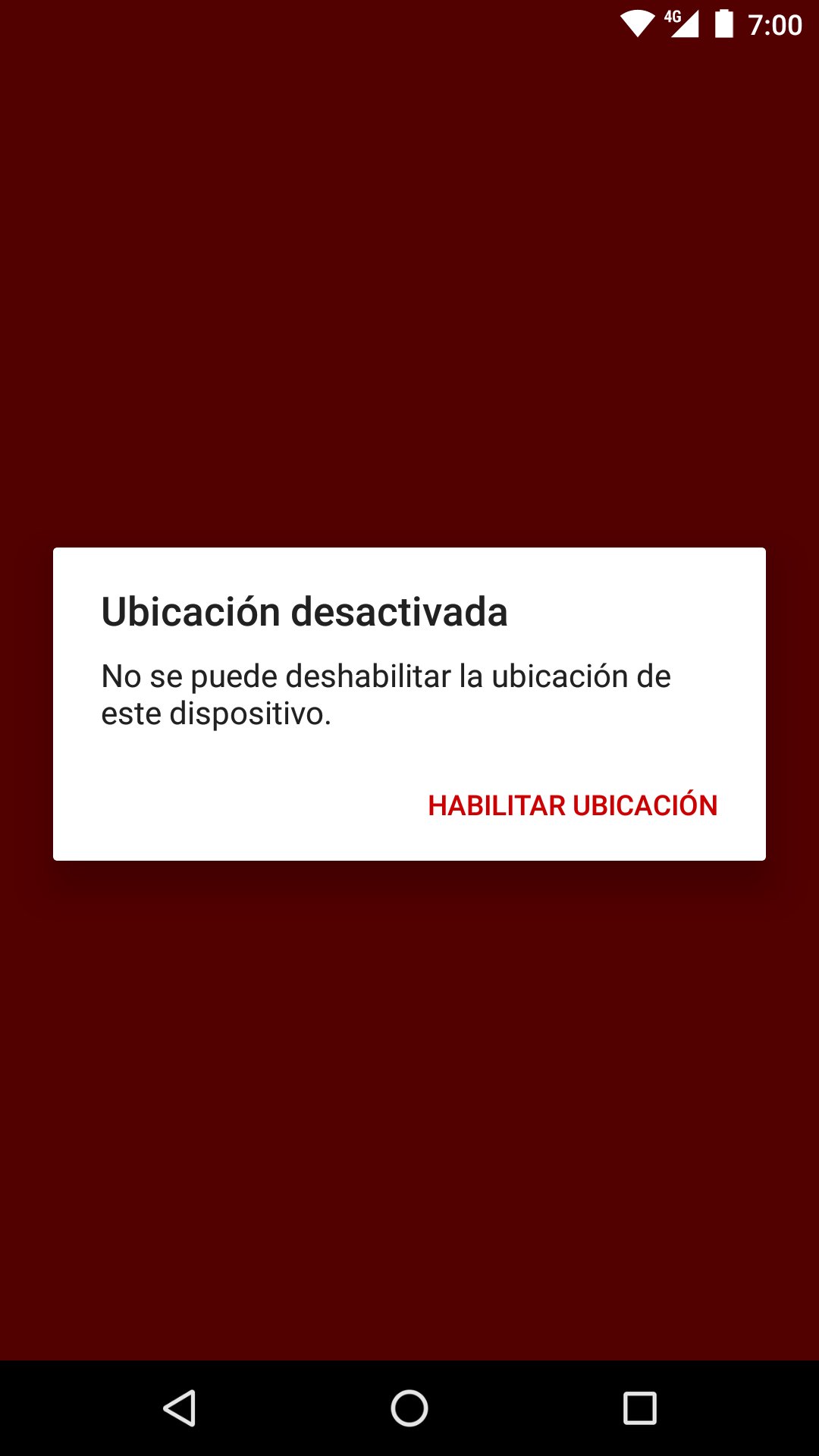
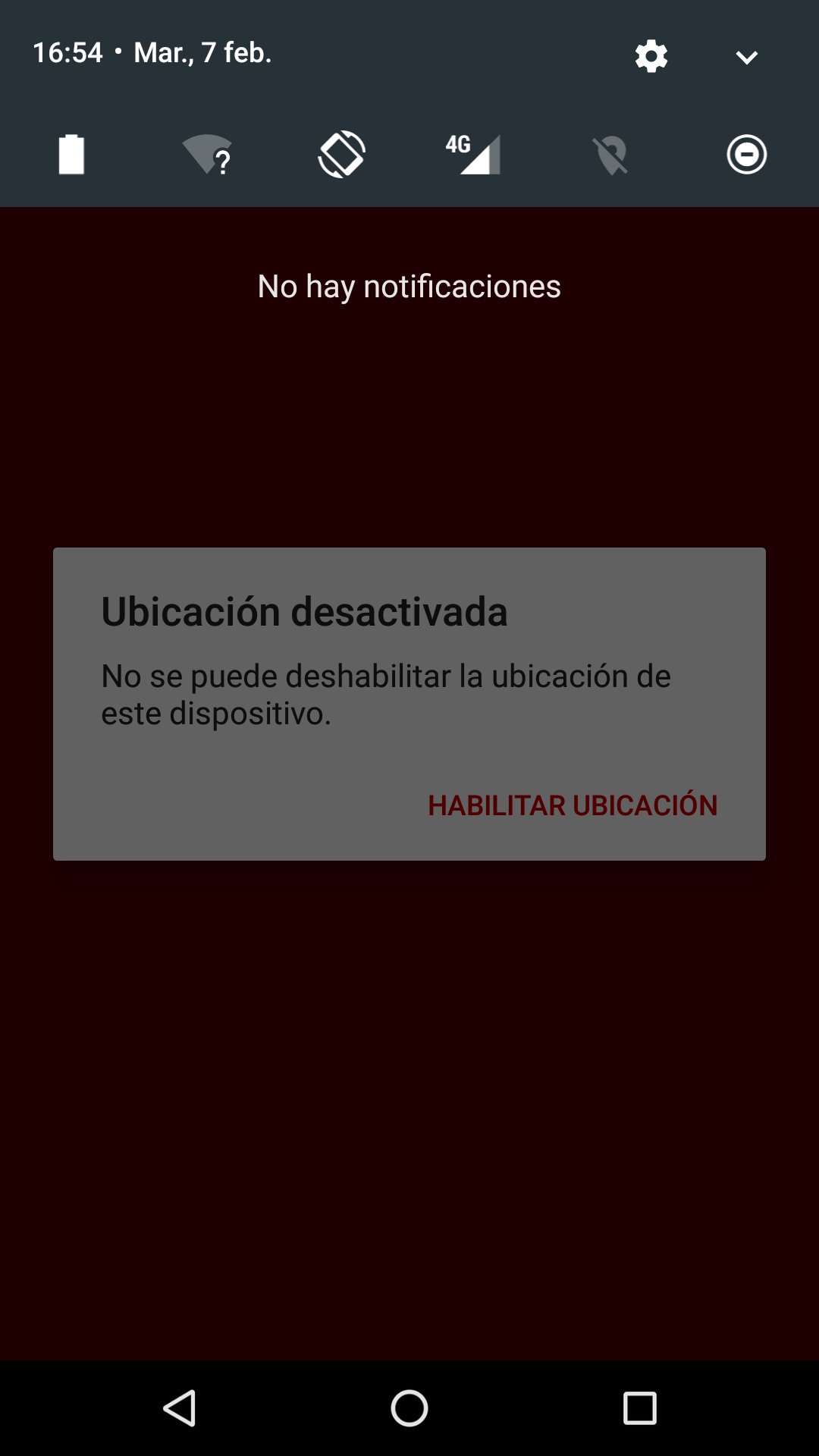
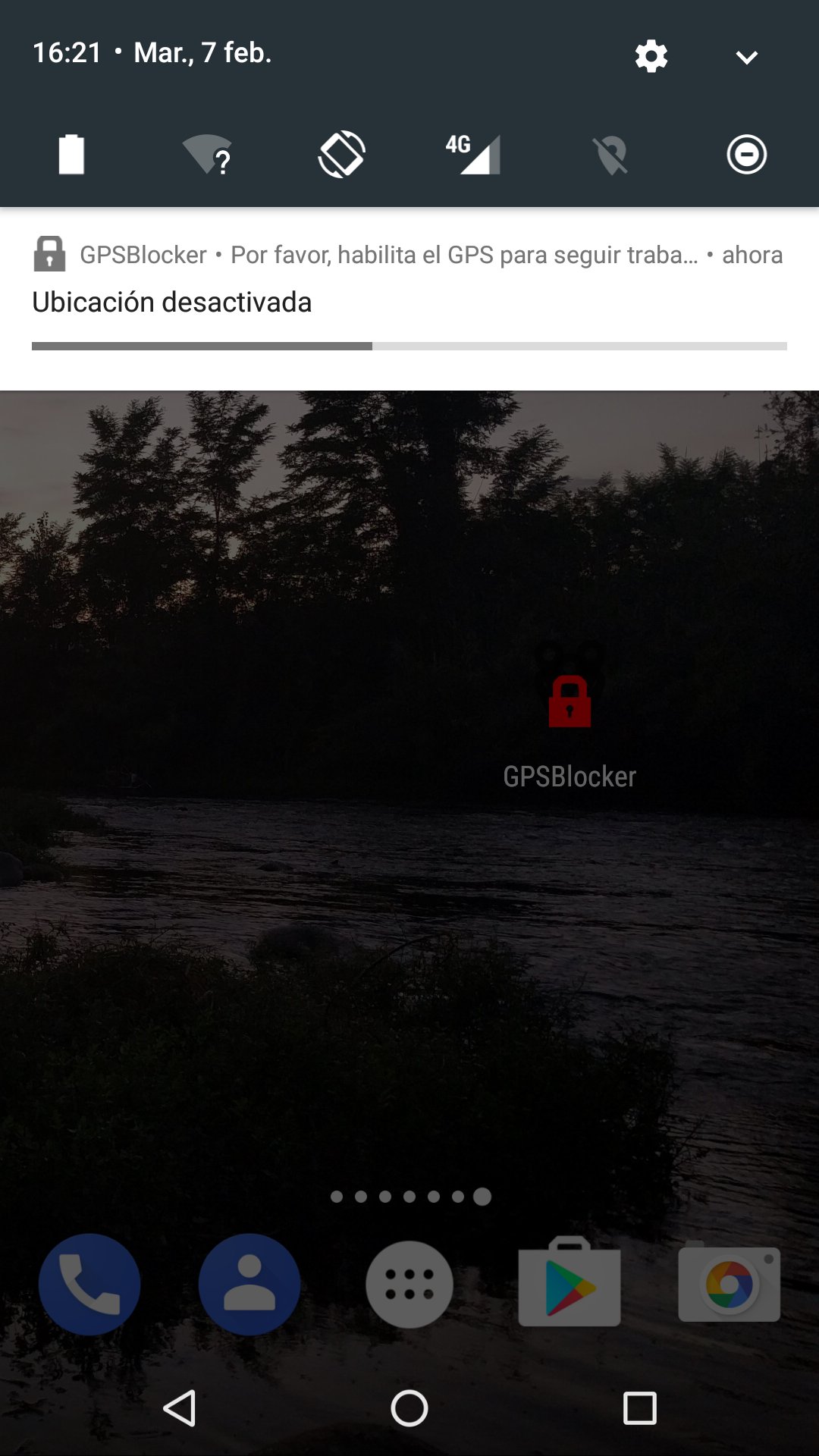
With the GPS Blocker application installed, if the Location Service is turned off, the device displays several alert messages notifying the user that the location is disabled and will propose that he re-enable it.
The longer you spend without activating the location, the more frequent the messages are.
If you activate the location again, the application will no longer run until it is not deactivated again, thus avoiding unnecessary battery consumption.
IMPORTANT CLARIFICATIONS:
---------------------
1) This application does not collect or send any location information or any type of information. It only notifies the user when the location service has been disabled.
2) Even if permission is granted to manage screen closure, this application will NEVER turn off the device screen for any reason. The permission is of mandatory acceptance, but is used for other reasons, such as blocking the button to force stop application.
LANGUAGES:
---------------------
The application will be displayed according to the language of the device. The available languages are:
- Catalan
- Spanish
- English
- French.
If you need a new language, please make an application via email and we will study it.
PERMITS:
---------------------
WAKE_LOCK
Necessary for if the user blocks the screen, when unlocking it, it checks the status of the location again.
RECEIVE_BOOT_COMPLETED
Required to check, whenever the device is started, whether the location is enabled or not.
FAQ:
----------------------
1) What happens if the device goes into power saving mode and stops the GPS service?
The application detects when the device location is locked. This can be recovered in various ways (via GPS, Wi-Fi networks or other ...) As long as there is some way to recover it, it will not show any warning.
2) Can I prevent the application from being uninstalled?
No. Applications should be able to uninstall and this is no exception. However, if you need something similar, you can contact us to propose a solution through this and other tools.
3) Why does the application ask me for device administrator permissions?
The application requests administrator permissions from the device right after it is installed to prevent it from being forced to stop, and therefore prevent you from being reminded that you have to activate the location.
CONTACT AND OTHER PETITIONS:
----------------------
+34 872 000 926
Esolvo Global SL

One-click to install XAPK/APK files on Android!

Thanks for your rating and feedback!
You have already rated.