Package Name:com.lean.gpscamera
Show More


42.0 MB
File Size
Everyone
Android 7.0+
Android OS
Stamp the address, GPS coordinates, date and time onto photos and video.
GPS Map Camera puts the street address, the GPS coordinates, the date, the time and a mini map of the spot you are standing on straight onto the photo.
The stamp is merged into the picture before it is saved, so it survives sharing, compression and re-upload. Drag it anywhere on the frame before you shoot.
WHAT GOES ON THE SHOT
- Street address, city, state, ZIP code and country, looked up from your position
- Latitude and longitude to six decimal places
- Date and time, running live in the viewfinder
- A mini map centered on where you are standing
- Your own note, typed straight onto the frame
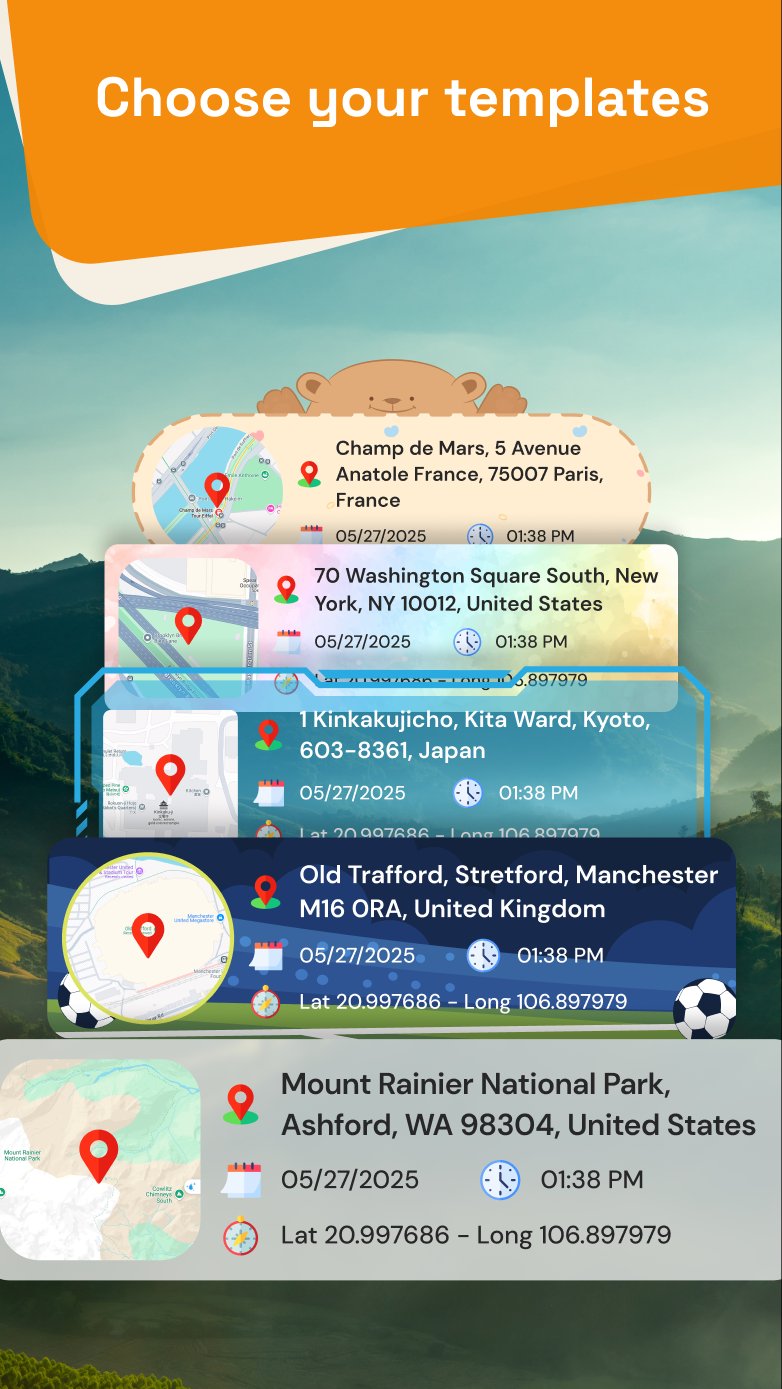
8 STAMP TEMPLATES
Basic - address, date, time, coordinates
Advance - all of it, plus the mini map
Small - a compact strip that stays out of the shot
Round - a rounded card with the map inset
Bear, Soccer, Flower and Travel - decorative frames, included with Premium
8 MAP STYLES
Streets, Outdoors, Light, Dark, Satellite, Satellite Streets, Standard and Standard Satellite. Pick whichever map reads best against the photo you just took.
VIDEO GETS THE STAMP TOO
Record video and the stamp is written into the finished MP4 with the sound, so the location travels with the footage wherever you send it. Front and back camera both work.
YOUR OWN TEXT ON THE PICTURE
Add a note to any shot: nine fonts, bold, italic, underline and strikethrough, uppercase, your choice of text color and background color, and left, center or right alignment. Drag it, pinch it, rotate it, mirror it.
YOUR PHOTOS ON A MAP
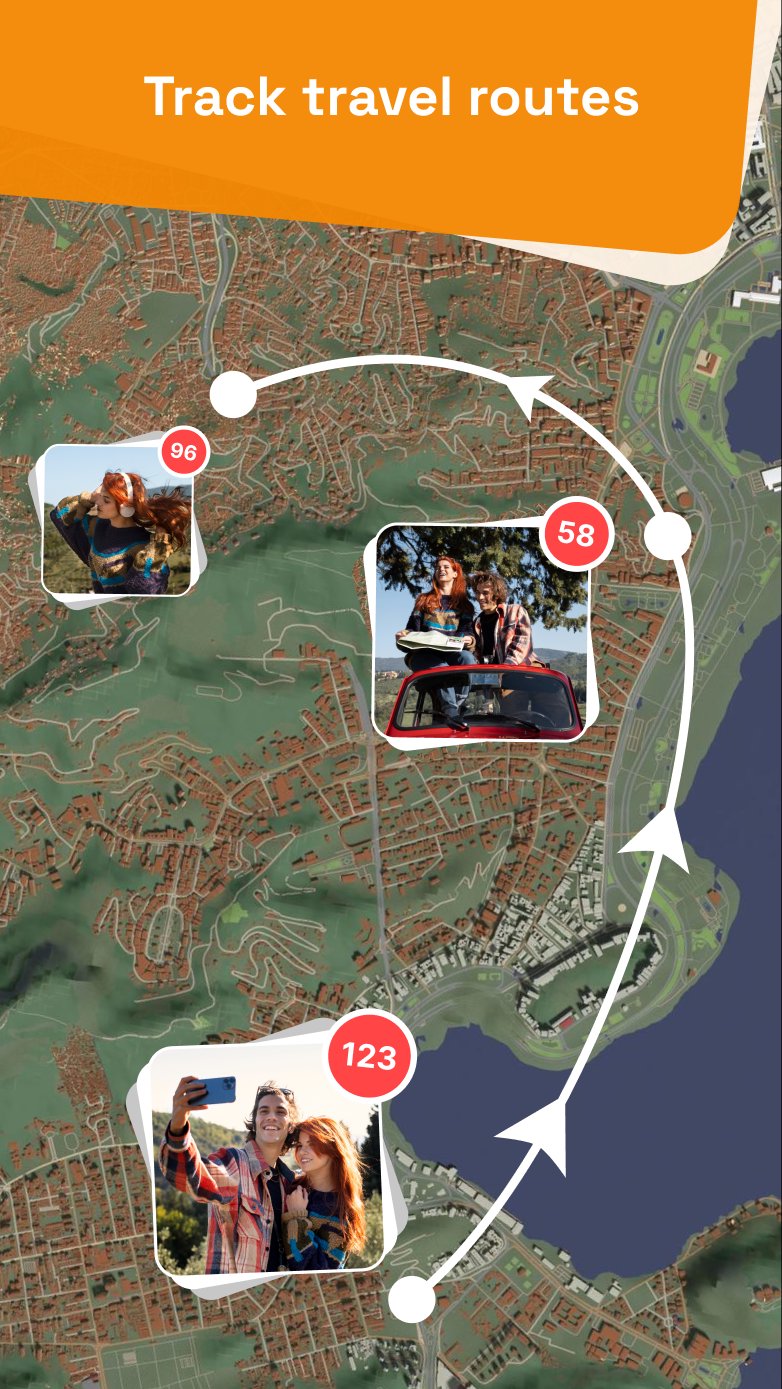
Everything you capture is plotted on an interactive map and grouped by area. Tap a group to open every photo and video you shot there. A visual log that builds itself, with no folders to keep.
SAVED LOCATIONS
Drop a pin, name it, give it a radius from 10 m to 1000 m, and the app tells you when you are inside it. Useful for the places you keep going back to: delivery zones, depots, sites on a round.
CAMERA CONTROLS
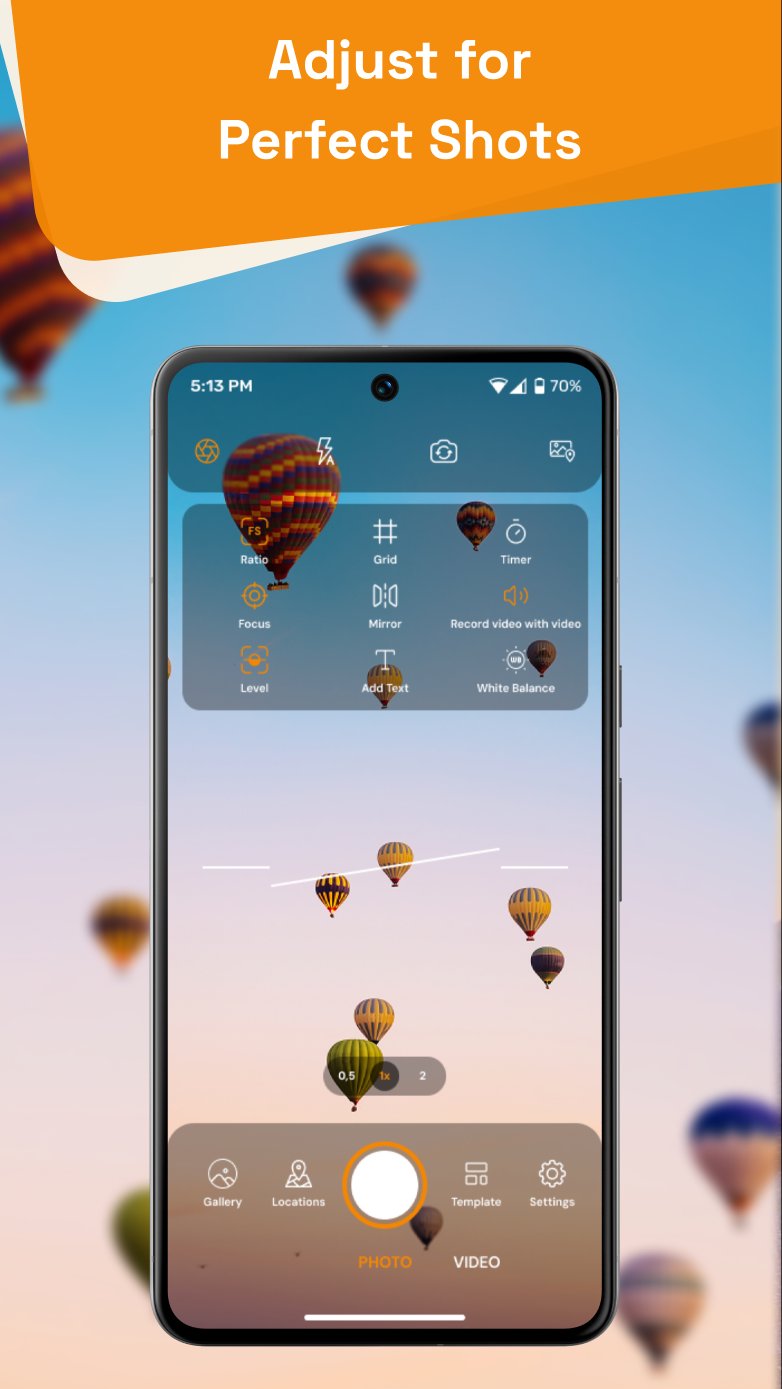
Photo, video and quick modes. Full, 1:1, 9:16 and 3:4 ratios. Flash on, off or auto. A 3 or 5 second timer. A 3x3 or 4x4 grid. Pinch to zoom, tap to focus, shutter sound on or off, and a level indicator so the horizon sits straight.
SHARING
Send stamped photos and video out through the Android share sheet to messaging, email or a cloud drive. Pick several at once.
A DAILY REMINDER
Set a time and the app nudges you once a day to shoot the day's log. Turn it off whenever you want.
WHO CARRIES IT
Delivery drivers proving the drop. Insurance and property inspectors. Surveyors and site engineers. Maintenance and service rounds. Anyone who has to say where a photo was taken and be believed. Hikers, cyclists and travelers who want the place on the picture instead of buried in a file.
PREMIUM
- Premium stamp templates
- Save photos without watching an ad
- Every map style on your stamp
- No ads anywhere
Sold as a weekly or a yearly subscription, or as a one-time lifetime purchase. The price and the billing period are shown before you buy.
GPS Map Camera is a GPS camera, a map camera, a geotag camera and a timestamp camera in one app, for anyone who needs the place and the time printed on the picture rather than buried in a file.
GOOD TO KNOW
The address lookup and the mini map need a network connection; without one the app falls back to your last known coordinates and the map area stays blank. Location permission is required for the stamp to work at all. Camera and microphone permissions are used for capture only.
The stamp is drawn onto the picture. The app does not write GPS tags into the file's own EXIF data.




One-click to install XAPK/APK files on Android!

Thanks for your rating and feedback!
You have already rated.