











Thanks for your rating and feedback!
You have already rated.

10.0
2 Reviews
17.0 MB
File Size
Everyone
Android OS
Hide photos, videos, music and files with password protection.
🔐 Hide File - Secure Vault
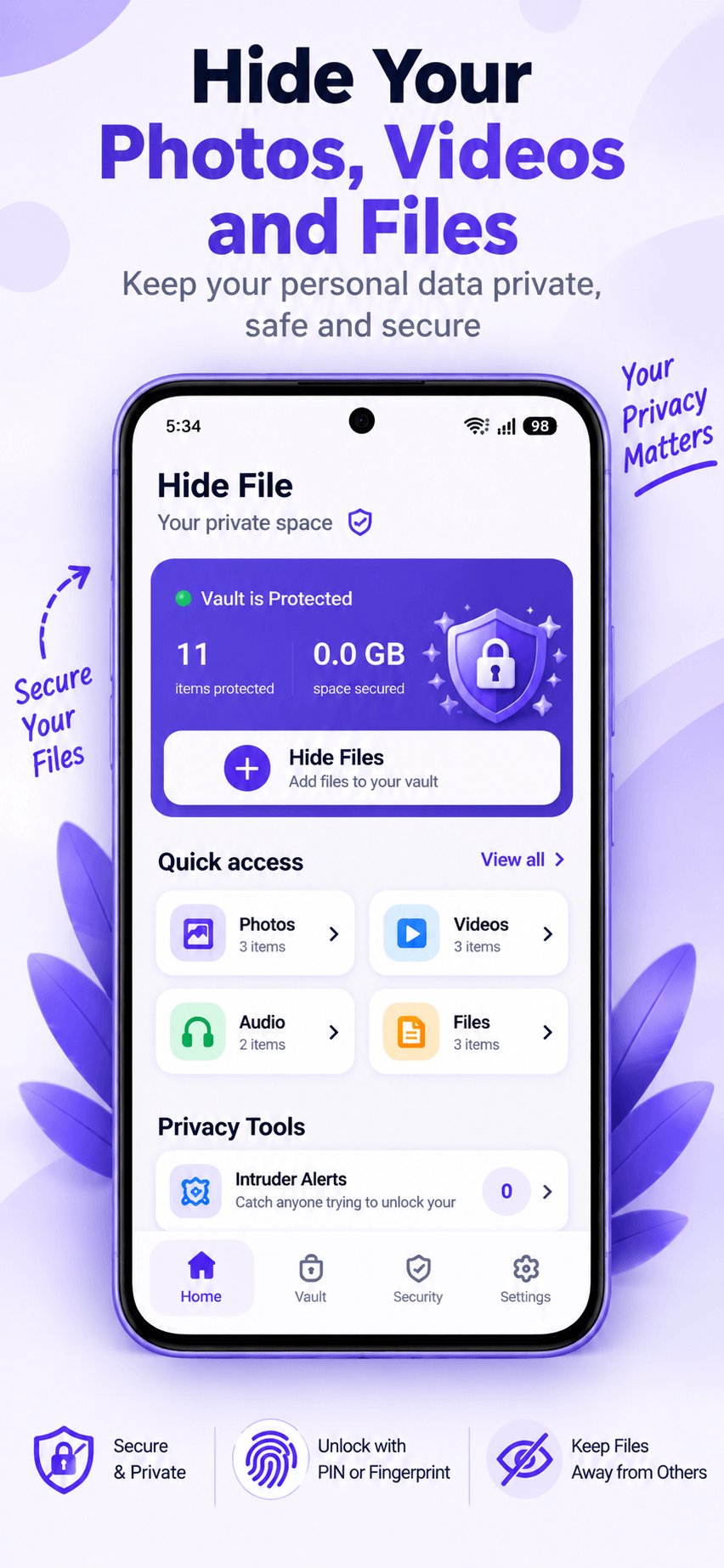
Keep your private photos, videos, audio, documents and personal files protected in one secure private vault.
Hide File - Secure Vault gives you a private space for files you don't want others to access. Protect your vault with a PIN or fingerprint and use powerful privacy tools to keep your personal content protected.
🔒 PRIVATE & SECURE VAULT
Protect your private content with an easy-to-use vault.
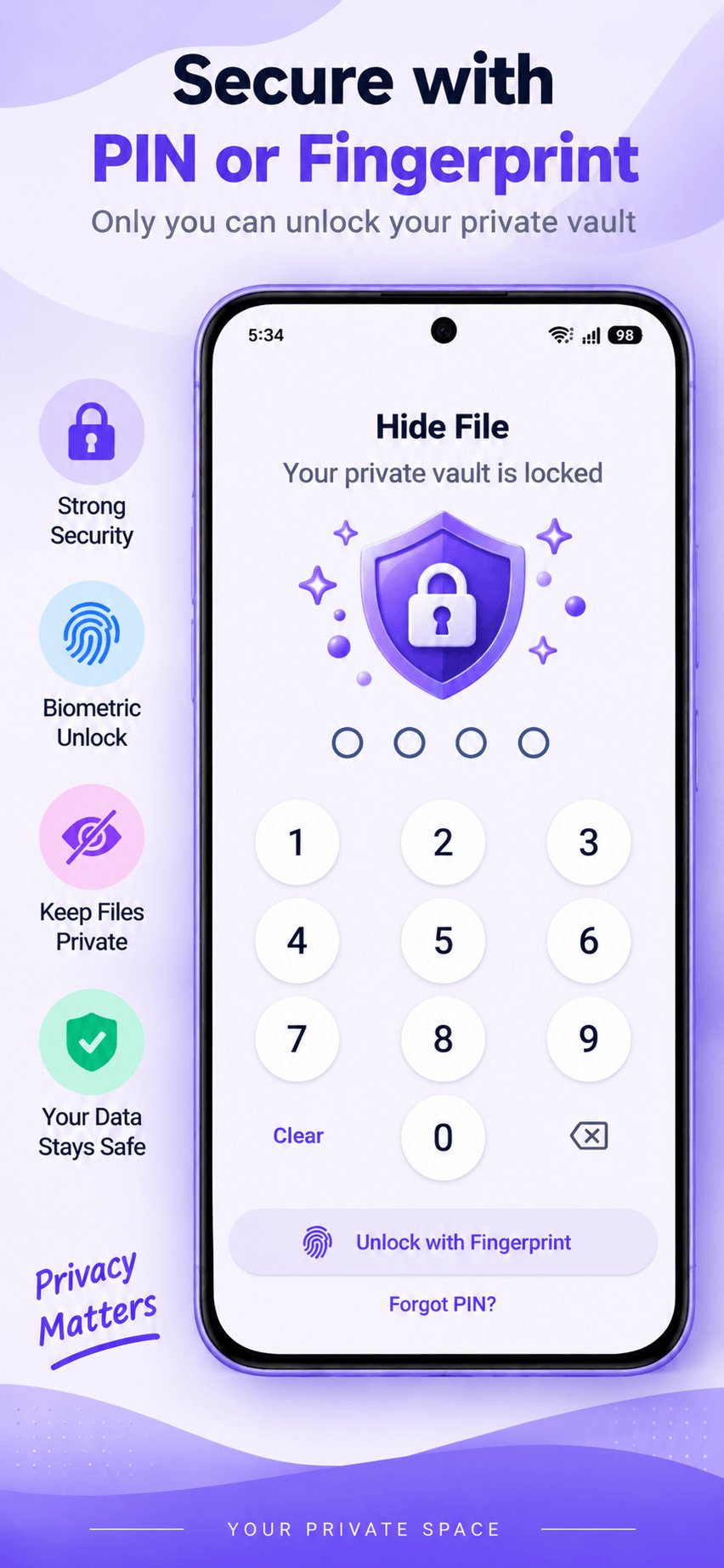
• PIN-protected vault
• Fingerprint unlock
• Auto Lock
• Quick vault locking
• Organized private storage
📷 HIDE PHOTOS
Keep personal photos away from your regular gallery and access them privately inside your vault.
• Hide private photos
• Browse protected photos
• Organize photos into folders
• Restore photos when needed
🎥 HIDE VIDEOS
Protect personal videos from unwanted access.
• Hide private videos
• Keep videos inside your vault
• Organize your private media
• Restore videos when needed
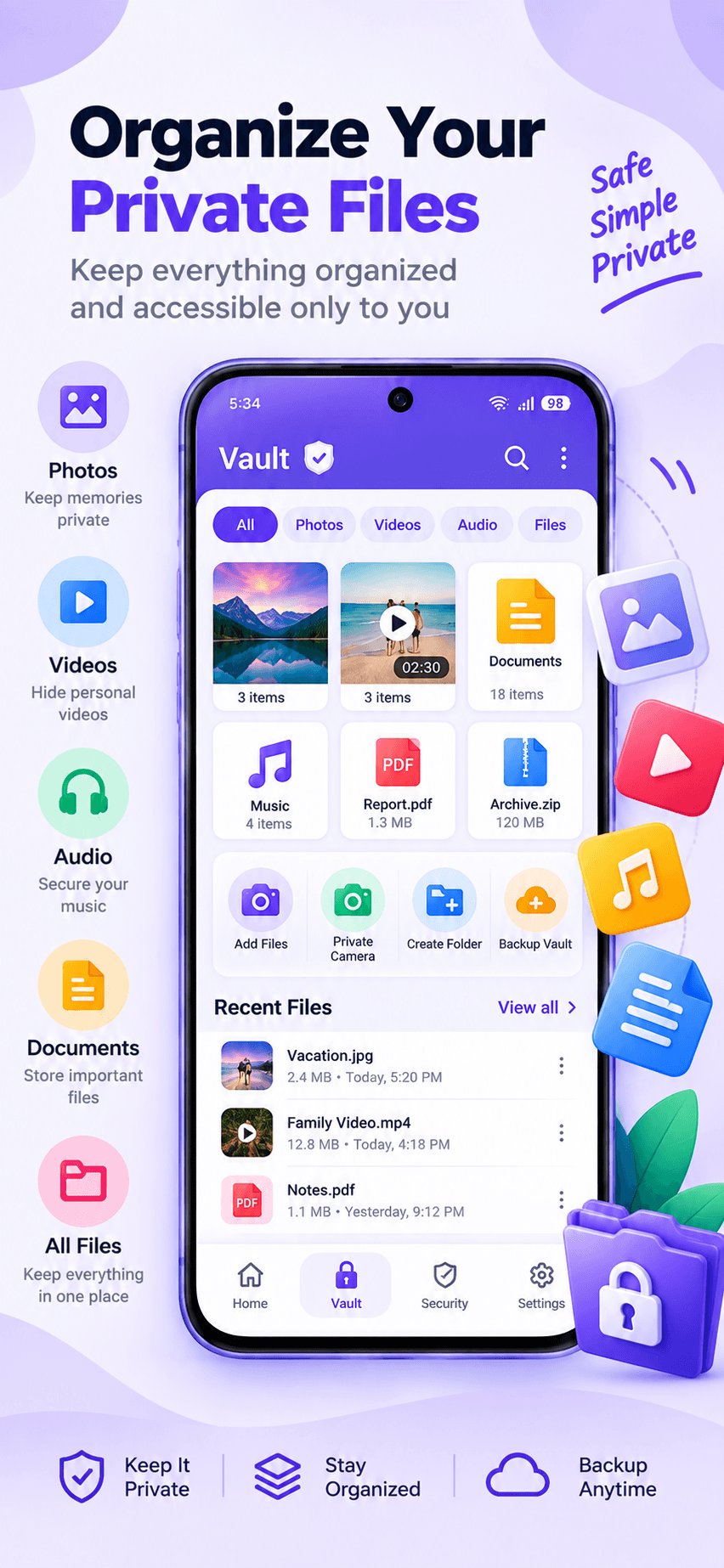
📄 HIDE DOCUMENTS, AUDIO & FILES
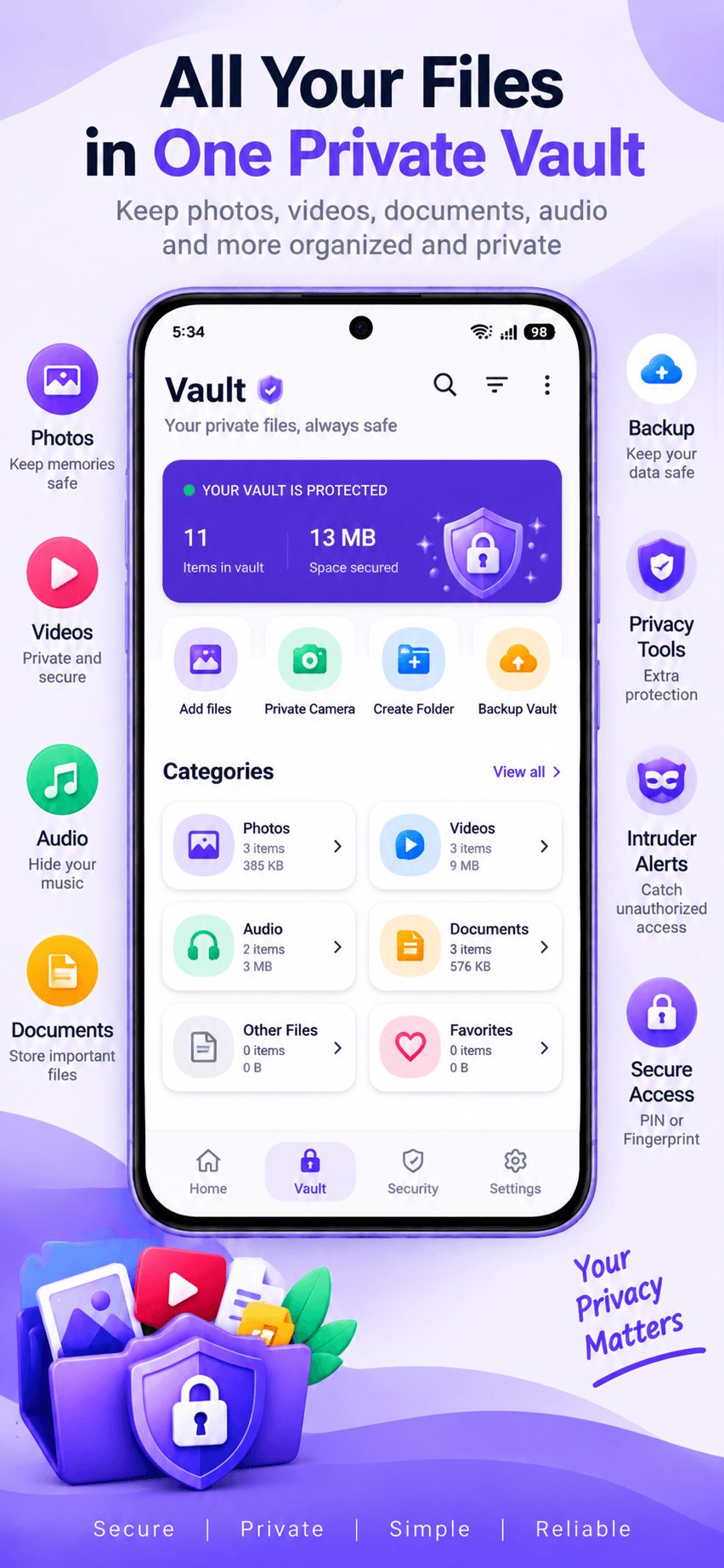
Hide File isn't just a photo vault. Keep different types of personal files in one private space:
• Photos
• Videos
• Audio
• Documents
• PDF files
• Other personal files
🗂️ SMART FILE MANAGEMENT
Keep your private content organized and easy to find.
• Separate file categories
• Create folders
• Search files
• Sort and organize
• Mark favorites
• Manage hidden files
• Trash recovery
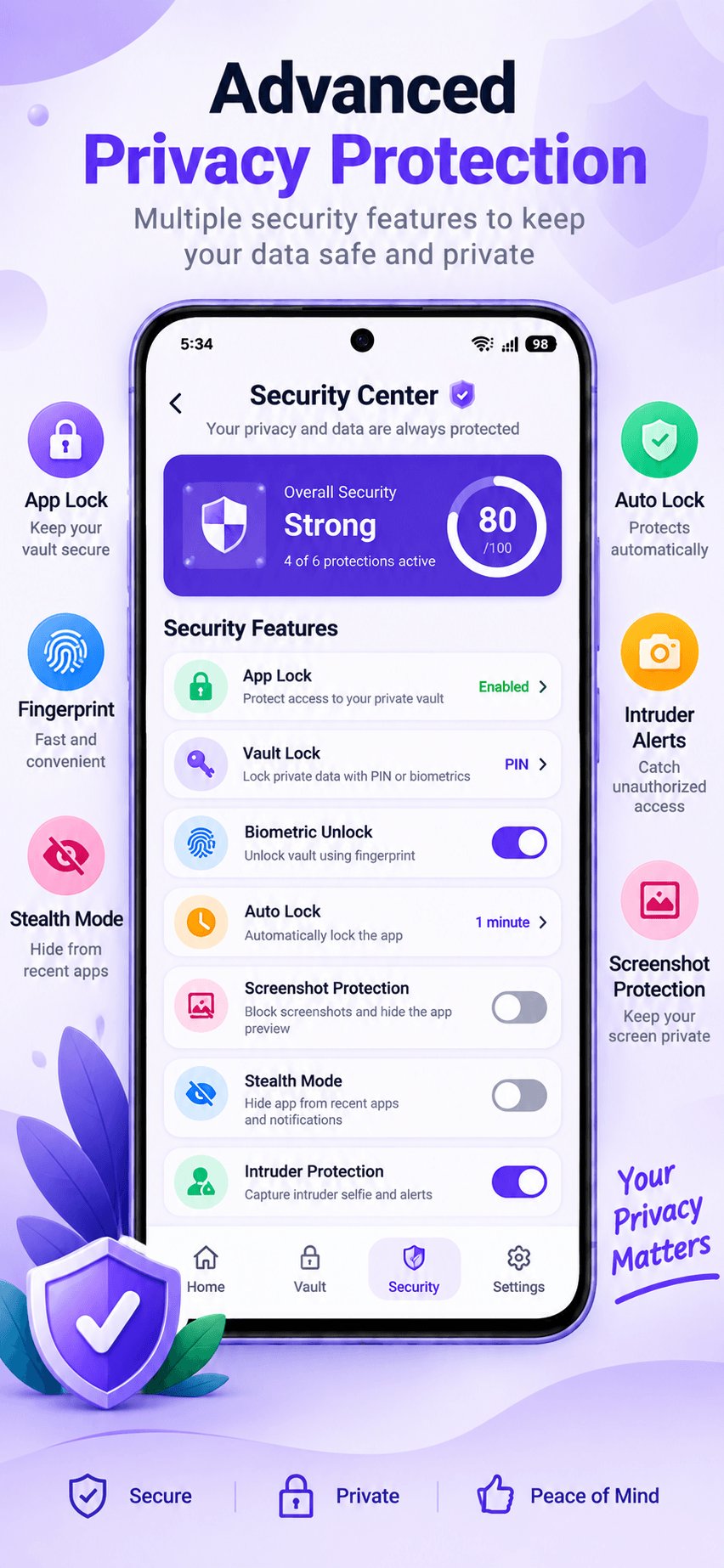
🛡️ SECURITY CENTER
Manage your privacy settings from one place.
• Vault protection
• PIN security
• Biometric unlock
• Auto Lock
• Screenshot Protection
• Stealth Mode
• Intruder Protection
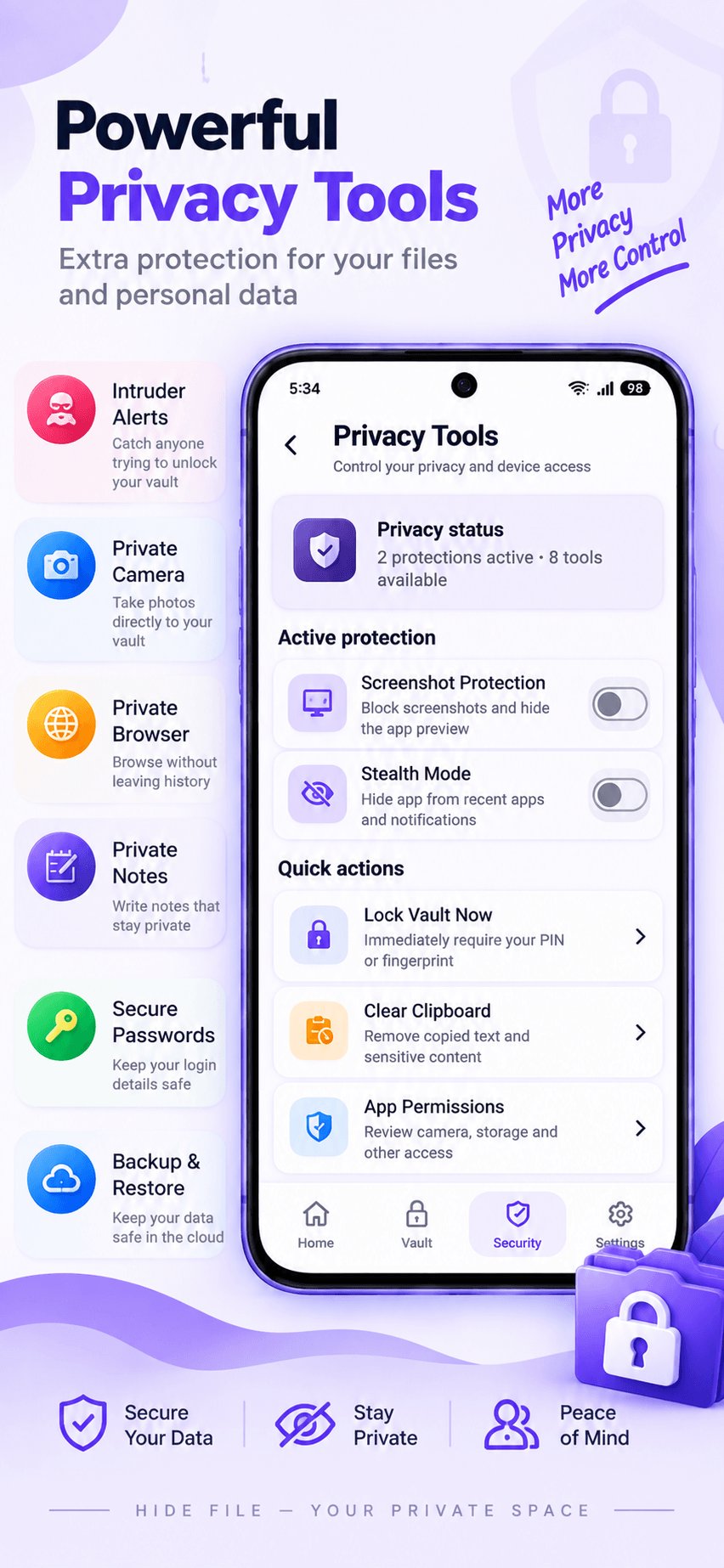
📸 INTRUDER ALERTS
Enable Intruder Protection for additional security. When configured with the required permission, the app can help you identify unauthorized attempts to access your vault.
You can enable or disable this feature anytime.
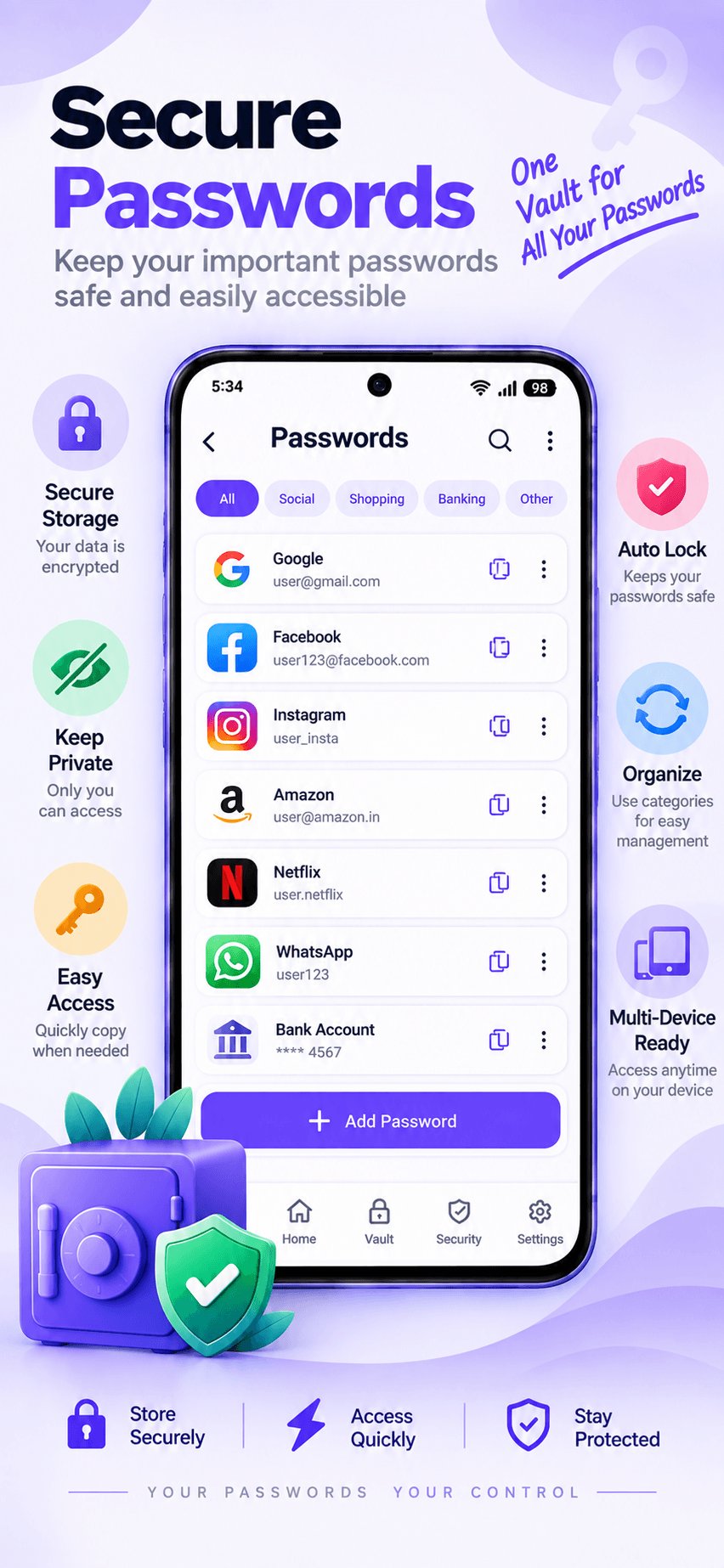
🔑 SECURE PASSWORDS
Keep important account information inside your private space.
• Save usernames
• Store passwords
• Organize login details
• Quickly access saved information
• Keep credentials protected from casual access
📝 PRIVATE NOTES
Create and keep personal notes inside your private space. Useful for information you don't want visible in regular note apps.
🌐 PRIVATE BROWSER
Use the built-in private browser when you want a more private browsing experience.
🔐 PIN & FINGERPRINT
Secure your vault with a PIN and use supported biometric authentication for convenient access.
⏱️ AUTO LOCK
Automatically lock your vault when you leave the app to help prevent unwanted access.
🖼️ SCREENSHOT PROTECTION
Enable screenshot protection on sensitive screens for additional privacy.
🥷 STEALTH MODE
Use additional privacy controls to make your private space more discreet when needed.
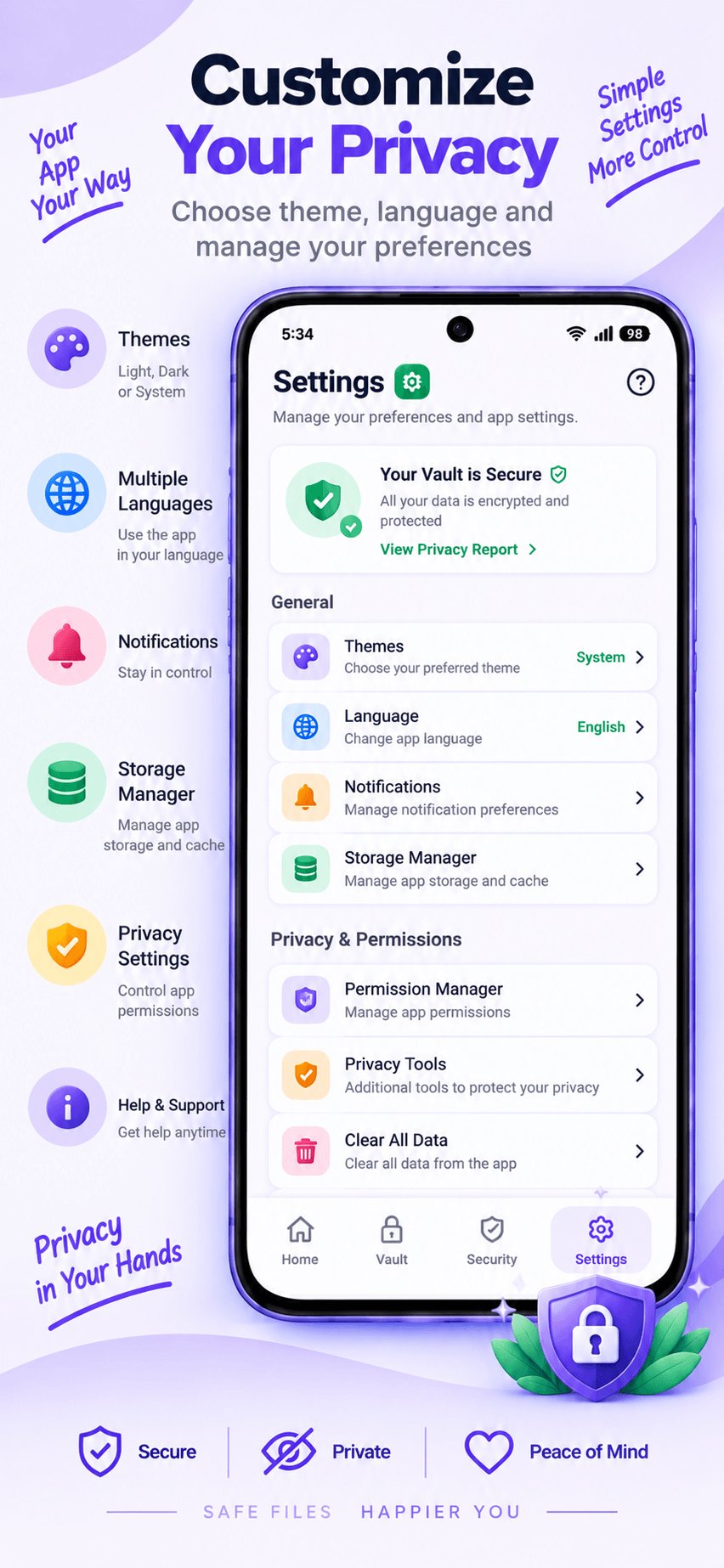
🎨 PERSONALIZE YOUR APP
Customize Hide File with theme options and choose your preferred language.
🌎 MULTIPLE LANGUAGES
Hide File supports English, Hindi, Spanish, Portuguese, French, German, Italian, Indonesian, Vietnamese, Thai, Turkish, Arabic, Russian, Japanese, Korean, Chinese, Bengali, Marathi, Gujarati, Tamil, Telugu, Kannada, Malayalam, Punjabi and Urdu.
⭐ WHY CHOOSE HIDE FILE?
✓ Photo & video vault
✓ Hide photos, videos and files
✓ PIN protection
✓ Fingerprint unlock
✓ Intruder Alerts
✓ Secure Passwords
✓ Private Notes
✓ Private Browser
✓ Screenshot Protection
✓ Auto Lock
✓ Stealth Mode
✓ File organization
✓ Multiple languages
✓ Modern and simple interface
⚠️ IMPORTANT
Please restore/unhide important files before uninstalling the app. Uninstalling the app, clearing app data or deleting application files may result in loss of access to content stored inside the vault.
Your privacy. Your files. Your control.
Download Hide File - Secure Vault and create your private space today.

One-click to install XAPK/APK files on Android!
Thanks for your rating and feedback!
You have already rated.