Package Name:image.to.text.document
Show More

37.0 MB
File Size
Everyone
Android 7.0+
Android OS
Extract text from photos and PDFs. Edit, copy and save your words.
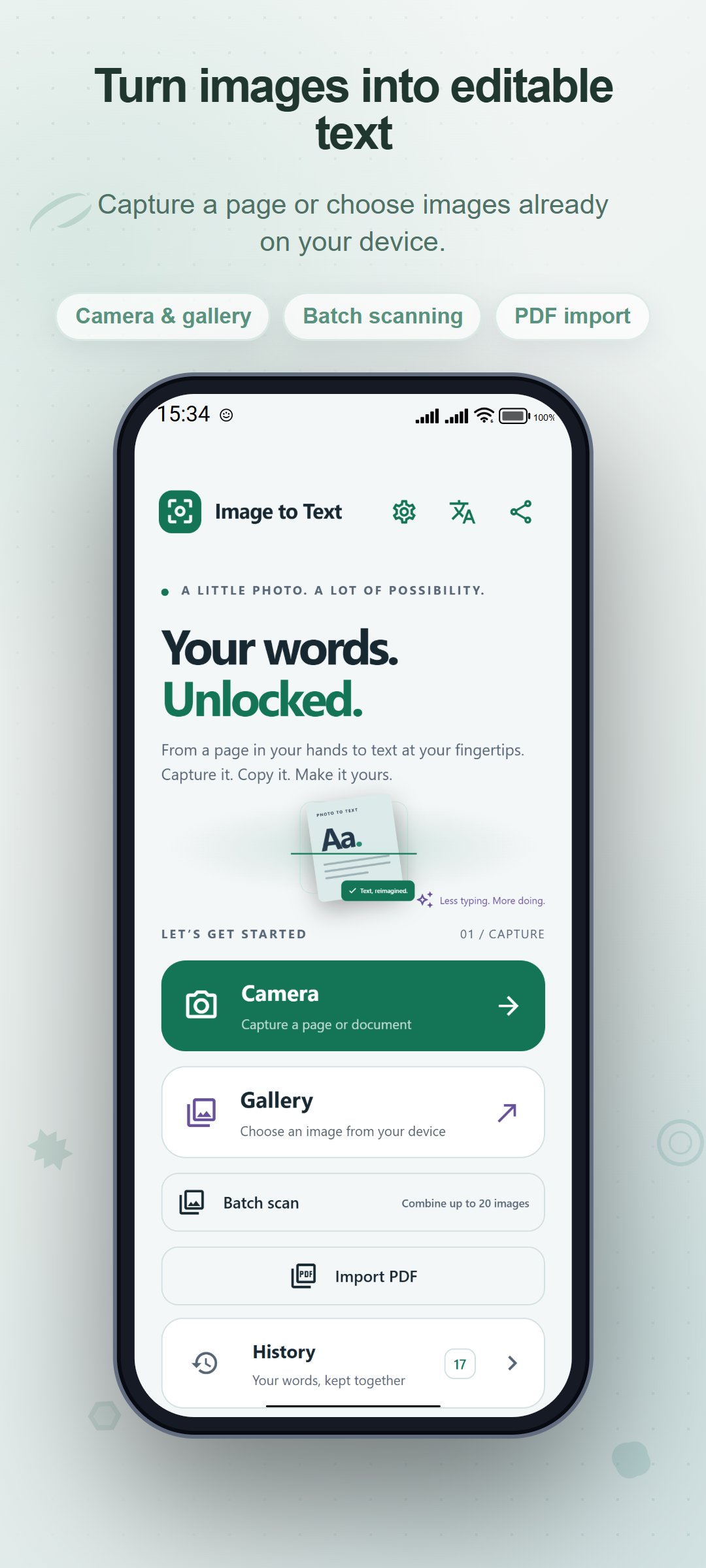
Image To Text turns photos of printed pages into editable words for study, work and everyday reference. Capture a page with your camera or choose an image from your gallery, then review the recognized text before copying, sharing or saving it.
FROM PHOTO TO REUSABLE TEXT
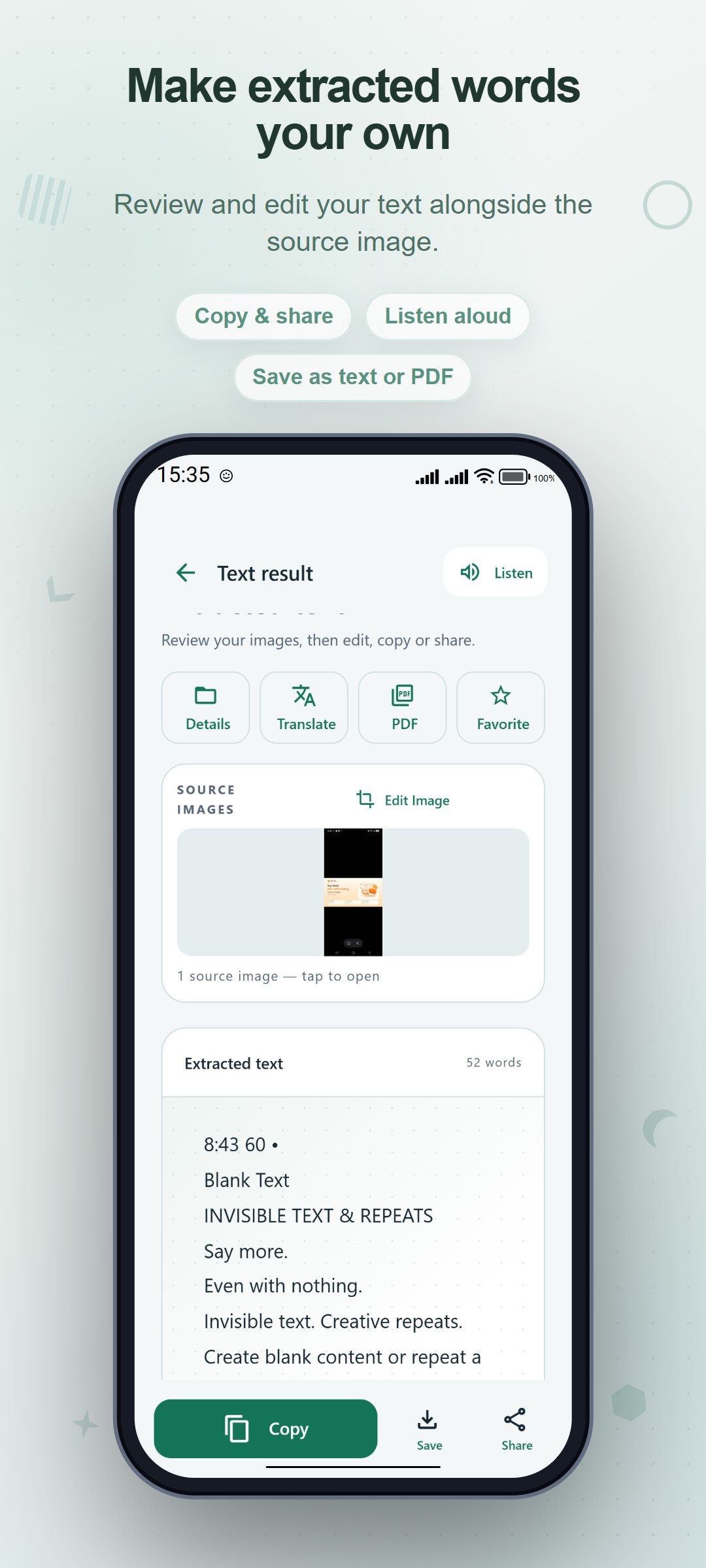
Use OCR to extract Latin-script text from documents, book pages, receipts and other clear images of print. Edit the result directly in the app instead of typing the whole page again. Keep the source image in view while checking names, numbers and wording.
WORK THROUGH SEVERAL IMAGES
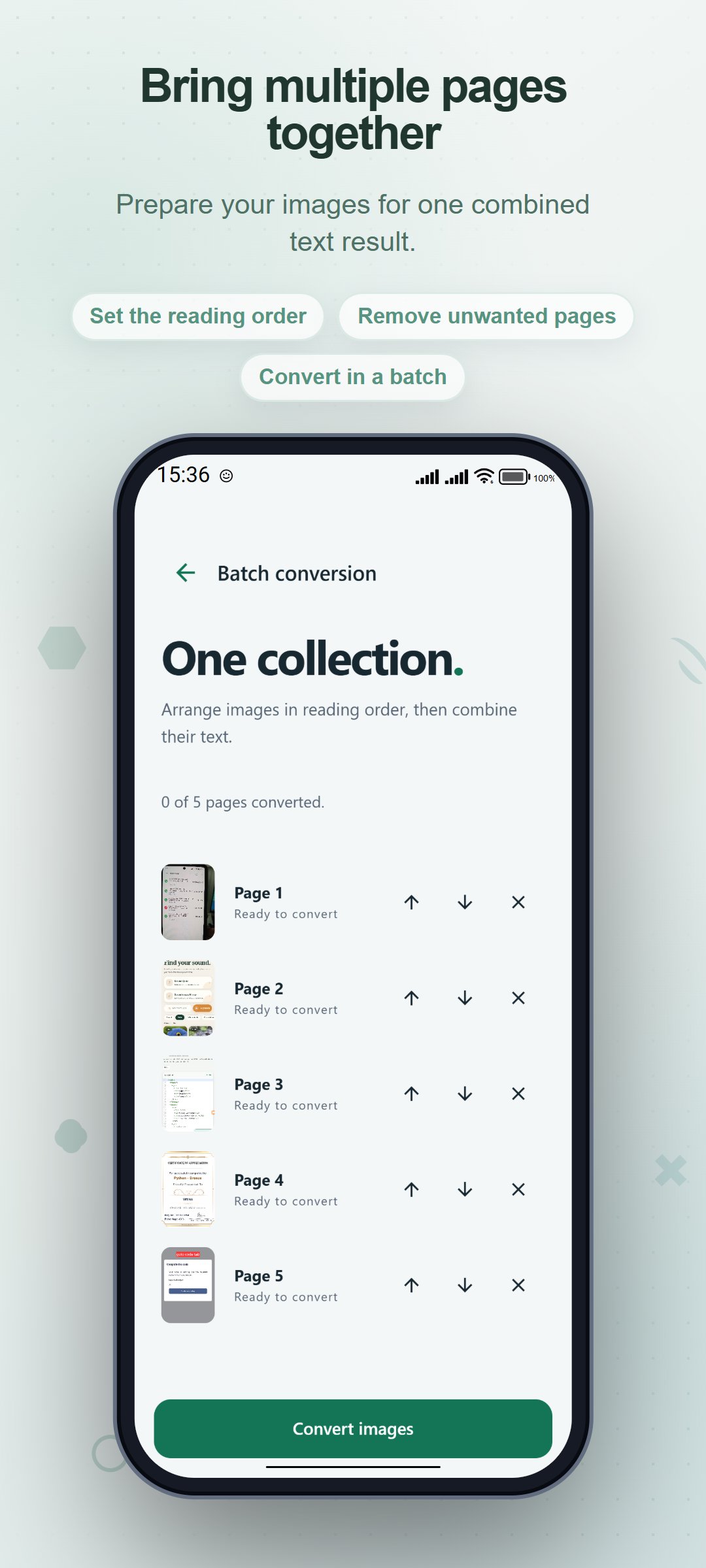
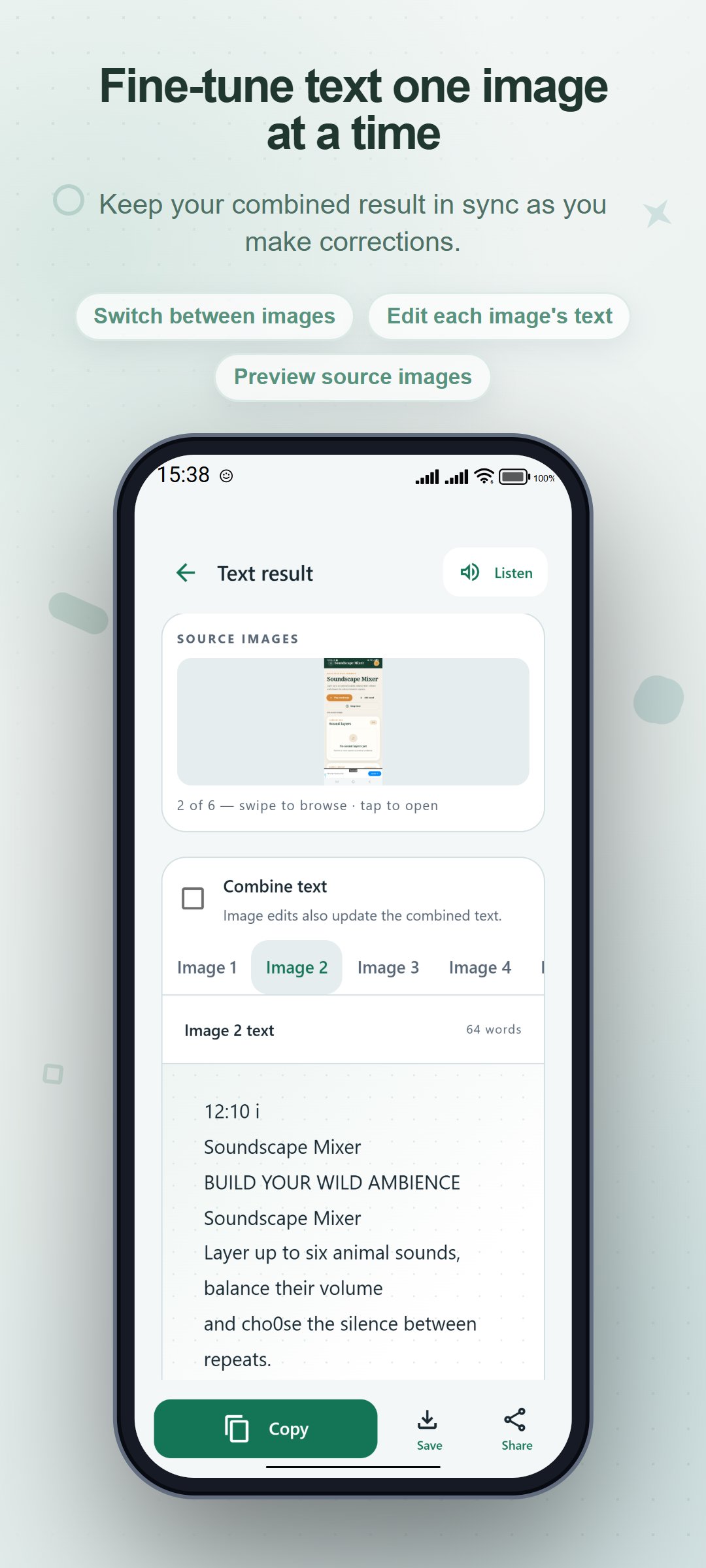
Choose up to 20 images for a batch conversion. Arrange the images before recognition, then work with the combined text or switch to the result for an individual image. This helps when a passage or document spans more than one photo.
GET WORDS OUT OF A PDF
Import a PDF and choose all pages or a selection of page numbers and ranges. The app extracts existing PDF text and uses OCR for image-only pages. Open the result in the same editor to make corrections and reuse the words.
REFINE A DIFFICULT PHOTO
Crop or rotate a source image and recognize it again. Manual corner adjustment, grayscale and contrast controls help prepare a document image when the original framing needs attention.
SAVE AND FIND YOUR SCANS
Save a scan on your device, give it a title, and organize it with a folder and tags. Mark frequently used scans as favorites. Search your library by scan name, extracted text, folder or tag, then reopen a saved result for further editing.
COPY, SHARE OR EXPORT
Copy the current text to the clipboard, share it through available apps, or export a TXT file. Create a PDF with source images when present and separate pages of extracted text. Read the text aloud using available device speech voices.
Recognition is configured for Latin script, including English. Results depend on image clarity and layout; review important text before using it. Camera or photo access may be requested for the input you choose. Speech depends on your device's language and voice support. The app includes advertising.





One-click to install XAPK/APK files on Android!

Thanks for your rating and feedback!
You have already rated.