
Safe & Fast APK Downloads on APKPure
APKPure uses signature verification to ensure virus-free InstaPro APK downloads for you.

InstaPro is an Android social media client with extra privacy and media tools.
Developed by InstaPro, it keeps the familiar Instagram-style feed while adding direct media saving as its main appeal. Photos, videos, Reels, and Stories can be saved from their viewers without copying links into another tool. This InstaPro APK also adds account controls, visual themes, translation, and posting support. Its main features are outlined below.
Save photos, videos, Reels, and Stories directly to local storage.
Hide activity, typing, read receipts, and Story views with Ghost Mode.
Upload high-quality media and schedule posts for planned content.
Switch accounts, lock the app, and clear cached files.
Use dark themes, text translation, and profile picture zooming.
Direct downloads make it easier to keep posts that you want to view later offline. InstaPro places a download button in the viewer for posts, videos, Reels, and Stories, so there is no need to copy a URL or open a separate downloader. This is useful when a recipe video, travel clip, or reference image needs to stay available in the phone gallery.
After opening supported media, the download option appears in the viewing screen. A folder choice may appear before the file is saved, which helps users keep downloads separate from camera photos. Saved media can take up storage quickly, especially high-resolution videos, so regular cache cleaning and folder checks are practical.
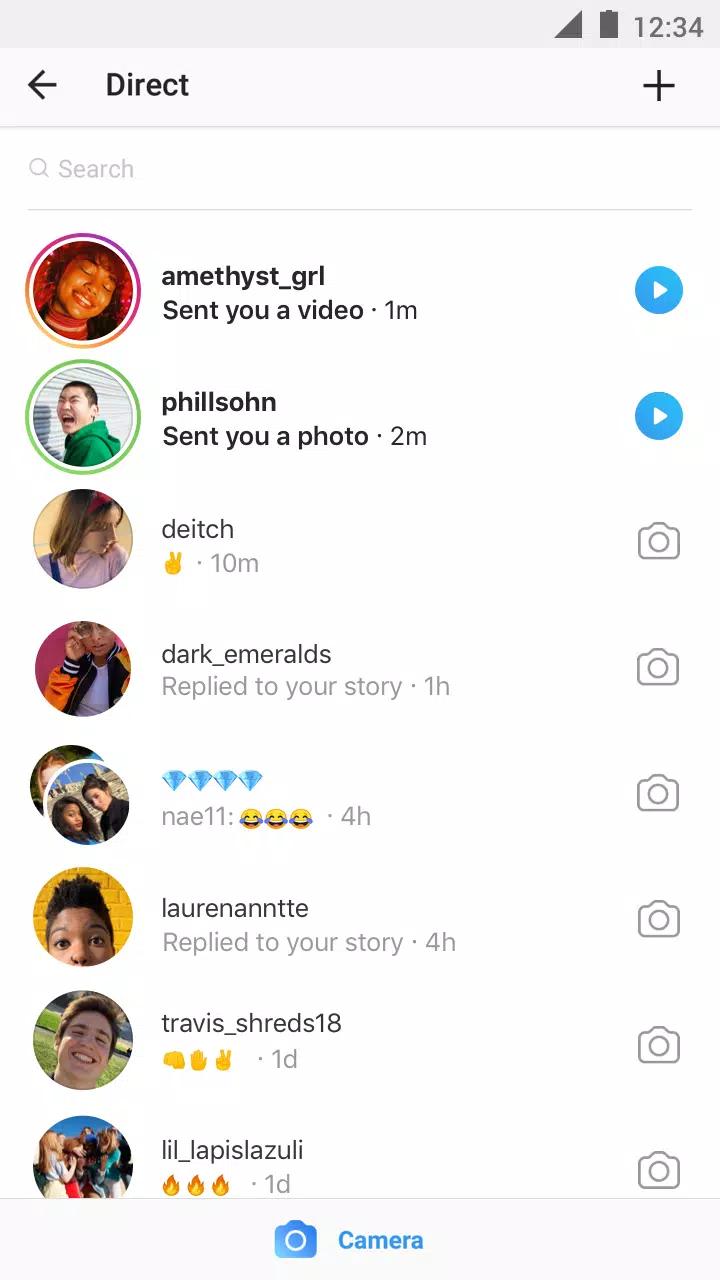
Ghost Mode lets users decide which activity signals other people can see. InstaPro can hide online status, typing indicators, read receipts, and Story viewing activity independently. These controls suit users who prefer to browse messages and Stories without automatically sharing every interaction.
The options are grouped in the privacy area of Settings, where each visibility setting can be enabled separately. For example, a user may keep read receipts visible while hiding typing status, rather than applying one broad privacy setting. Since these functions depend on how the connected service behaves, their availability can change after server-side updates.
High-quality uploads and scheduled posts support users who share photos or videos regularly. InstaPro includes an upload-quality option before publishing, helping creators avoid unnecessary loss of detail in artwork, product photos, or edited clips. Scheduling is also useful for preparing a post ahead of a busy day instead of publishing it manually at a fixed time.
Before sharing, users can enable the higher-quality upload setting and choose a planned publishing time when needed. This approach is best for content that has already been checked for captions, tags, and visuals. Upload quality can still depend on the original file and network conditions, so large videos may need more time to finish processing.
Theme options make the familiar feed more comfortable to use over long sessions. InstaPro offers dark and AMOLED-style themes, along with some adjustable interface elements. The darker display choices can be especially useful at night, while visual tweaks let users give the feed a less standard look.
It also supports profile picture enlargement, text copying, and translation for posts, comments, and direct messages. A long press or text selection can copy a useful comment or biography, while translation helps when following accounts in another language. These small additions are most useful during everyday browsing because they reduce the need to switch between several apps.
You can download the latest InstaPro APK from APKPure. On a stable connection, the file should usually finish within several minutes, although mobile data may take longer.




One-click to install XAPK/APK files on Android!

Thanks for your rating and feedback!
You have already rated.