Package Name:com.md.ip_tool
Show More


18.2 MB
File Size
Everyone
Android 7.0+
Android OS
Ping, Traceroute, IP Lookup, Hostname Lookup, Reverse DNS Lookup, Network Info
IP Tools is a powerful, easy-to-use network diagnostics and troubleshooting app. Check internet connectivity, analyze domains, inspect IP addresses, monitor Wi-Fi, scan networks, and generate diagnostic reports from one modern toolkit.
Whether you are an IT professional, network administrator, developer, student, or everyday user, IP Tools provides practical utilities for understanding and troubleshooting your network.
Core Network Tools
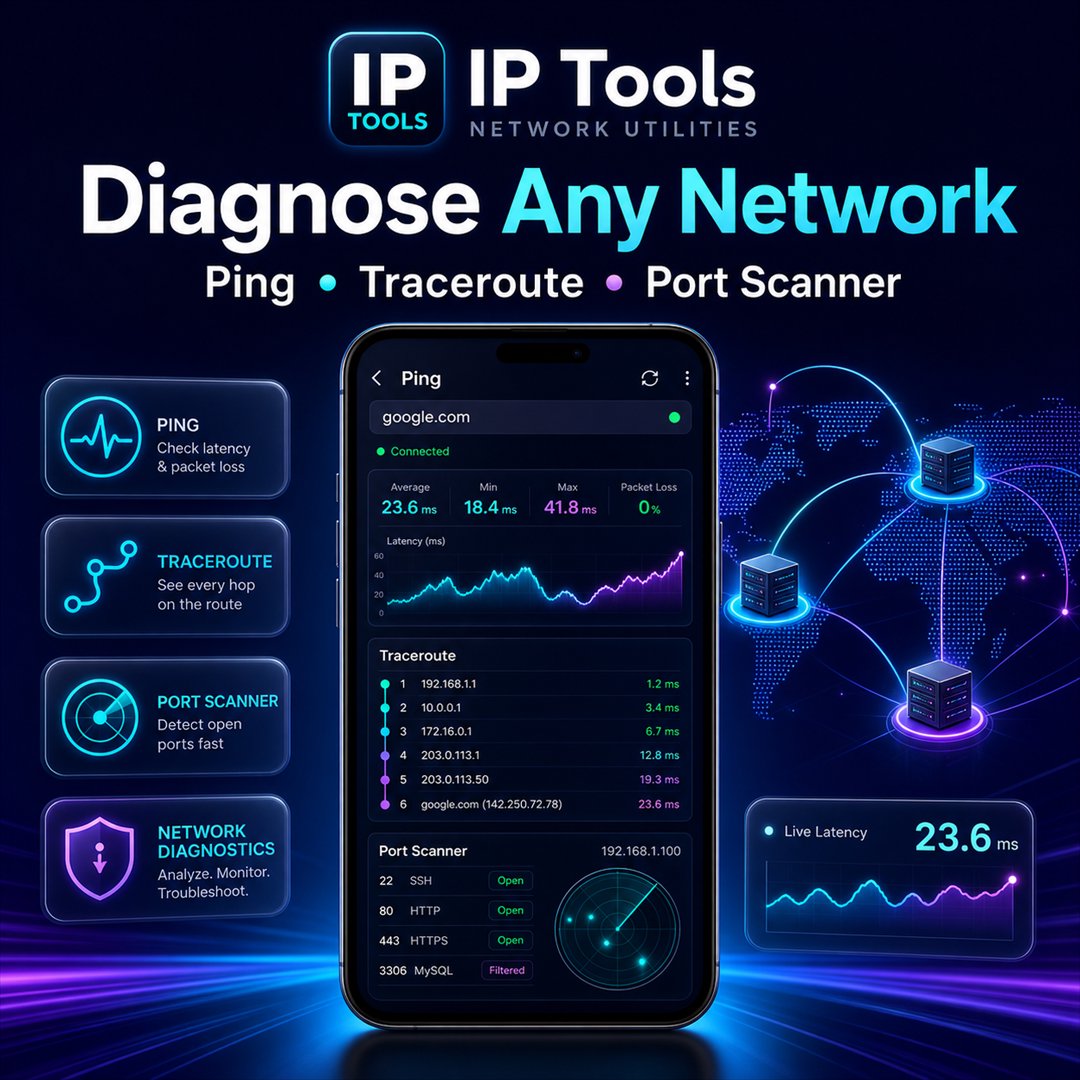
• Ping Test: Check host availability, latency, packet loss, and response time.
• Advanced Ping: Configure packet count, interval, timeout, TTL, packet size, and IPv4/IPv6 mode.
• Traceroute: View the network path and hops between your device and a server.
• IP Lookup: Find location, ISP, organization, and other available information for an IP address.
• Hostname Lookup: Resolve a domain name to its associated IP addresses.
• Reverse DNS Lookup: Find the hostname associated with an IP address.
• IP Calculator: Convert IPv4 addresses to integers and integers back to IPv4 addresses.
DNS, Domain & Website Tools
• Look up A, AAAA, MX, TXT, CNAME, NS, SOA, and CAA records.
• Check DNS propagation using multiple DNS resolvers.
• Perform WHOIS lookups for domains and IP addresses.
• Test website availability, HTTP status, redirects, response time, headers, and content size.
• Inspect SSL certificates, issuers, fingerprints, validity dates, and expiration status.
Network Analysis & Security
• Scan common or custom TCP ports.
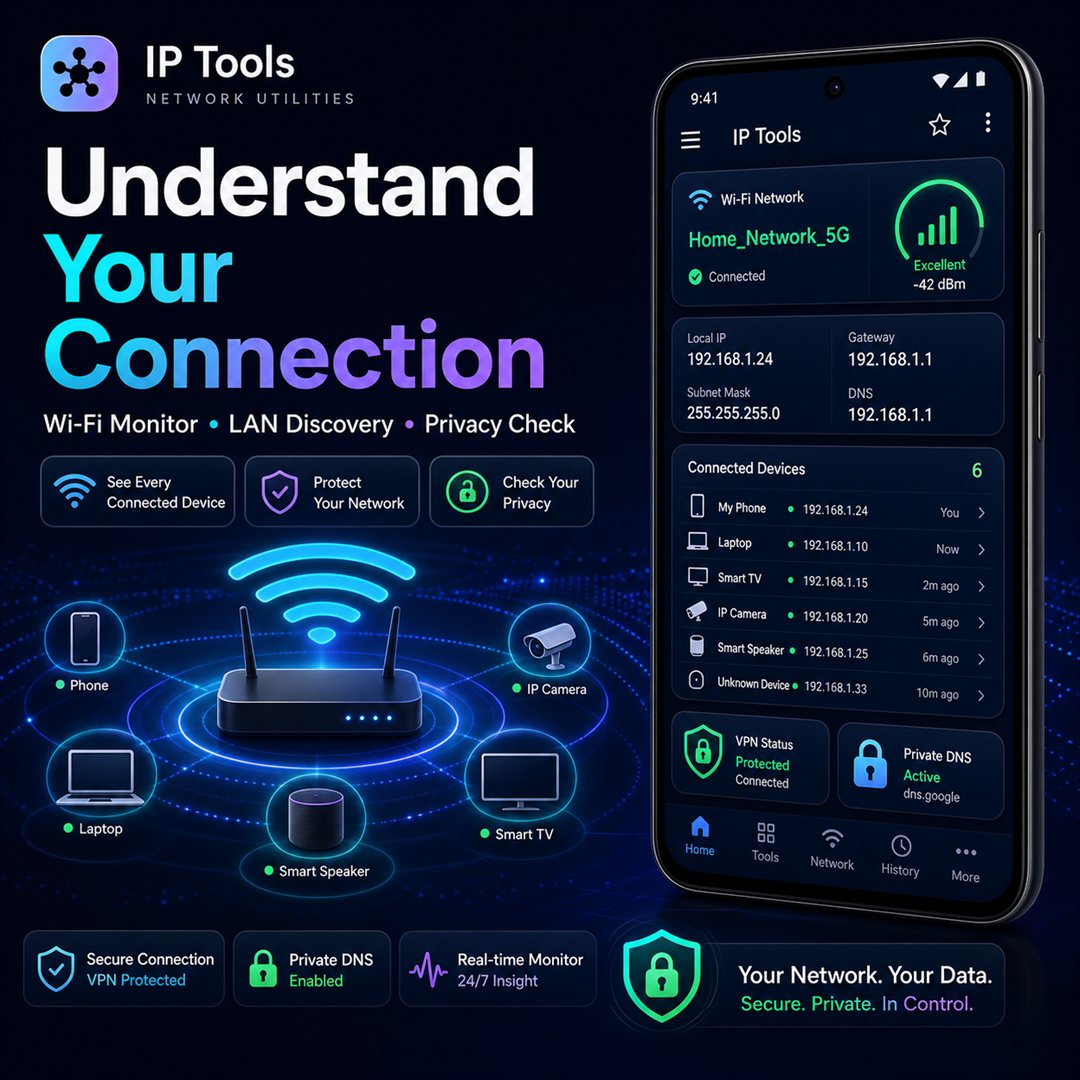
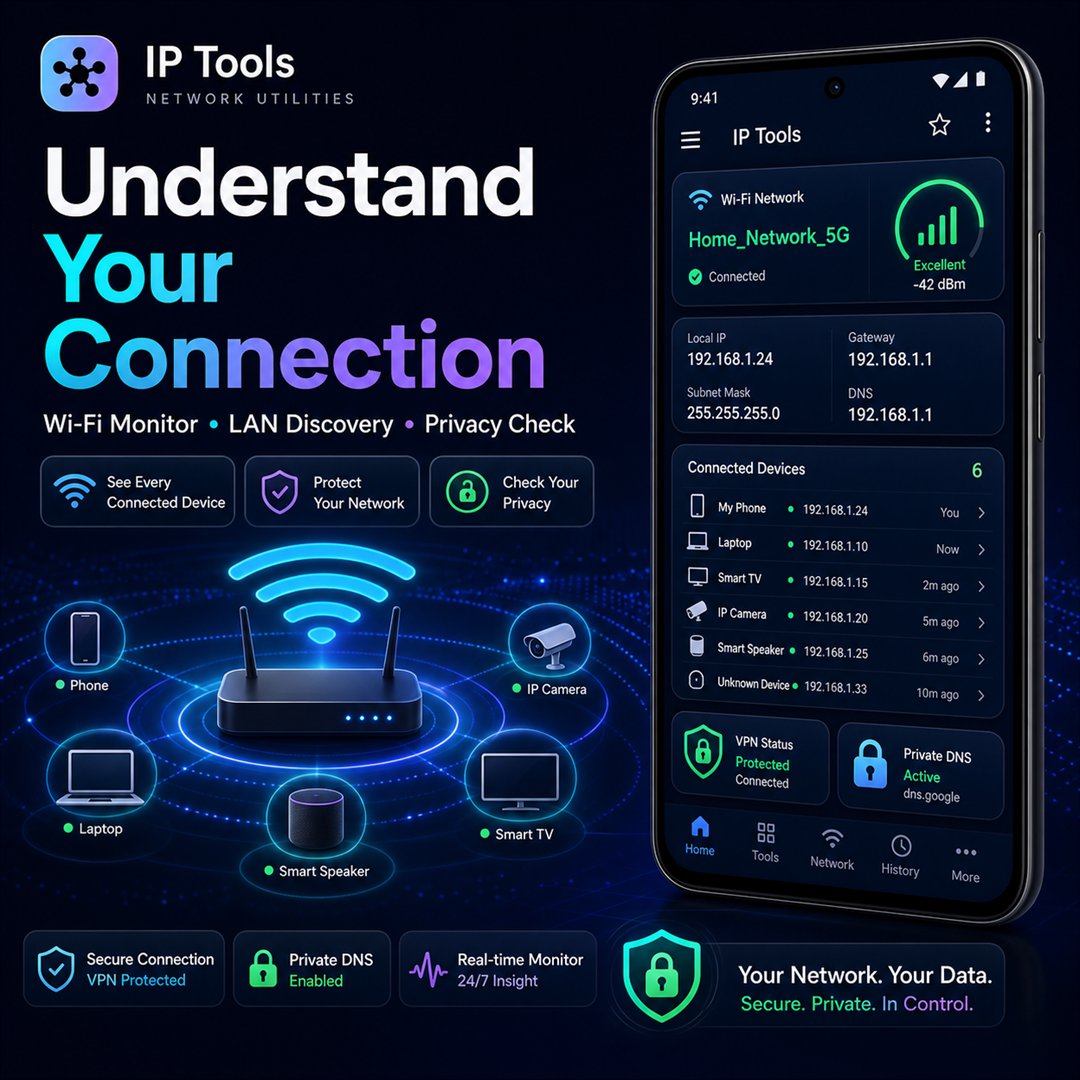
• Discover responding devices on your local Wi-Fi network.
• Calculate subnet masks, network addresses, broadcast addresses, host ranges, and CIDR information.
• Measure download and upload speed.
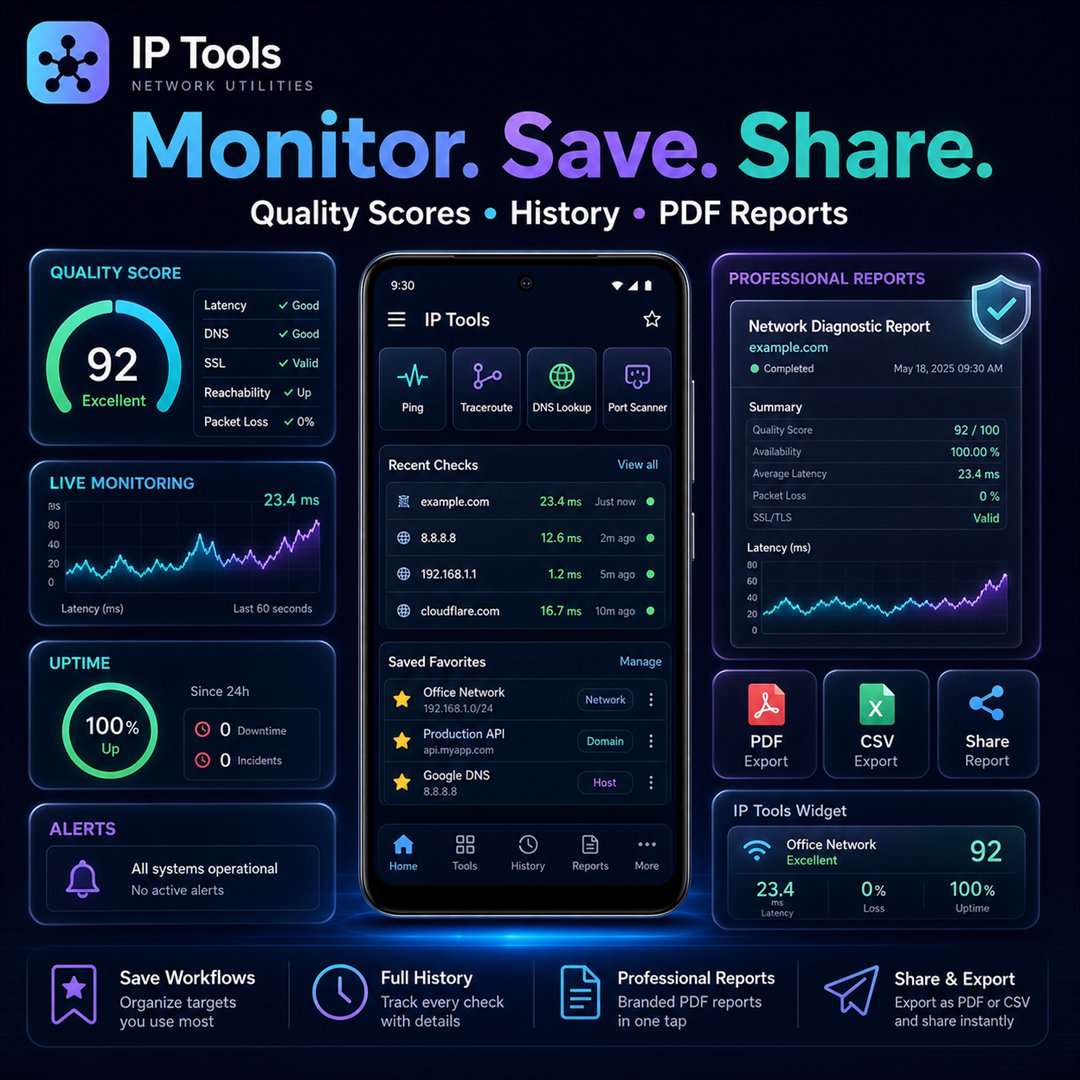
• Analyze latency, jitter, packet loss, and overall network quality.
• Monitor hosts and receive alerts for downtime or excessive packet loss.
• Detect VPN, proxy, Private DNS, metered connections, and Wi-Fi security information.
• Inspect IPv6 addresses, including expanded format, address type, and IPv4-mapped addresses.
Device & Wi-Fi Information
View useful details such as:
• Public and local IP addresses
• Wi-Fi name, gateway, subnet mask, and broadcast address
• Wi-Fi signal strength, frequency, channel, and link speed
• Device model, Android version, hardware, and system information
• Public IP changes and network environment status
Productivity Features
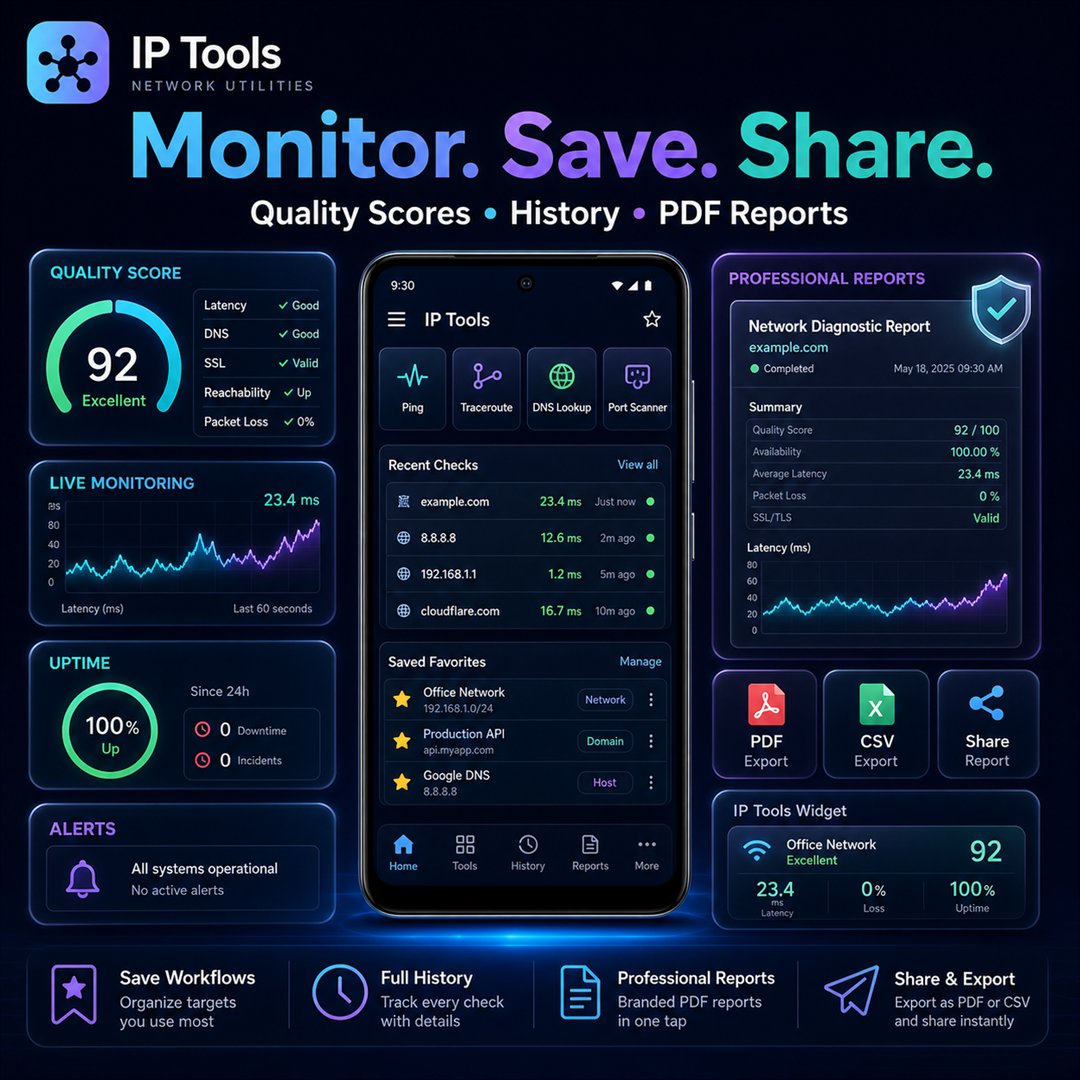
• Save frequently used hosts and IP addresses as favorites.
• Create reusable test profiles and run multiple diagnostics together.
• Review and compare previous results.
• Export reports as text, JSON, CSV, or PDF.
• Share network diagnostic results easily.
• Add a home-screen widget for quick network information.
• Access an offline reference for common ports, HTTP codes, CIDR ranges, and private IP ranges.
• Generate guided diagnostic reports with possible explanations for connectivity problems.
Designed for Everyday Use
IP Tools combines a modern interface with fast navigation, responsive layouts, quick targets, result history, and convenient copy-and-share actions. It is suitable for troubleshooting Wi-Fi, testing websites, checking servers, investigating DNS problems, monitoring network quality, and learning networking concepts.
Download IP Tools and keep a complete network scanner, IP lookup, DNS lookup, ping, traceroute, port scanner, subnet calculator, SSL checker, WHOIS lookup, Wi-Fi analyzer, and network diagnostics toolkit in your pocket.



One-click to install XAPK/APK files on Android!

Thanks for your rating and feedback!
You have already rated.