Package Name:com.igork.compass
Show More

Сompass with floating overlay. Custom themes, adjustable transparency & gestures
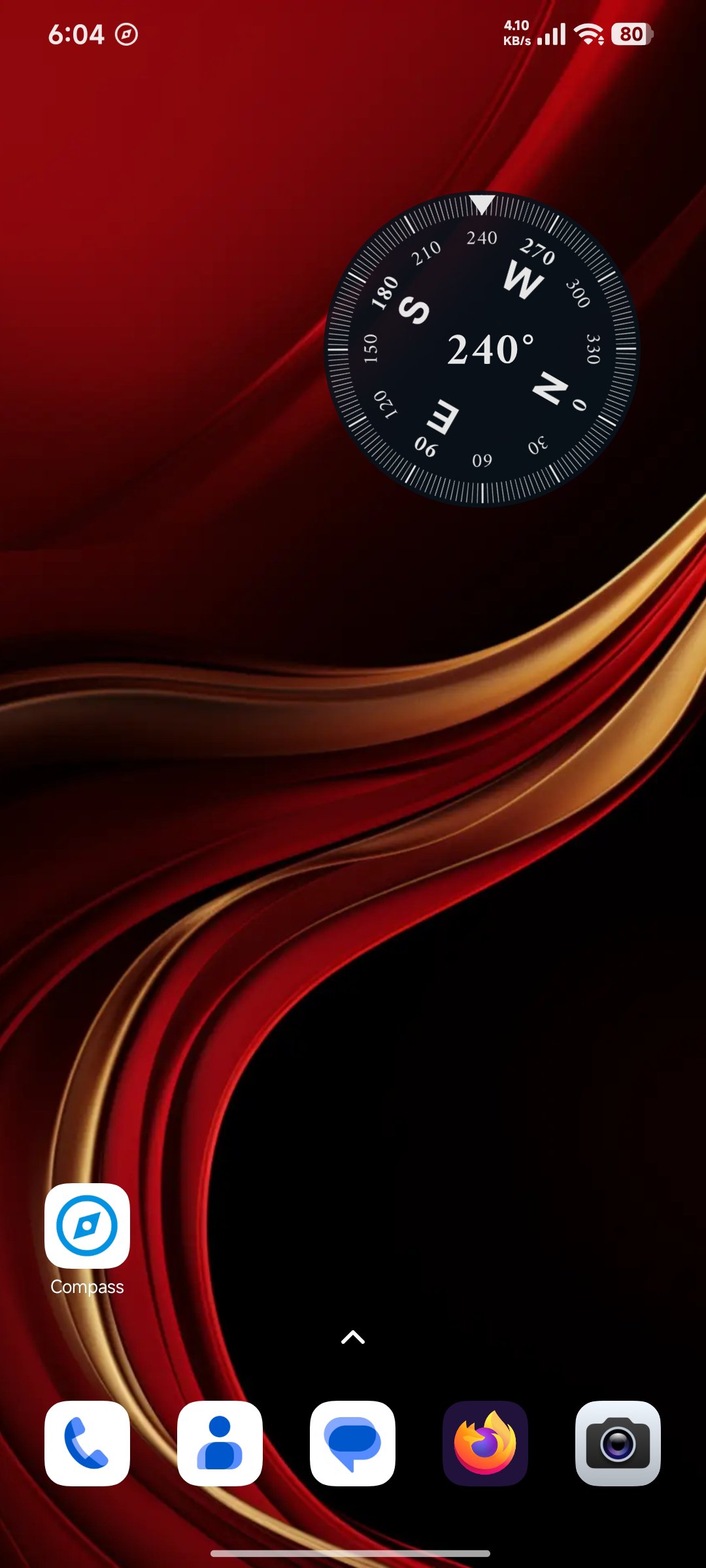
Designed with simplicity and efficiency in mind, our floating overlay features adjustable transparency, intuitive gesture controls, and is highly optimized to save your battery life.
🔹 Always-on-Top Floating Window: A precise and responsive compass that floats seamlessly above all your other active applications.
🔹 True & Magnetic North: Easily switch between True (Geographical) North and Magnetic North to match your exact navigation needs.
🔹 Four Versatile Compass Modes: Choose the style that best fits your needs:
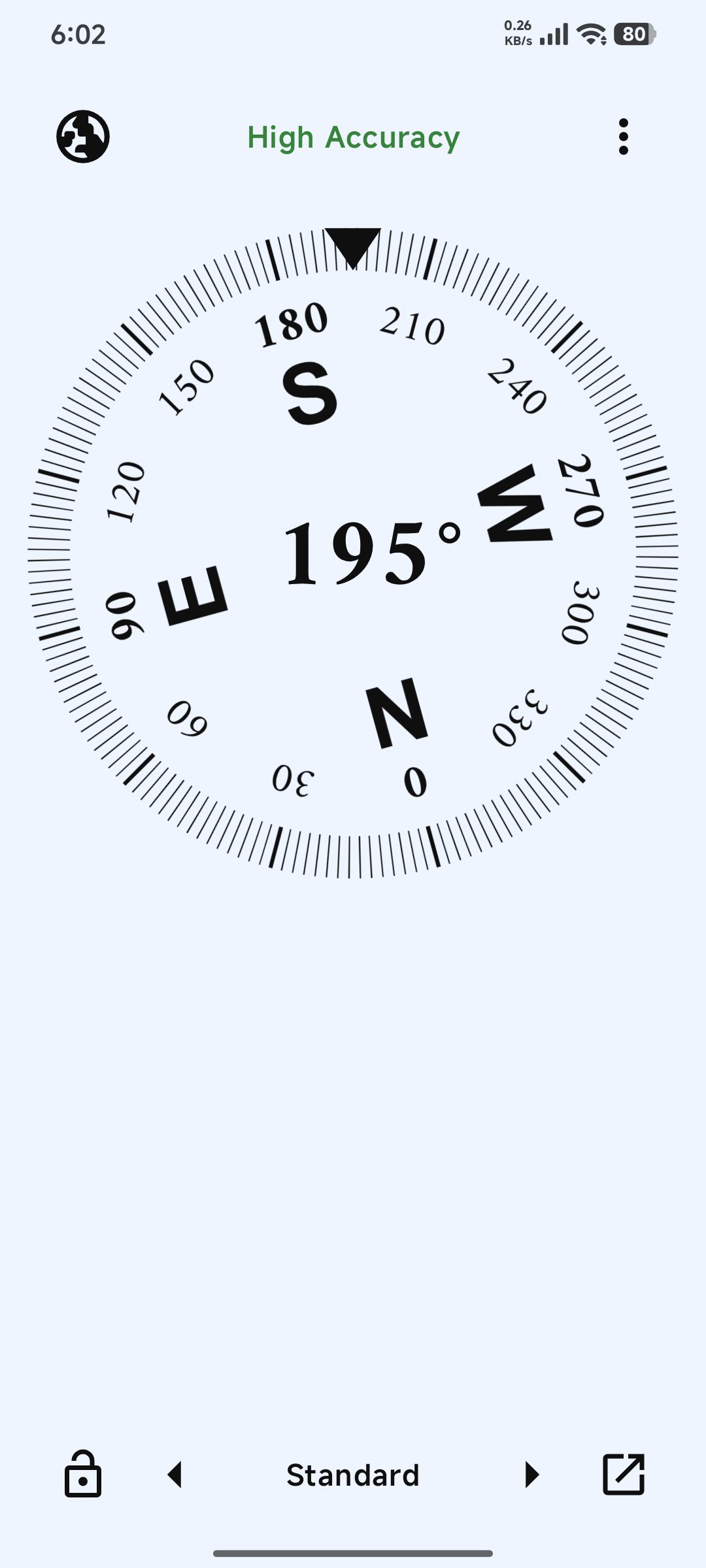
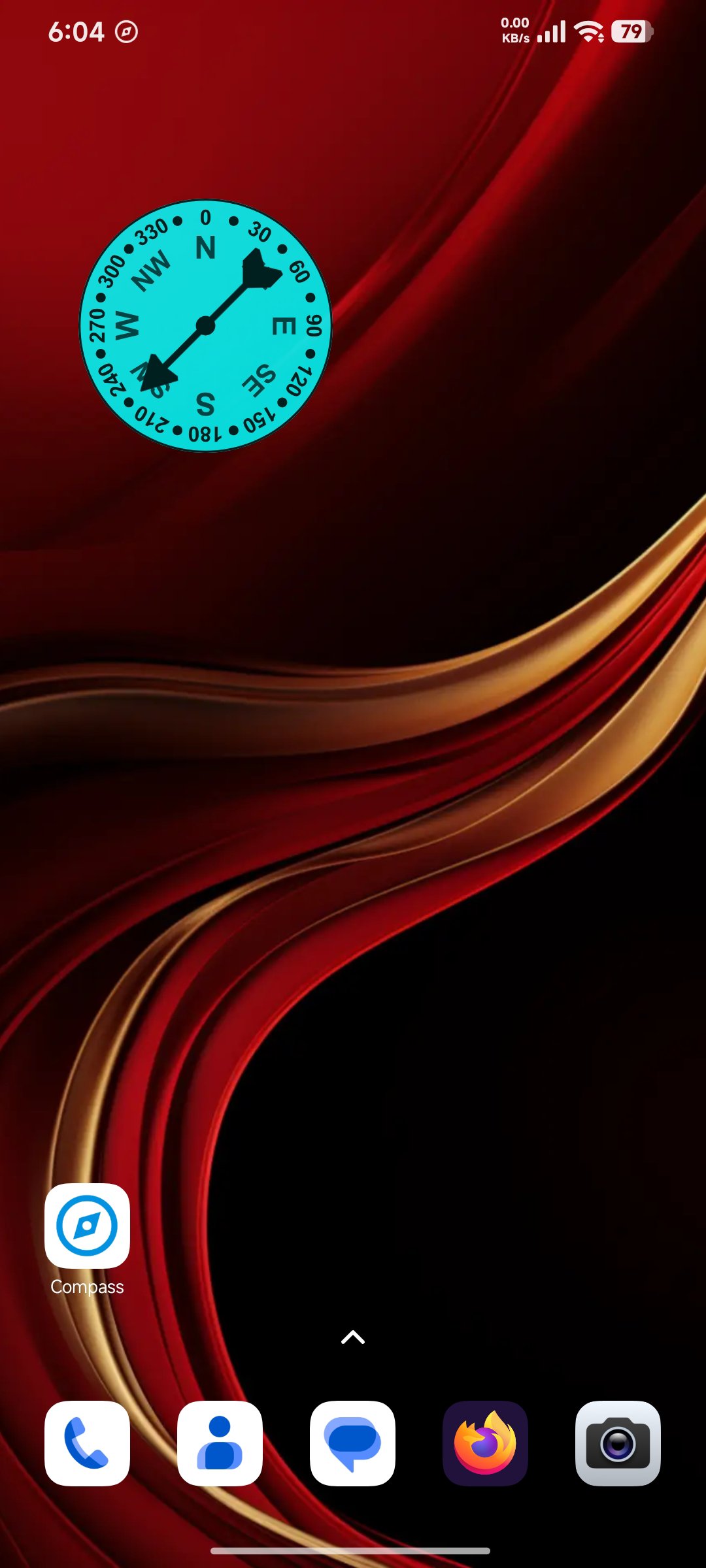
• Standard: A dynamic, rotating dial for seamless and intuitive orientation.
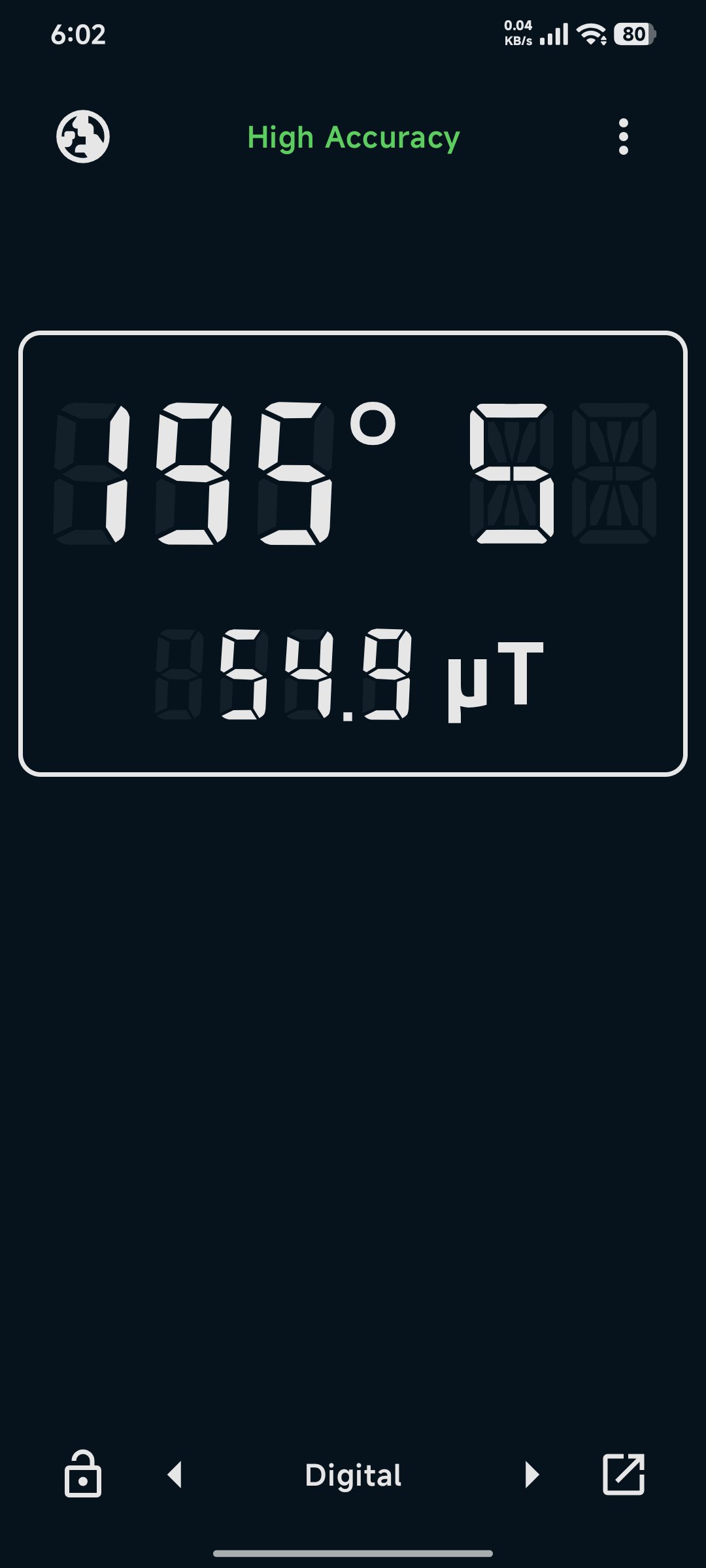
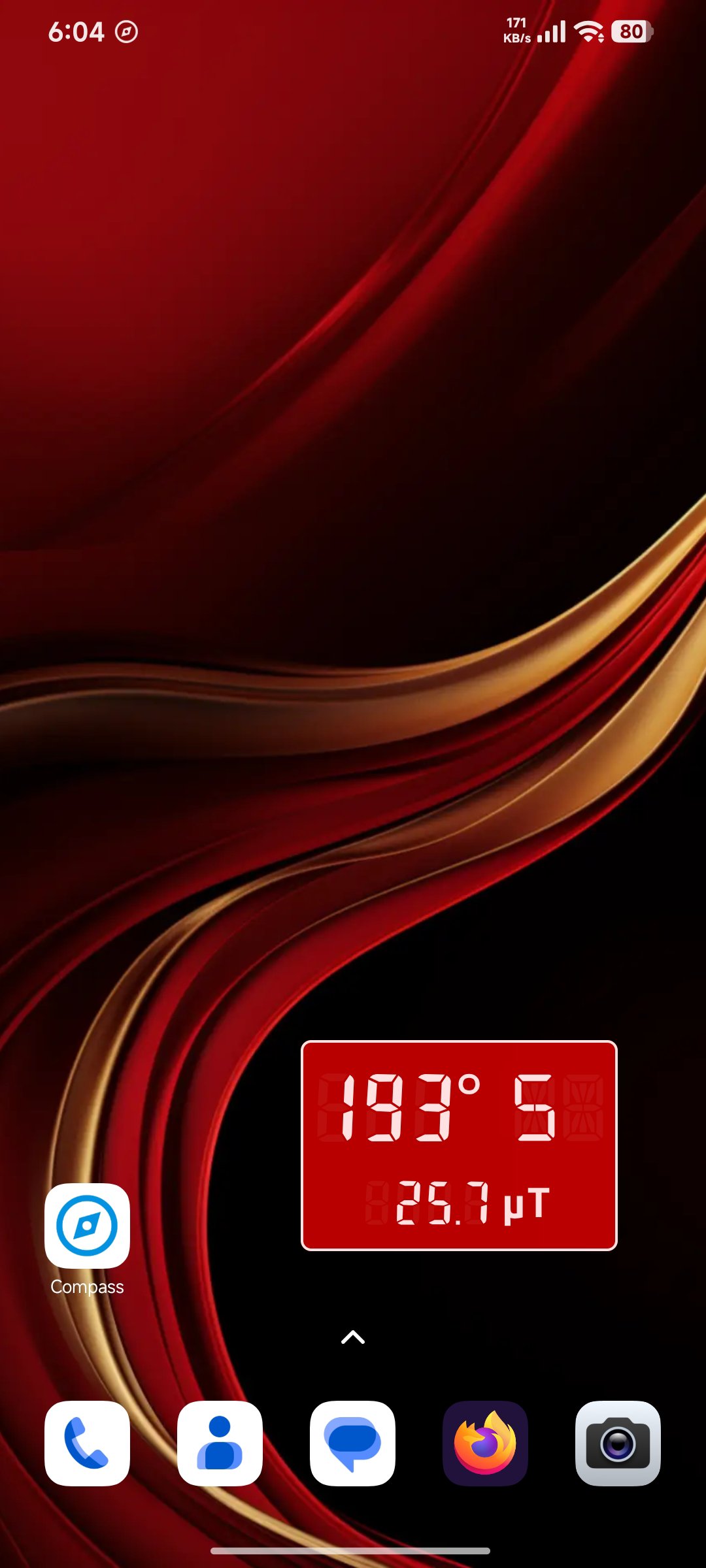
• Digital: A modern readout providing precise numerical headings alongside real-time magnetic field strength.
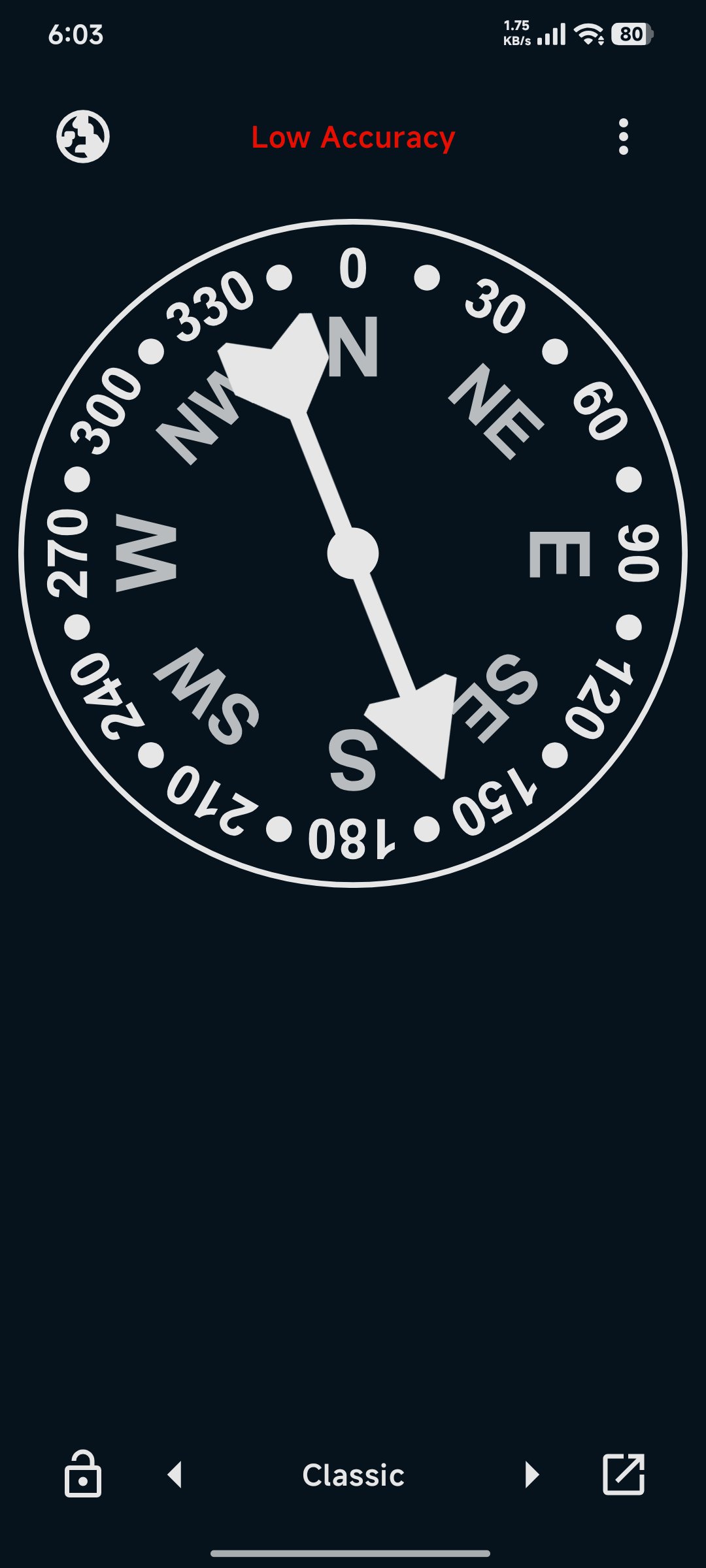
• Classic: A traditional fixed dial with a highly responsive rotating needle.
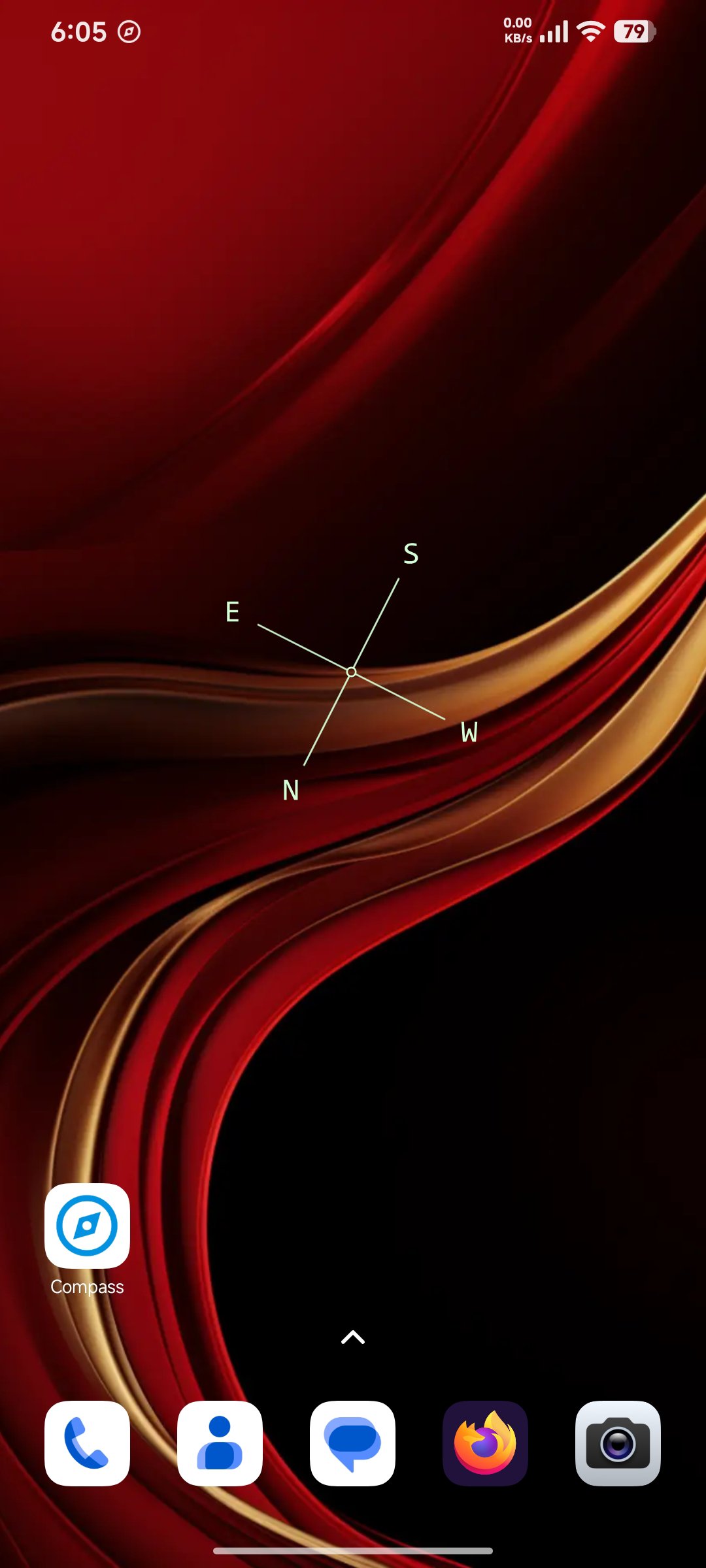
• Cross: A minimalist cross layout displaying the four cardinal directions for clear, distraction-free orientation.
🔹 Smart Gesture Controls:
• Touch & Drag: Easily move the compass anywhere on your screen so it never blocks important information.
• Tap, Hold & Swipe Up/Down: Quickly resize the overlay on the fly to fit your needs perfectly.
• Double Tap: Trigger a custom action of your choice (configurable in settings), such as opening the main app or quickly closing the overlay.
🔹 Complete Visual Customization:
• Multiple Themes: Choose from a diverse collection of beautiful themes to match your personal style, or automatically sync with your System Theme.
• Transparency Control: Adjust the opacity of both the background and the compass elements for a clean, non-intrusive look.
🔹 Dual Functionality: Need a traditional compass? You can use it as a standard, full-screen compass app without the overlay turned on.
🔹 Battery Friendly: Engineered for extremely low energy consumption, ensuring it won’t drain your battery during long trips or extended gaming sessions.
🔹 Offline Support: Works perfectly without an internet connection.
Simple, lightweight, and incredibly useful. Download Compass: Floating Overlay today and keep your navigation accessible at all times!

One-click to install XAPK/APK files on Android!

Thanks for your rating and feedback!
You have already rated.