Package Name:com.goodcode.daramcamera
Show More


115.2 MB
File Size
Everyone
Android 8.0+
Android OS
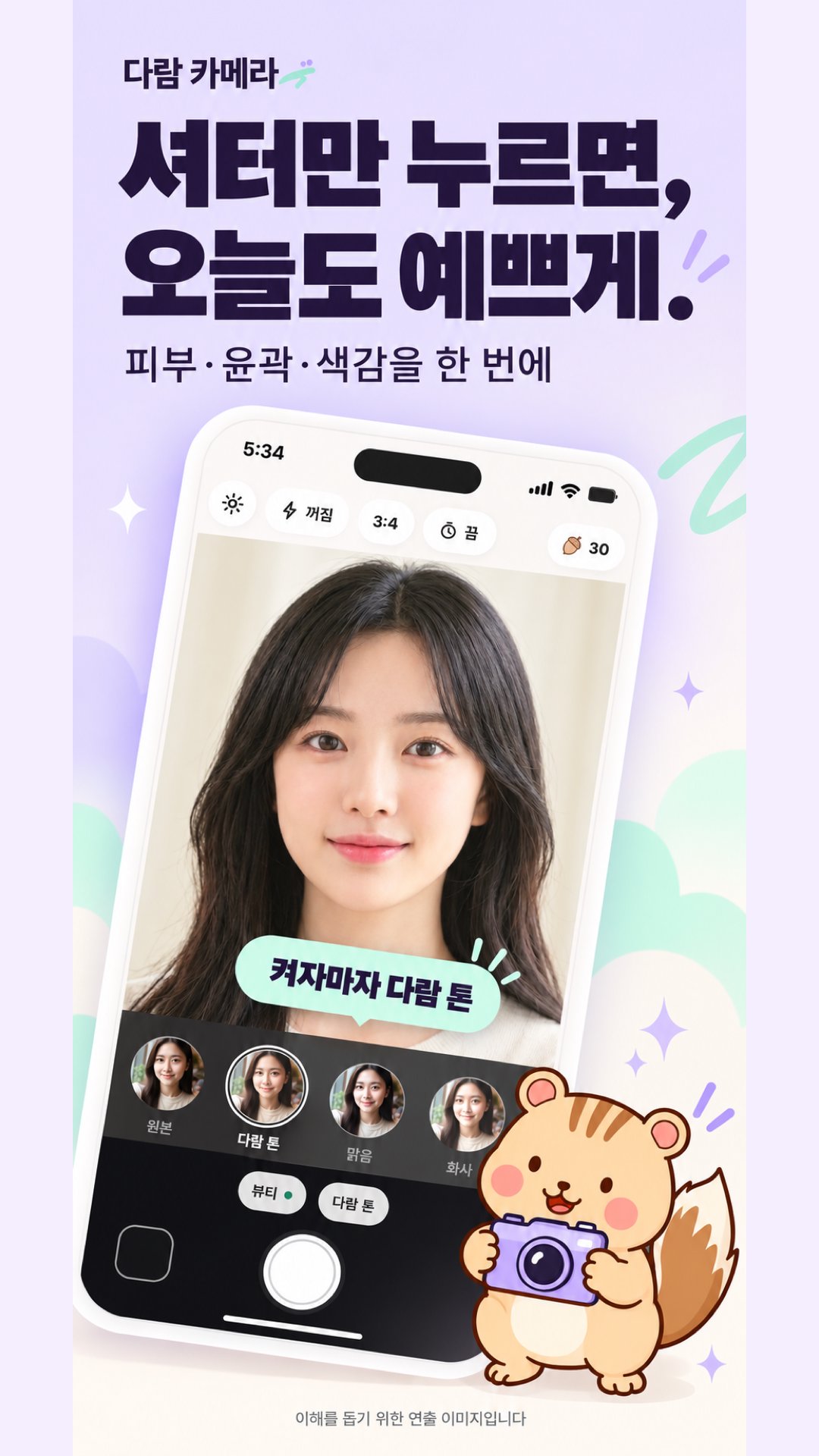
Just press the shutter and get a beautiful shot. Photos are edited, and short videos are customized with filter colors. Unlock filters using acorns collected from taking photos.
It is a camera that takes photos and short videos. Only filter colors are applied to videos, while face retouching is only available for photos.
Just press the shutter, and Squirrel will automatically refine your skin, contours, and color tone. You can see the results immediately on the screen before taking the picture.
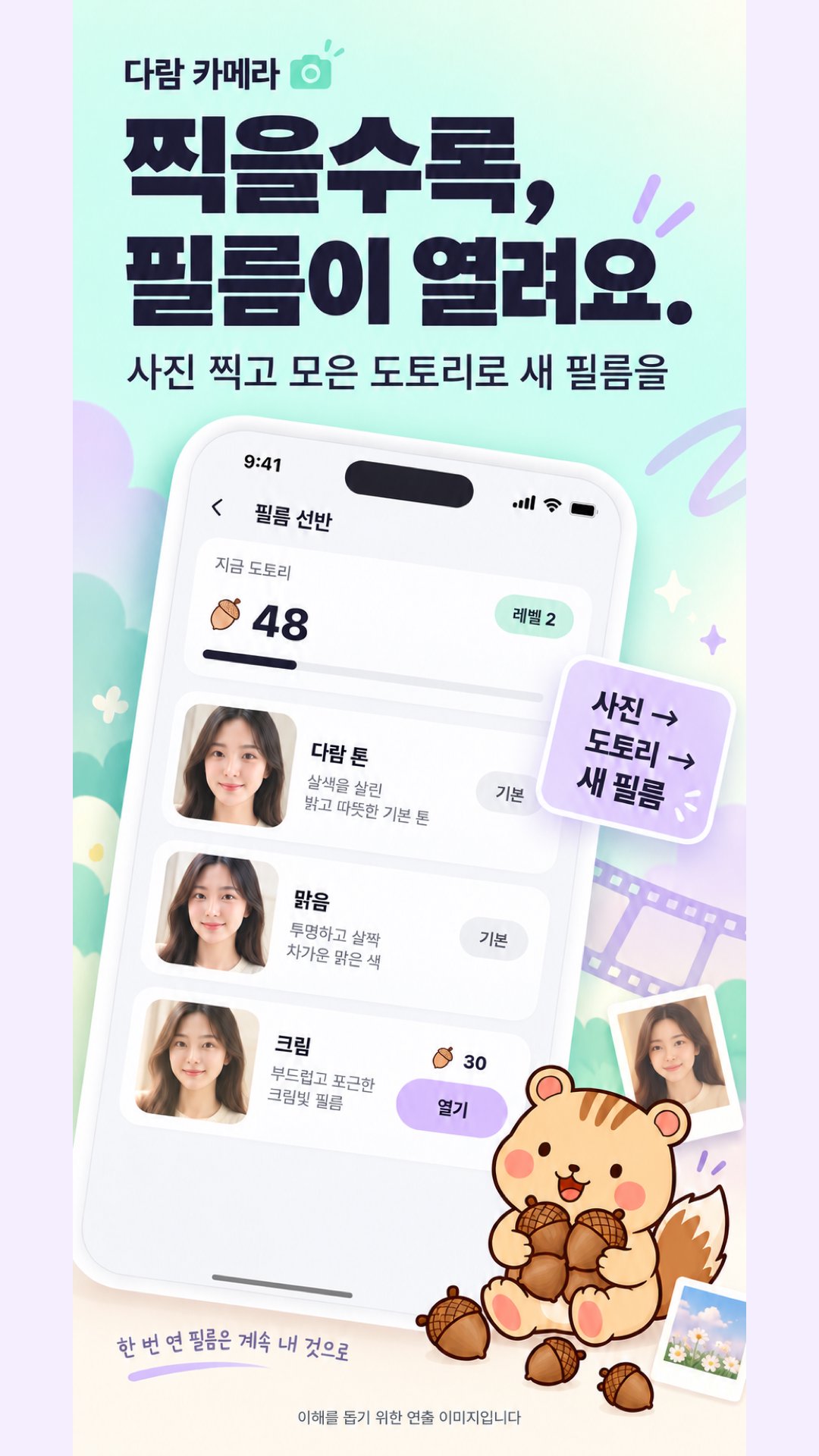
You do not need to buy filters. Acorns accumulate when you take photos, and you can use them to unlock new filters.
■ Beautiful as soon as you turn it on
・ The "Basic" beauty filter and the signature "Squirrel Tone" filter are enabled from the start.
・ Your complexion, blemishes, and skin texture are refined in real-time on the screen. Leave the face shape almost exactly as it is.
・You can compare with the original at any time by long-pressing the screen or shutter.
■ 44 Filters
・12 Portraits: Squirrel Tone, Clear, Bright, Pink, Milk, Cream, Rosy, Peach, Latte, Baby, Soft, Porcelain
・6 Foods: Delicious, Fresh, Sweet, Brunch, Crispy, Smoky
・7 Landscapes: Sky, Refreshing, Forest, Sea, Sunset, City, Travel
・9 Films: Film, Gold, Faded, Cinema, Instant, Vintage, Disposable, Digital Camera (Date Stamp), 90
・3 Black and Whites: Black and White, Noir, Silver
・7 Moods: Mocha, Dawn, Mood, Neon, Autumn, Winter, Night
・Use the 12 basic filters immediately, and unlock the rest with Acorns. New filters are added every month.
・Select using the Category tab and ★ Favorites. Recently used filters are at the front.
・You can also preview locked filters on the screen. You can try each filter once a day for free.
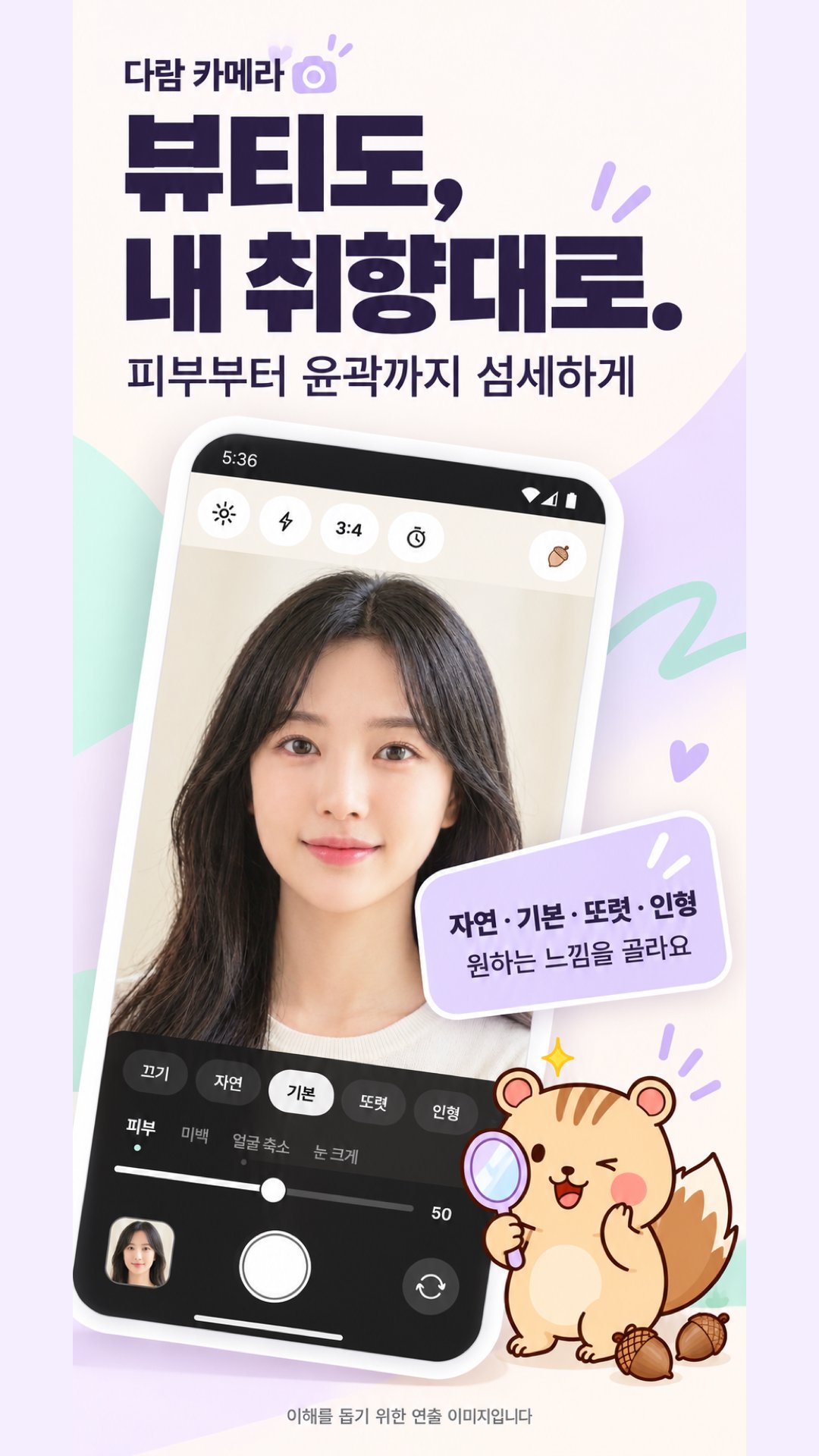
・Adjust intensity from 0 to 100, and the settings are saved for each filter.
・Swipe left or right on the screen to access the next filter immediately.
・Filters are not deleted once applied. Once opened, filters do not disappear.
■ Beauty
・Face Lighting: Brightens and evens out your complexion even in backlit or yellowish indoor lighting.
・Blemishes: Removes only small red marks while preserving your skin texture.
・15 Sliders: Face Lighting, Blemishes, Skin, Whitening, Face Slimming, Cheekbones, V-Line, Eye Enlargement, Eye Sharpening, Under-Eyes, Nose Reduction, Mouth Size, Teeth Whitening, Chin, Forehead
・4 Presets: Natural, Default, Sharpening, Doll. Turn off instantly. The basic setting barely alters the face shape to suit everyone regardless of gender or age.
・Makeup: 6 lip colors and 5 blush colors, with intensity adjustment.
・My settings are saved, and the front and rear cameras operate separately.
・Settings are applied individually, even if there are multiple faces.
■ Shooting Modes and Convenience
・Switch between Photo, Video, Food, 4-Cut, ID, and Passport modes right above the shutter button.
・Video: Up to 1 minute with 44 color tones and the same filters as Photos. You can record or mute sound, and upload immediately upon saving.
・Food: Food filters and a level guide. When the phone is laid flat, it is level when the two circles overlap.
・4-Cut: Takes four shots counting at 3 seconds to combine them into one. 2 layout options, 8 frame types (color and picture frames can be opened with Acorns)
・Drag to adjust out-of-focus (circular/linear) on the screen, and tap the screen to adjust brightness
・Zoom pills (0.5x, 1x, 2x, magnification supported by the device), touch shooting, level indicator
■ Photos remain as they are
・When you press the shutter, a thumbnail appears immediately, and it is processed at original resolution and saved to the "Squirrel Camera" folder in the gallery
・A copy also remains in the app library
・Save original, exclude location information, date stamp, full mirroring, grid, timer (3 seconds, 10 seconds), aspect ratio (3:4, 4:5, 1:1, 9:16, full)
・The original remains in the library even if processing fails. You can rework it
■ Library and Editing
・Import photos from your gallery and apply the same filters and beauty effects.
・Filter thumbnails are displayed as the photo you are currently editing.
・11 adjustments (Brightness, Contrast, Highlights, Shadows, Saturation, Color Temperature, Hue, Sharpness, Fade, Grain, Vignetting), Blur (Circular, Linear, Portrait depending on the device)
・4 photo frames (White Margin, Polaroid, Film Strip, Black), 4 date stamps, Crop (Aspect Ratio, Rotate 90°, Tilt, Flip Horizontal)
・Saving creates a new file. The original is not altered.
・Recipes: Save your current edits and apply them to other photos all at once. Select multiple photos to edit all at once (up to 30 at a time)
・Save to send directly to other apps via the iOS/Android share menu
■ Filter Shelf with Acorns
・You can unlock your first filter immediately with 30 welcome gift acorns.
・First photo +10, first photo of the day +5, 1 photo +1 (up to 10 per day), 3 consecutive shooting days +3 · 7 days +10 · 14 days +20 · 30 days +50, +2 for the first use of a filter
・Acorns cannot be purchased. Collect them by taking photos
・If you are short, it will simply tell you "How many photos do you need today?"
■ Widgets
・Home screen "Shoot Now" widget: Tap to open the camera immediately
■ My Photos on My Device
・Photos taken are only stored in your device's gallery and app library. It does not send to the server
・It only sends anonymous usage statistics, such as which screen is used, and can be turned off in the settings.
・Settings, filters, recipes, and acorns can be exported and imported via backup files (photo files are not included in the backup).
・No ads or payments.
■ Things to Note
・Only filter color tones are applied to videos. Face retouching, makeup, blur, and date stamps are only available on photos.
・Retouching is processed on the device. Extra large photos (48MP) are processed by reducing the longer side to 4096.
・Language: Korean, English, Japanese, Traditional Chinese
■ ID/Passport Photo Mode
・Passport 35×45mm, Resident Registration Card/Driver's License 35×45mm, ID Photo/Resume 3×4cm (30×40mm), Exam Application, Half Business Card, Business Card Size 50×70mm, US Visa 51×51mm, Schengen/Japan/Canada Visa, China Visa 33×48mm, Profile
・On-screen prompts when taking: Standard frame and headband, single-line guidance such as "back a little," automatic shooting when everything is aligned
・Crop to standard specifications after taking, and manually adjust hair length (mm) by dragging the crown line and jawline
・Single-line prompt before saving: Good / Needs confirmation / Recommended to retake. Examine the front view, facial expression, glasses reflection, background, shadows, and head position, and see what is likely to be rejected first.
・For baby passports, there are separate guidelines for babies being photographed lying down.
・For ID photos and resumes, choose a composition that includes the shoulders (upper body) or focuses on the face, change the background color, and save the file 2 to 3 times larger if the original is large.
・Save the standard file (fitted to size limits, 300dpi) and a 4×6 inch print sheet (with trim lines), and send them directly via file or email.
・Passports, ID cards, and visas are provided exactly as they are, without any retouching, filters, or background compositing.
・ID and Passport modes are not locked with Acorns.
・This is for reference only to help you take photos that meet specifications. The reviewing agency determines whether to accept the photos. (Consistencies confirmed 2026-10-09)



One-click to install XAPK/APK files on Android!

Thanks for your rating and feedback!
You have already rated.