Package Name:com.goodcode.daramcamera
Show More


86.4 MB
File Size
Everyone
Android 8.0+
Android OS
ID & passport photos at home: spec check, background change, 4×6 sheet, 4-cut.
Take spec-checked passport, baby passport, visa and ID photos right at home.
From unretouched passport & ID shots with a 14-point compliance check to résumé background colour replacement and 4×6 print sheets, everything is ready in one app.
Also includes a 4-cut photo booth, 44 live filters, 15 beauty controls and short videos (filter colours only).
※ Daram ID Photo is made by GOODCODE, a private developer. It is not affiliated with and does not represent any government agency. You cannot apply for or be issued a passport, ID or visa through this app; it only helps you prepare a photo that fits the published rules.
※ Official sources for the photo rules
・Korean passport: Ministry of Foreign Affairs passport site https://www.passport.go.kr/home/kor/contents.do?menuPos=32
・Korean resident ID: Enforcement Decree of the Resident Registration Act https://www.law.go.kr/법령/주민등록법시행령
・Korean driver’s license: Enforcement Rule of the Road Traffic Act https://www.law.go.kr/법령/도로교통법시행규칙
・US visa: U.S. Department of State https://travel.state.gov/content/travel/en/us-visas/visa-information-resources/photos.html
・Other visas (Canada, Schengen, Japan, China): rules differ by country, so always check the embassy’s official guidance
■ Unretouched passport, baby passport, ID & visa photos (14-point compliance check)
・Edited or background-composited passport photos can be rejected, so passport, ID and visa modes turn off beauty retouching and background compositing
・12 size presets: Korean passport 35×45mm (413×531px recommended for online applications), child & baby passport (≤36 months), resident ID & driver’s license 35×45mm, résumé & ID 3×4cm (30×40mm), exam application, half-card, large card 50×70mm, US visa 51×51mm, Canada, Schengen & Japan visas 35×45mm, China visa 33×48mm, profile
・Live shooting guide: align your face oval, crown-to-chin band and shoulders; the shutter fires automatically when aligned
・Millimetre crown & chin ruler: crop to spec and drag the crown and chin lines to match the required head length (32–36mm)
・14-point pre-save inspection: pose, expression, open eyes, glasses frames and glare, background brightness and evenness, shadows, head length, centering, resolution, exposure and sharpness
・Child & baby passport guide: dedicated lying-down shooting tips and relaxed criteria for infants and toddlers
・A shooting guide only; the reviewing agency decides acceptance. (Specs checked 2026-10-09)
■ Résumé & ID background colour change + 4×6 print sheets
・On-device person segmentation replaces the background colour of résumé, application and profile photos (White, Gray, Sky Blue, Brown, Light Pink)
・Compare upper-body vs face-focused framing and export 2–3× high-resolution files
・Saves a 300dpi single file and a 4×6-inch print sheet with cut lines for home or kiosk printing
・All ID and passport modes are open from the start
■ A 4-cut photo booth & photo frames
・Switch to "4-cut" above the shutter: a 3-second countdown takes 4 shots in a row and merges them into a 1×4 vertical strip or 2×2 grid collage
・8 frames: White, Black, Mint, Lavender, Peach, Butter, Daram (illustrated) and Check
■ Live Daram Tone, 44 filters & 15 beauty controls
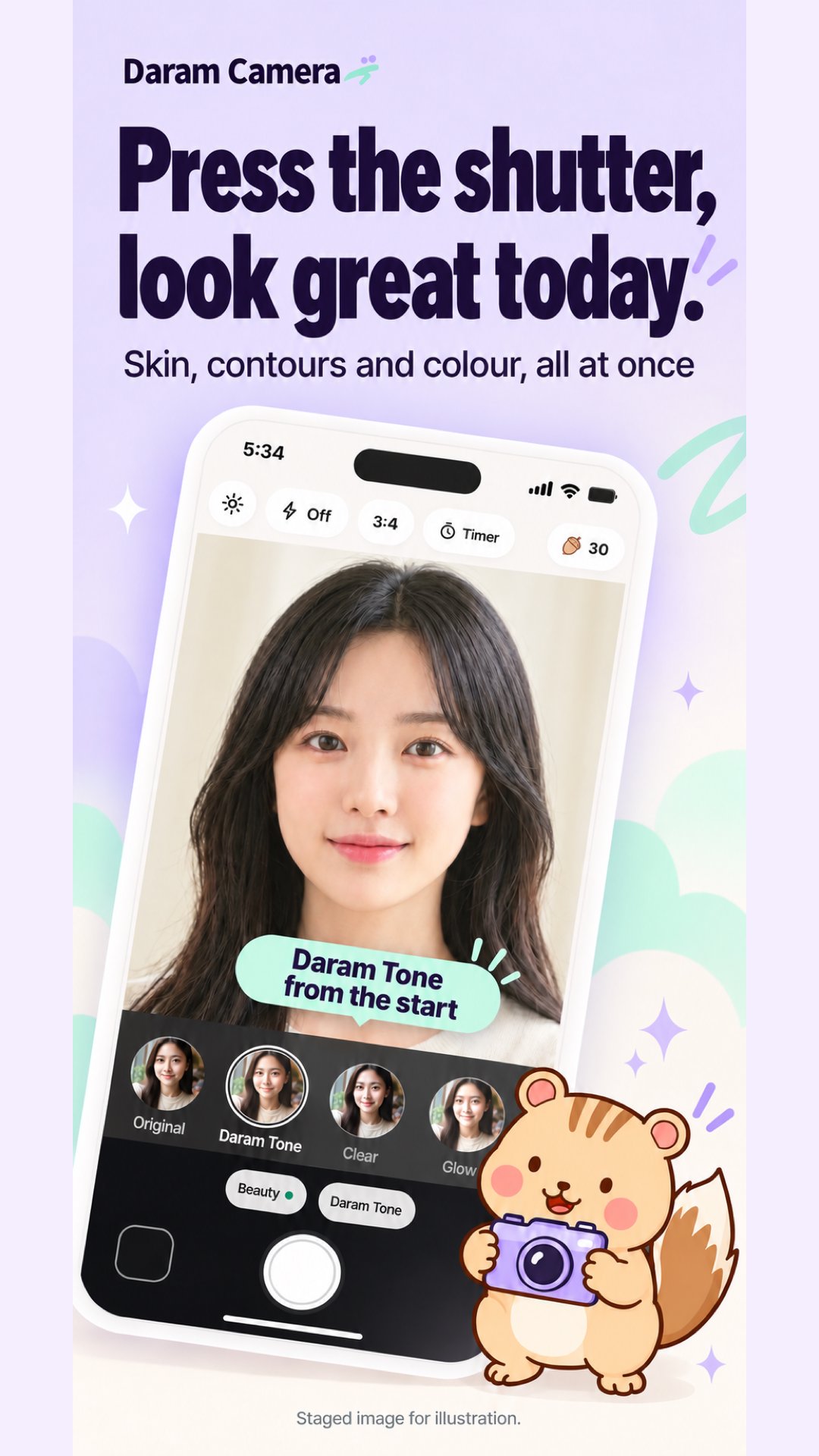
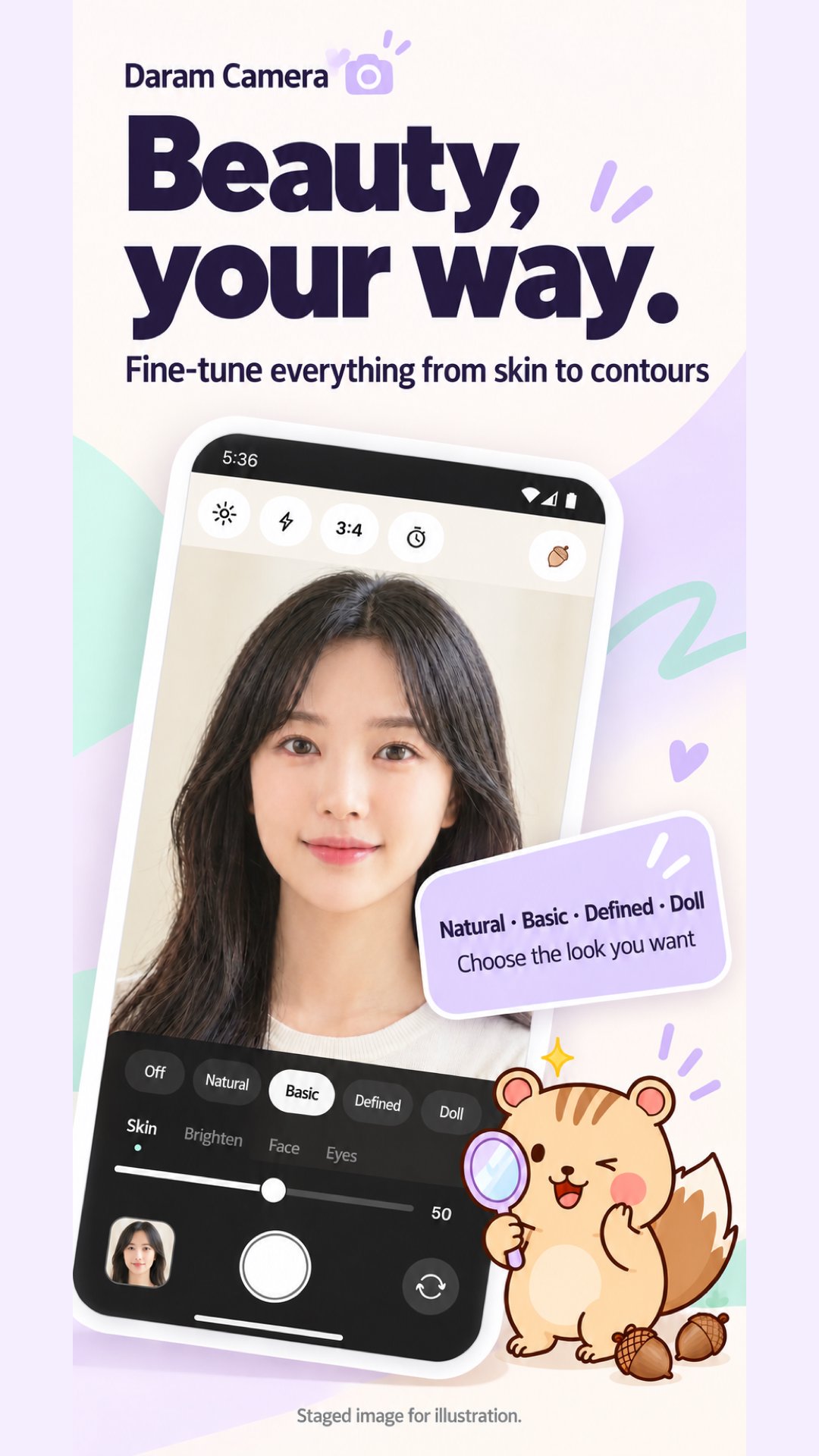
・Beauty "Basic" and the signature filter "Daram Tone" tune face light and blemishes naturally
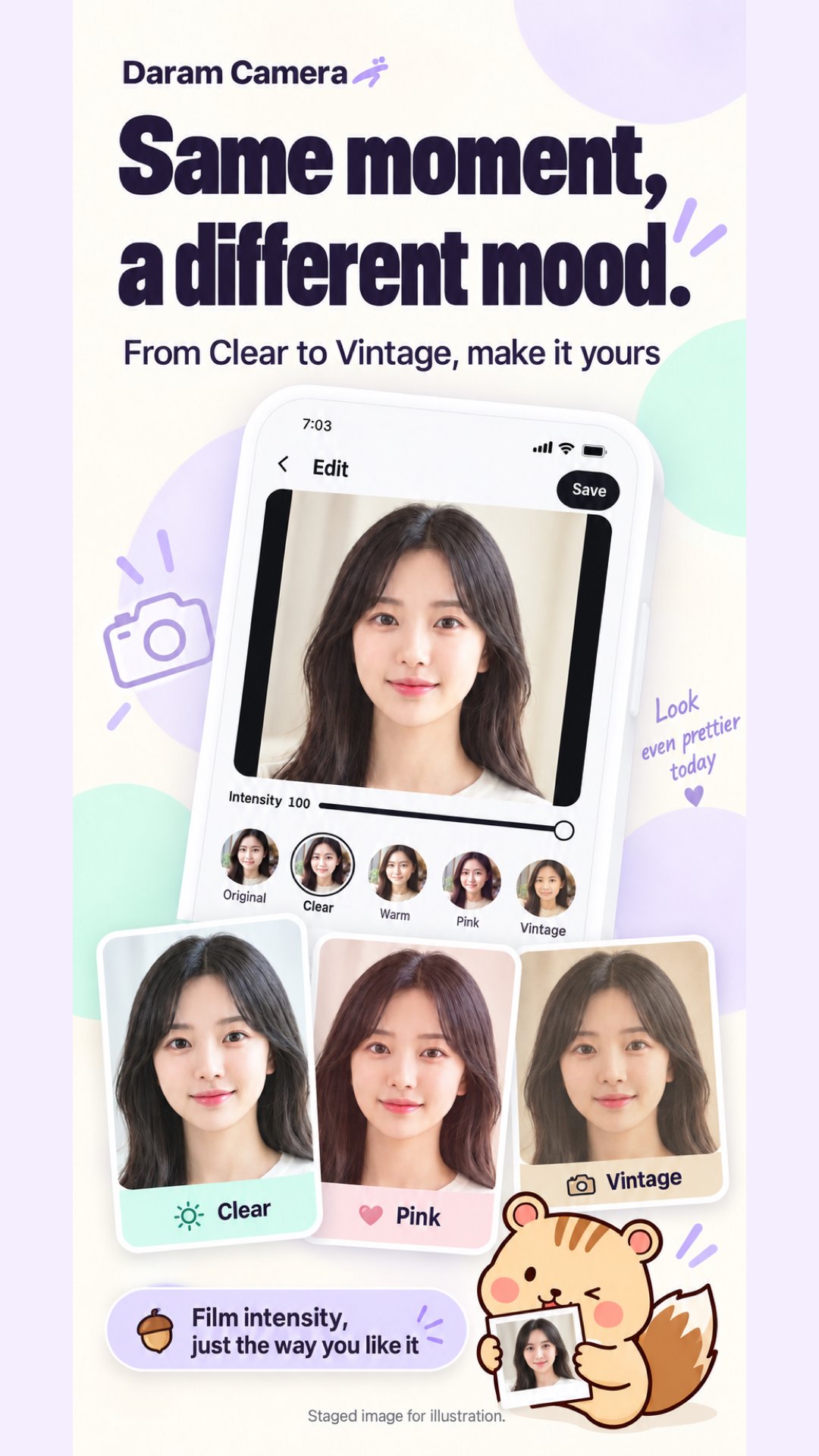
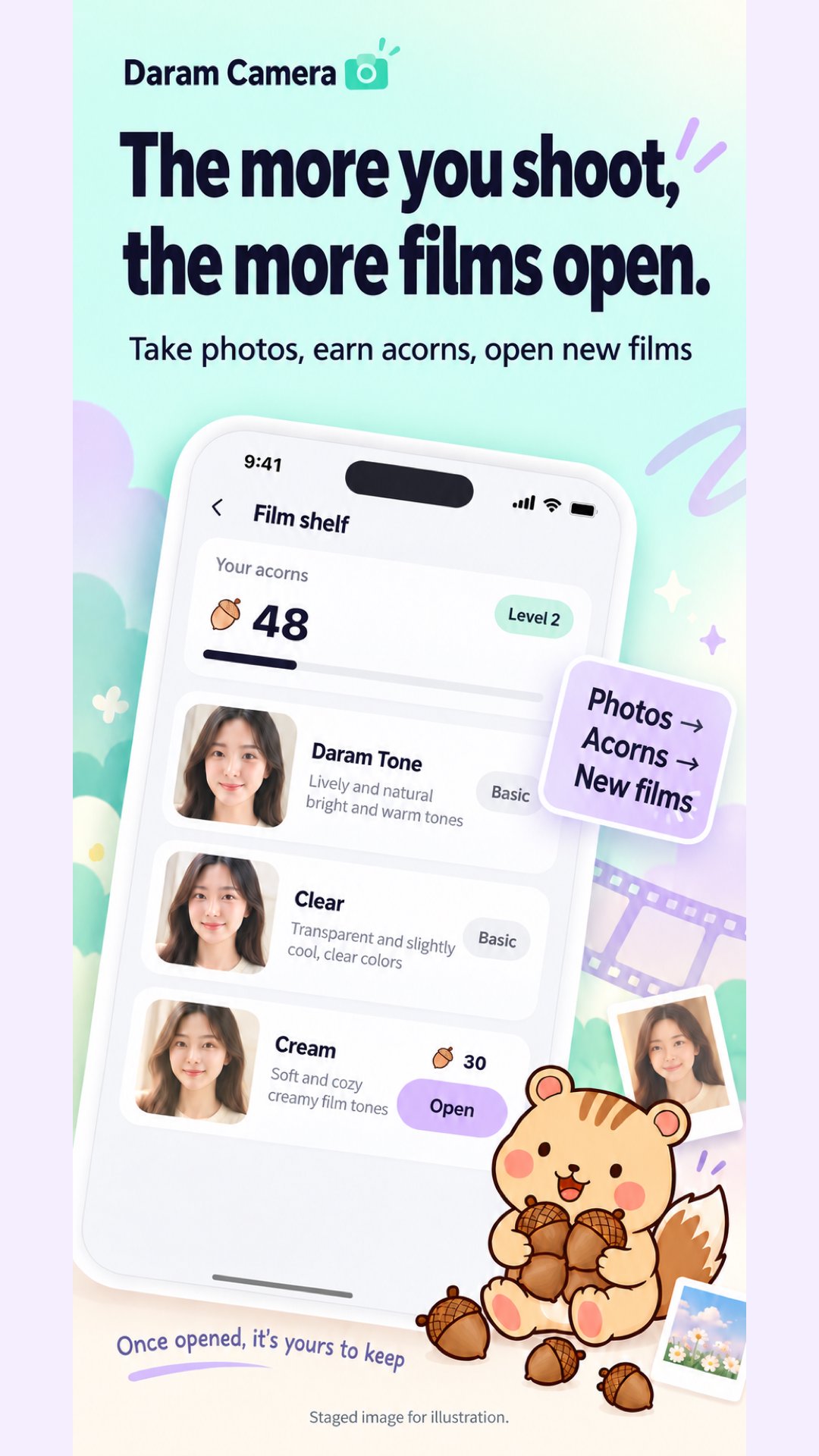
・44 filters across Portrait 12, Food 6, Scenery 7, Film 9, B&W 3 and Mood 7 (12 open right away; the rest open as you shoot)
・15 beauty sliders, 4 presets and lip/blush makeup
■ Modes, library & editing
・Switch between ID photo · Photo · Video · Food · 4-cut above the shutter
・Saved at full resolution to the "Daram ID Photo" album and app library
・Import gallery photos to crop as passport/ID photos or apply filters, beauty, 11 adjustments and batch recipes (up to 30 photos)
■ Your photos stay on your device
・Photos live only on your device and are never uploaded
・Optional sign-in encrypts and backs up settings and opened filters only
・No ads and no purchases
・Languages: 한국어, English, 日本語, 繁體中文


One-click to install XAPK/APK files on Android!

Thanks for your rating and feedback!
You have already rated.