Package Name:jpeg.optimizer.app
Show More

Compress, resize and convert images. Reduce JPEG size to the KB you need.
Large photos can be a problem when you need to upload them to a website, send them by email, save storage space, or meet a specific file-size limit.
JPEG Optimizer gives you a simple set of tools to compress, resize, convert, and edit images in one app. You can reduce a JPEG to a specific file size, change image dimensions, convert between popular formats, and handle several images at once.
Compress images to the size you need
Need a photo under 100 KB? Or 50 KB, 20 KB, 10 KB, or another specific limit?
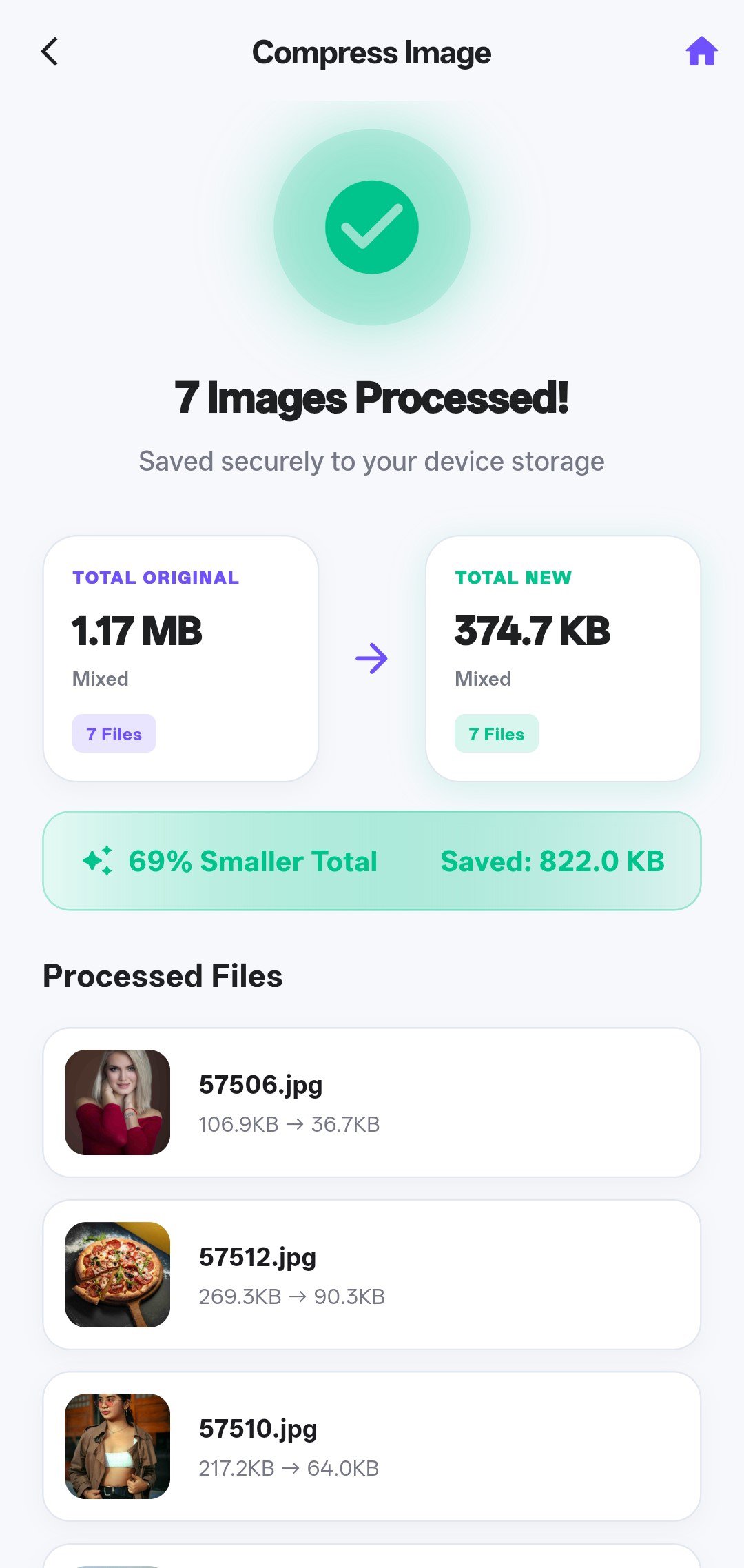
The image compressor lets you choose a target file size and reduce your JPEG accordingly. You can also choose common target sizes from 1 KB up to 500 KB, depending on the image.
You can adjust compression quality when you want more control over the final result.
Resize images your way
Resize photos by:
Pixels
Percentage
Centimeters
Millimeters
Inches
Keep the original aspect ratio when needed, or enter your own width and height.
There are also useful presets for common image sizes, including 3.5 × 4.5 cm, 2 × 2 inch, 4 × 6 inch, 600 × 600 px, social media sizes, HD, Full HD, and more.
You can also set the DPI when preparing images for printing or documents.
Convert image formats
Convert images between commonly used formats without needing a separate converter app.
Supported conversions include:
HEIC to JPG
AVIF to JPG
BMP to JPG
TIFF to JPG
GIF to JPG
JPG to WEBP
PNG and other supported image formats
The available formats depend on the conversion tool and source image.
More image tools
JPEG Optimizer includes more than just compression and resizing.
Photo to PDF
Combine photos and documents into a PDF that is easier to share or store.
Blur and Pixelate
Hide faces, text, license plates, or other parts of an image before sharing.
Background Remover
Remove the background from an image and create a clean result suitable for further editing.
Watermark Creator
Add text or a logo to your images when you need to identify or protect your work.
Photo Collage: Combine multiple photos into a single image layout.
Color Palette: Extract useful colors from an image for design, graphics, or other projects.
EXIF Viewer: View information stored inside a photo, such as camera details, date, and other metadata. You can also remove metadata when supported.
Light Image: Make quick adjustments to improve the brightness of an image.
URL to Image: Create an image from a supported image URL.
Process multiple images together
Have a folder full of photos to resize or compress?
Select multiple images and process them together instead of repeating the same steps for every photo. Batch processing makes it easier to handle several images in one go.
Built for everyday image tasks
Whether you're preparing a photo for an online form, reducing a large image before sending it, resizing pictures for a specific dimension, converting HEIC photos to JPG, or simply trying to save storage space, JPEG Optimizer keeps the tools in one place.
No complicated editing workflow. Choose your images, select what you need, adjust the settings, and process them.
Compress JPEG:
Compress JPEG to 1KB
Compress JPEG to 5KB
Compress JPEG to 10KB
Compress JPEG to 25KB
Compress JPEG to 50KB
Compress JPEG to 100KB
Compress JPEG to 150KB
Compress JPEG to 200KB
Compress JPEG to 250KB
Compress JPEG to 300KB
Compress JPEG to 350KB
Compress JPEG to 400KB
Compress JPEG to 450KB
Compress JPEG to 500KB
Reduce Images:
Reduce Image 5KB
Reduce Image 10KB
Reduce Image 25KB
Reduce Image 50KB
Reduce Image 60KB
Reduce Image 75KB
Reduce Image 95KB
Reduce Image 130KB
Reduce Image 160KB
Resize Images:
Resize Image in CM
Resize Image in MM
Resize Image in Inch
Resize Image 3.5cmx4.5cm
Resize Image 600x600
Resize Image 2x2
Resize Image 4x6
HEIC to JPG
AVIF to JPG
BMP to JPG
TIFF to JPG
GIF to JPG
Blur Image
Pixelate Image
Light Image
URL to Image
Color Palette
Photo to PDF
JPEG Optimizer — compress, resize, convert, and manage your images from one place.





One-click to install XAPK/APK files on Android!

Thanks for your rating and feedback!
You have already rated.