
Package Name:com.junkfull.cleaner
Show More

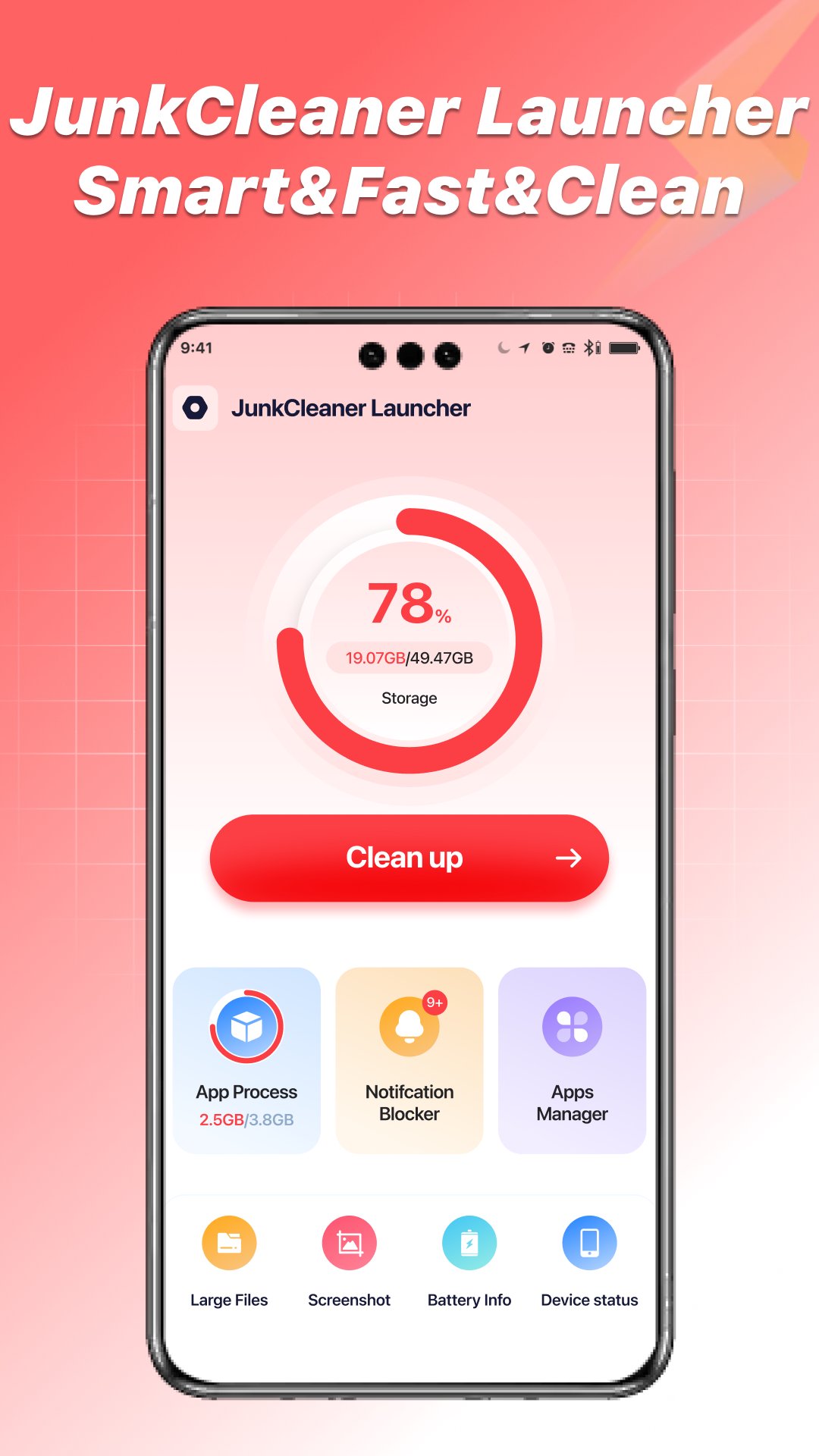
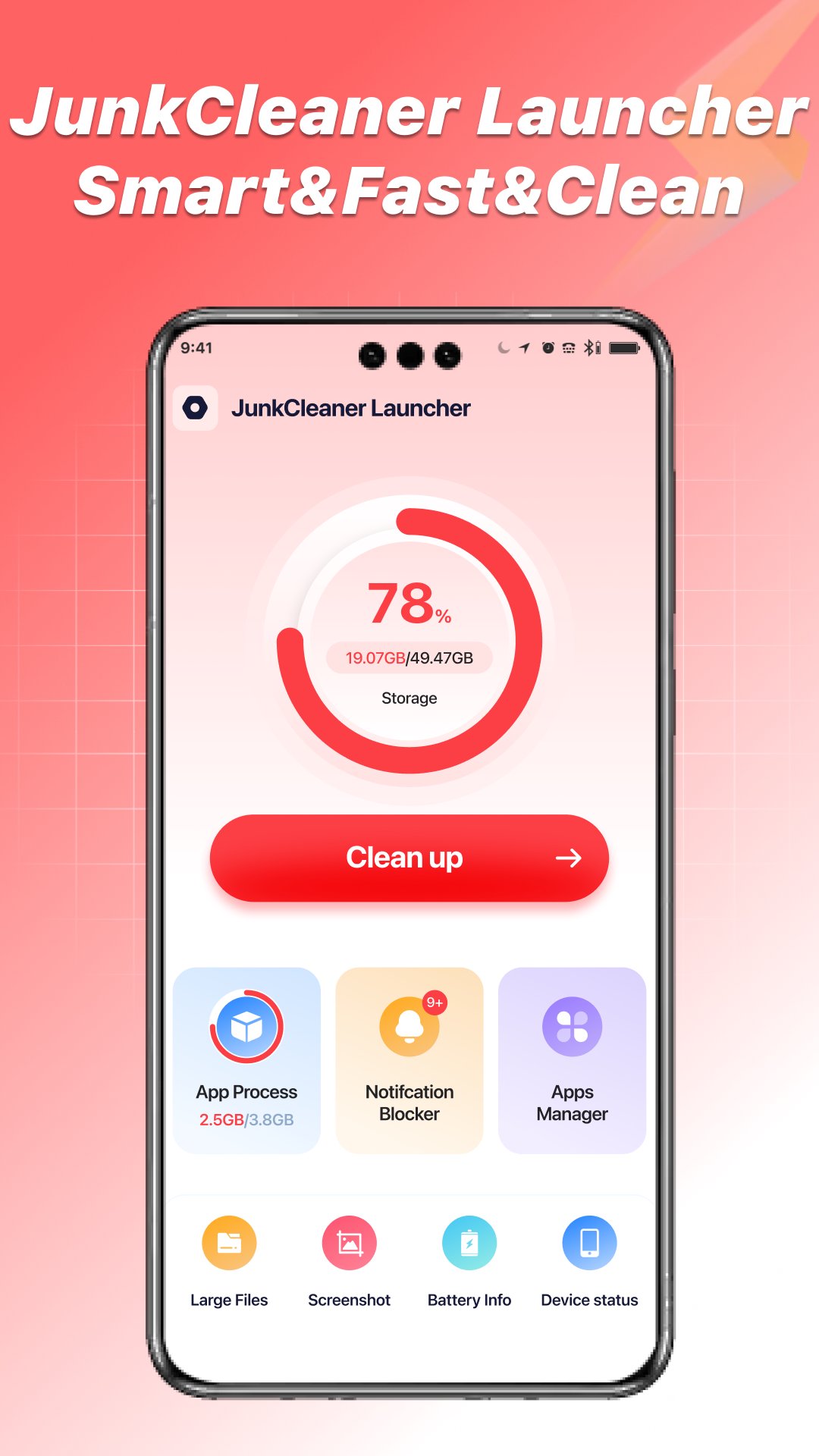
JunkCleaner Launcher is an Android cleaner that centralizes storage, notifications, and device status.
Developed by Rachidsoft, JunkCleaner Launcher focuses on “review first, then act,” giving users control over every cleanup step. It brings storage scanning, junk clean results, notification management, app activity insights, and device health into a single dashboard. This approach helps reduce accidental deletions and keeps everyday maintenance simple. Here is what stands out once you download JunkCleaner Launcher and start exploring its main tools.
JunkCleaner Launcher scans storage for cache, temporary files, and app leftovers, then puts you in charge of what gets removed. The scan groups items into clear categories so you see exactly where space is going. Instead of auto-deleting, it surfaces candidates and waits for your confirmation.
In practice, that means you can run a scan when the phone feels sluggish, review items by type, and tick only the entries you trust. This reduces the chance of losing downloads or helpful app data. The process is straightforward, yet the emphasis on “review first, then act” makes it safe for daily use.
When storage is nearly full, the large-file list highlights videos, archives, and bulky downloads that are hogging space. JunkCleaner Launcher helps you compare sizes at a glance so you can keep what's important and remove what is not. This is helpful before installing a big game or recording long 4K clips.
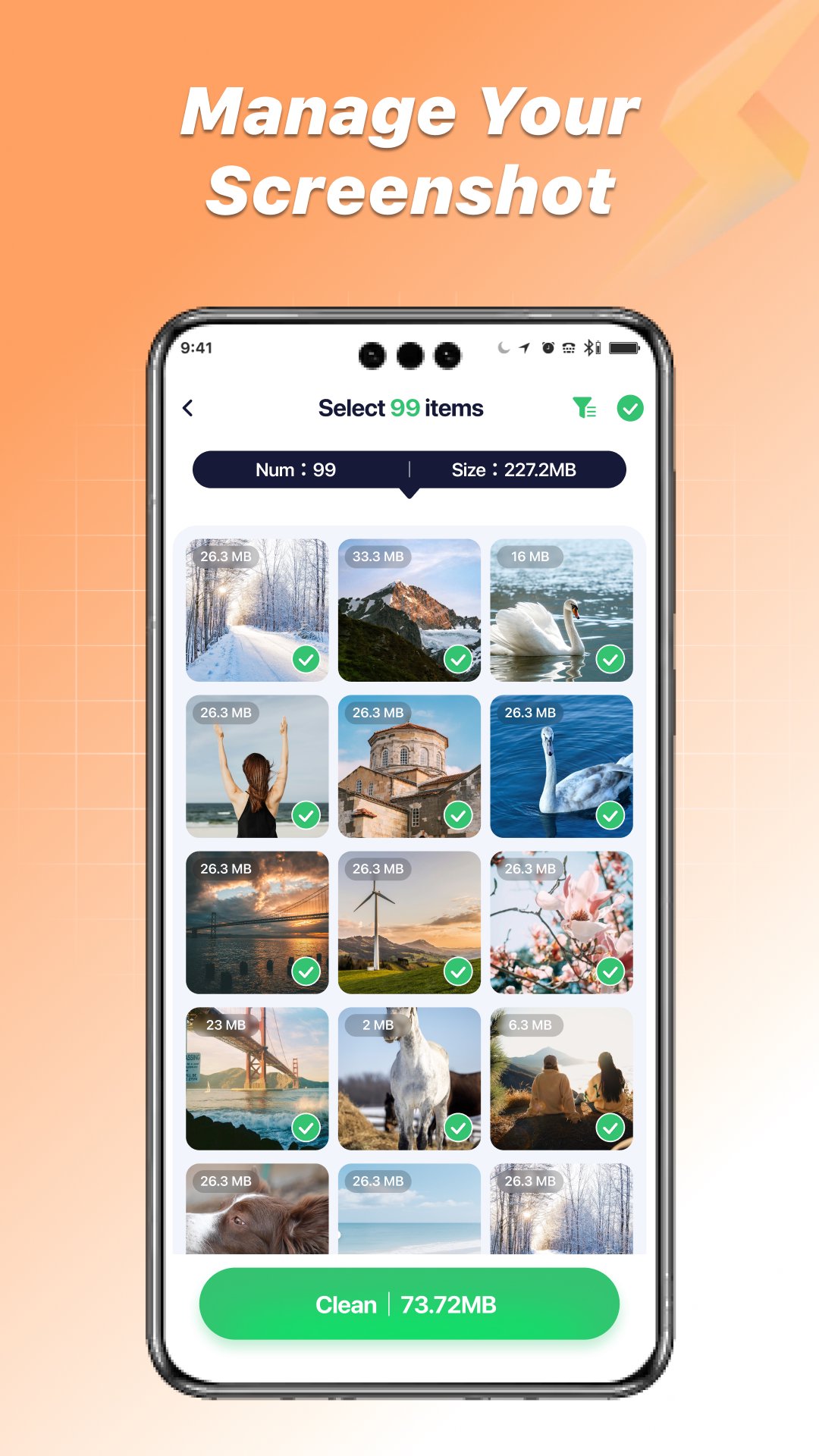
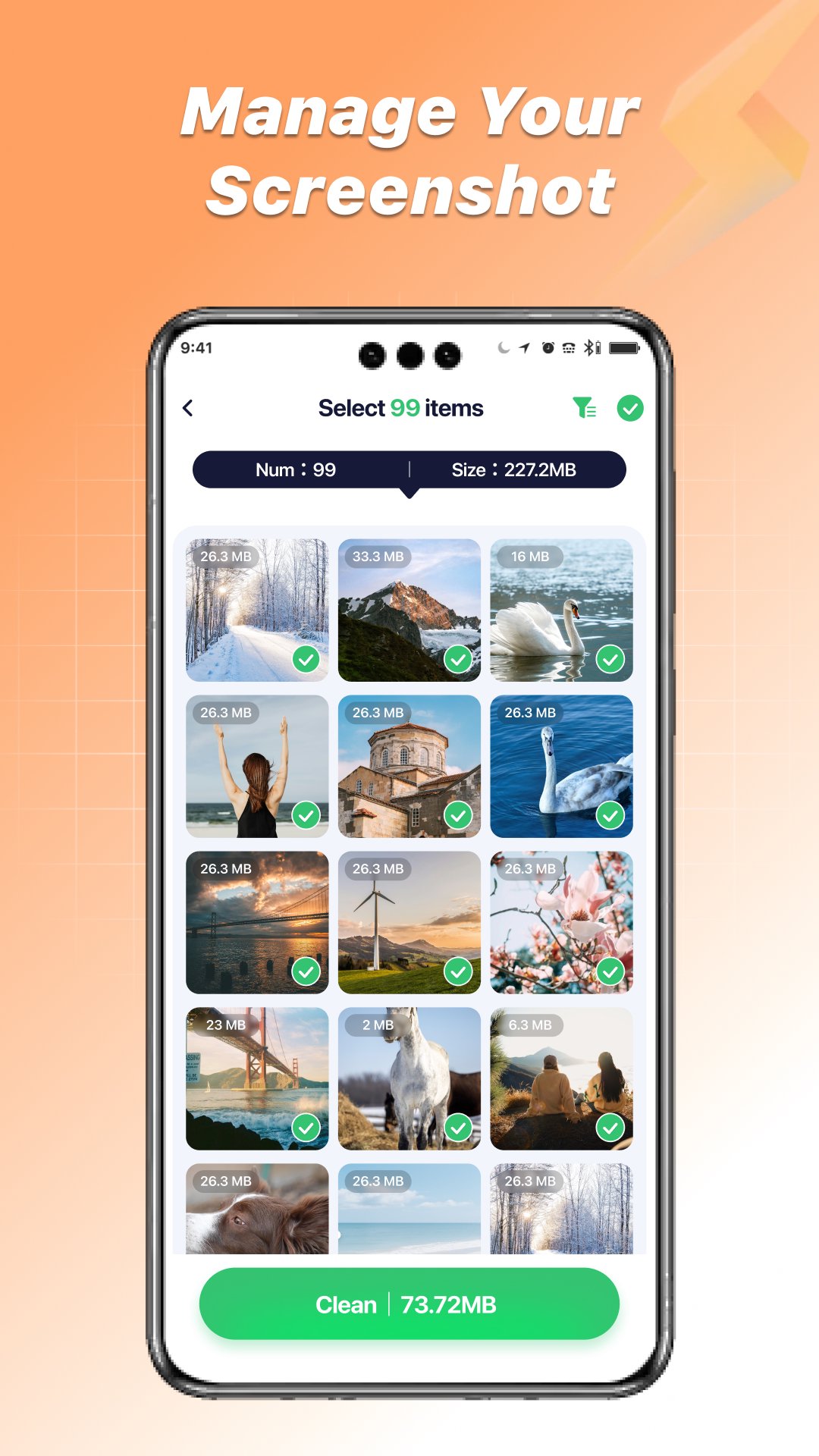
The screenshot manager complements this by gathering every capture in one place. It is easy to spot duplicates or outdated shots from chats, tickets, and tutorials. Clearing dozens of old screenshots in one sitting frees up space quickly without touching photos and videos you care about.
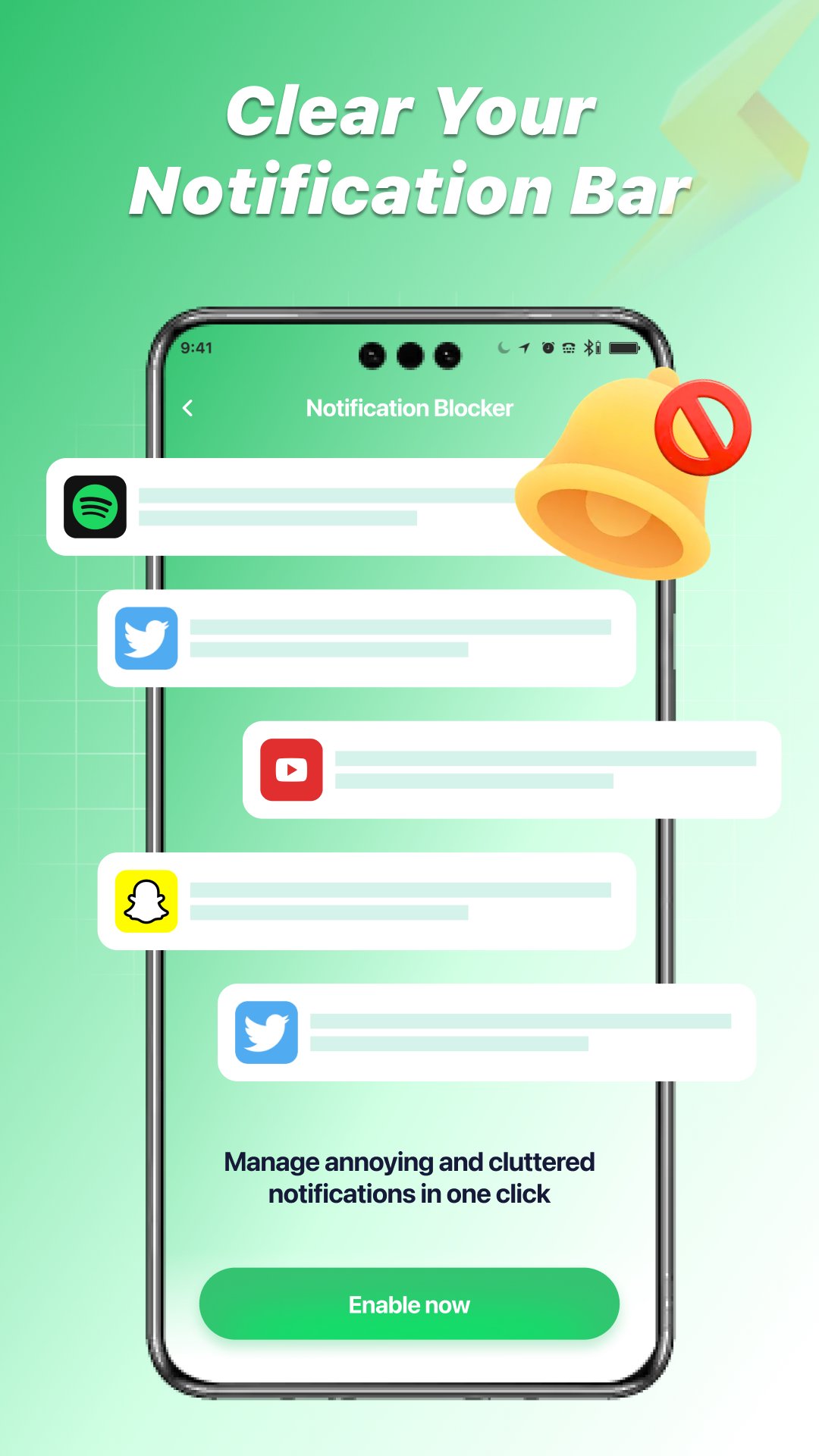
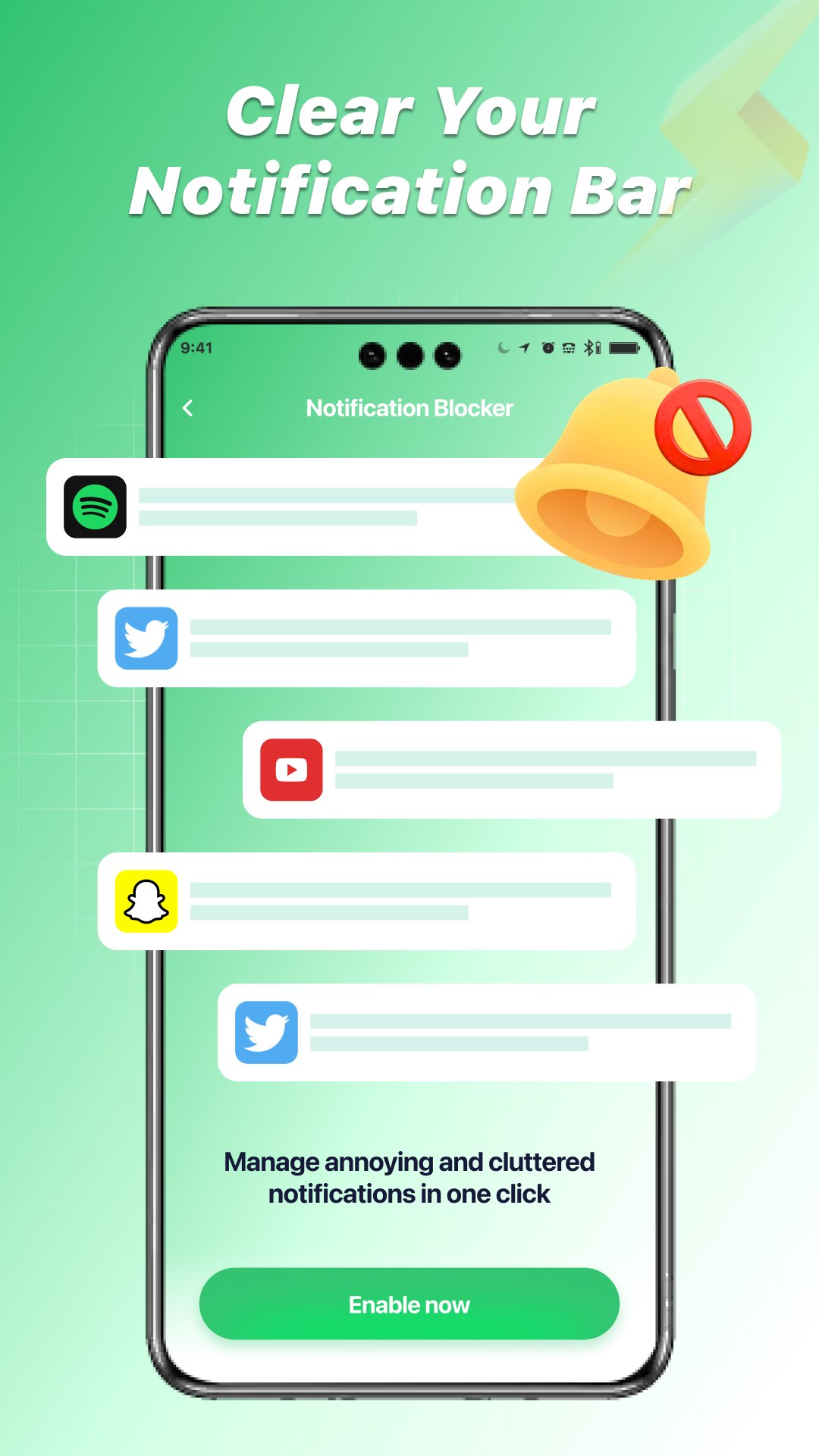
Persistent pings can overwhelm the lock screen and make meaningful alerts hard to see. JunkCleaner Launcher brings app-related notification entries together so you can tidy them in one go. Organizing by source helps identify overly chatty apps and reduce noise without digging through multiple settings pages.
This cleaner approach to notification management can make mornings calmer and quick checks more productive. When your shade only shows what matters, you spend less time swiping away junk alerts and more time acting on real messages and reminders.
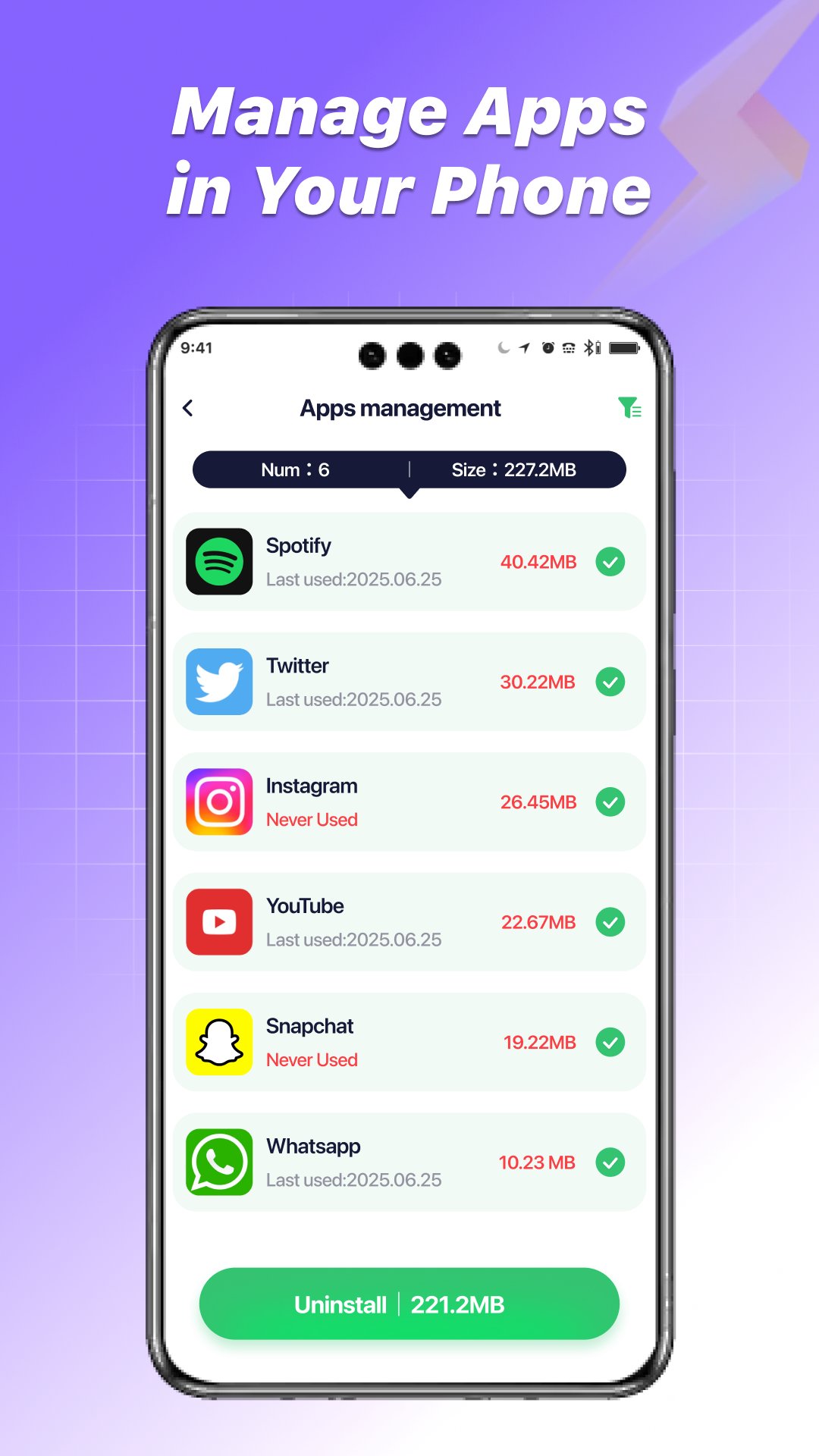
Background processes can warm the phone and drain battery without obvious signs. With JunkCleaner Launcher, you can review active apps, see what is running, and manage selected processes when performance dips. It offers a faster way to regain responsiveness after a long day of multitasking.
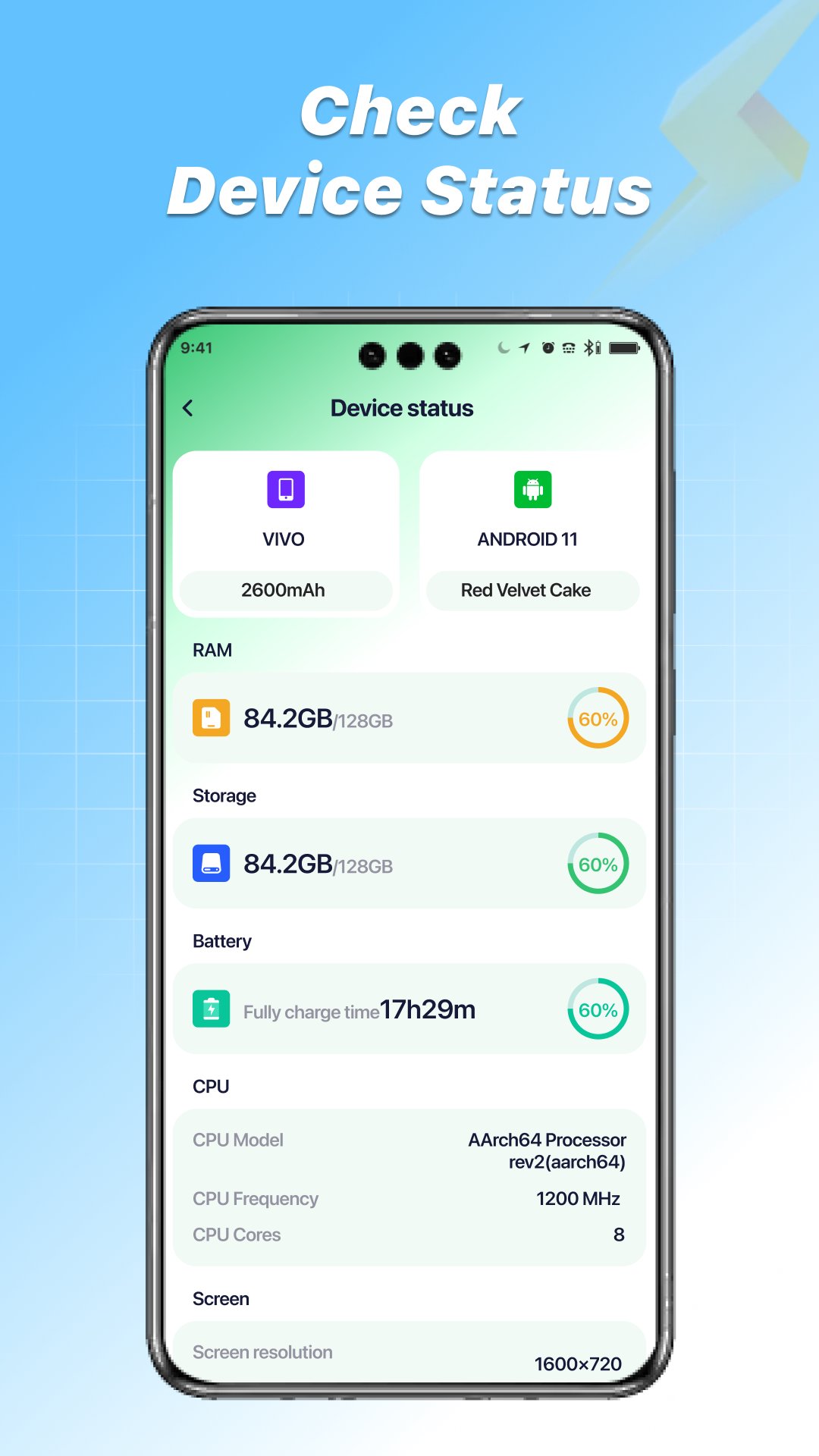
The device status panel adds useful context by showing battery level and temperature, charging state, and hardware details like storage, memory, and system version. If a game session pushes temperatures up, a quick check helps decide whether to pause resource-heavy apps. Before trips, a glance at available storage confirms there is room for photos and offline playlists.
These points reflect the review-first design and the focused toolkit provided by JunkCleaner Launcher, which favors user oversight over automation.
ProsYou can get the JunkCleaner Launcher APK from APKPure and install the JunkCleaner Launcher latest version on your device. The download is relatively small, roughly around 50–60MB, so most users finish in a minute or two on a stable connection. After installation, the app may ask for permissions to scan storage and display system information.
Make sure there is a bit of free space available for the APK and future cache cleanups. If you plan to remove large videos or archives, consider backing up important files first. Once installed, run a quick scan to review temporary items and check the large-file list; a short tidy-up often restores several hundred megabytes without touching personal content.

One-click to install XAPK/APK files on Android!

Thanks for your rating and feedback!
You have already rated.