Package Name:com.webdwarf.lightbox
Show More


70.6 MB
File Size
Everyone
Android 7.0+
Android OS
Tracing projector to trace images on the paper. Use your phone as lightbox tool.
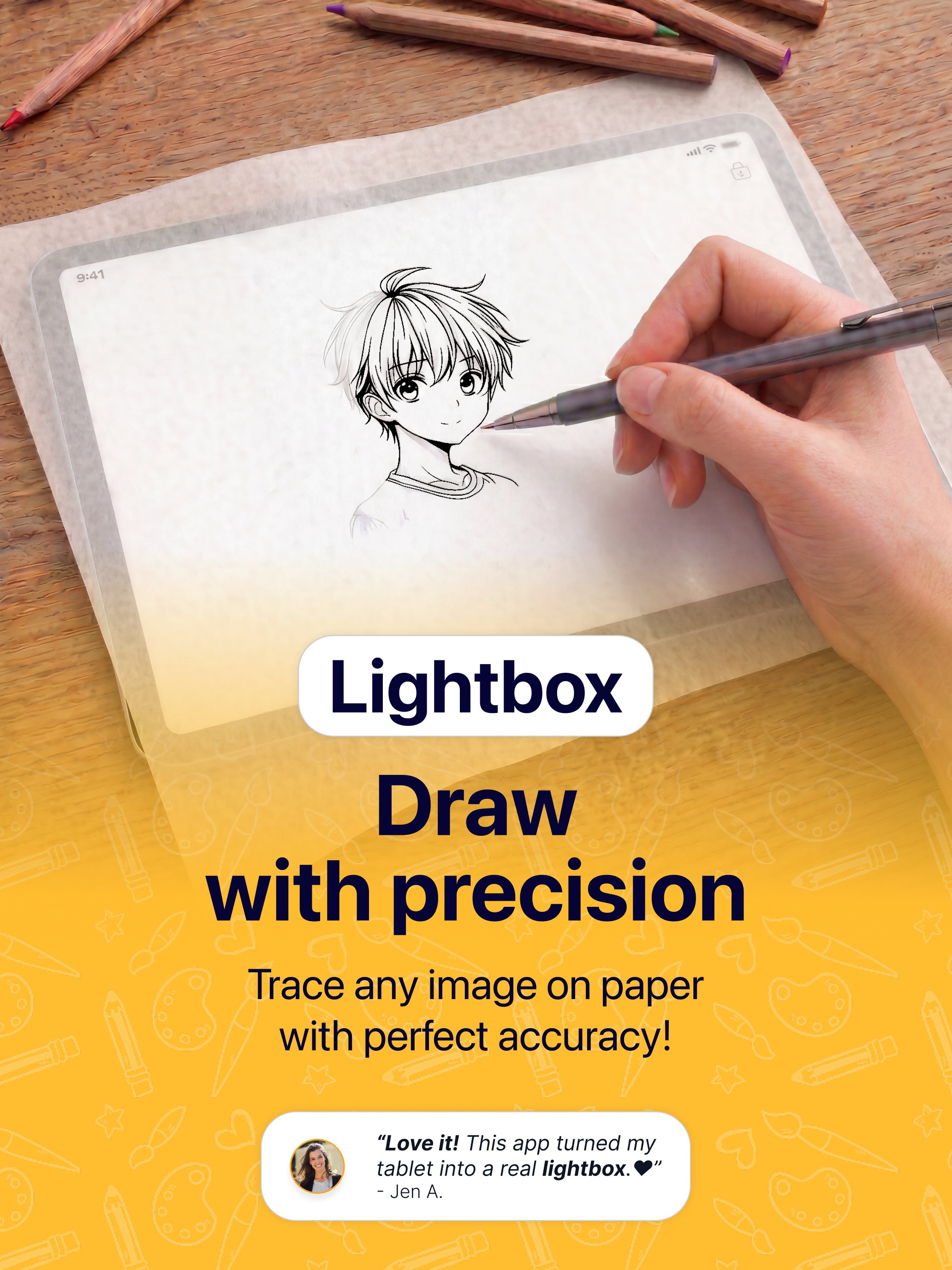
Lightbox Tracer is a tracing projector that allows you to trace any image directly on the paper. Transform your phone or tablet into a portable lightbox and tracing pad and start tracing today. Whether you want to trace on paper, practice sketching, or improve your pencil drawing skills, the app gives you a simple and accurate way to create artwork anywhere.
Use your device like a digital tracing projector to follow outlines, copy images, and sketch with confidence. From beginners learning the basics to experienced artists working on detailed designs, Lightbox Draw helps make drawing more enjoyable, creative, and precise.
With powerful image tracing tools and a smooth tracing experience, Lightbox Draw makes it easy to practice daily drawing exercises or work on detailed art projects. The built-in drawing projector and grid projector features help you trace more accurately and improve proportions while drawing.
The app includes over 300+ ready-to-use drawing templates for daily practice and creative inspiration. Explore categories like anime, portraits, flowers, animals, tattoos, cartoons, calligraphy, and more.
Main Features:
▶ Digital Lightbox
Turn your screen into a bright and stable lightbox for tracing and sketching directly on paper.
▶ Easy Image Tracing
Import any image from your gallery and start image tracing in just a few seconds with smooth controls and accurate positioning.
▶ Drawing Projector Tools
Use your phone or tablet as a simple drawing projector to create outlines, sketches, and detailed artwork with confidence.
▶ 300+ Practice Templates
Choose from a large collection of templates designed to help improve drawing techniques, tracing skills, and pencil control.
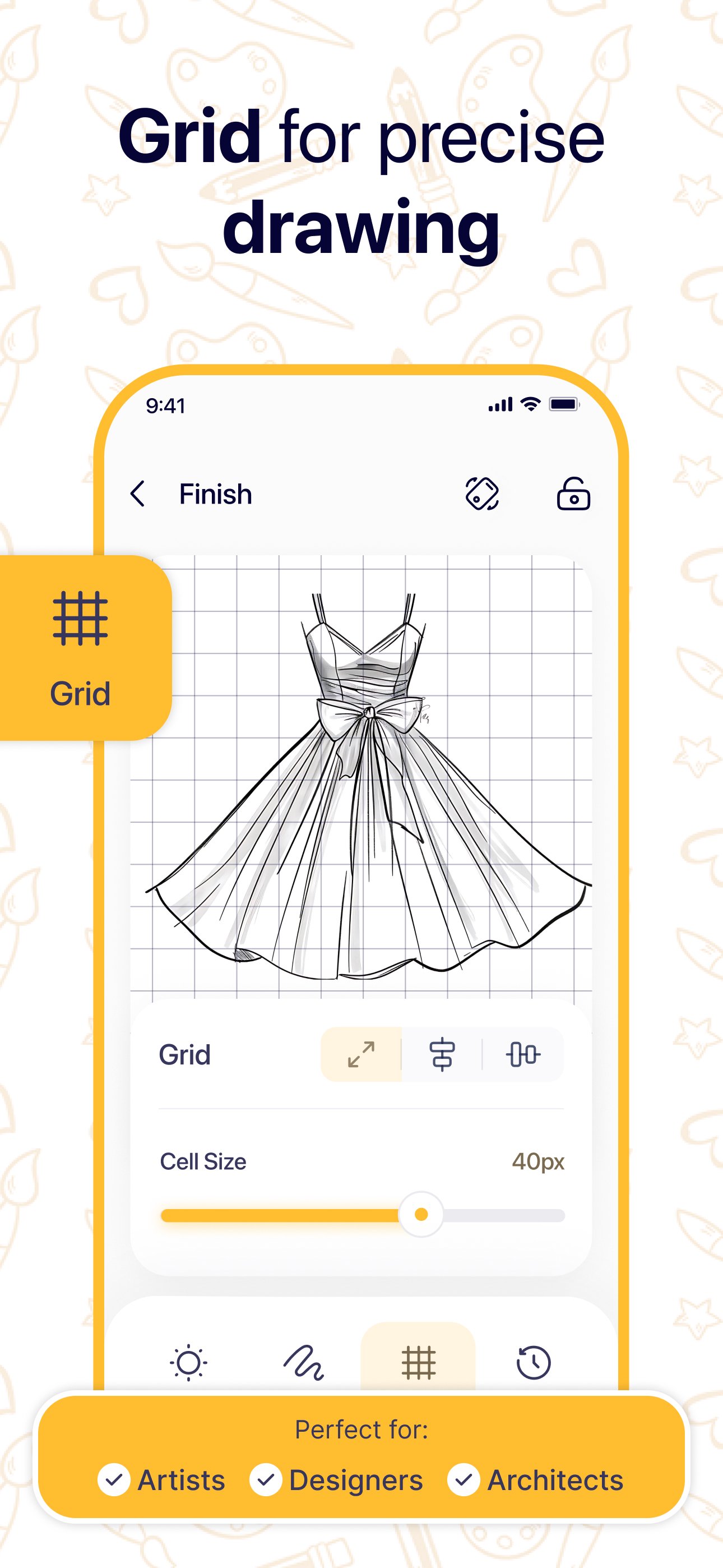
▶ Grid Projector Overlay
Enable an adjustable grid projector for better proportions, positioning, and tracing accuracy while sketching.
▶ Convert Photos to Line Art
Transform pictures into clean outlines that are easier to trace and draw using advanced image tracing tools.
▶ Lock Drawing Screen
Lock the drawing screen and keep the image steady while tracing without accidental movement or touch interruptions.
▶ Precision Adjustment Controls
Move, resize, rotate, and align images exactly the way you want before you begin.
▶ Smooth Tracing Experience
Our tracing projector is designed to make tracing on paper feel natural and comfortable for both beginners and experienced artists.
How It Works:
• Select a template or upload your own image.
• Adjust the image to fit your paper and drawing style.
• Use the grid projector if needed for extra accuracy.
• Lock the screen position.
• Place paper over your device.
• Trace every detail with your pencil using smooth, PRO-level precision.
Great For:
• Learning how to draw
• Pencil sketch practice
• Image tracing and outlining
• Tattoo and stencil design
• Calligraphy exercises
• DIY art and craft projects
• Using a digital lightbox for tracing
• Artists, students, and hobby creators
Lightbox Draw combines the convenience of a tracing pad with powerful lightbox and drawing projector features in one simple app. Whether you are practising image tracing, creating detailed sketches, or using the grid projector for better accuracy, Lightbox Draw helps you draw naturally and improve your artistic skills at your own pace.
Download Lightbox Draw - ultimate tracer tool and start bringing your ideas to life.
Lightbox Tracing Projector info:
Privacy Policy - https://lightboxtool.com/#/privacy-policy
Terms of Conditions - https://lightboxtool.com/#/terms-of-use
Contact - [email protected]





One-click to install XAPK/APK files on Android!

Thanks for your rating and feedback!
You have already rated.