Package Name:com.kdg.beam_android
Show More

Use your phone as a Mac webcam, mirror screen, transfer files and more
Link your Android phone to your Mac and unlock a powerful cross-device experience.
Use your phone as a webcam, mirror your screen, transfer files instantly, and control your device directly from macOS — all in seconds.
No cables. No accounts. No developer mode. Just works.
Perfect for creators, professionals, and everyday users who want their Android and Mac to work seamlessly together.
⸻
Key features
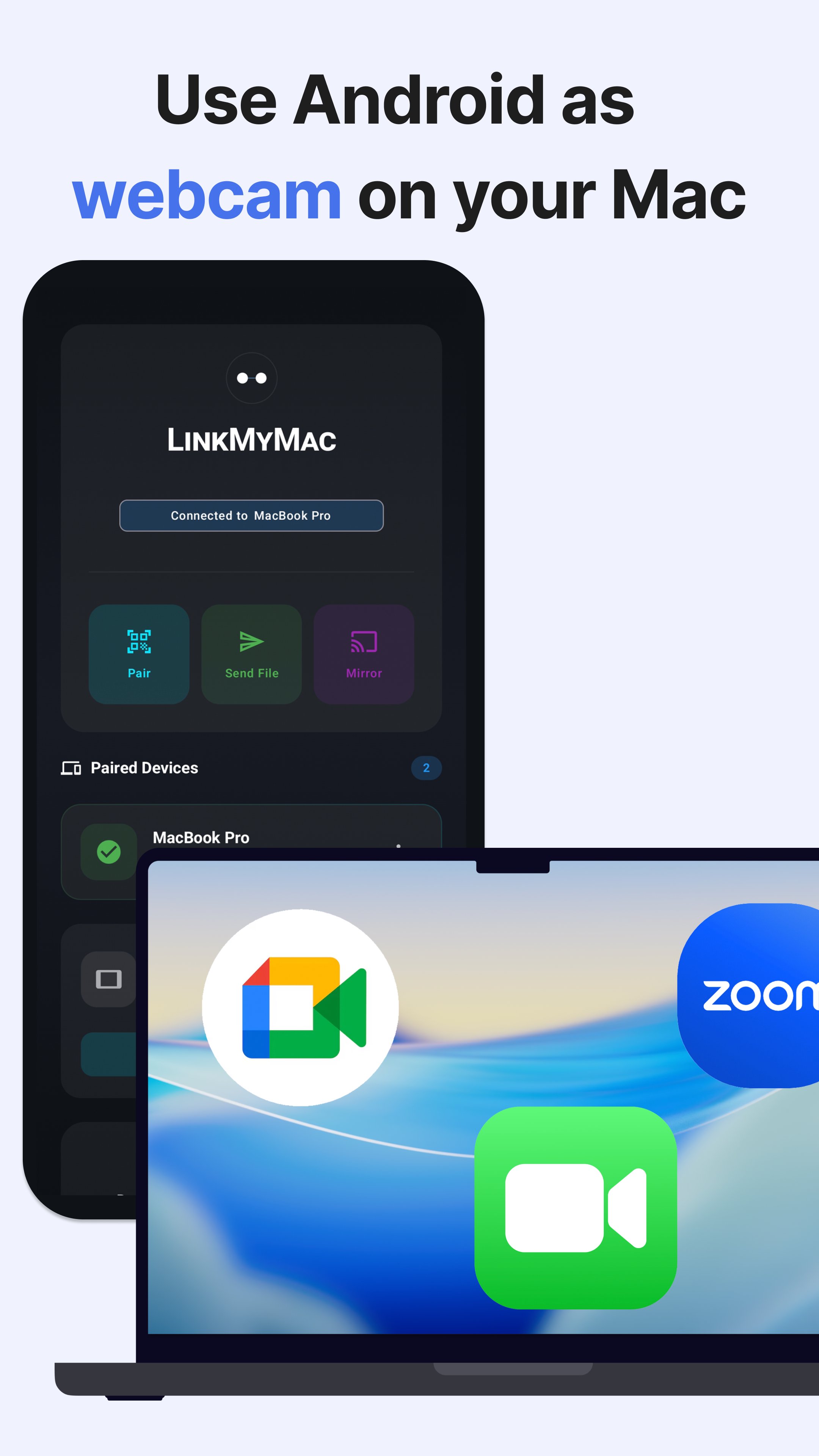
• Use your Android as a Mac webcam
Works with Zoom, Teams, Google Meet and more. Switch between front and back camera instantly.
• Mirror your Android screen in real time
Display your phone on your Mac for demos, recordings or everyday use.
• Control your phone from your Mac
Tap, scroll and navigate your Android device directly from macOS.
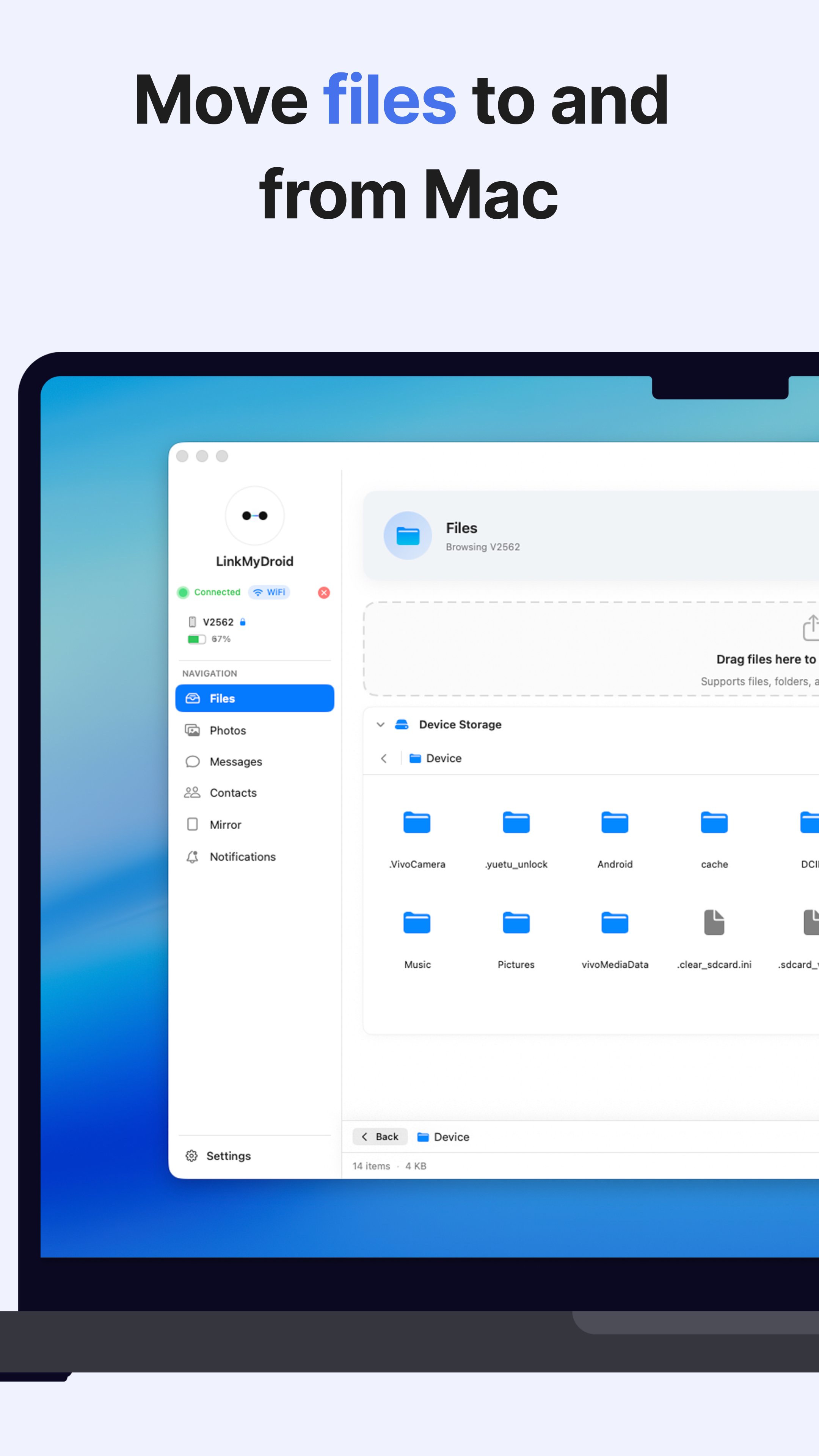
• Send files instantly
Transfer photos, videos and documents with no cloud and no delay.
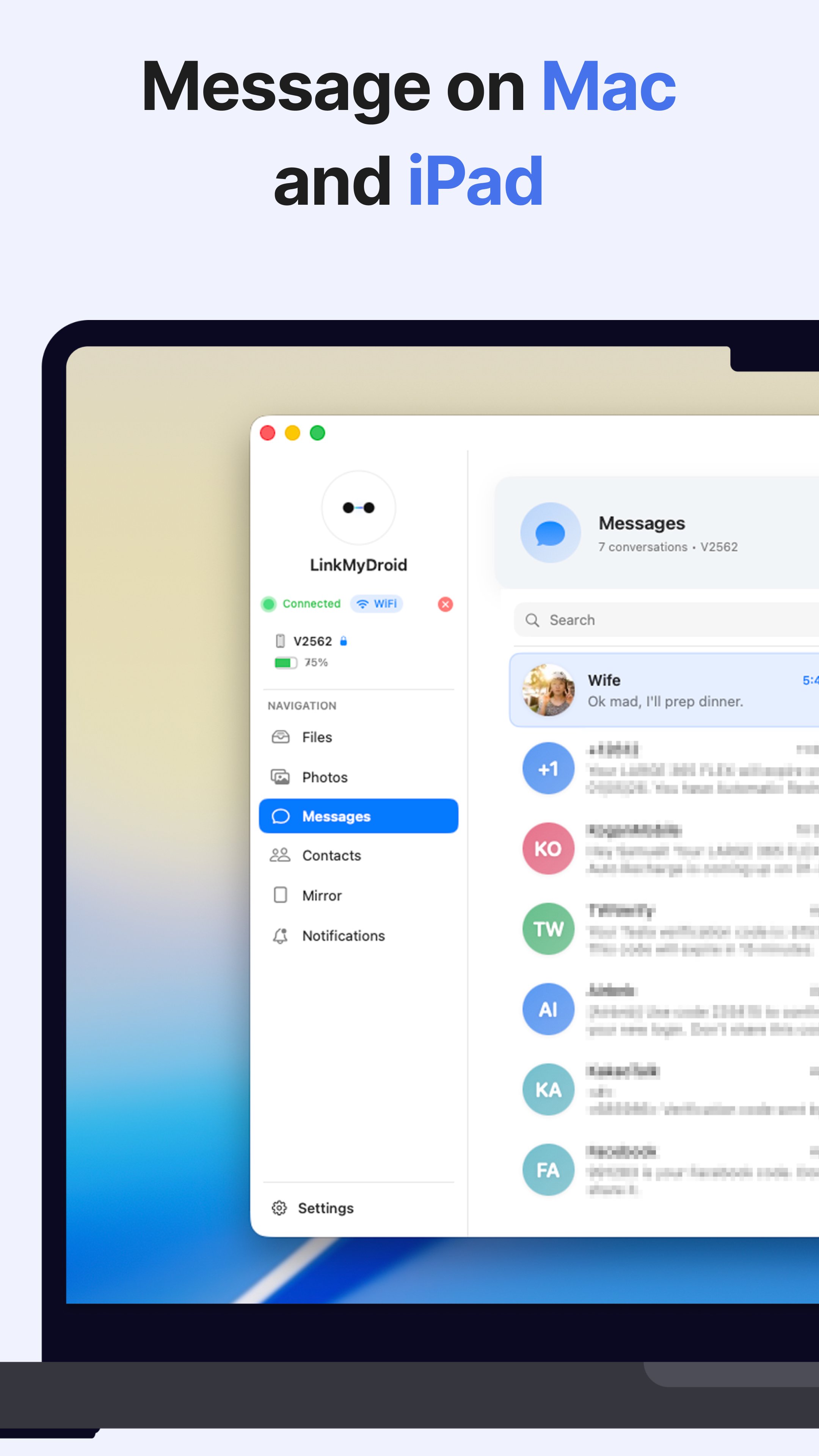
• Sync notifications and messages
See and reply to your phone notifications directly from your Mac.
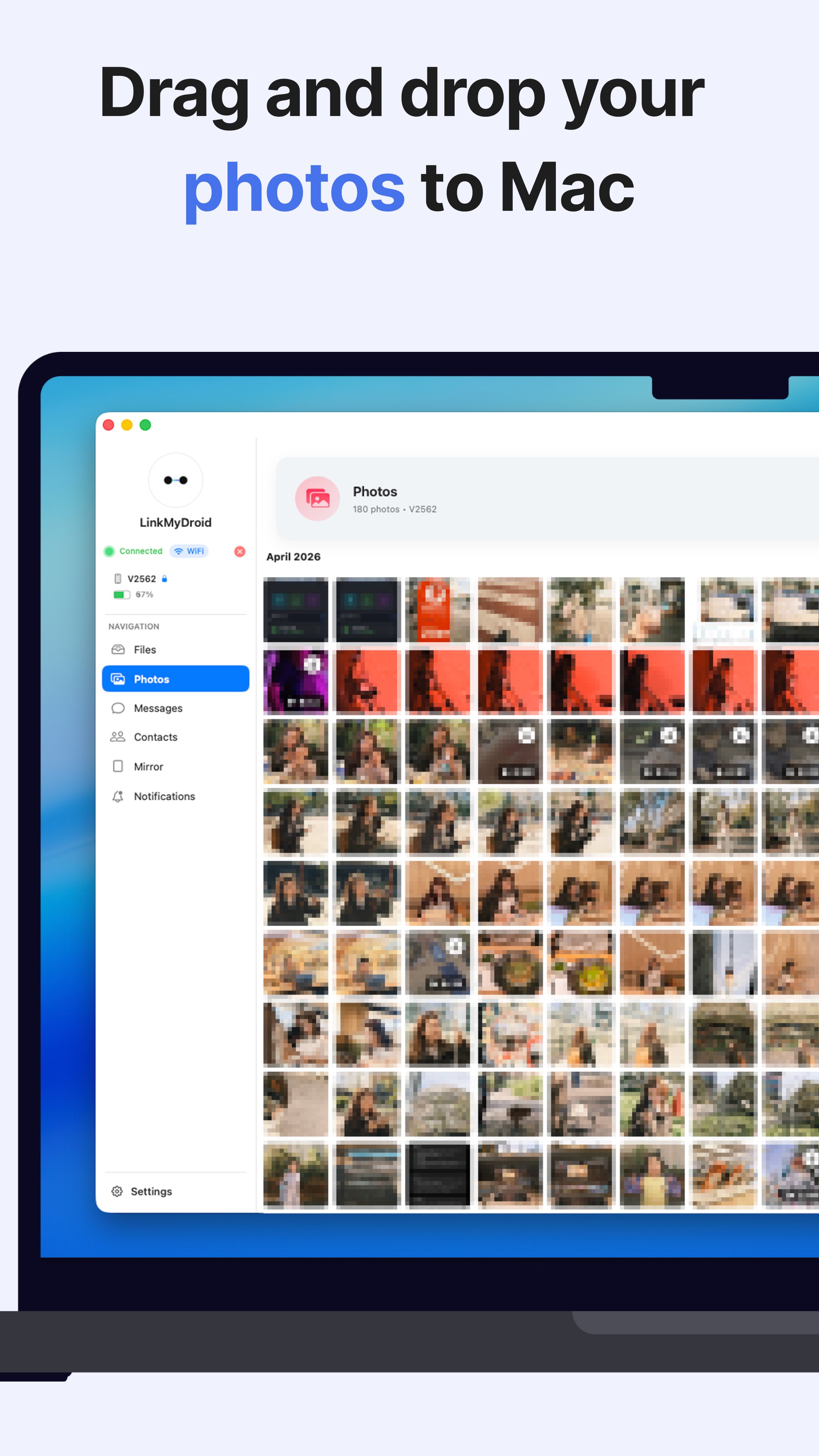
• Browse photos and contacts
Access your phone content quickly without picking it up.
• Fast and secure connection
Works over WiFi or USB for maximum speed and reliability.
• Easy setup
Connect in seconds with a simple QR pairing.
⸻
Accessibility Service Disclosure
LinkMyMac uses the Android AccessibilityService API solely to enable remote control of your Android device from your Mac. This allows simulated touch, scrolling and navigation actions initiated by the user.
Accessibility access is only enabled with explicit user consent, can be disabled at any time, and is never used to collect personal data, record audio, modify system settings or bypass Android security protections.
⸻
Why LinkMyMac?
Built for simplicity and performance, LinkMyMac gives you full control of your Android device from your Mac without complexity.
No accounts. No cloud storage. Your data stays on your devices.
⸻
Download LinkMyMac and simplify your workflow today.




One-click to install XAPK/APK files on Android!

Thanks for your rating and feedback!
You have already rated.