Safe & Fast APK Downloads on APKPure
APKPure uses signature verification to ensure virus-free LOOK PLUS APK downloads for you.

LOOK PLUS is an Android TV media player for HD Internet TV movies and series, designed for smooth big screen playback with a remote friendly interface.
Built by MAVDEV, LOOK PLUS focuses on performance and ergonomics for living room viewing. Its clean TV layout makes browsing fast with a remote, while keeping playback controls straightforward. The LOOK PLUS APK brings a simple, familiar feel so you can start watching without fuss. Here are the key highlights you can expect on Android TV.
TV optimized interface designed for easy remote navigation
HD Internet TV playback for movies and episodic series
Optional handoff to external players when you prefer another engine
Minimal, attractive layout that suits big screens
Clear data practices: no data collected or shared
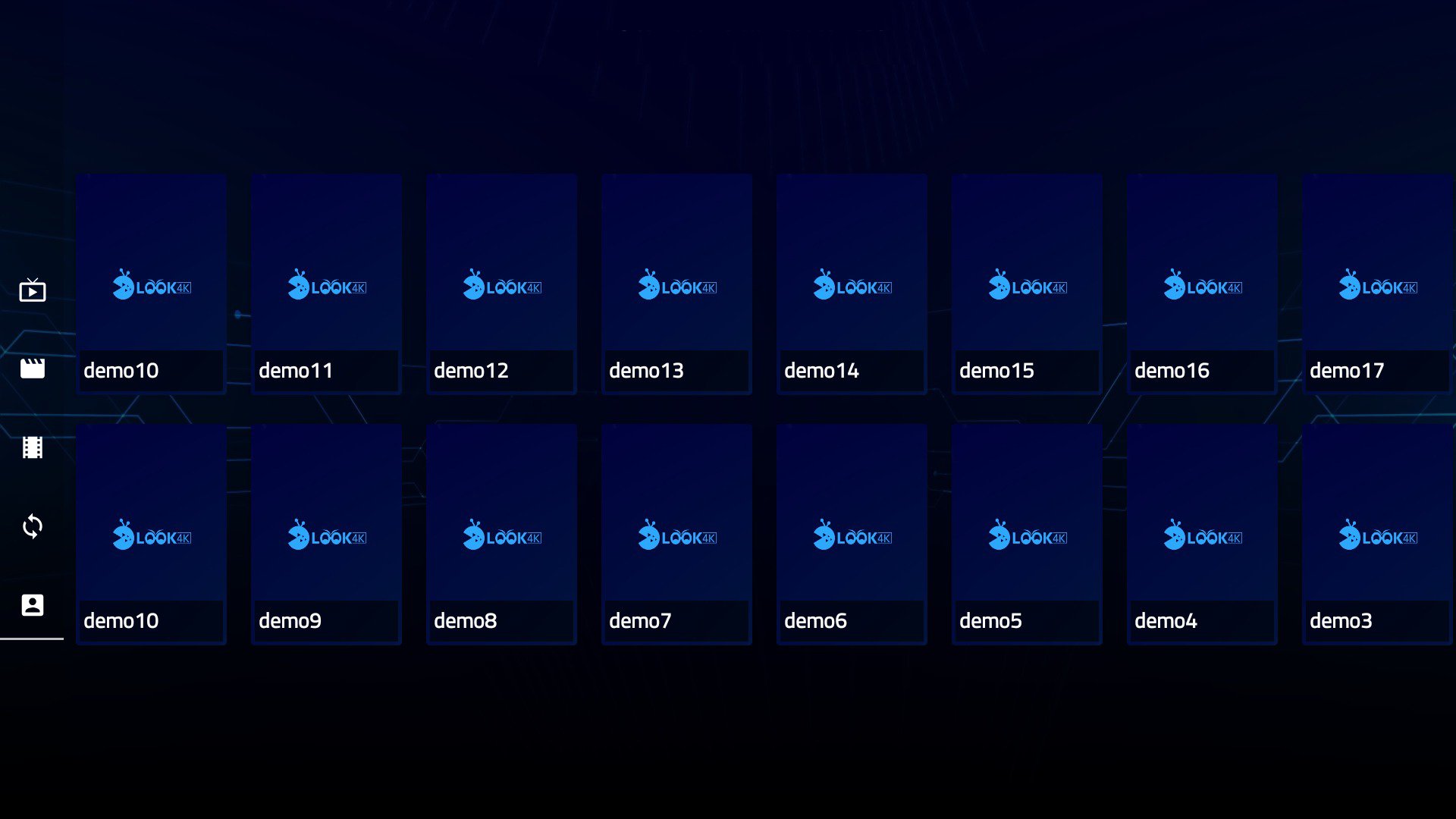
The core of LOOK PLUS is a straightforward interface built for Android TV. Large tiles, clear labels, and predictable menus make it comfortable to browse from the sofa. You move through sections like Movies and Series using the directional pad, then press OK to open details and start playback.
In practice, the layout keeps distractions low. Categories are easy to scan on a 55-inch TV, and button mapping matches what most users expect on a standard remote. If multiple people in your home use the same TV, the simple structure helps everyone find content quickly without a learning curve. The LOOK PLUS app keeps settings a tap away, so you can tweak behavior without getting lost in submenus.
LOOK PLUS focuses on HD playback for Internet TV streams, so movies and series look crisp on modern televisions. Video starts promptly, and on-screen controls stay out of the way until you need them. Play, pause, and seeking work reliably from the remote, which suits quick rewinds during dialogue or skipping an intro.
When a title is selected, the app brings up video quickly and adapts well to big screen viewing. If your connection fluctuates, quality depends on your network and the source, so stability can vary by stream. A practical approach is to pause for a moment to buffer if a scene is important. During testing, moving between episodes felt natural, and returning to the previous screen is as simple as pressing Back. This keeps your focus on the show rather than the controls.
If you prefer a different playback engine, LOOK PLUS offers external player integration. This is useful when a specific player handles certain formats better on your TV, or when you want custom gestures and timing controls that you already use elsewhere.
From the video screen or in settings, choose the external player option to hand off the stream. After that, your chosen app takes over playback while you keep browsing inside LOOK PLUS for what to watch next. This flexibility is a practical workaround when a stream needs a different decoder, and it saves time compared with switching apps entirely. Just remember that features available in the external player depend on that app’s capabilities.
At around 29 MB, the installation package is small for a TV focused media player. That makes it quick to install and easy to keep on devices with limited storage. The app targets Android 5.0 and up, which covers a wide range of TV boxes and smart TVs.
Privacy is another plus. According to its listing, no data is collected or shared, which suits a living room device where multiple people may interact. Settings are intentionally basic, so you will not find heavy customization, but the tradeoff keeps performance snappy and the interface uncluttered. If you want more control over playback behavior, pairing the app with an external player offers a simple way to extend features without adding complexity inside LOOK PLUS.
In regular use on Android TV, LOOK PLUS feels focused and straightforward, which is great for quick watching. The simplicity does mean fewer documented features, so expectations should match its lightweight design.
Pros
Tailored for Android TV remote use
Clean, simple navigation on big screens
HD playback with stable core controls
External player option for flexibility
No data collection disclosed
Cons
Sparse documentation and feature details
Mixed TV only reviews and unclear change log
You can download the LOOK PLUS APK latest version from APKPure. Version 3.8 is about 28.0 MB and supports Android 5.0 or later. On Wi Fi, the file usually downloads in under a minute; on mobile data, allow a little longer depending on signal strength. Before you download LOOK PLUS, check that your device has enough free storage for installation and future updates.
After the APK finishes downloading, open it on your Android TV or compatible device and follow the on screen prompts. If installation from unknown sources is disabled, enable it in your TV’s security settings, then return to the file and proceed. Once installed, launch the app to browse Movies and Series and start HD Internet TV playback right away. If a stream hesitates on your network, try the external player integration in settings for a smoother experience.
Keep your system updated for best performance, and consider using wired or strong Wi Fi for longer viewing sessions. When you are set up, a few clicks on the remote are all it takes to jump back into your next episode.



One-click to install XAPK/APK files on Android!

Thanks for your rating and feedback!
You have already rated.