Package Name:com.andre.luma_vid
Show More


82.3 MB
File Size
Teen
Android 7.0+
Android OS
Auto captions and AI editing
Generate videos and images with AI, then edit it all in the same app.
Describe what you want, pick the quality and get your video or image in seconds. Want to change something? Take it to the timeline and adjust every detail — cuts, captions, effects and soundtrack — without switching apps.
AI GENERATION
• Text to video: describe the scene and get the clip
• Text to image: turn an idea into photos and artwork
• AI voices and music to finish the project
• Adjustable quality and aspect ratio
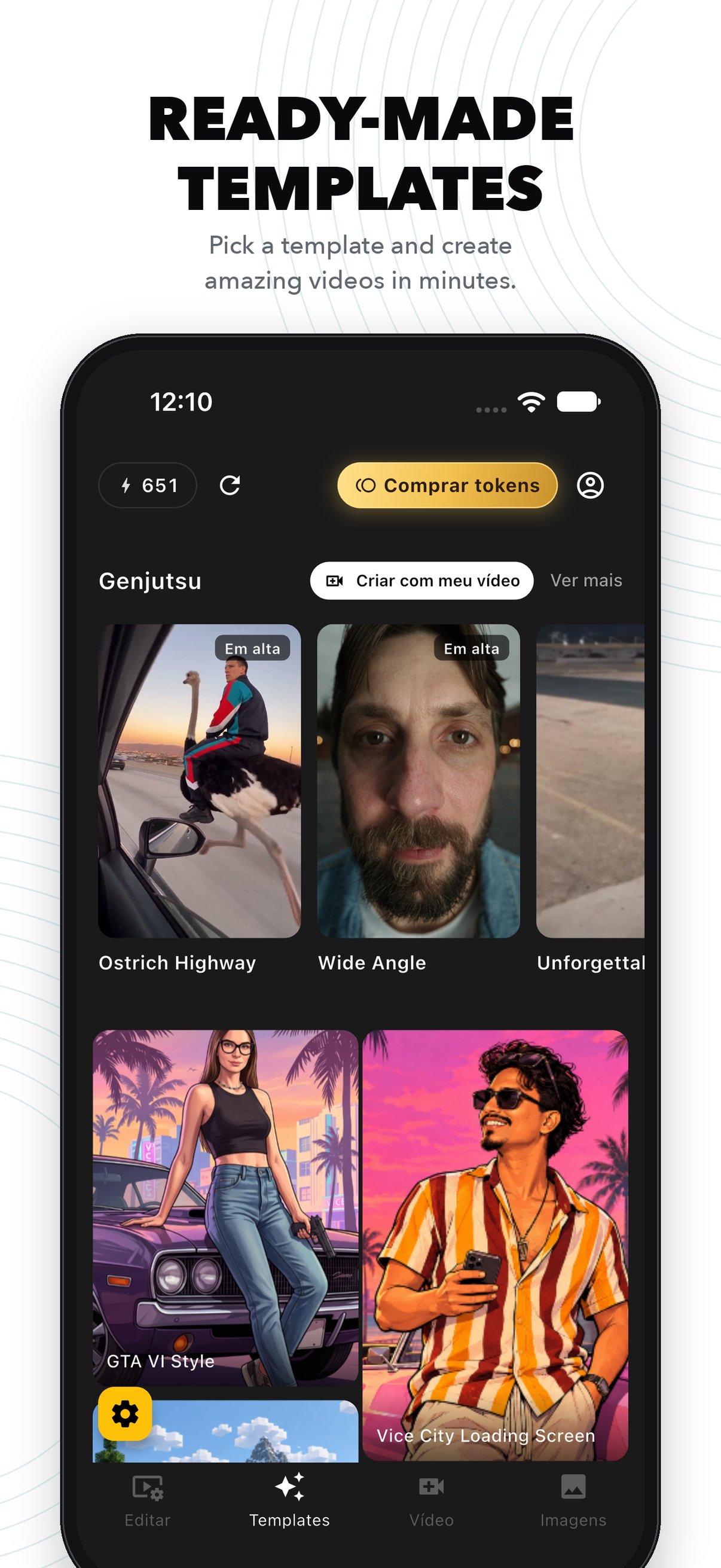
• Ready-made templates for social media
FULL EDITOR
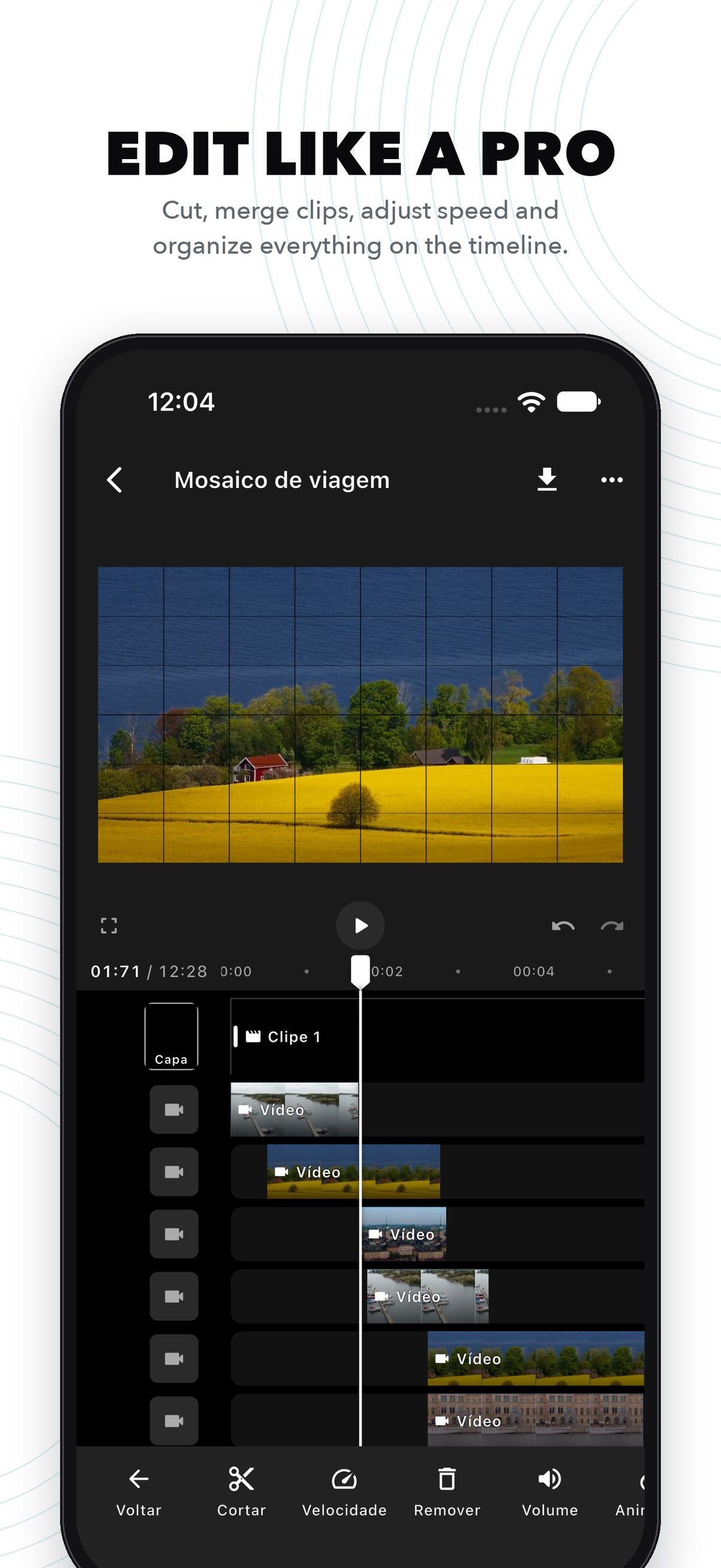
• Timeline with split, trim, insert, duplicate and reorder
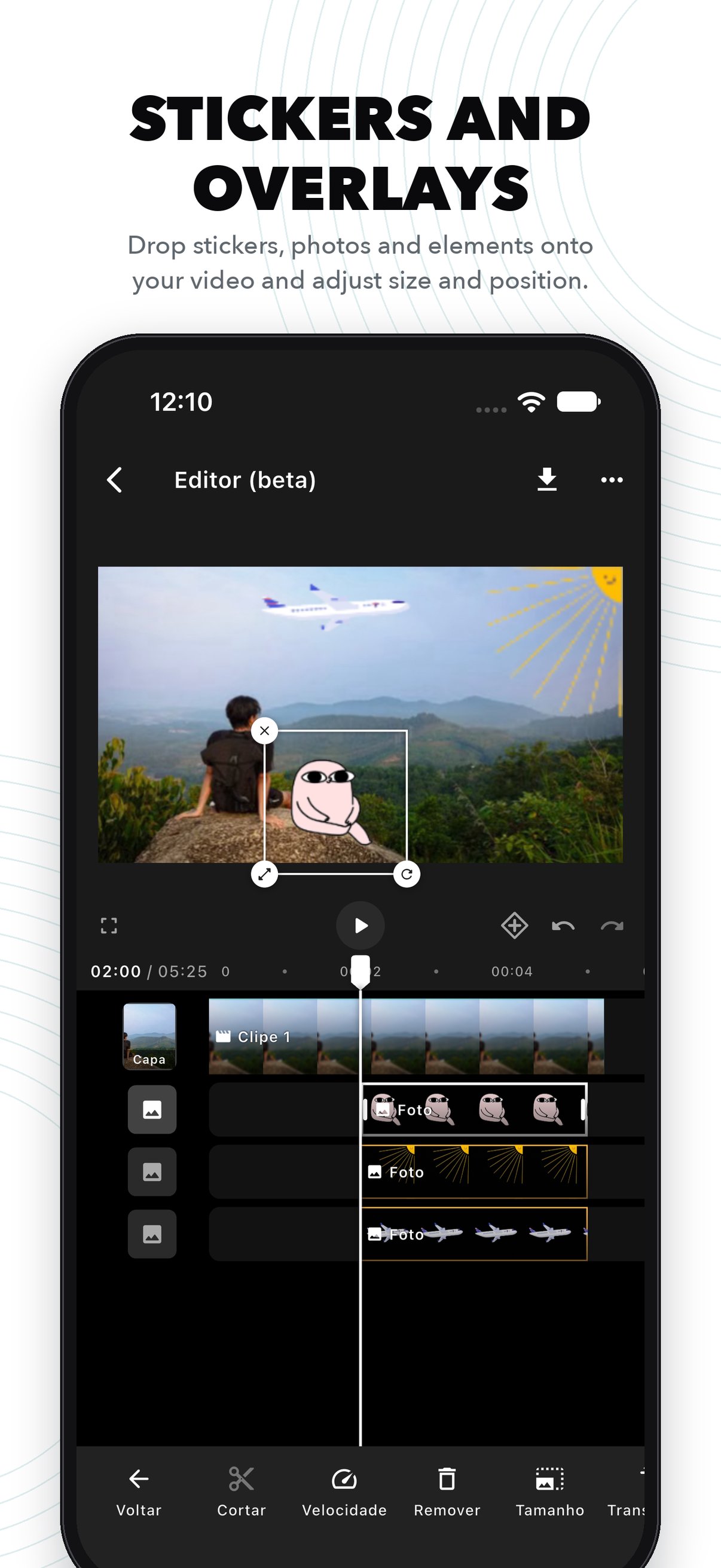
• Video and photo layers (picture-in-picture) with rectangle, circle, heart and star masks
• Text, stickers and music on the timeline
• Constant or curved speed, with smooth slow motion
• Filters, effects (VHS, glitch, shake, pixelate and more) and color adjustments
• Chroma key for green screen and object tracking
• 9:16, 1:1, 4:3 and 16:9, plus custom aspect ratio
• Autosaved projects: close the app and pick up where you left off
AUTOMATIC CAPTIONS
Attach a video, pick a style and get it captioned: word highlight, karaoke style, custom colors and position. No typing.
WHO IT'S FOR
Creators, social media managers, small businesses and anyone shooting on a phone who wants a polished video without a desktop.
EXPORT
SD, HD and Full HD, straight to your gallery. Subscribers export without a watermark; free exports include one. Some features use tokens.

One-click to install XAPK/APK files on Android!

Thanks for your rating and feedback!
You have already rated.