














Bluesky introduced a new algorithmic opt-out feature on August 27, 2026 that lets users stop their posts from appearing in the app's main Discover feed. The update gives users more control over their visibility on the open social network, addressing a common complaint from those who post for followers rather than viral reach.

What the Algorithmic Opt-Out Does in Bluesky
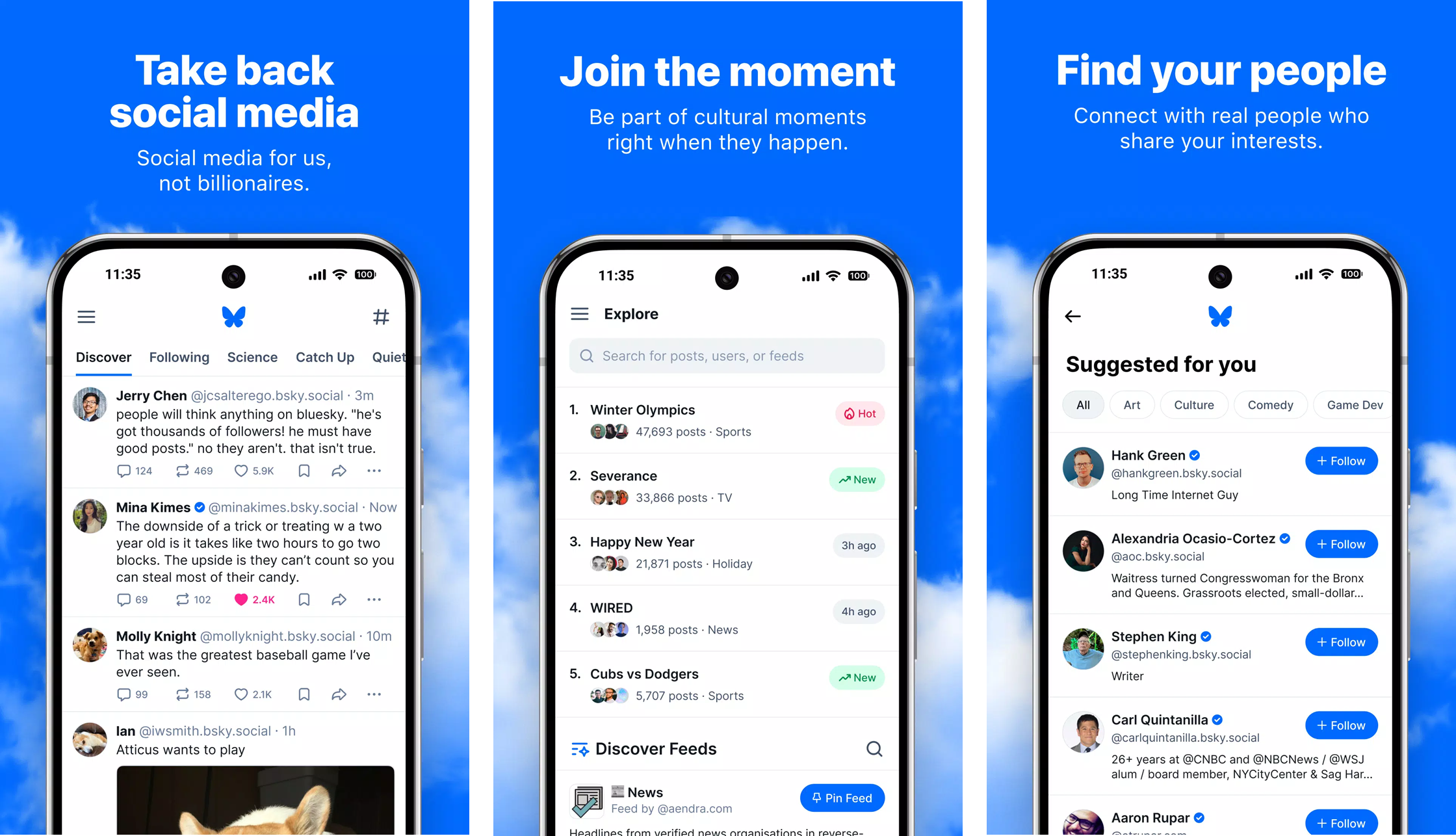
The algorithmic opt-out is a simple toggle. When enabled, your public posts stop surfacing in Bluesky's Discover feed, which is the app's main algorithmic timeline. Your posts remain public and visible to anyone who follows you or visits your profile directly. The feature doesn't make posts private. It makes them less discoverable outside your existing network.
Bluesky says the feature exists because not everyone using the platform wants to go viral. Some users prefer posting for their followers without having their words pushed to larger crowds through algorithmic surfacing.
How to Enable the Bluesky Opt-Out Setting
The toggle lives in the Privacy and Security settings menu.
1. Launch the Bluesky app or open Bluesky in your web browser and log into your account.
2. Open your account menu and select "Settings".
3. Inside Settings, go to the "Privacy and Security" section.
4. Locate the "algorithmic opt‑out" toggle switch.
5. Toggle the switch to turn this option "ON".
6. Save your changes if prompted.
7. Allow up to one hour for the setting to be fully applied across your Bluesky experience.
The delay exists because Bluesky's servers need to propagate the preference across its infrastructure. If you toggle it on and immediately post, that post might still appear in Discover for a brief window before the setting catches up.
AT Protocol: Account-Level Preference
One thing that sets Bluesky's implementation apart from similar features on other platforms is that the preference is recorded at the account level, not the app level. This means the setting travels with your account through the AT Protocol that powers Bluesky.
If you post from a different app that uses the same underlying protocol, the preference carries over. The setting isn't locked to the Bluesky app itself. Other apps built on AT Proto have access to this information, though they still choose whether to respect it.
Bluesky Discover Feed vs Following Feed
The Discover feed is Bluesky's algorithmic timeline that surfaces posts from across the network. It can show any public post to any user. The Following feed, by contrast, only shows posts from accounts you follow in chronological order.
The opt-out only affects the Discover feed. Your posts still appear in the Following feed for your followers and on your profile. Anyone who searches for your posts or visits your page can still find them.
Impact on Bluesky Users and Creators
For everyday users, the opt-out is a privacy-adjacent feature that reduces unwanted attention. If you use Bluesky to chat with friends and don't want strangers finding your posts through the algorithm, this gives you that control.
For creators and accounts looking to grow, the opt-out is something to be aware of. If you're trying to build an audience, enabling it would reduce your reach through the Discover feed. The feature is optional and defaults to off, so most users won't see any change unless they actively enable it.
Bluesky's Recent Feature Updates
This update follows Bluesky's addition of longer video support on August 26, when the platform started allowing 10-minute video uploads. The algorithmic opt-out adds to a growing set of privacy and control features that distinguish Bluesky from other social networks.
- How to Fix “Unable to Contact Your Service” Error in Bluesky
- How to Download Foundation: Galactic Frontier APK Latest Version for Android 2026
- How to Download MISTPLAY: Play to Earn Money APK Latest Version 6.31.0 for Android 2026
Bluesky continues to position itself as an open alternative to closed social platforms. The account-level preference system demonstrates what the AT Protocol enables: settings that follow the user, not the app. To try the new feature, download Bluesky from APKPure and check your Privacy and Security settings.
Conclusion
The algorithmic opt-out gives Bluesky users a choice: post for everyone or post for your network. The implementation at the account level through AT Proto is a technical step beyond what most platforms offer. Whether you enable it depends on your goals. If you value reach, leave it off. If you prefer a quieter experience, toggle it on. Either way, the option exists now.