
Package Name:com.haiwaidao.ffmpegconver
Show More

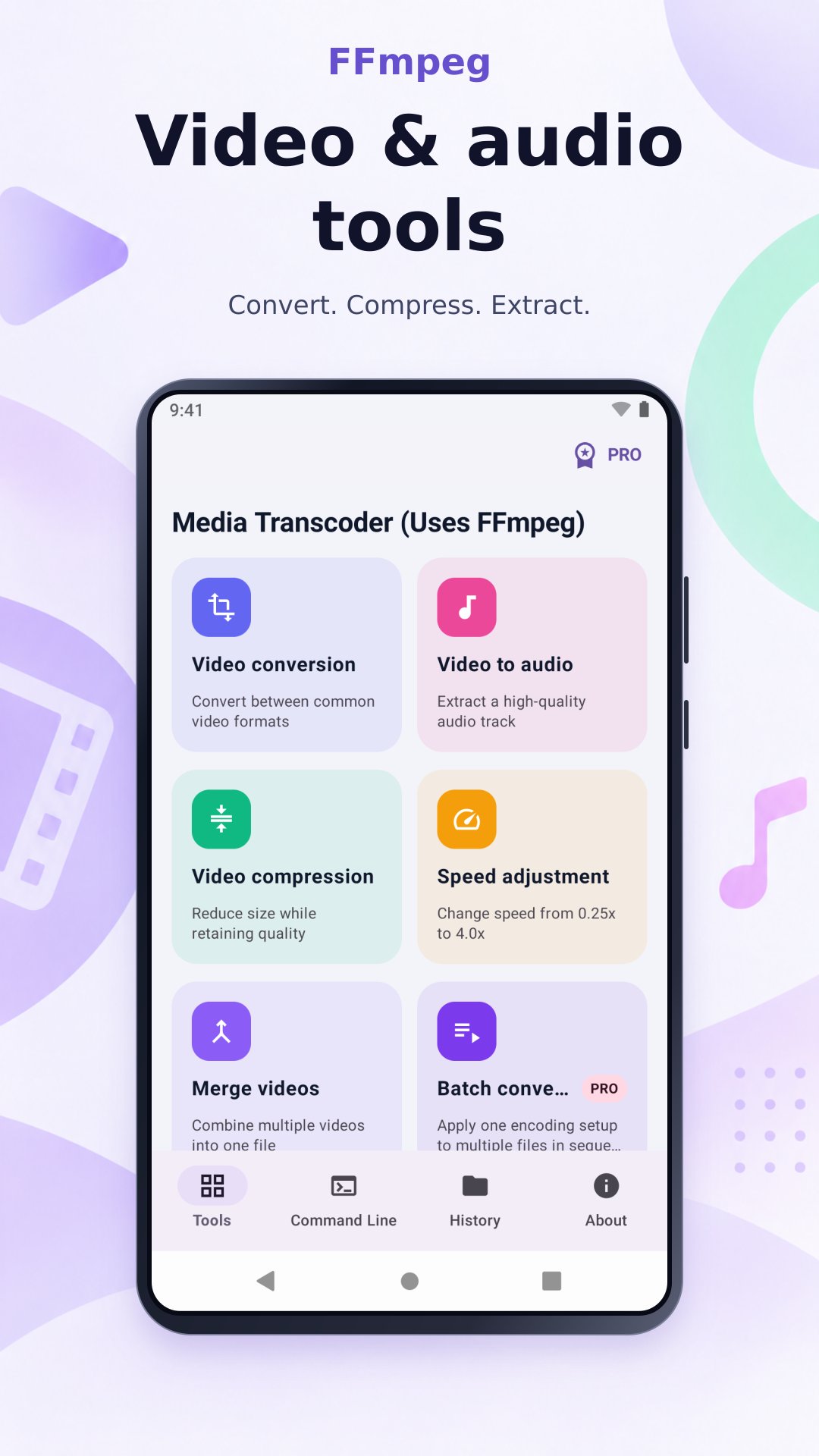
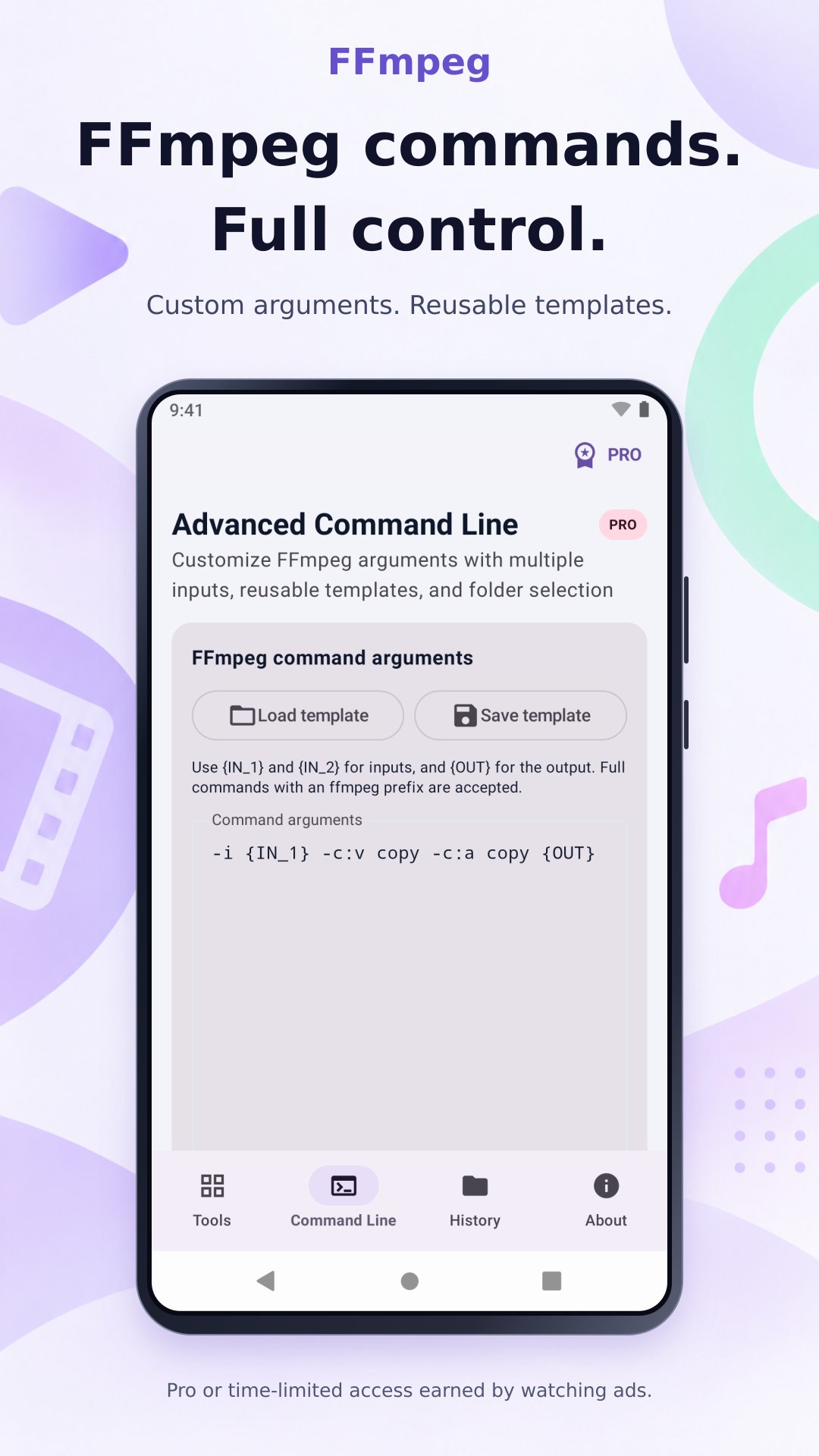
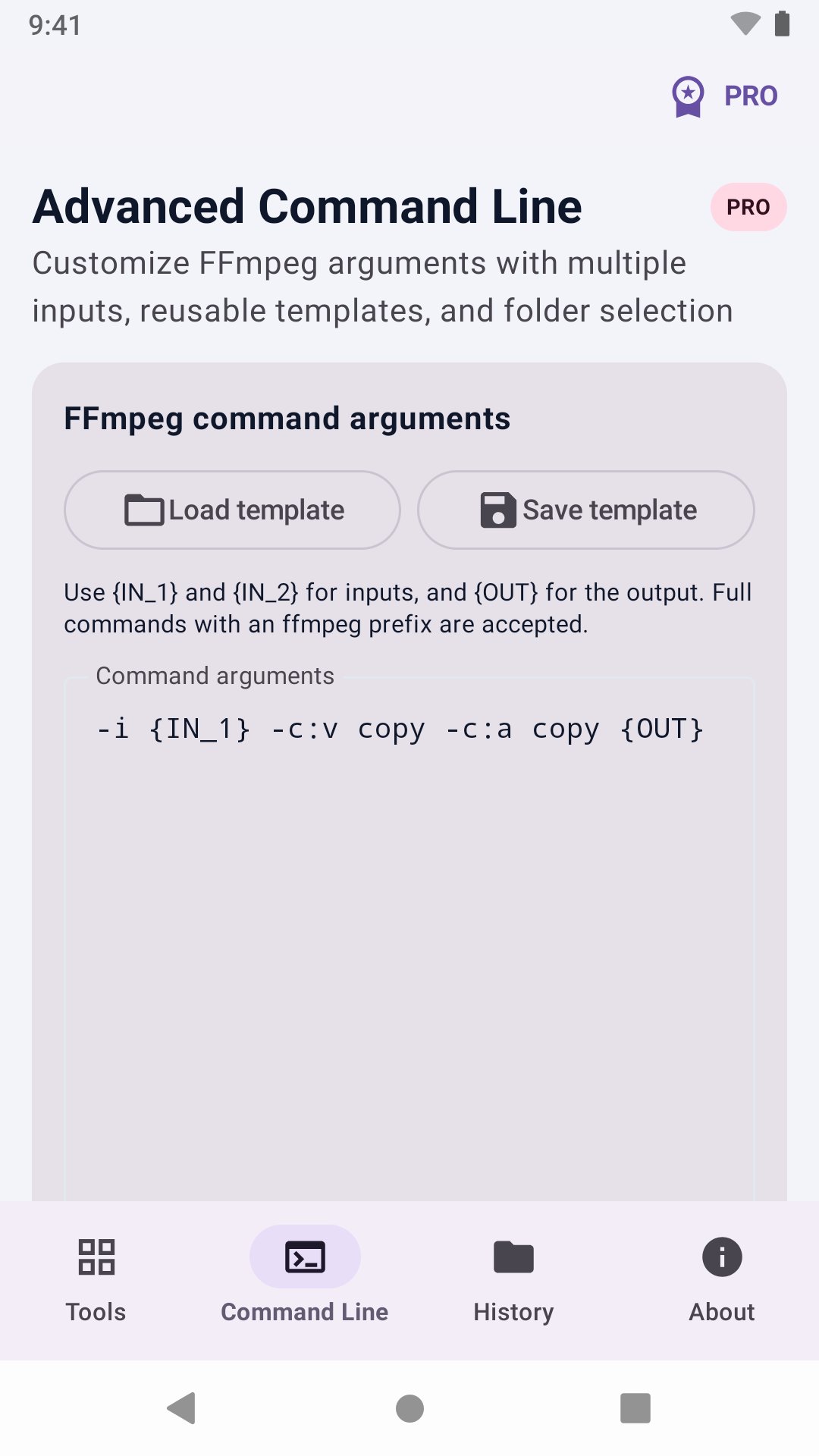
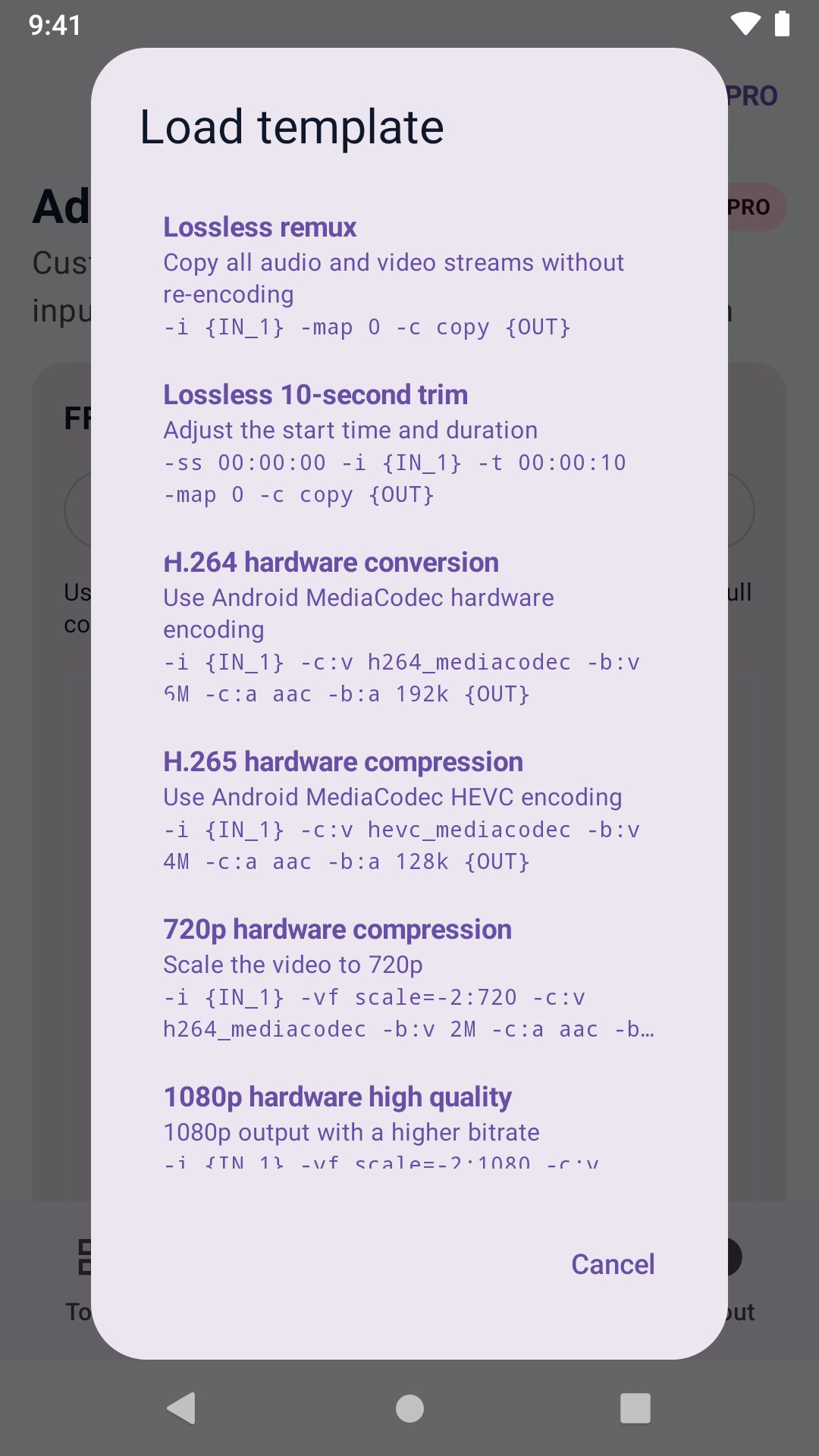
Convert, compress and merge videos, extract audio and run FFmpeg commands.
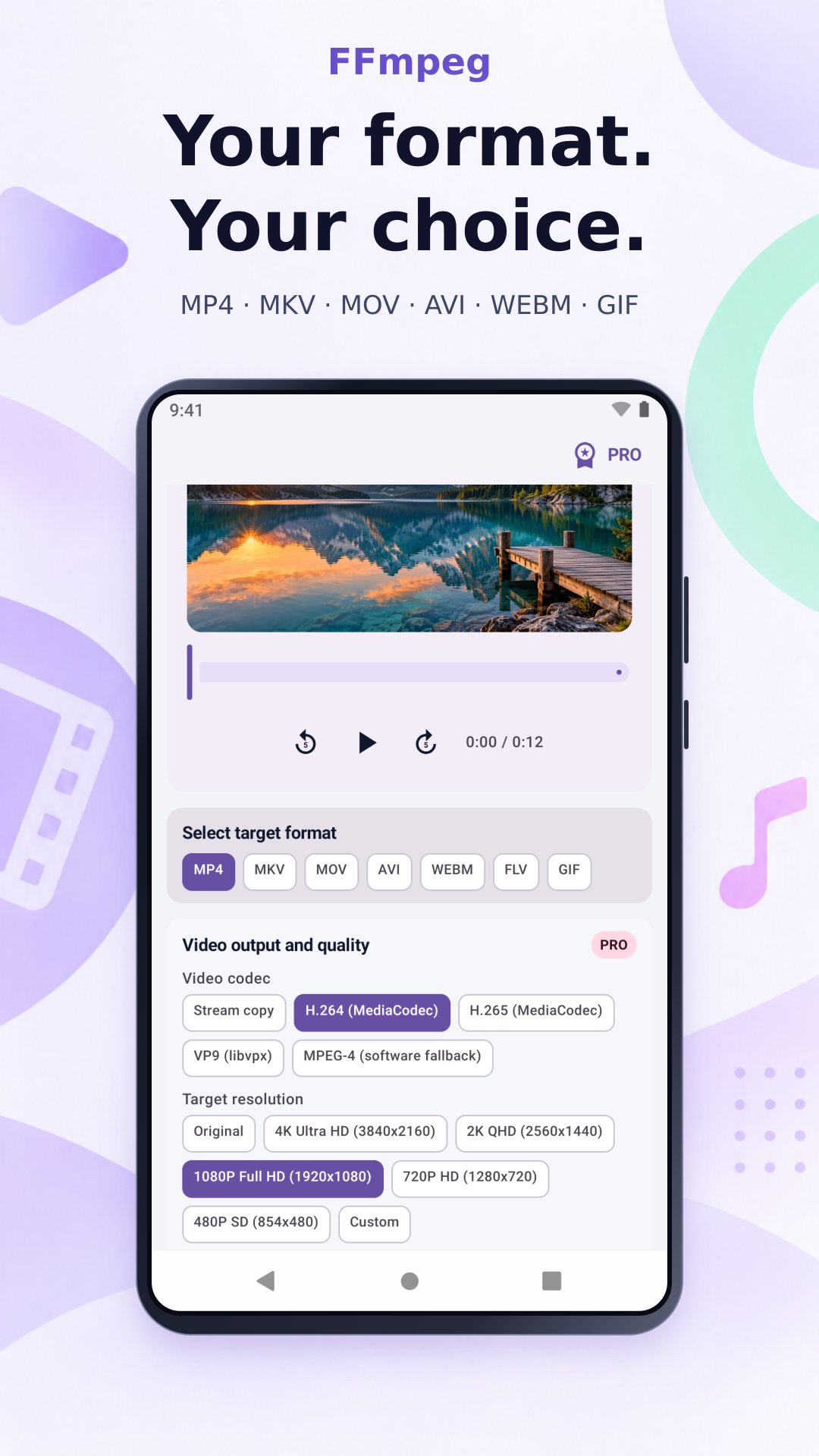
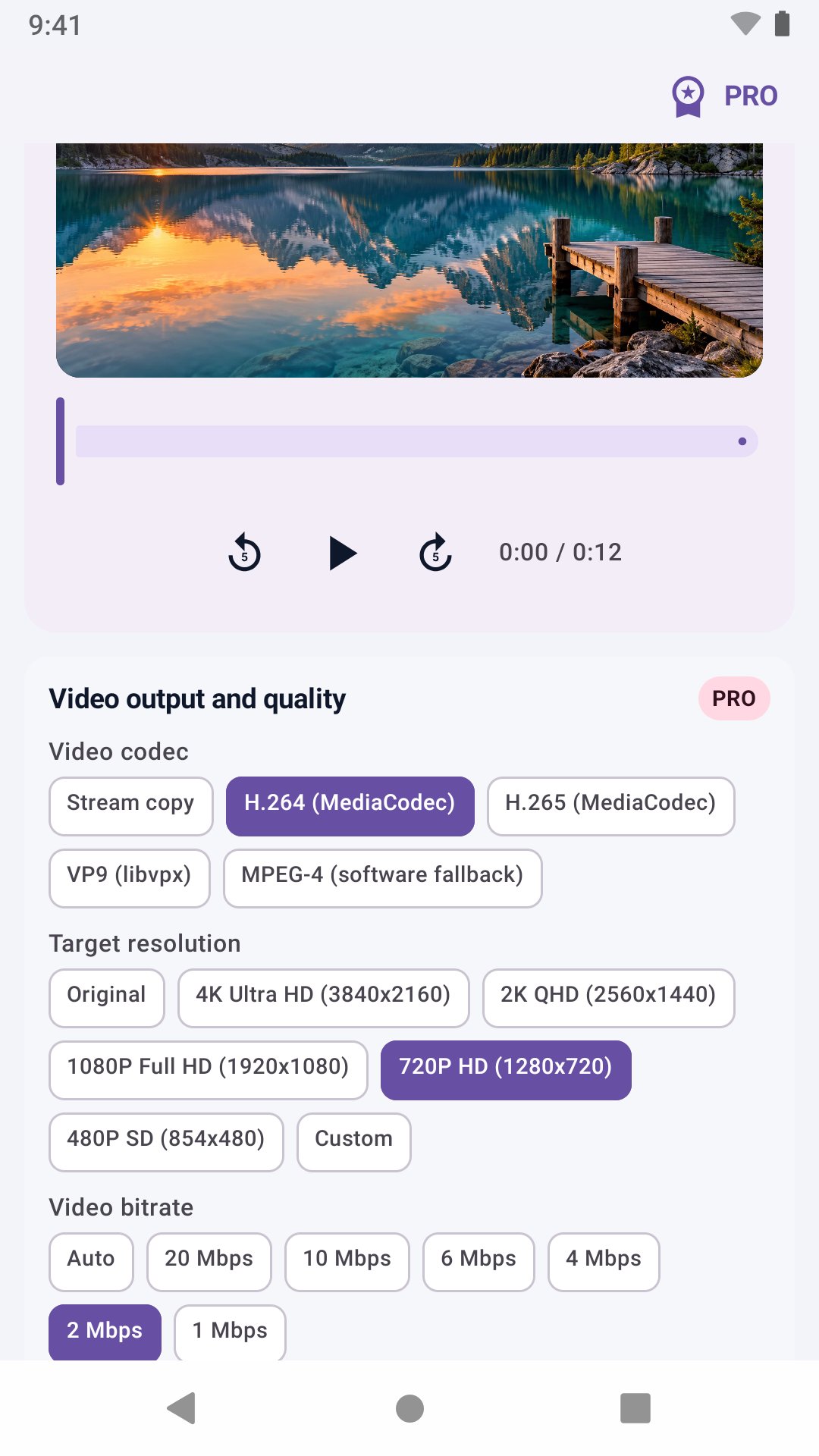
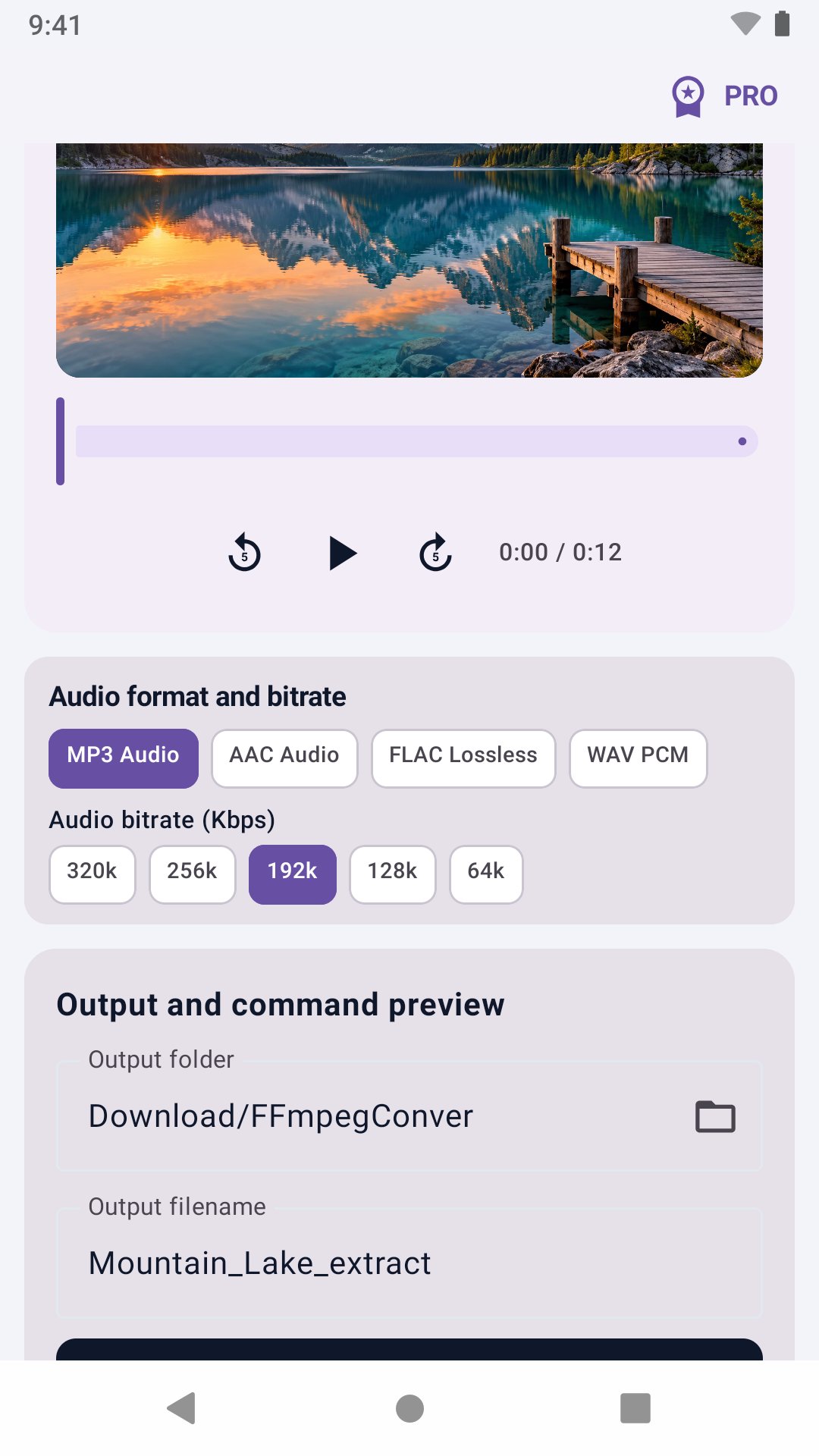
Bring everyday video and audio tasks into one toolkit. Choose a file on your device, set its output format, resolution and bitrate, and follow progress and processing history.
• Video conversion: MP4, MKV, MOV, AVI, WebM, FLV, GIF
• Video compression: Reduce size while retaining quality
• Video to audio: MP3, AAC, FLAC, WAV
• Merge videos: Combine multiple videos into one file
• Speed adjustment: Change speed from 0.25x to 4.0x
• Audio to video: Create a video from audio and cover art
• Replace background music: Replace or mix a video audio track
Use the essential tools for free. Pro Lifetime unlocks advanced workflows and removes ads. Earn points by fully watching rewarded ads. Accumulate 30 points to redeem one hour of command-line access.
Privacy policy
This app processes media files selected by you locally on your device and does not upload media content to the developer’s servers. The app includes Google Mobile Ads; advertising data processing is subject to Google’s policies and your consent choices. See the online policy for the full statement, data practices, and contact details.
Trademark and non-affiliation notice
This independently developed app is not an official FFmpeg product and is not endorsed or sponsored by its maintainers. FFmpeg is a trademark of Fabrice Bellard. Other trademarks belong to their respective owners.


One-click to install XAPK/APK files on Android!

Thanks for your rating and feedback!
You have already rated.