Package Name:com.abdullah.mindflow
Show More

36.4 MB
File Size
Everyone
Android 7.0+
Android OS
Turn PDFs and articles into a mindmap or outline for learning and research
MindFlow is visual mind mapping for people who learn from a source, not from a blank page.
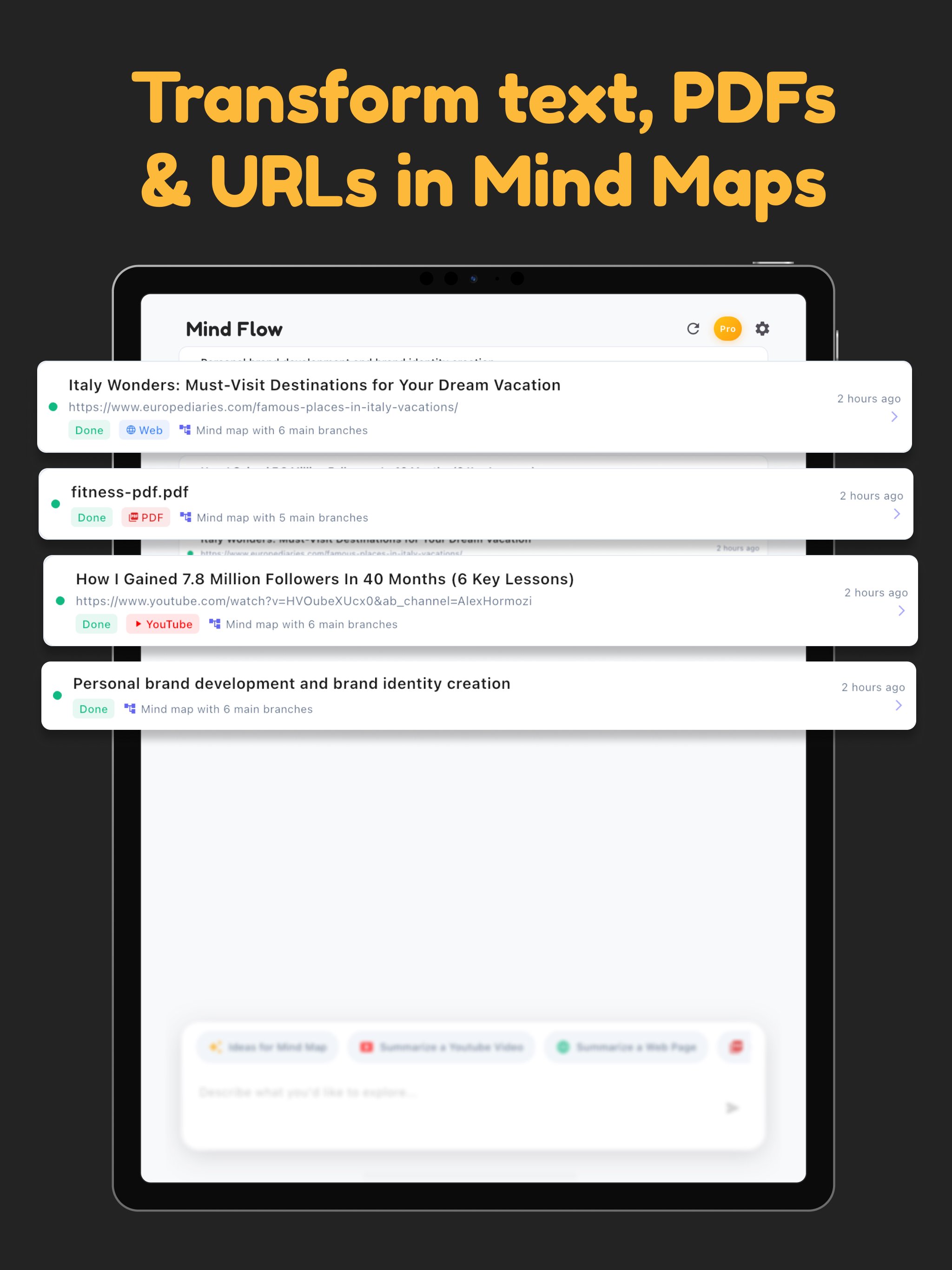
Give MindFlow PDFs, a YouTube video, web articles, your notes, or a prompt. It uses AI to build a clear mindmap you can edit, style and study from. It summarizes the source so you can spend your time learning, not drawing boxes.
TURN A SOURCE INTO A MINDMAP
• PDF summarizer for papers, reports and class readings
• YouTube summarizer for a lecture or a long video
• Article summarizer for a web article or a long note
• Text and notes to a mindmap, or start from a prompt when you want a brainstorming session
STUDY FROM THE SAME MINDMAP
• Build a concept map or an idea map as a subject grows
• Make study guides from any branch
• Generate a quiz from your mindmap, or make study questions and flashcards to review what you mapped
• Chat with AI about a branch when you want it explained
• Outline a project, a lecture or a decision into branches
• Use a flowchart or a simple diagram when you need to see a process step by step
• Learn with the Feynman technique: explain a topic simply and see what you missed
MAKE IT READABLE
• Edit any node. Set colors, fonts and style, in light or dark mode
• Search your maps
• Export a PDF or a PNG, or share a link
• Sync across devices, and edit offline
WHO IT IS FOR
• Students who want a study guide, a quiz and a mindmap from one lecture
• Researchers who need a visual knowledge map of a long paper
• Anyone who thinks better visually and wants note taking, an outline, a concept map and a quiz in one place
WHY VISUAL MIND MAPPING HELPS
Mind mapping (also called a mindmap, idea map or concept map) puts the main idea in the center and connects related ideas around it. Visual thinking and information visualization can make topics easier to understand, organize and review, whether you are studying, doing research, reviewing content or planning a project. Learning techniques like this sit alongside day-to-day productivity and knowledge management, with the picture beside the text.
YOUR DATA
You need an account to save your maps on Supabase. You can request deletion of your account and data in the app at Settings. Read our privacy policy for details on what we collect and why.
Privacy policy: https://tagneti.netlify.app/mindflow/privacy-policy
Terms of use: https://tagneti.netlify.app/mindflow/terms-of-use





One-click to install XAPK/APK files on Android!

Thanks for your rating and feedback!
You have already rated.