Package Name:dev.trei.minimal
Show More

Calm minimalist launcher with home screen notes, screen time and a pause screen.
Minimal is a calm, distraction free launcher for Android, made for people who want their phone to feel quieter and more intentional.
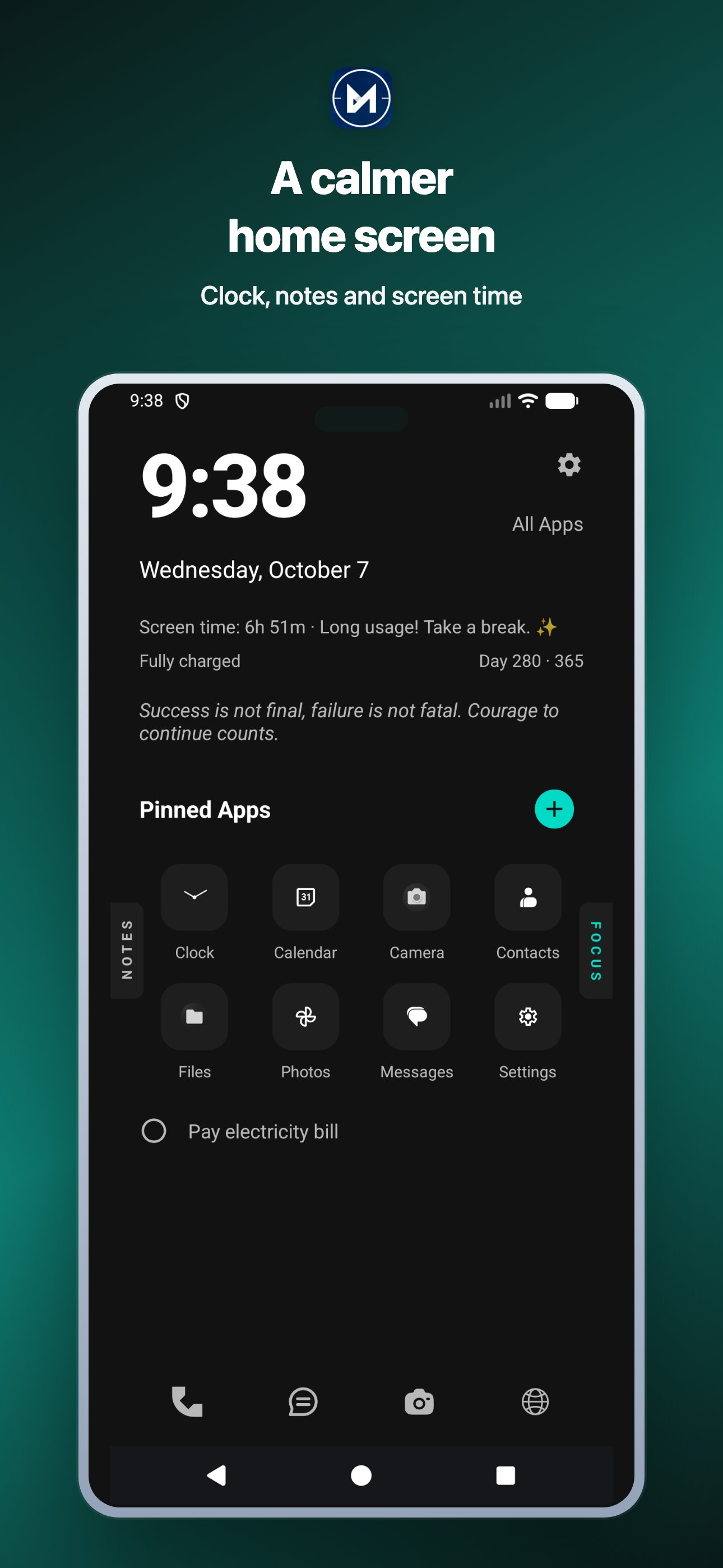
Replace a busy grid of colourful icons with a simple text home screen. Everything you need each day sits in one place: your notes, your checklist, your screen time and your next calendar event.
FREE, NO PREMIUM NEEDED
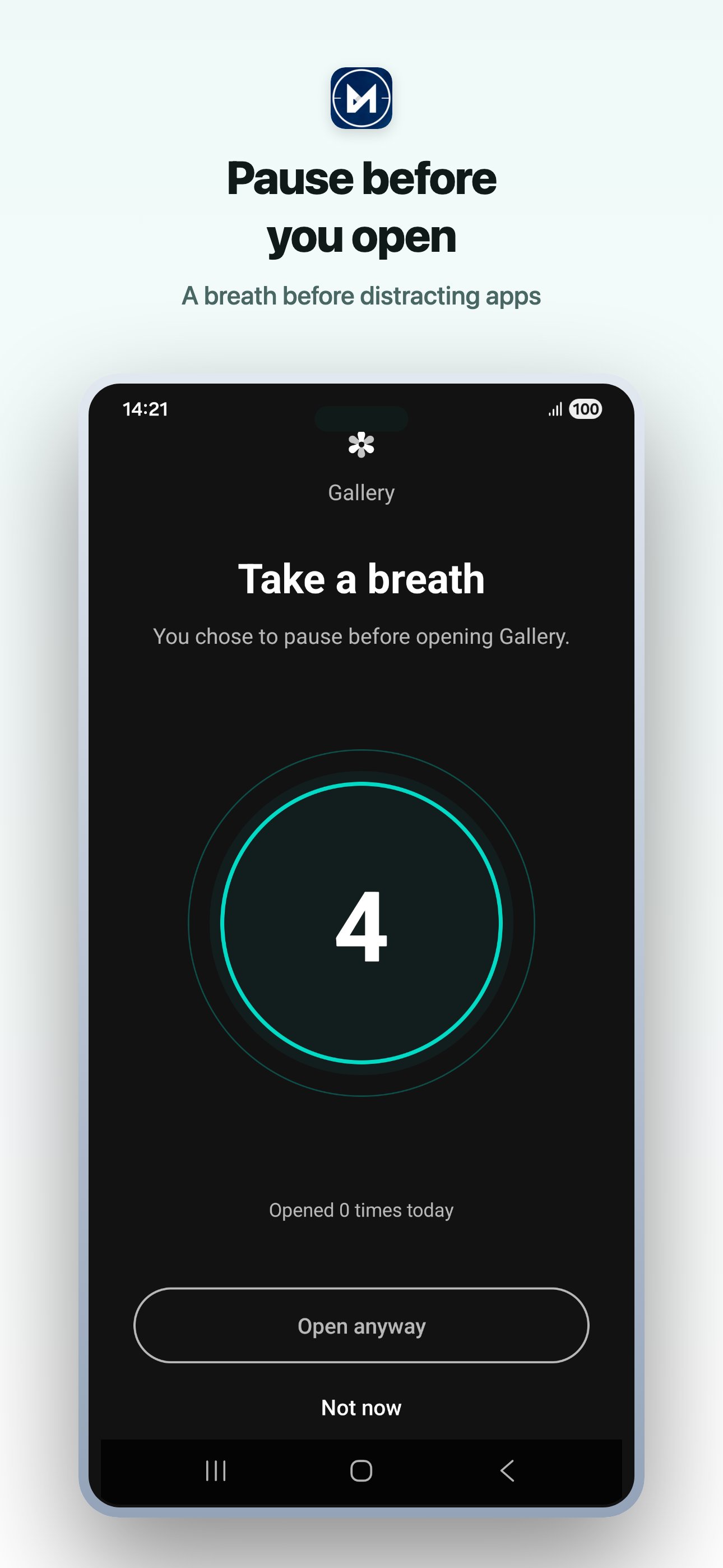
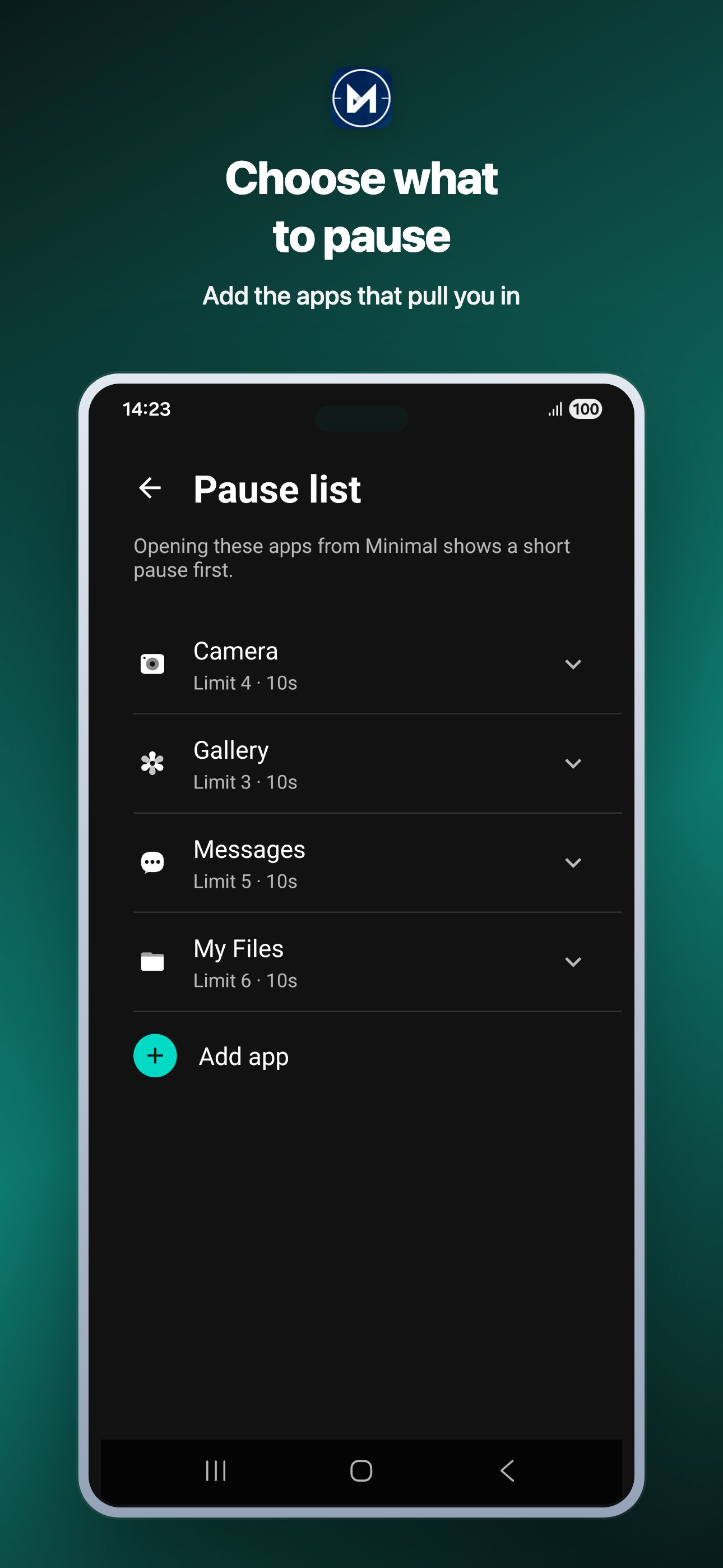
- Pause screen: pick the apps that pull you in and Minimal shows a short pause before they open, with an optional daily limit. It works from the launcher only, so apps opened from notifications or other apps are not affected.
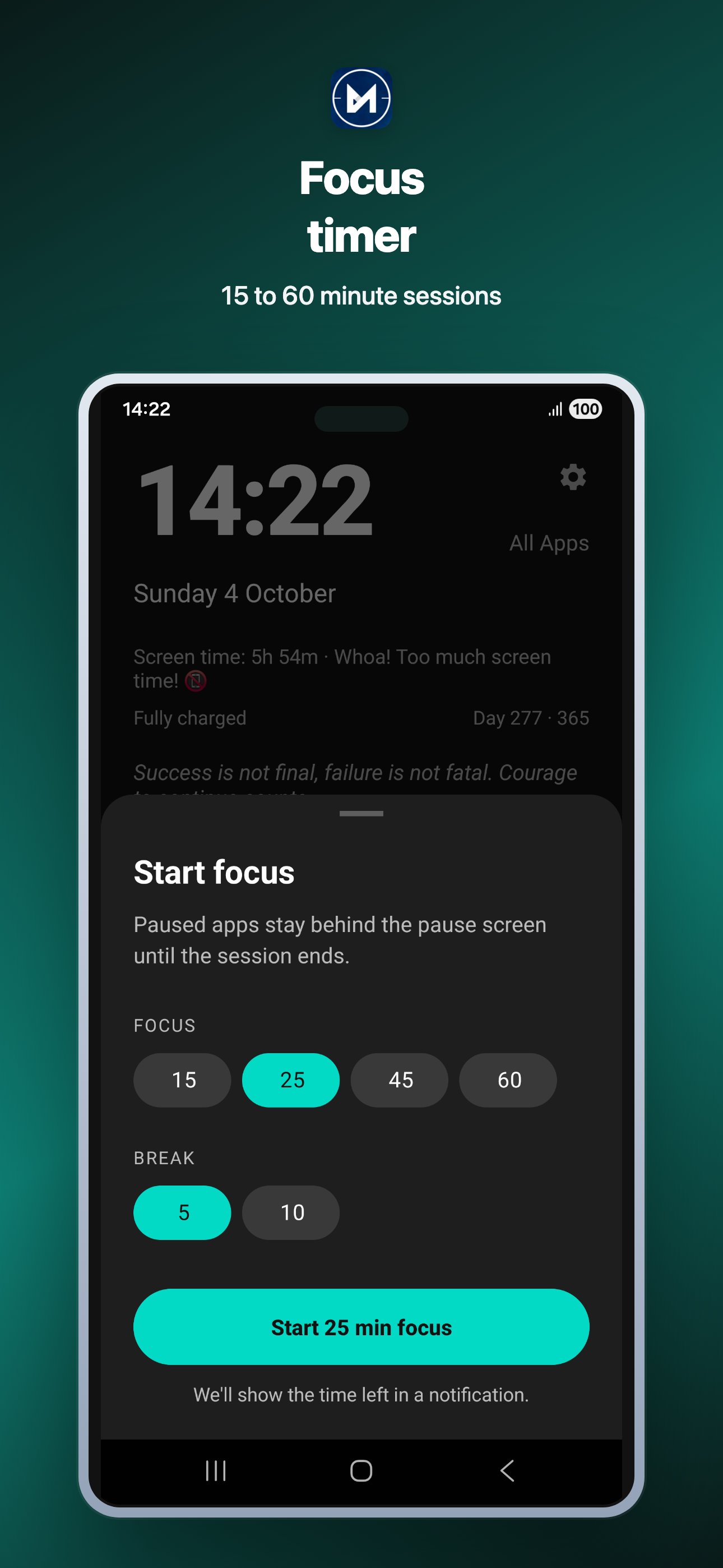
- Focus timer: start a 15, 25, 45 or 60 minute session and see a live countdown in your notifications.
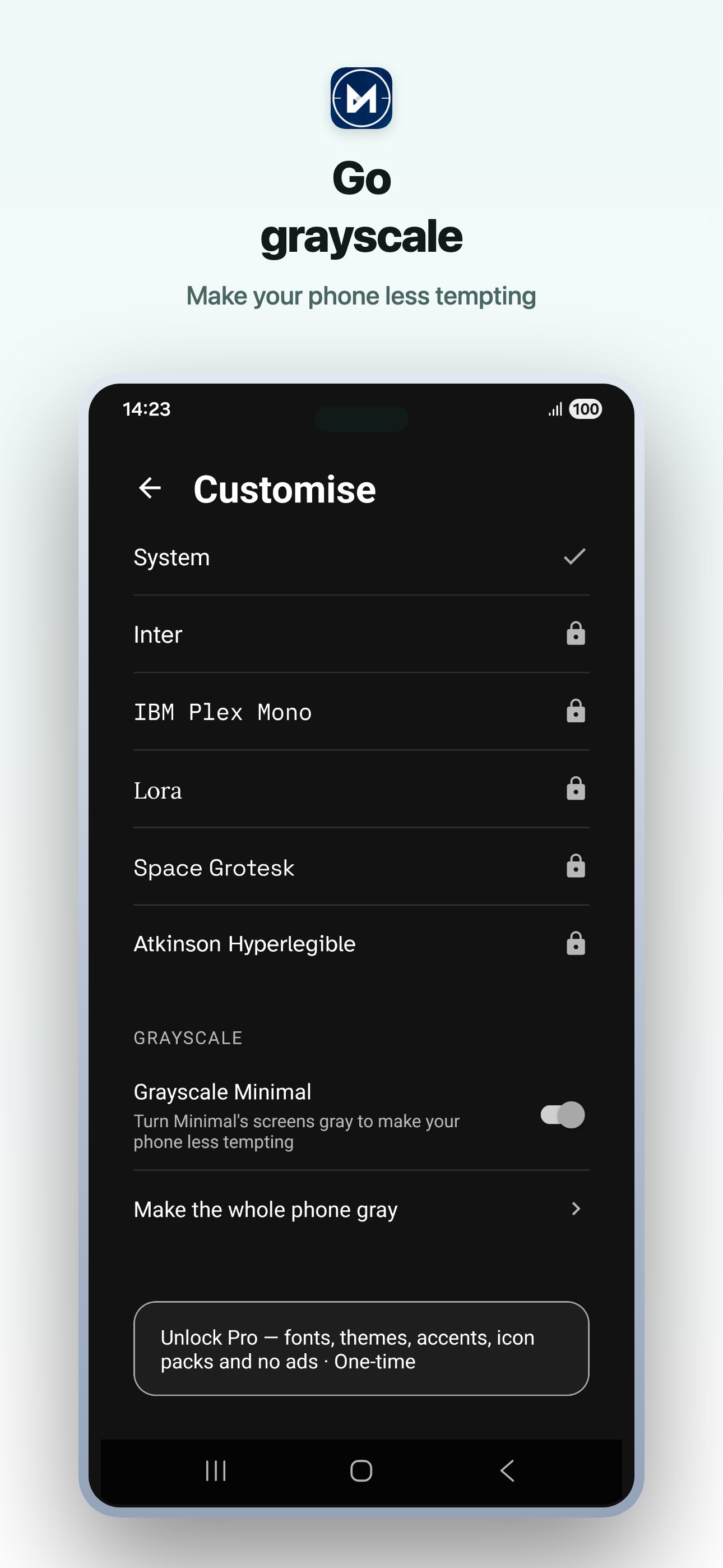
- Grayscale: Minimal's own screens can switch to grayscale, and a short guide shows how to turn on Android's built-in whole-phone grayscale.
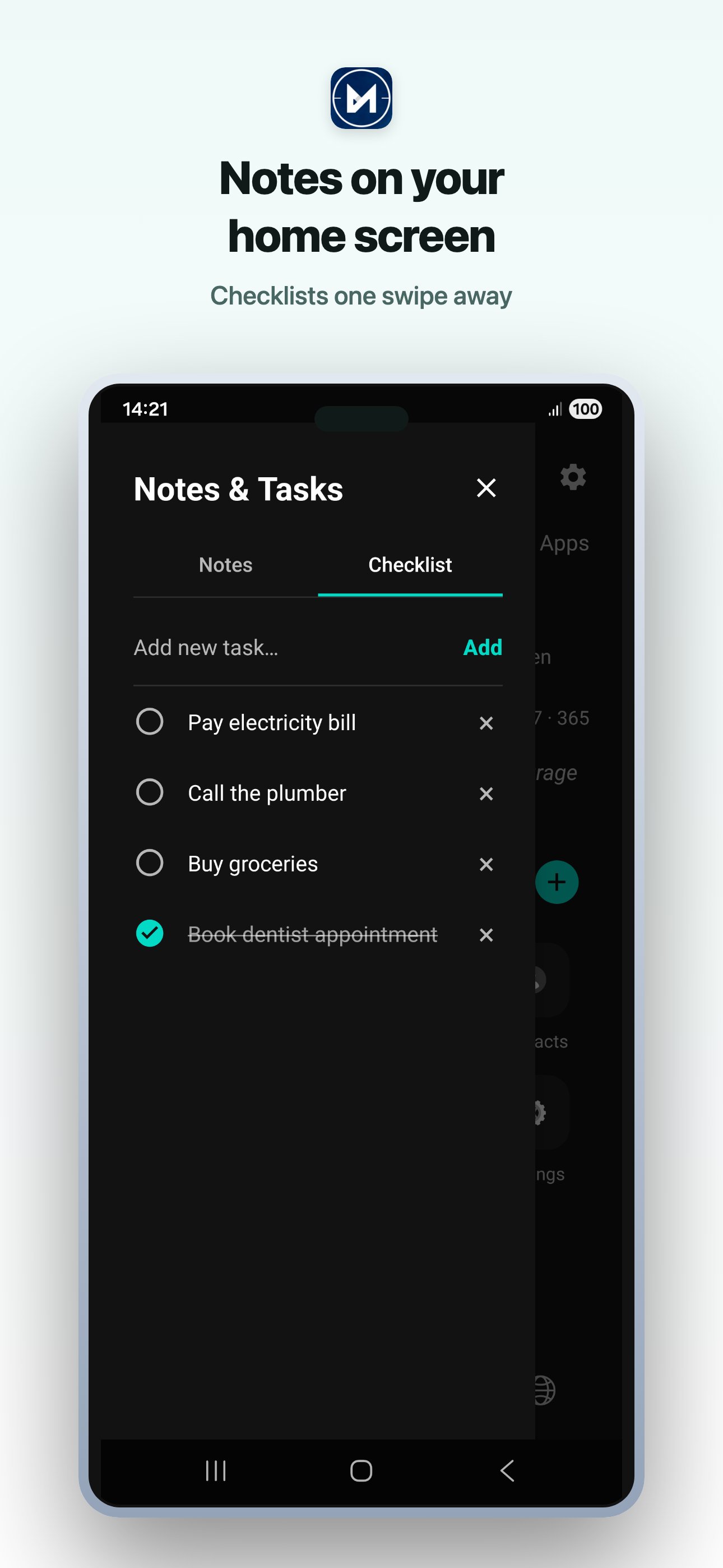
- Notes and checklists right on the home screen
- Screen time on the home screen, so you see your day at a glance
- Next calendar event on the home screen
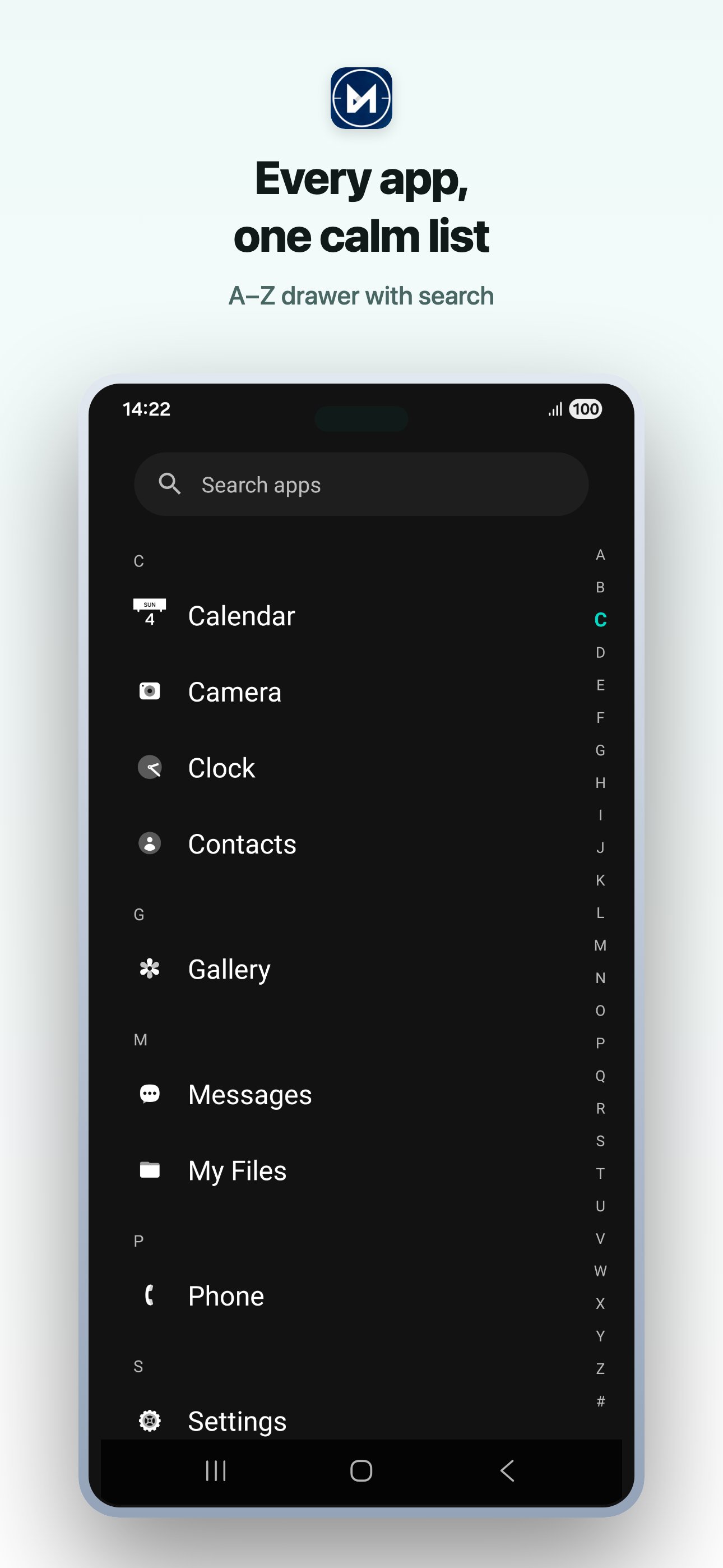
- Text app drawer with an A-Z index and fast search
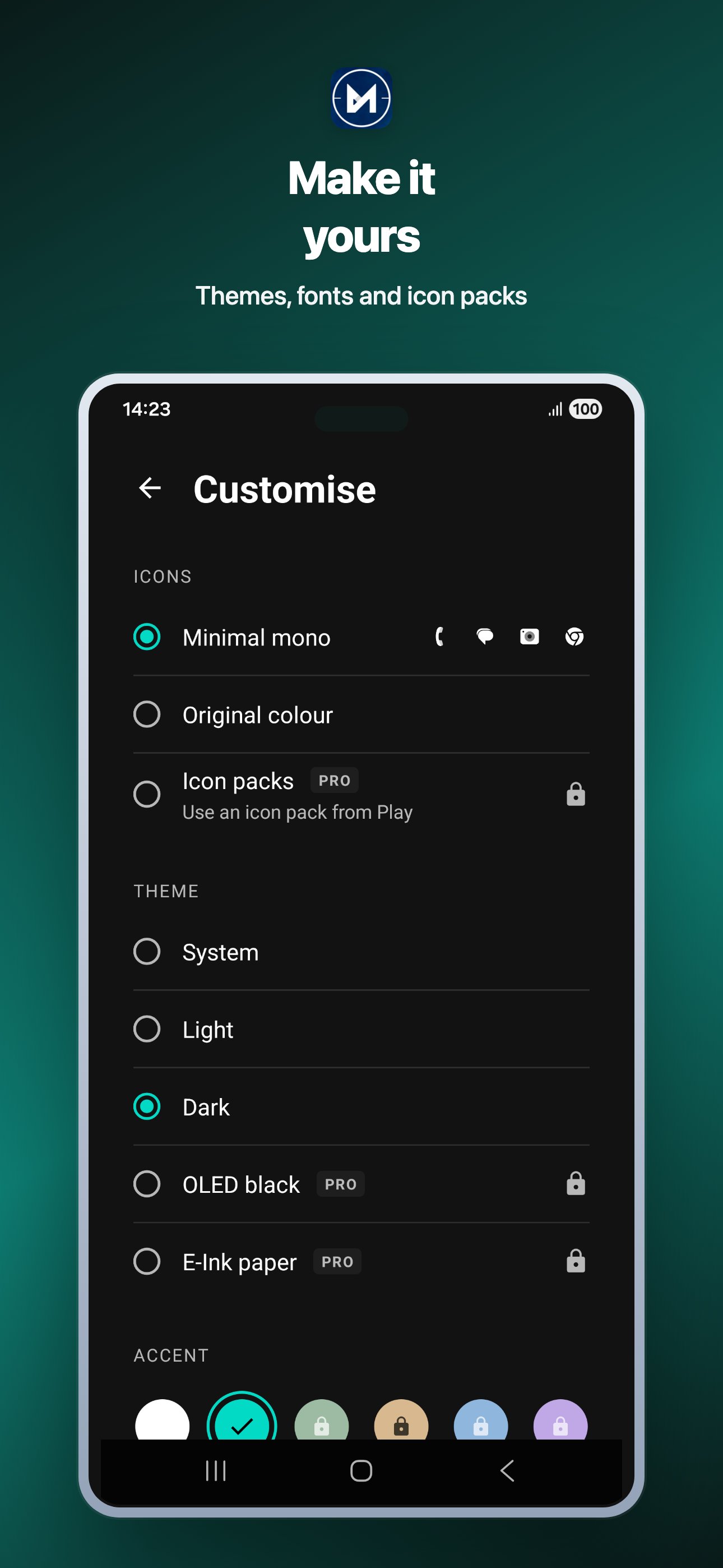
- Minimal mono icons for a clean, uniform look
- Hidden apps, with an optional biometric lock
- Dock for the apps you use most
- Double-tap to lock your screen
- Light and dark themes
- Available in 11 languages
- No pop-up ads
MINIMAL PRO, ONE-TIME PURCHASE
Pro is a single payment. No subscription, ever.
- 5 typefaces to make the home screen feel like yours
- More themes: OLED black and E-Ink paper
- 4 more accent colours
- Icon packs: use any icon pack from Google Play
- No ads
YOU STAY IN CONTROL
Minimal is a launcher, not a blocker. It does not change how Android works, and your notes and checklists stay on your device. Permissions such as calendar and usage access are optional and only used for the home screen features above. You can leave any time by switching back to your old launcher in Android settings.
GOOD FOR
- A digital detox without deleting your apps
- Cutting down on endless scrolling with a pause screen and daily limits
- Deep work and study sessions with the focus timer
- Keeping a to-do list in front of you every time you unlock your phone
- Anyone who wants a simple launcher instead of a cluttered one
- E-Ink and OLED phones that suit plain, high-contrast themes
If you have been looking for a minimal launcher for Android that is simple, quick and honest about what it does, install Minimal, set it as your home app and give your phone a quieter start to the day. Use the in-app feedback shortcut to tell us what you would like to see next.

One-click to install XAPK/APK files on Android!

Thanks for your rating and feedback!
You have already rated.