Package Name:com.studiosirenia.minimuse
Show More

8.5
4 Reviews
427.2 MB
File Size
Everyone
Android 7.0+
Android OS
MiniMuse is a free character creator and story-making studio for building original visual scenes.
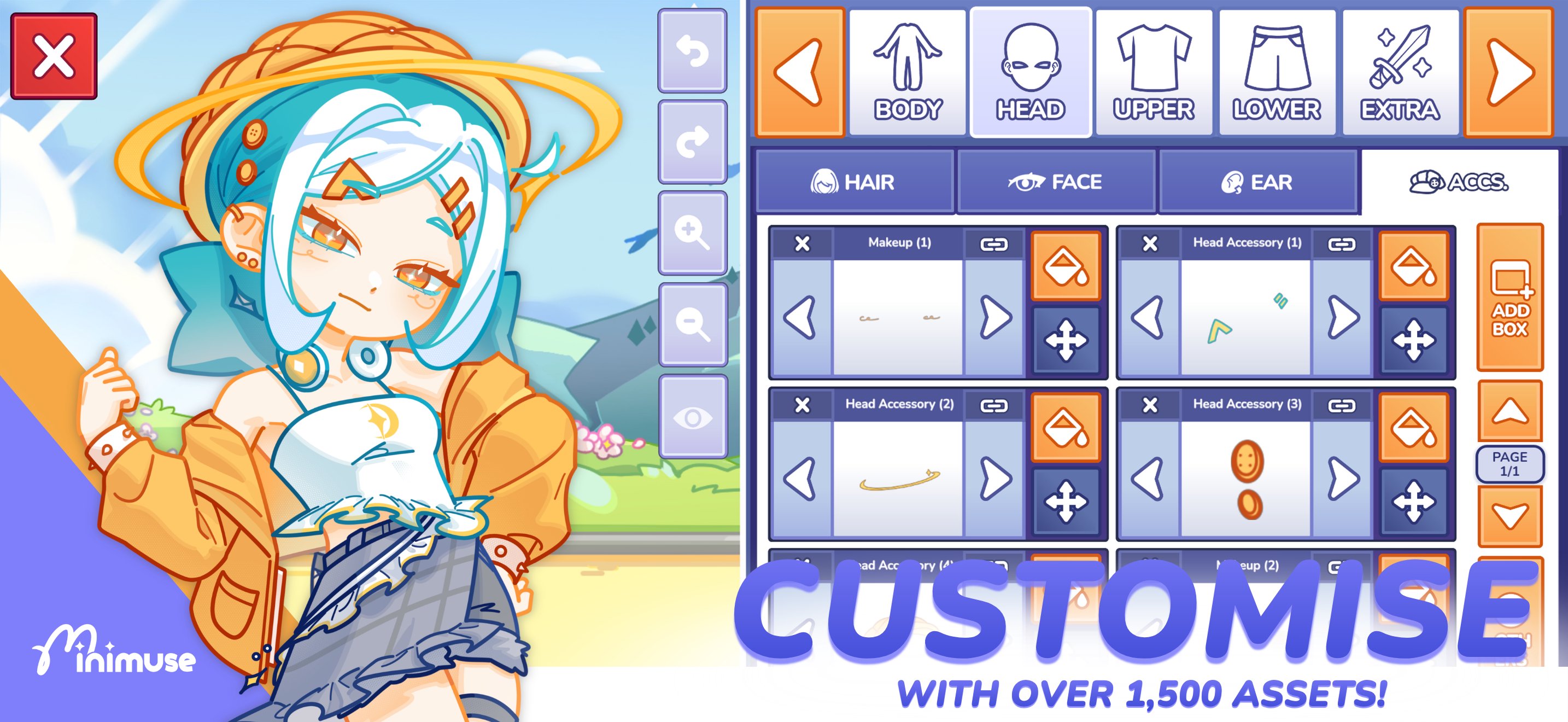
Studio Sirenia develops MiniMuse around detailed visual control, letting creators shape characters beyond a basic avatar maker. A MiniMuse download gives you a large starting wardrobe and tools for arranging story scenes with other players’ creations in mind. Its main creative options include:
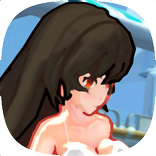
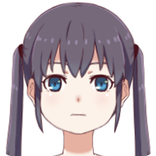
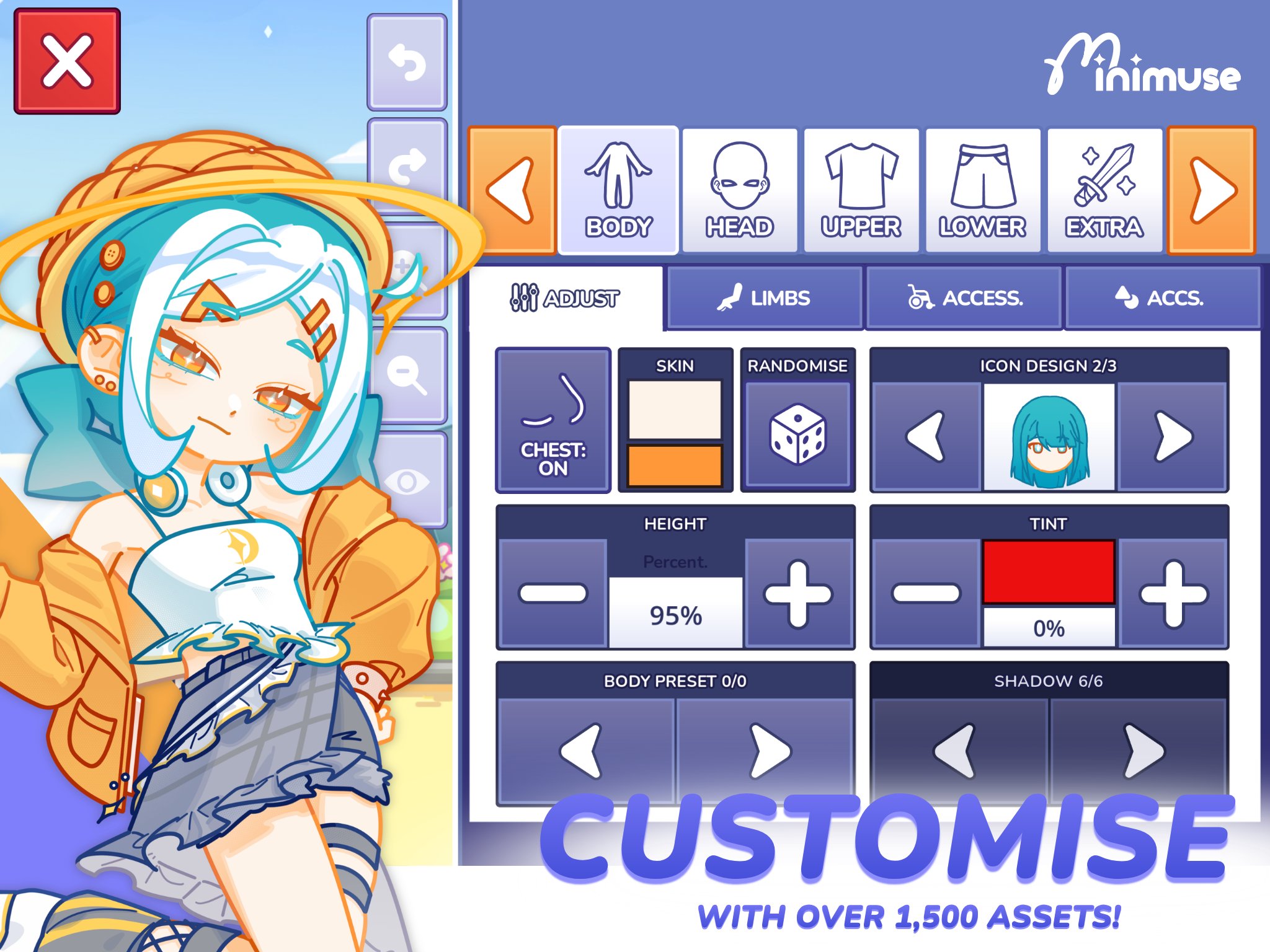
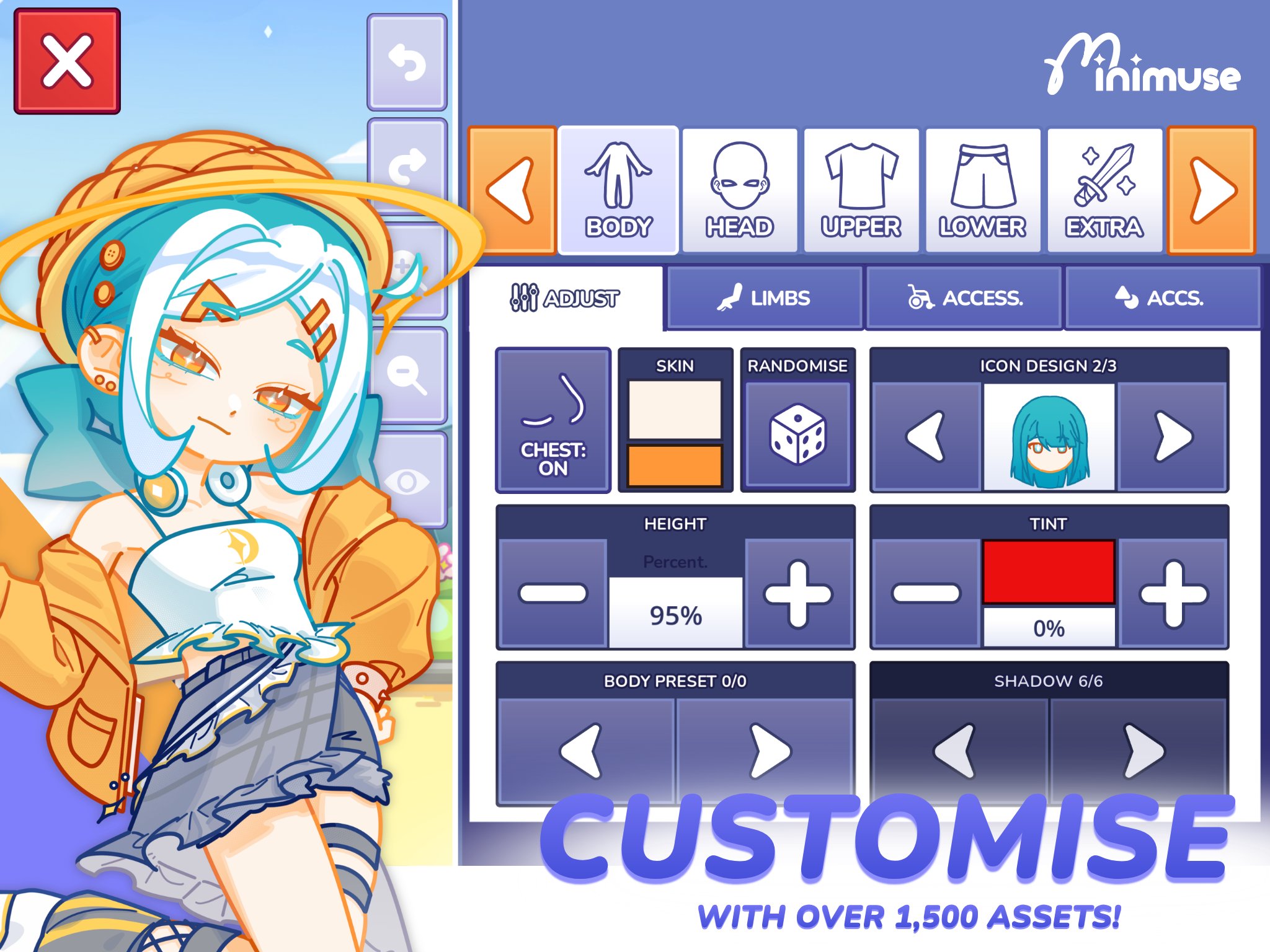
Build original muses from more than 1,500 character design assets.
Recolour, resize, reposition, and layer individual wardrobe items precisely.
Import custom assets for more personal characters and stage designs.
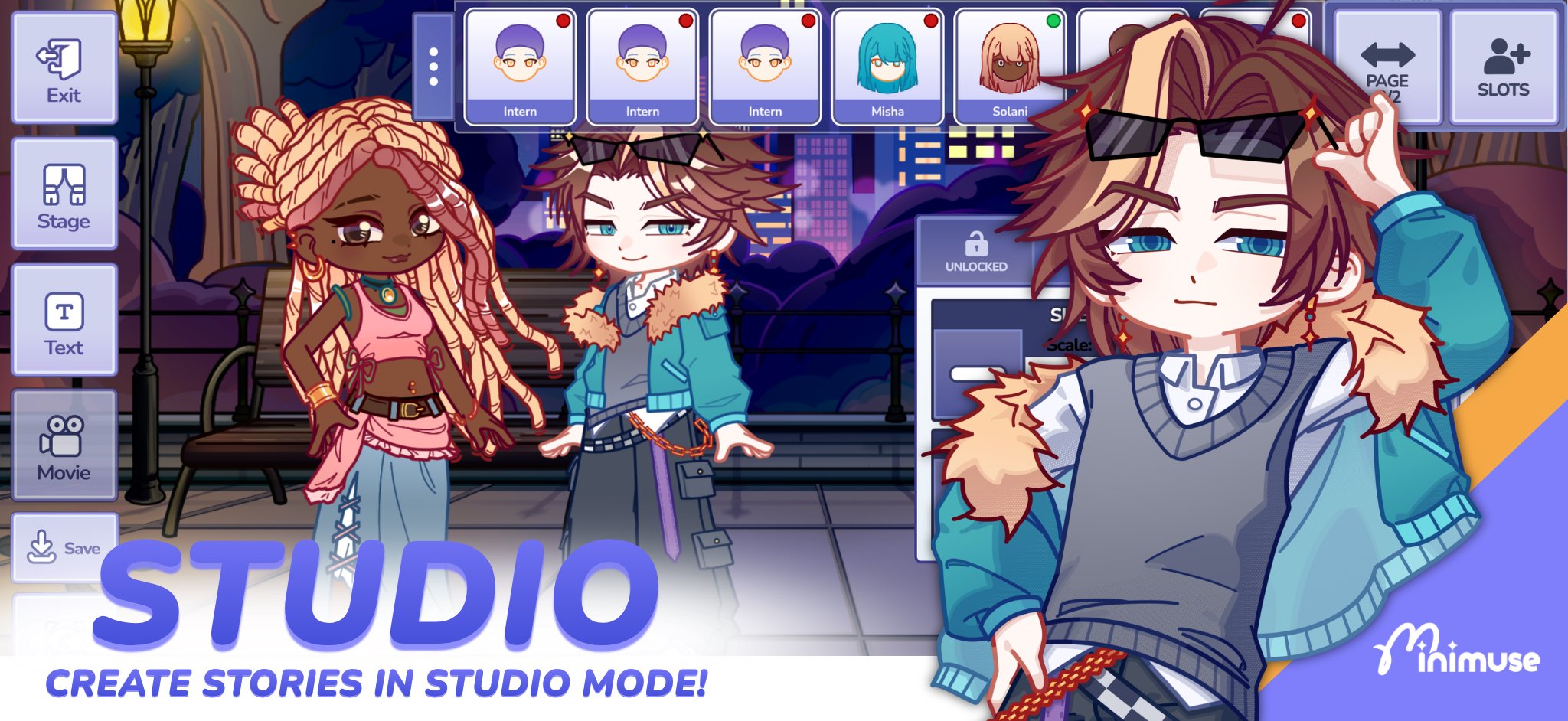
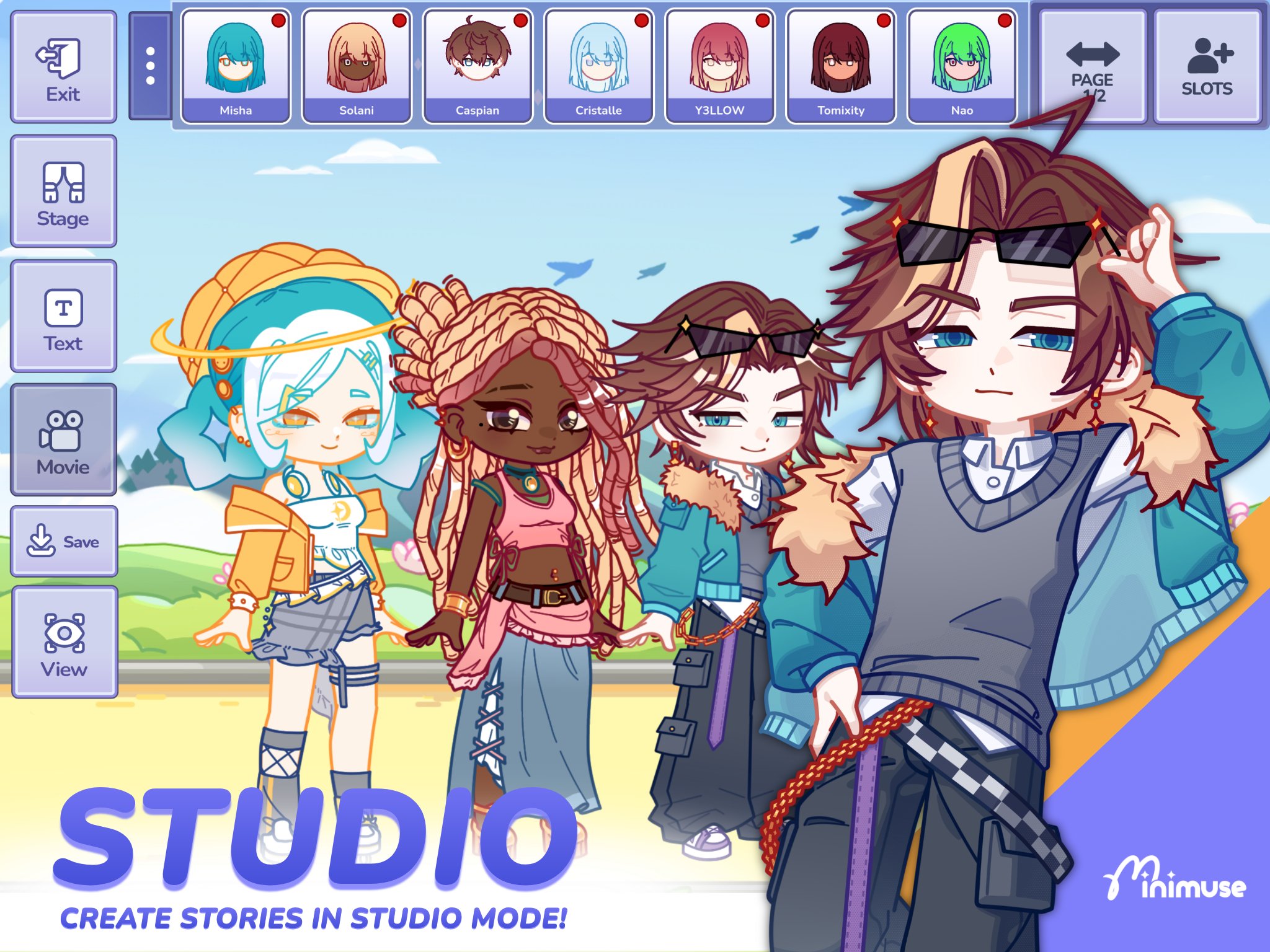
Pose several muses together in Studio Mode scenes.
Add props, text, and layered backgrounds before sharing stories.
MiniMuse gives character creators control over individual visual assets rather than limiting them to preset outfits. The starting collection contains more than 1,500 items, so a muse can be built with separate clothing, accessories, and other design pieces. This makes it suited to creators who want recurring original characters for comics, roleplay references, or scene-based stories.
Each selected item can be recoloured, resized, and moved on screen. Layer order also matters, since it helps place an accessory in front of or behind other parts of the design. The amount of control takes longer to explore than a quick avatar generator, but it allows small adjustments that can make a character feel more distinct.
MiniMuse treats assets as separate elements, which is useful when a design needs a specific visual arrangement. Instead of accepting a fixed look, creators can spawn items individually and alter where they sit in the stack. A hat, prop, or clothing detail can therefore be positioned to better match the intended pose or scene.
Custom assets extend that flexibility beyond the included wardrobe. Users can import personal character or stage assets when they need a particular object, design detail, or setting not found in the starter selection. This is especially practical for creators developing a consistent cast, although organizing a detailed scene naturally requires more time than making one simple portrait.
Studio Mode is where MiniMuse shifts from character design into visual storytelling. It supports multiple muses in one composition, allowing conversations, group shots, or short narrative moments to be arranged in a single frame. This feature is more useful for creators who want characters to interact than for users only seeking a profile-style avatar.
Characters can be posed and placed around the scene to create a clear focal point. For example, a creator can place two muses on opposite sides of a setting and use their body positions to suggest a conversation. Since every character and scene element can need separate adjustment, simpler compositions are a sensible place to begin before building crowded story panels.
MiniMuse provides the pieces needed to turn a posed image into a shareable story scene. Backgrounds establish the location, while foreground layers and props add depth or context. Text can then be added to support dialogue, narration, or a short caption without moving the project into another editor.
The scene-building approach works well for character introductions, small comic moments, and visual prompts shared with the community. Combining props with text helps a still image communicate what is happening quickly, particularly when several muses appear together. New content arrives periodically rather than constantly, so imported assets can help keep ongoing projects visually varied between additions.
MiniMuse favors deep creative control over instant results, which creates strong scene-making options but a longer learning curve. Its free starting tools suit users willing to spend time refining characters and compositions.
Pros
More than 1,500 assets available from the start
Individual layering, recolouring, resizing, and positioning tools
Custom asset imports expand character and stage options
Studio Mode supports multi-character visual stories
No stated paywalled content
Cons
Editing controls can take time to learn
Detailed scenes require patience to arrange
New content arrives periodically
You can download MiniMuse latest version from APKPure. The MiniMuse APK is around 420MB, so it is best to use a stable connection and keep some extra storage free for installation and any saved creative projects. Depending on your connection, the download may take several minutes.
After installation, begin by designing one muse with the included wardrobe before moving into Studio Mode. Checking available storage first can prevent an interrupted setup, especially on devices already holding many photos, games, or editing projects.

One-click to install XAPK/APK files on Android!

Thanks for your rating and feedback!
You have already rated.