Package Name:com.lizz.neversleep
Show More

Keep your screen awake with one tap, a widget, or Quick Settings.
Keep your screen on with one tap.
Never sleep. Always awake.
Never Sleep changes your screen timeout with one tap. Your screen stays awake while you read, follow a recipe, check a reference, or use another app. Turn it off when you are done to restore your previous timeout.
YOUR CHOICE OF CONTROLS
One-tap toggle in the app
Quick Settings tile for access from the notification shade
Compact 1×1 home-screen widget
Works after you leave the app
YOU STAY IN CONTROL
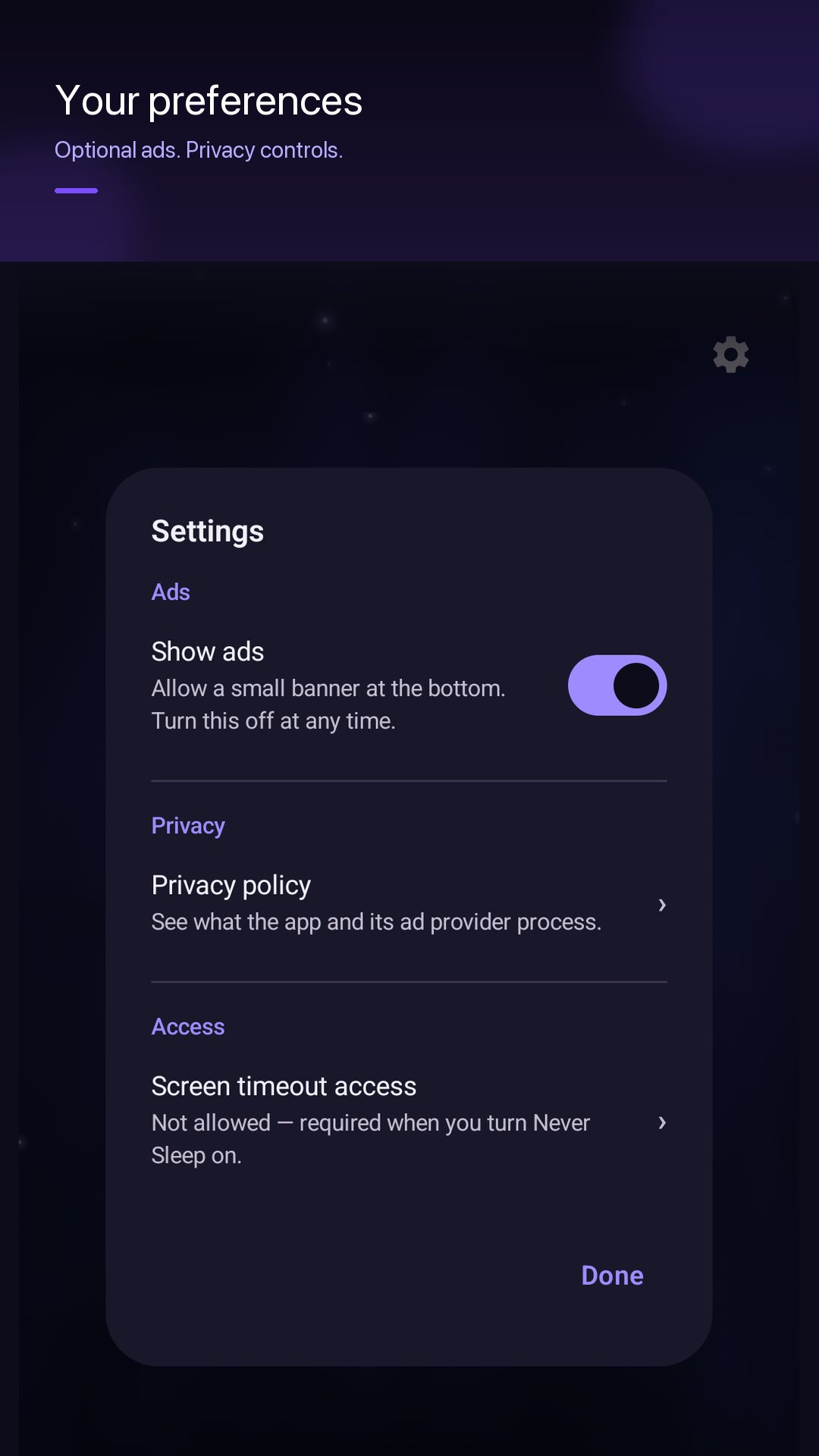
Never Sleep uses Android’s “Modify system settings” permission to change the screen-off timeout. The app explains why it needs access before opening Android Settings. You can revoke access at any time.
Turn Never Sleep off before uninstalling, clearing its storage, or revoking permission so it can restore your previous timeout. Device security policies and manufacturer settings may limit how long the screen stays on. Keeping the display awake uses more battery.
OPTIONAL ADS
Banner ads support development. You can turn them off in Settings at no charge. Privacy choices are available where required. No account or subscription is needed.
Android 7 or later.
Developer: Lizz Studio
Support: [email protected]
Privacy policy: https://neversleep.app/privacy




One-click to install XAPK/APK files on Android!

Thanks for your rating and feedback!
You have already rated.