
Safe & Fast APK Downloads on APKPure
APKPure uses signature verification to ensure virus-free Notes Member APK downloads for you.

Notes for Members
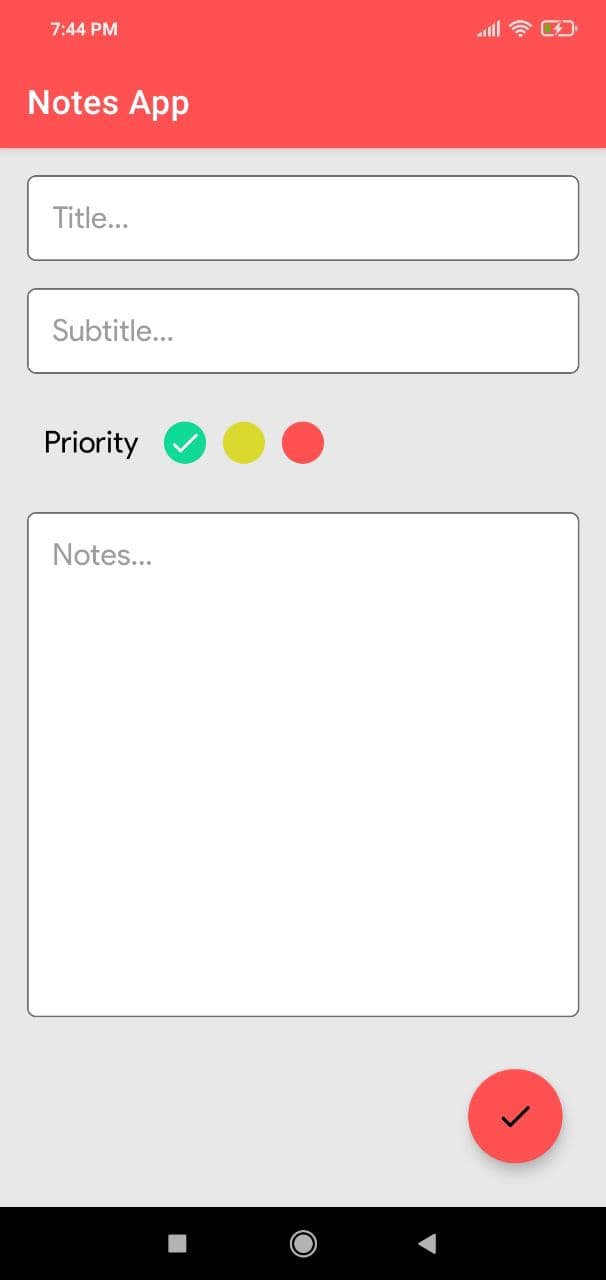
- Taking a Note -
Serving as a simple word processing program, the text option allows for as many characters as you're willing to type. Once saved, you can edit, share, set a reminder, or check off or delete the note through your device's menu button. When checking off a text note, the app places a slash through the list's title, and this will be displayed on the main menu.
- Making To-do List or Shopping List -
In the checklist mode, you can add as many items as you'd like and arrange their order with drag buttons activated in the edit mode. After the list is finished and saved, you may check or uncheck each line on your list with a quick tap, which will toggle a line slash. If all items have been checked, then the list's title is slashed as well.





One-click to install XAPK/APK files on Android!

Thanks for your rating and feedback!
You have already rated.