Package Name:com.notic
Show More


2.5 MB
File Size
Everyone
Android 5.0+
Android OS
Take control over your notification Bar
Annoyed with your notification bar looking like a newsboard? Keep getting useless or irrelevant junk notifications? Not sure how to block an app from displaying push-notifications or view the notification history?
Install Notic – your reliable assistant designed to help you get rid of annoying notifications by filtering irrelevant alerts and focusing on the content that matters!
Features
Notic offers an integrated solution for blocking and managing notifications using features below:
• Notification Manager
• Filter by apps, message headings and text
• Block system notifications
• Block all notifications
• User-friendly interface and effortless operation
• Dark theme
• Minimum app size and battery drain
• Notification history to help you stay on top of things
• Backup and restore rules
• Notification cleaner
Block Ongoing Notifications (for Android 8.0 and higher)
You can now clear your notification bar of all alerts. Notic blocks and hides ongoing notifications that can’t be dismissed.
For example, software update available, a process is running in the background, the device is charging, VPN connected, and other system notifications.
Notification History
Accidentally dismissed an important notification? Or, perhaps, you’ve got a quick second and want to review your app notifications? Just go to notification log that stores all notifications arranged by apps and time!
Set a customized history clearing mode – remove useless notifications manually or allow the app to do it automatically every X days.
Keep your Notification Bar Empty
Allow displaying only relevant notifications on your notification bar. You can review the rest at any time. System notifications can be moved to history, too.
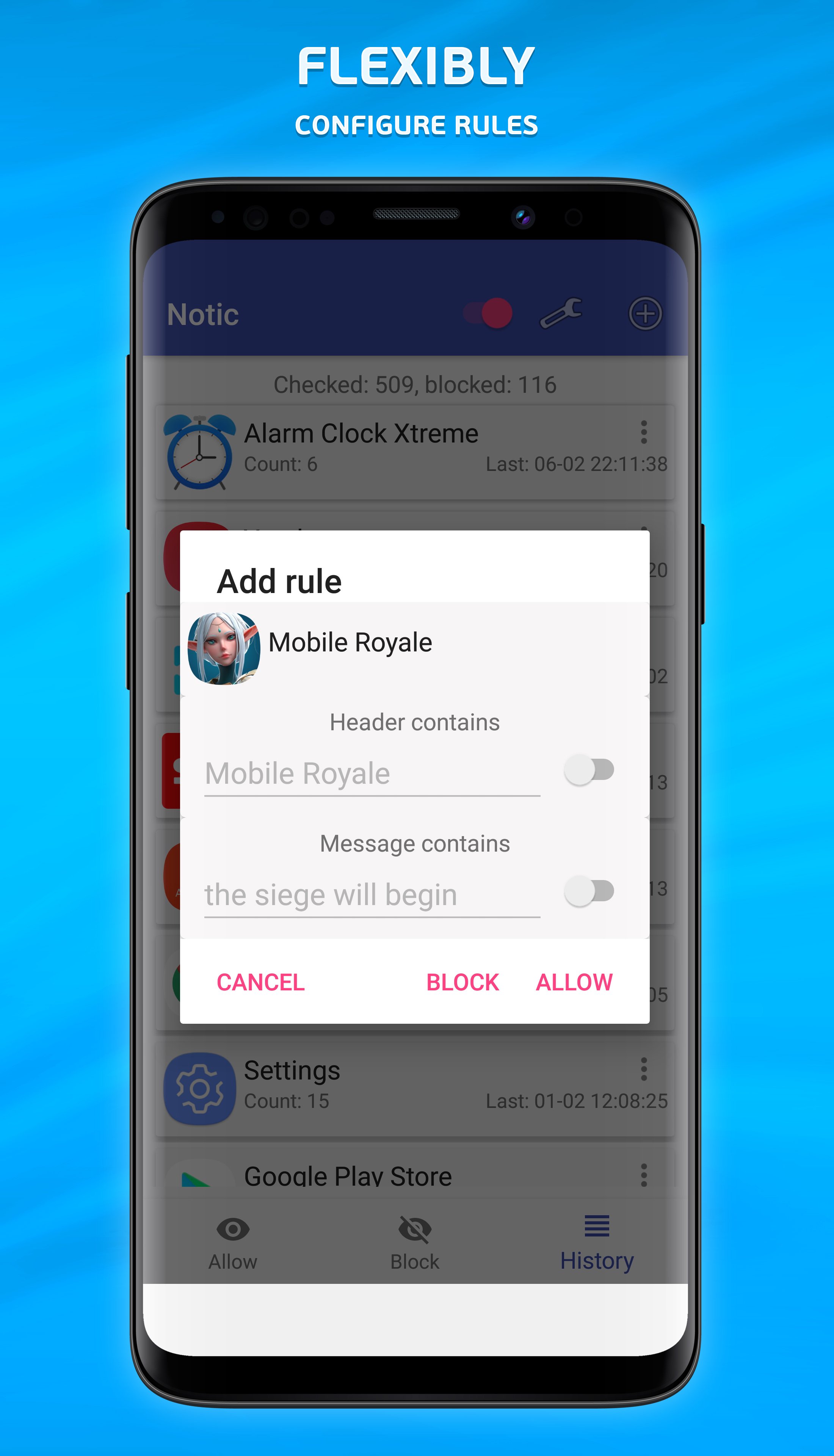
Set Flexible Rules
Blacklist or whitelist apps to select which of them can display notifications and which will have its alerts stored in notification history.
Notifications can be filtered by keywords or phrases in headings and message text.
Notic offers the following rules (lower priority on top):
• Allow All
• Block All
• Allow App
• Block App
• Allow by Phrase
• Block by Phrase
User-Friendly Interface
Allow Notic read your notifications. Wait for the notification to appear and add a rule. Once you do this, notifications set in the rule will not bother you any longer.
No need to spend hours finding ways to disable annoying notifications! Notic notification blocker automates the process and helps you see only relevant information!
Notic saves your time!




One-click to install XAPK/APK files on Android!

Thanks for your rating and feedback!
You have already rated.