
Package Name:io.github.jaehyoo.nudge
Show More

Mouse jiggler & Bluetooth touchpad to keep your PC awake. Nothing to install.
Nudge is a mouse jiggler and Bluetooth touchpad that keeps your PC awake — using only your phone. Stop your computer from locking or going to sleep, with nothing to install on the PC.
When it helps
- Reading a long document or watching a talk without touching the mouse.
- Keeping a download, render or backup going on a PC that sleeps too soon.
- Staying active in a work chat while you think, call or take notes.
- Using a work PC where you can't change the sleep or screen lock settings.
Two ways to use it:
Bluetooth mode
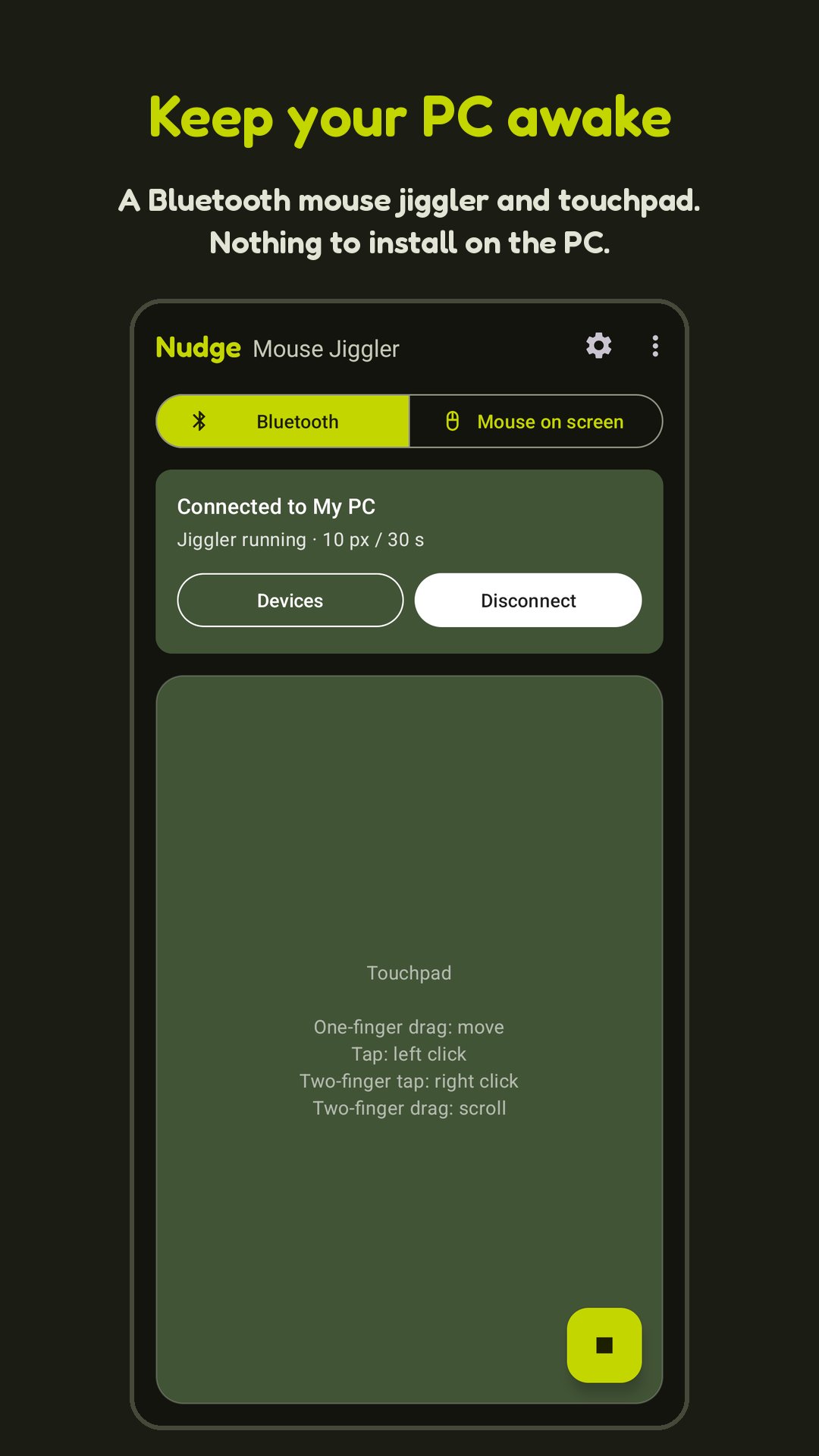
Your phone pairs with the PC as a standard Bluetooth mouse. Pair from the app or from the PC's Bluetooth settings, then pick the PC from your device list next time.
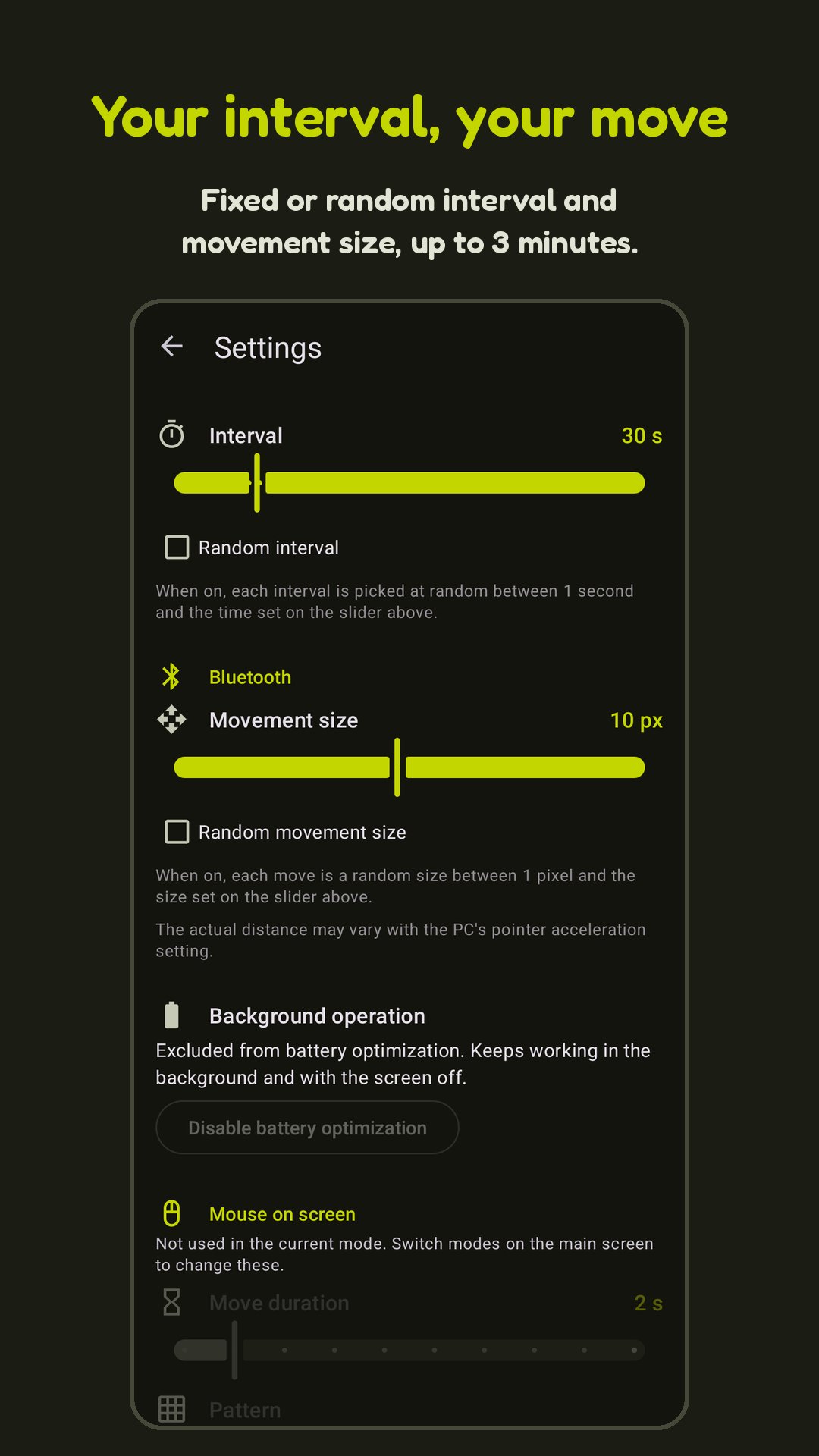
- Jiggler: moves the cursor slightly at the interval you choose. Movement size and interval can be fixed or random, so it looks less like a timer.
- Touchpad: drag to move, tap to click, two-finger tap to right click, two-finger drag to scroll.
- Works on Windows, macOS and Linux with nothing to install on the PC.
- Reconnects automatically when the connection drops, and keeps trying until you tap Disconnect in the app or the notification.
- Keeps running in the background and with the screen off.
Mouse on screen mode
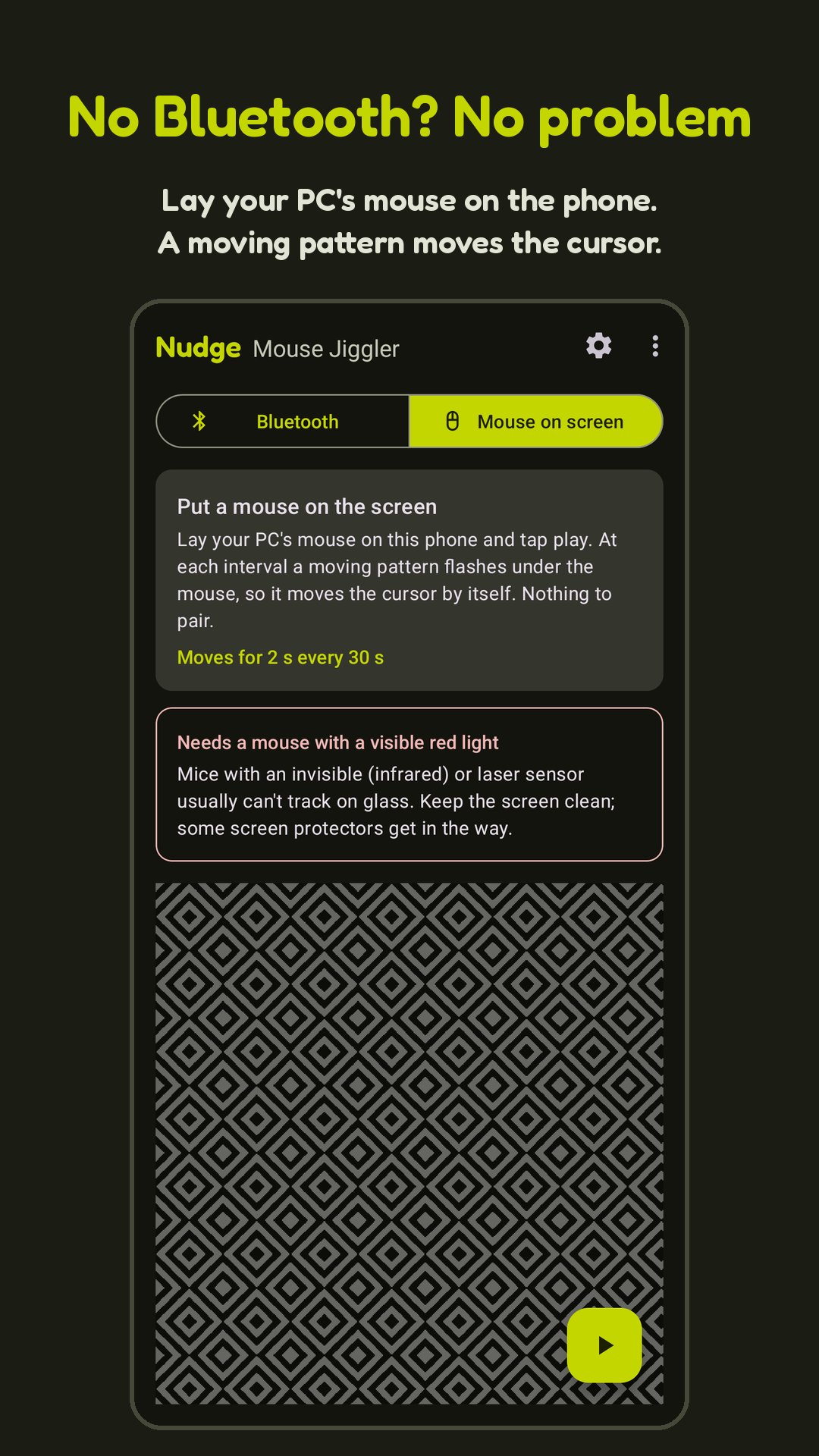
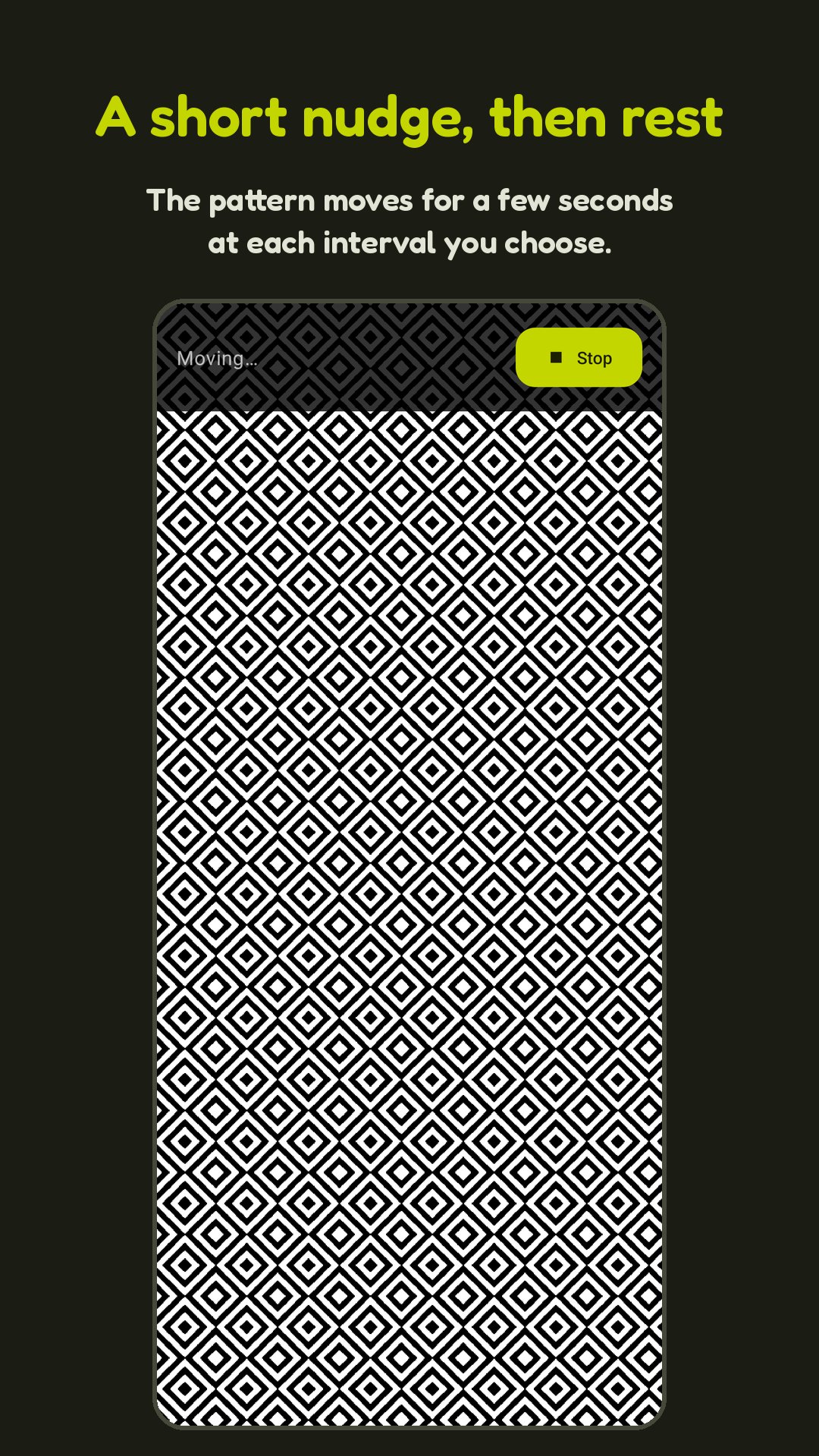
No Bluetooth or pairing needed: place your PC's optical mouse on the phone screen, and a moving pattern under it nudges the cursor at each interval.
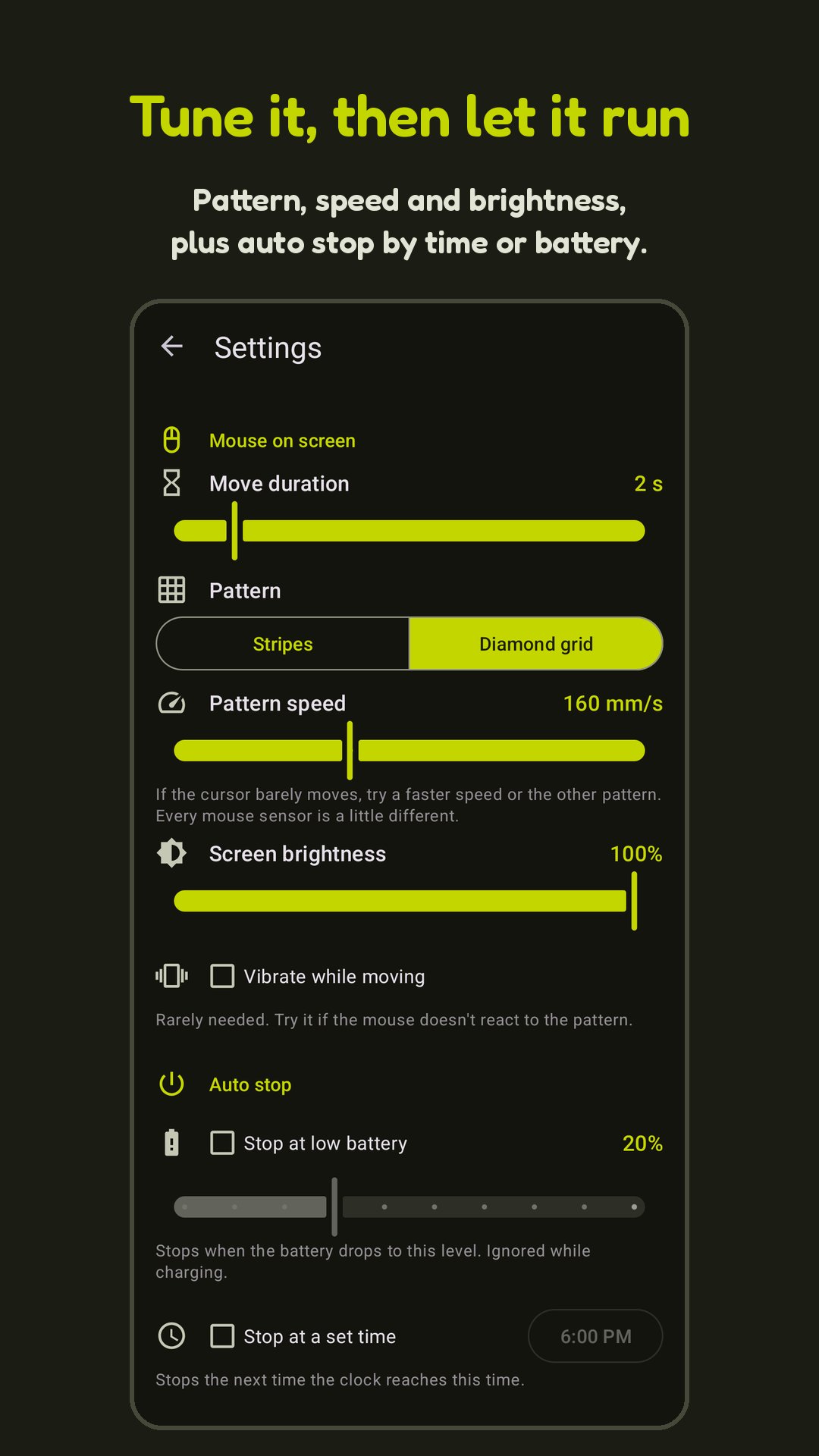
- Diamond grid or stripe pattern, adjustable speed and burst length.
- Screen brightness control and optional vibration.
Also included
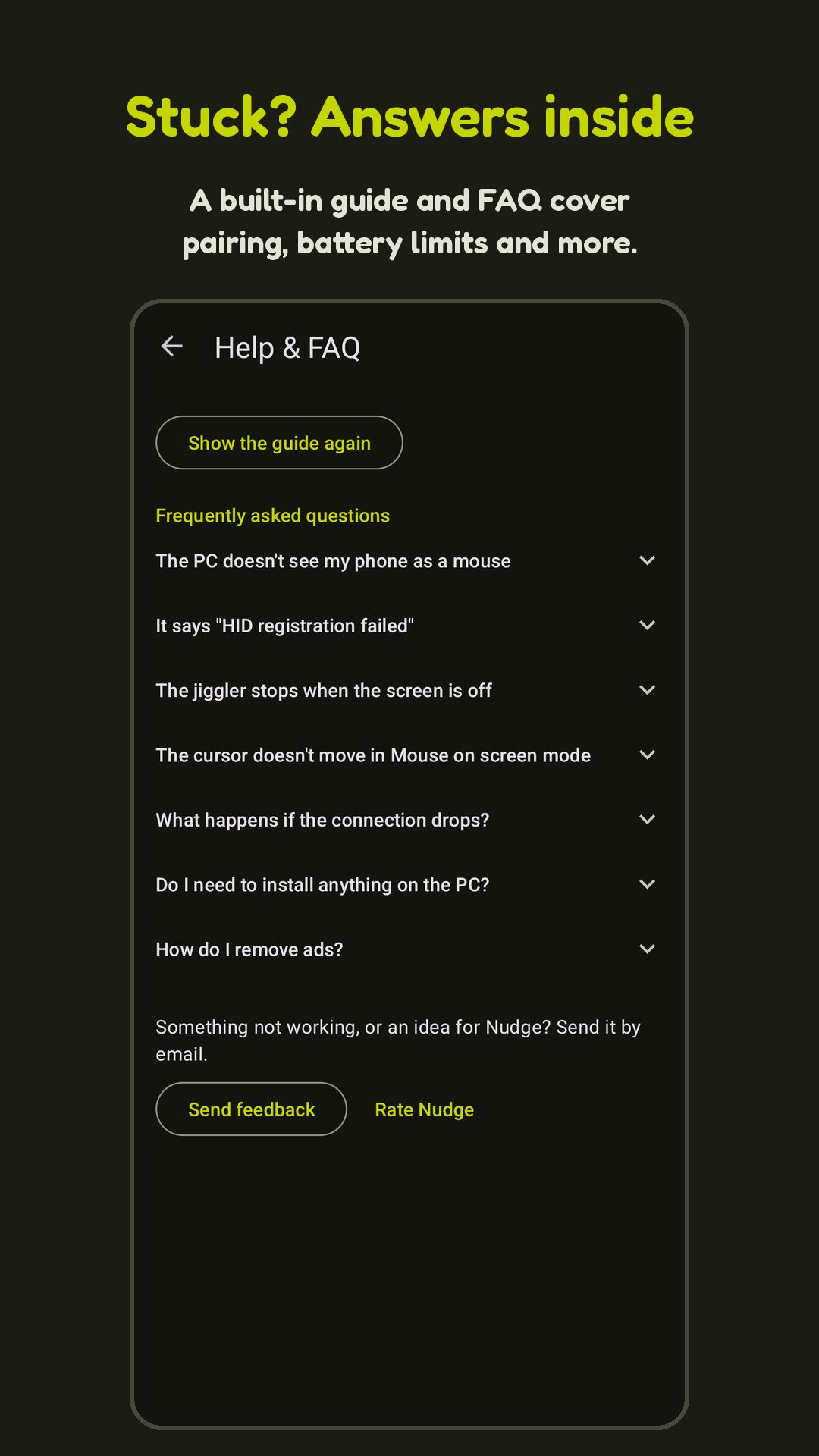
- First-launch guide and Help & FAQ in the app.
- Auto stop at a set time, or when the battery drops to a set level while not charging.
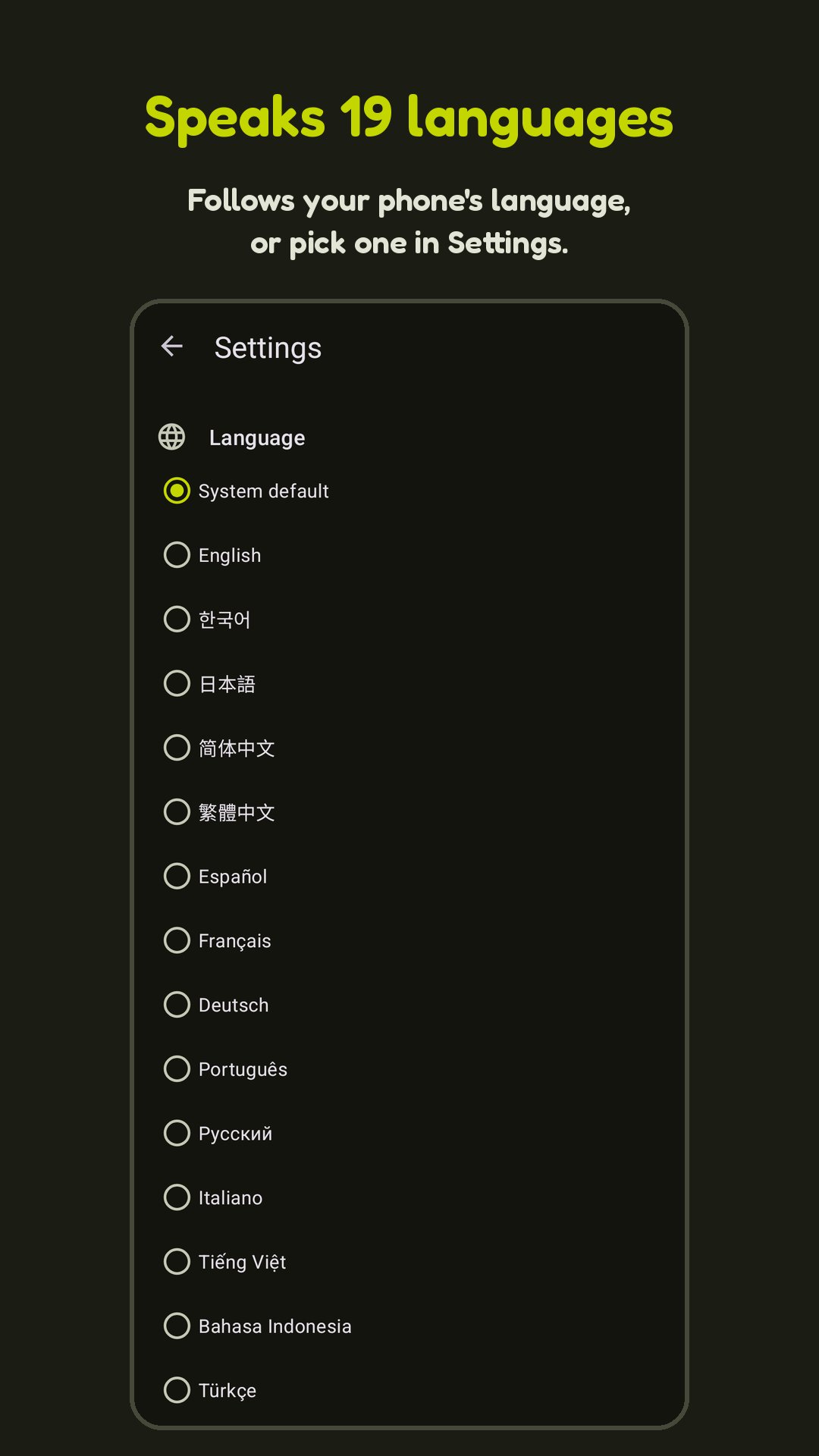
- 19 languages.
- Light and dark theme that follows your system setting.
Nudge is free with all features. It shows a full-screen ad when you press start, at most once every 10 minutes. A one-time purchase removes ads on every device signed in to your Google account.
Bluetooth mode requires a phone with the Bluetooth HID profile; on phones without it the app shows "HID registration failed". Mouse on screen mode works with most optical mice; laser mice and some screens may not track the pattern.
Please follow your workplace's rules on idle and lock settings.

One-click to install XAPK/APK files on Android!

Thanks for your rating and feedback!
You have already rated.