Scan Date:Nov 26, 2024
Show More


8.0
9 Reviews
87.2 MB
File Size
Everyone
Android 10.0+
Android OS
OnePlus Games is a built-in game hub and optimizer for OnePlus Android phones.
Developed by OnePlus Ltd., the standout appeal is automatic gaming mode with real-time system tweaks that keep sessions smooth and distraction-free. The OnePlus Games APK centralizes your titles and applies OnePlus-specific optimizations the moment you launch a game, helping reduce lag and interruptions. It suits quick play, competitive matches, and recording highlights without extra setup. Below are the core features users will find.
This feature brings all installed games into one clean hub so you always know where to start. Open the Games app, then use the three-dot menu to access Manage My Games and add or remove titles with simple toggles. Once a game is in your hub, launching it can automatically enable gaming mode for faster startup and consistent performance. The OnePlus Games app keeps the focus on playing, not searching through folders.
In everyday use, this centralized list helps jump into matches quickly and keeps casual games separate from other apps. Users who install new titles often will appreciate a single view that updates as they add or remove games. Settings live in the same menu for quick adjustments, and changes apply the next time a game launches.
Performance modes apply ongoing system optimization to reduce stutter and improve responsiveness while you play. CPU, GPU, and memory are tuned in real time to balance speed and stability, which helps maintain consistent visuals during longer sessions. The OnePlus Games app lets users choose how aggressive these optimizations should be based on personal preference.
During play, the system adapts as scenes get heavier, aiming to minimize frame drops. If a device has different hardware capabilities, available options may vary, so users can adjust settings only to what their phone supports. This approach benefits both casual titles and intensive action games that demand quick response times.
Fnatic Mode boosts CPU, GPU, and RAM allocation to prioritize maximum performance for competitive scenarios. It is best suited for ranked matches or fast-paced games where extra stability and speed matter. The OnePlus Games app makes this a deliberate choice, so users can enable it when pushing for higher responsiveness.
Fnatic Mode focuses on keeping gameplay steady during intense moments and can pair well with notification blocking for uninterrupted sessions. If you mostly play light puzzle or idle titles, reserving Fnatic Mode for bigger matches is a practical approach. Toggle it off when not needed to run more like a standard gaming mode.
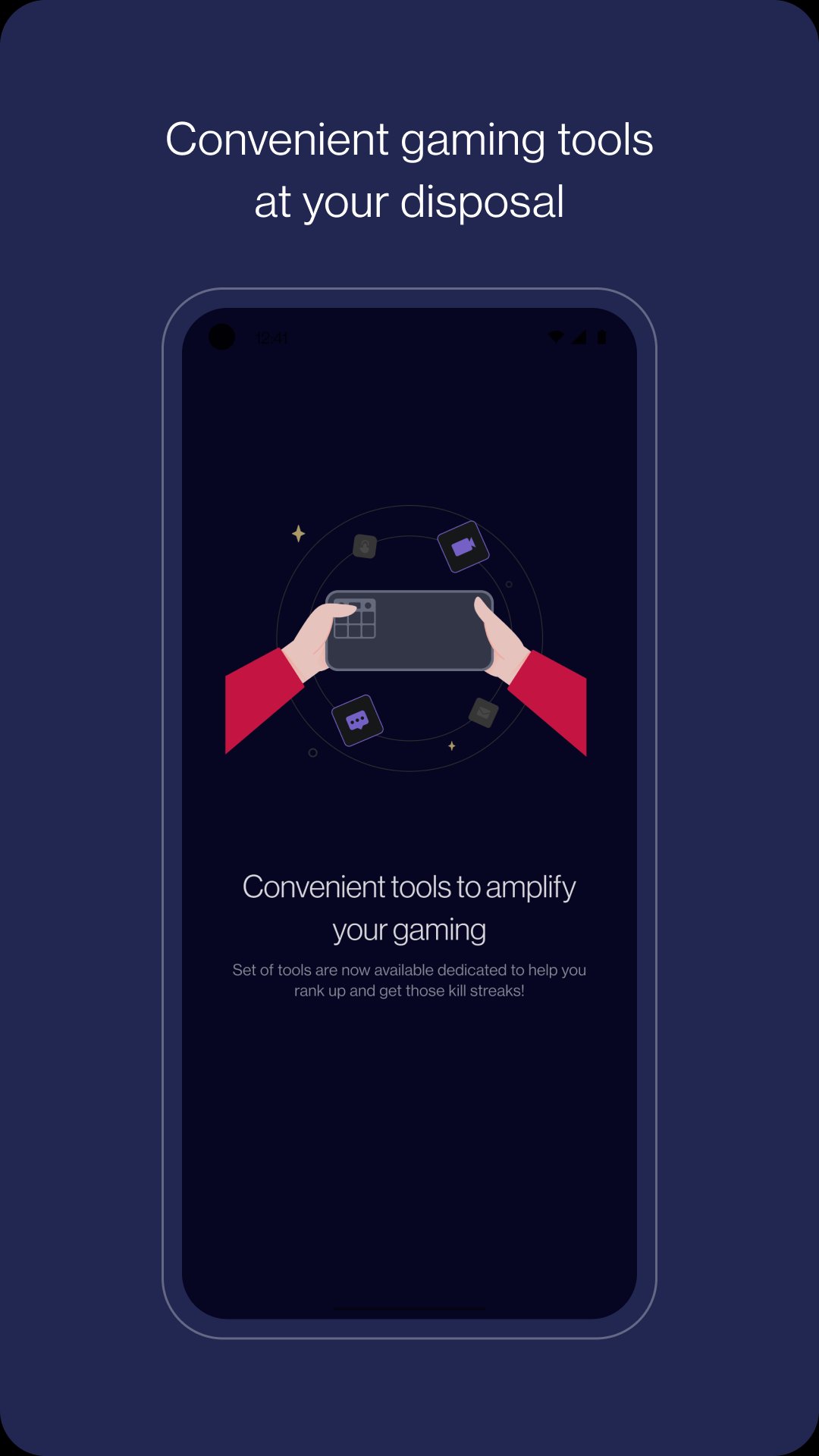
Do Not Disturb features mute notifications and block incoming calls, making it easier to stay locked in while playing. The floating overlay offers quick access to useful tools without leaving the game, including the integrated screen recorder for capturing highlights. The OnePlus Games app keeps these controls close at hand so adjustments take seconds.
In real use, blocking interruptions helps during boss fights, time trials, or any moment when attention matters. Starting the recorder from the overlay is convenient for content creators or players who save clutch plays. Overlay controls are minimal and functional, designed to avoid clutter on screen.
Network optimization aims to stabilize connections, reduce ping spikes, and keep online matches consistent. This is helpful for multiplayer titles where sudden lag can affect outcomes. The OnePlus Games app applies these tweaks in the background so performance stays steady whenever the network allows.
The Explore section recommends new games worth trying, which is useful for discovering titles that work well on OnePlus devices. Recommendations appear inside the hub, so users can browse without leaving the app. As always, choose what fits your taste and disable suggestions if you prefer a quieter experience.
In everyday play, these strengths and limits stand out. The OnePlus Games app emphasizes optimizations and focus tools to keep sessions smooth.
ProsYou can download OnePlus Games latest version on APKPure. The OnePlus Games APK usually downloads quickly, though time varies based on your connection. APK size may vary by version, so ensure sufficient storage before starting.
During download or installation, your device may request permissions and security confirmations. After installation, open the app to let it find your games and enable gaming mode automatically. If needed, adjust settings in the three-dot menu to fine-tune performance and distraction controls.
For a smooth first run, close other heavy apps and check your network stability. Then launch a favorite title and try Fnatic Mode for a competitive match. When recording highlights, keep the overlay handy so you can start or stop with one tap.




One-click to install XAPK/APK files on Android!

Thanks for your rating and feedback!
You have already rated.