Package Name:com.pixelshrink.qr
Show More


54.2 MB
File Size
Everyone
Android OS
Compress, resize, convert photos & scan QR codes offline with 100% privacy.
Pixel Shrink is your all-in-one, privacy-focused offline image and QR utility for Android. Easily compress photos to reclaim valuable storage, resize dimensions with pixel precision, convert between formats, and scan or generate QR codes instantly directly on your device.
100% OFFLINE AND PRIVATE
Your photos and files never leave your device. Pixel Shrink does not upload anything to the cloud or remote servers. All compression, editing, and QR scanning algorithms execute locally in device memory.
KEY FEATURES:
1. Smart Image Compressor
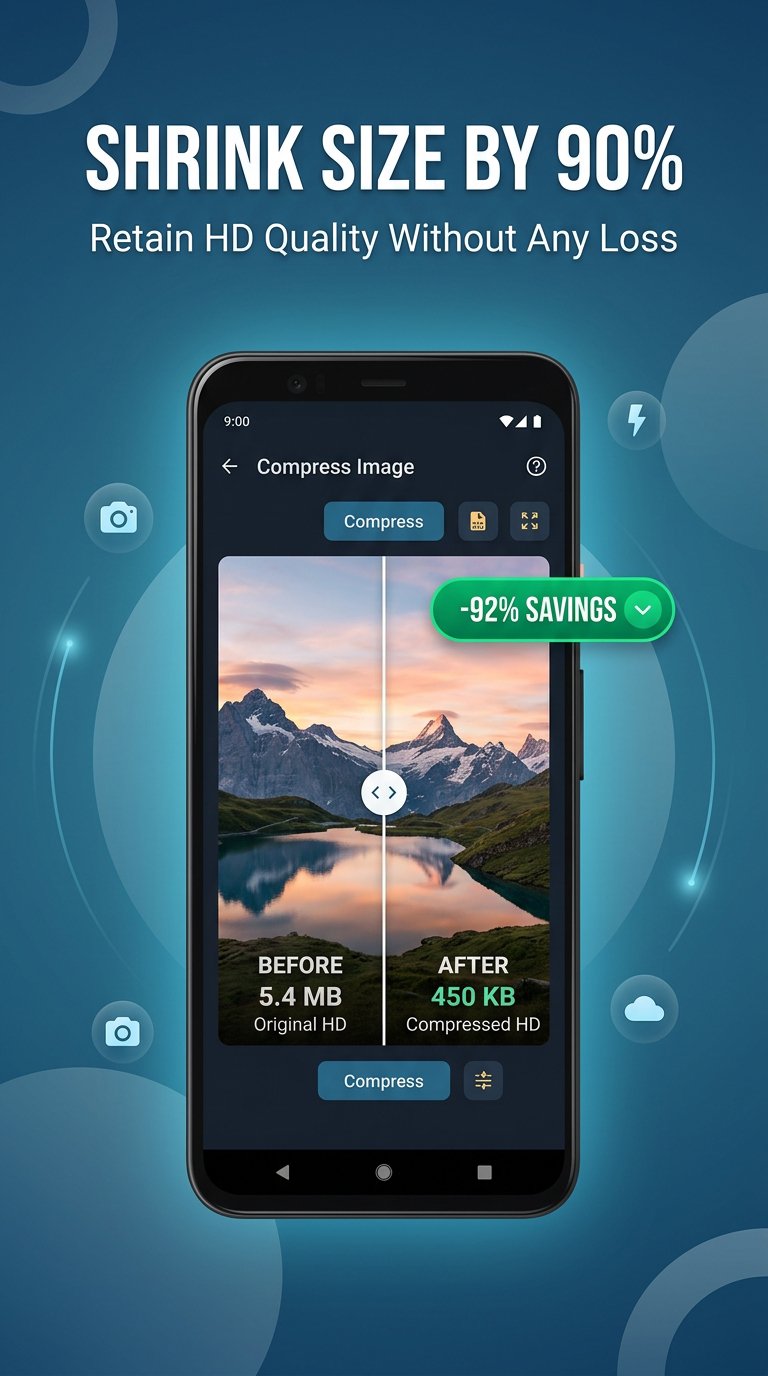
- Reduce image file sizes by up to 90% while preserving sharp visual clarity.
- Choose from Quick Presets (High Quality, Balanced, Small Size) or use the Custom Slider (10% to 100%).
- Real-time Before and After visual comparison with original and compressed size statistics.
2. Precision Image Resizer
- Resize photos by exact width and height pixels.
- Aspect Ratio Lock ensures your images never stretch or distort.
- Instant presets: 25%, 50%, 75%, 1080p Full HD, and 720p HD.
3. Universal Format Converter
- Convert seamlessly between JPG, PNG, and WebP formats.
- Adjustable quality control for lossy formats.
4. Batch Multi-Photo Processing
- Select and process multiple photos simultaneously.
- Background processing keeps the app fast and smooth without draining battery.
- Clear summary of total storage saved.
5. Crop and Rotate
- Rotate images 90 degrees Clockwise or Counter-Clockwise.
- Flip horizontally and vertically.
- Standard crop aspect ratios: Free, 1:1 Square, 4:3, 16:9, and 3:4.
6. Lightning QR Scanner and Generator
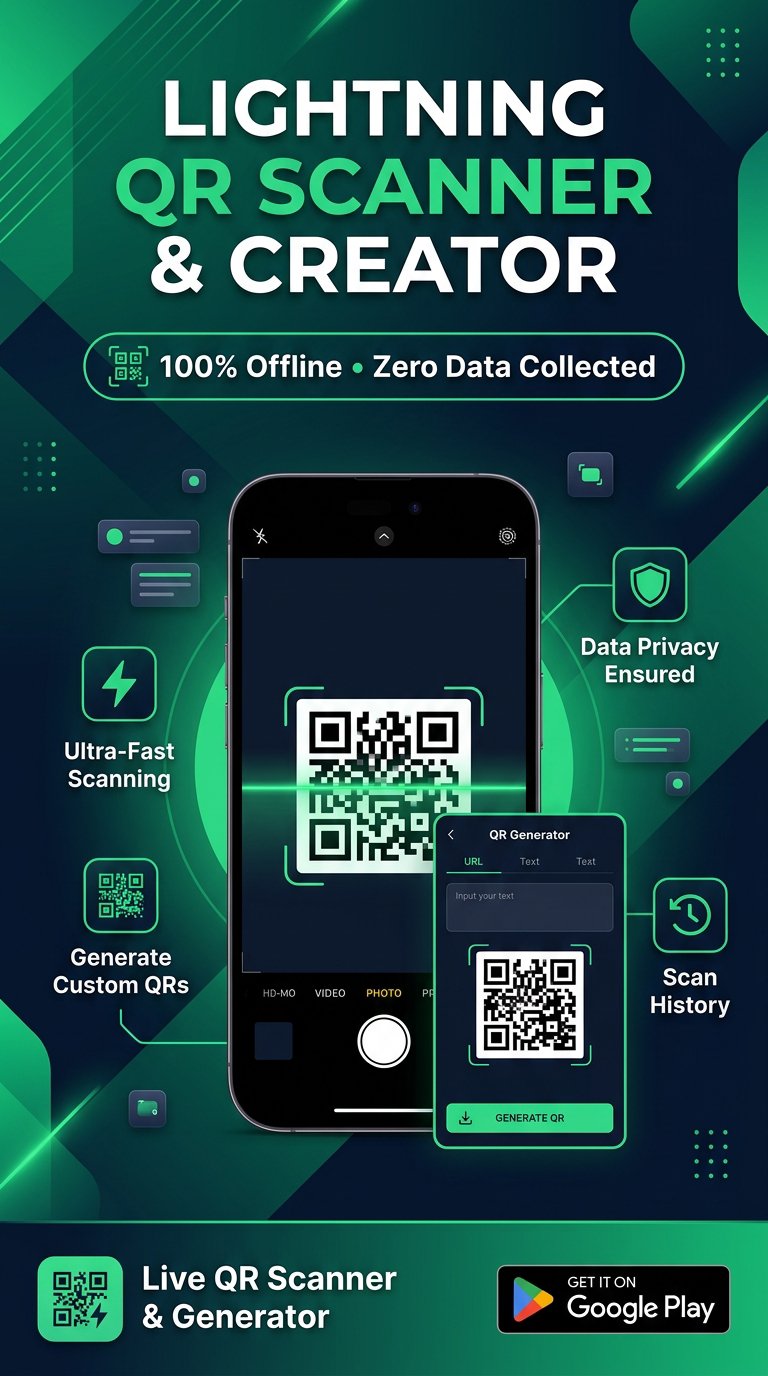
- Real-time camera QR scanner with laser target line and flashlight support.
- Scan QR codes directly from saved gallery images.
- Offline QR Code Generator: Create custom QR codes for websites, text, and links.
- Quick actions: Copy to clipboard, open URLs, and native share.
7. Storage Dashboard and History
- Keep track of all processed files in a clean, searchable history.
- Monitor your total megabytes and gigabytes saved over time.
WHY CHOOSE PIXEL SHRINK?
- Zero Tracking: No analytics SDKs profiling your behavior.
- No Account Required: Open the app and start optimizing right away.
- Tablet and Foldable Optimized: Designed to take full advantage of large screens and Chromebooks.
Download Pixel Shrink today to free up phone storage and optimize your images with complete privacy.



One-click to install XAPK/APK files on Android!

Thanks for your rating and feedback!
You have already rated.