















Thanks for your rating and feedback!
You have already rated.

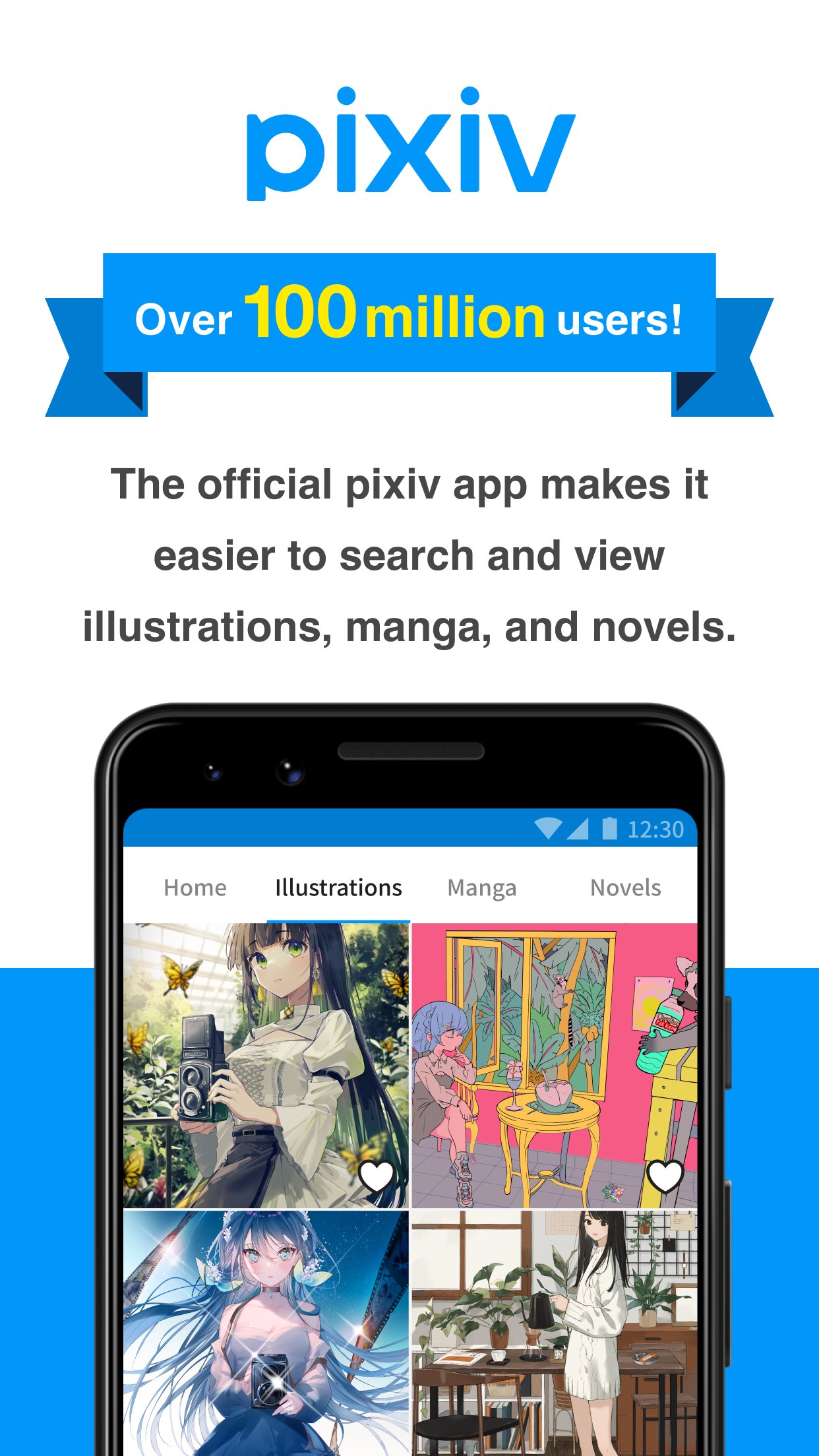
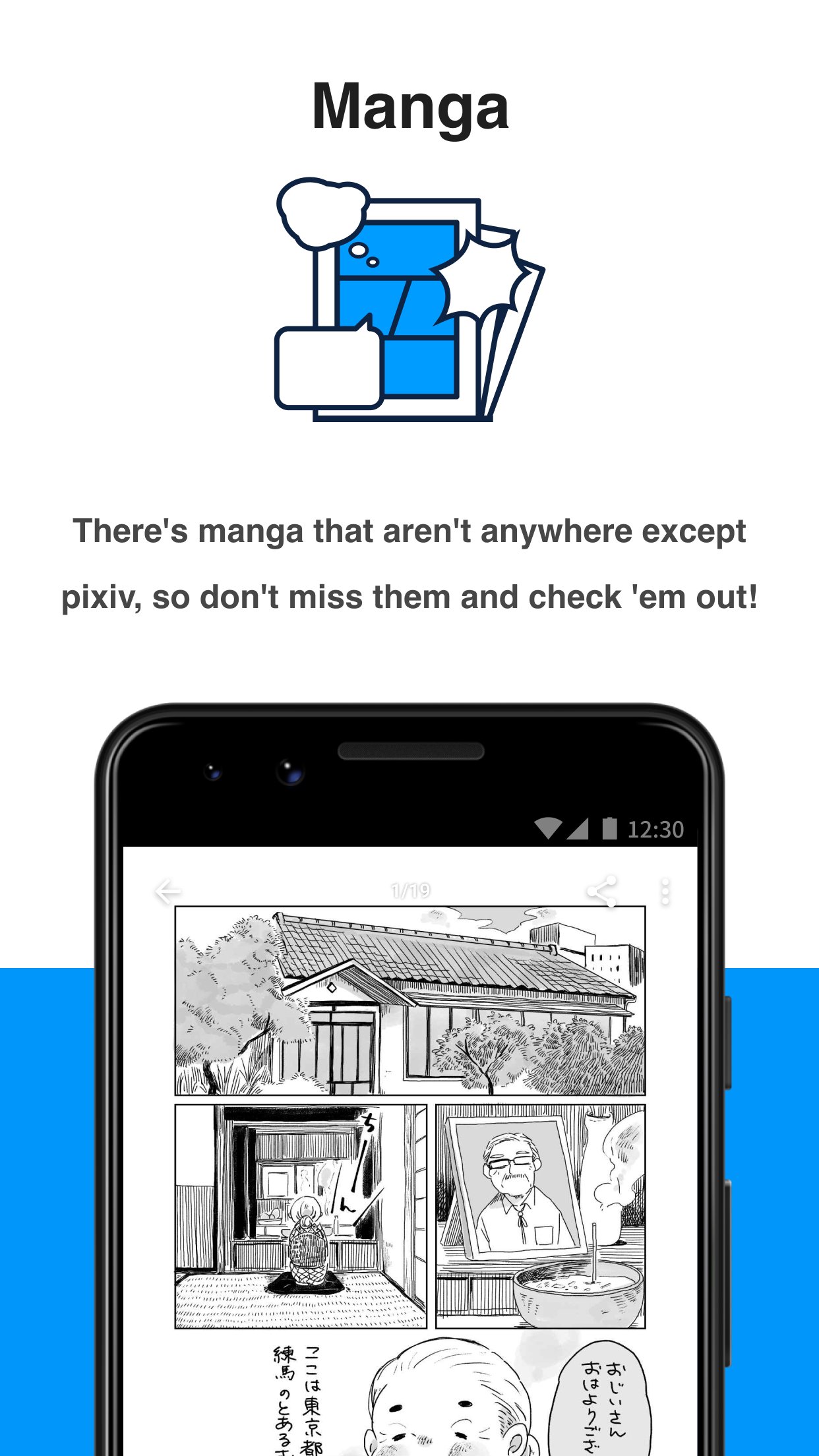
pixiv is a creative community app where you discover and share illustrations, manga, and novels.
Developed by pixiv Inc., the app focuses on personalized recommendations that help you quickly find content you like. It learns from your likes and bookmarks, and its smart use of tags keeps search efficient. To make discovery smooth from day one, it brings together trending rankings, fresh updates, and precise search tools.
Personalized feed refined by your likes, bookmarks, and ongoing activity.
Rankings by day, week, month with male/female popularity and original works.
Latest works from followed creators and fresh site-wide uploads to spark ideas.
Powerful search using tags, titles, and novel full-text to pinpoint content.
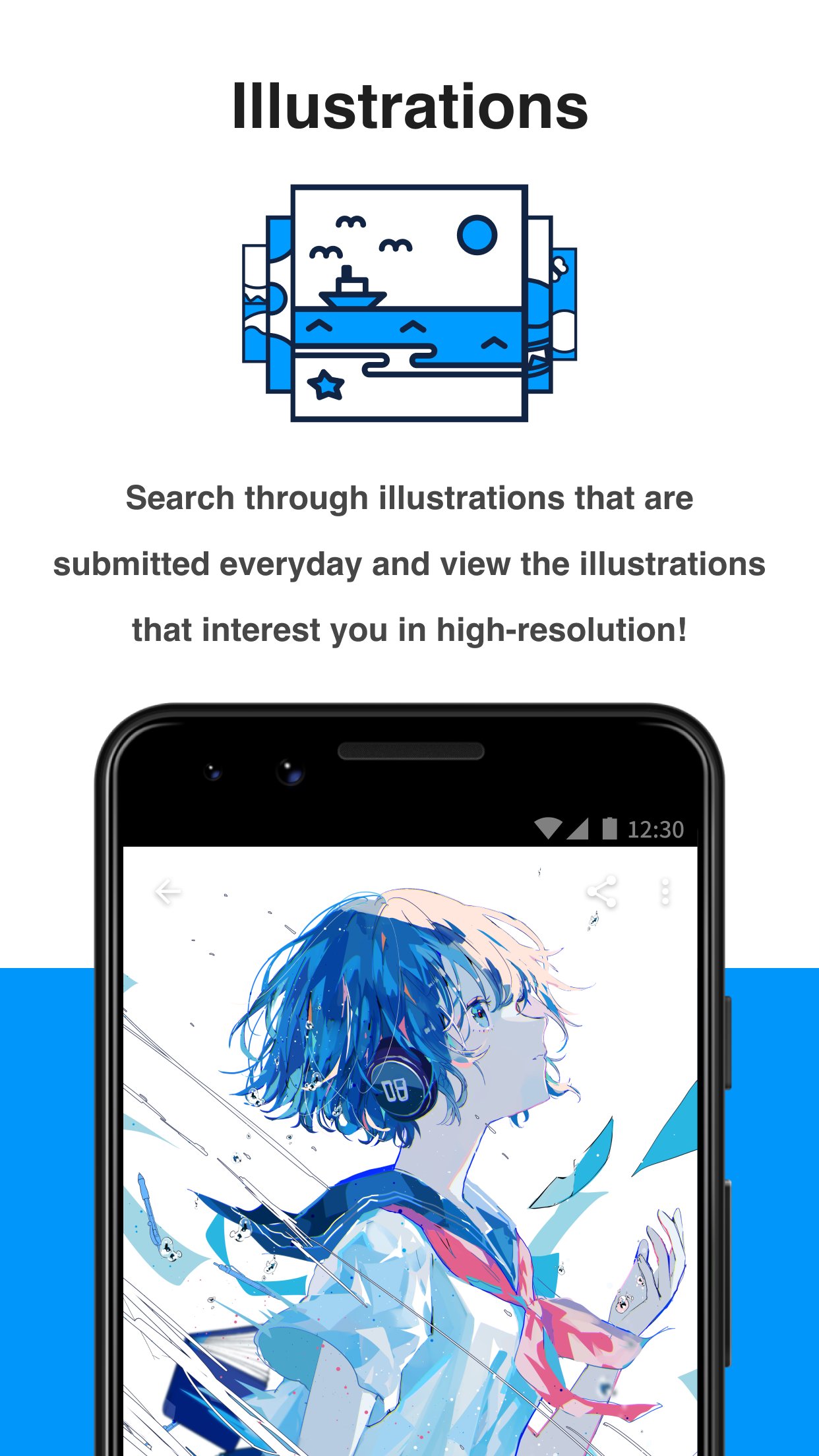
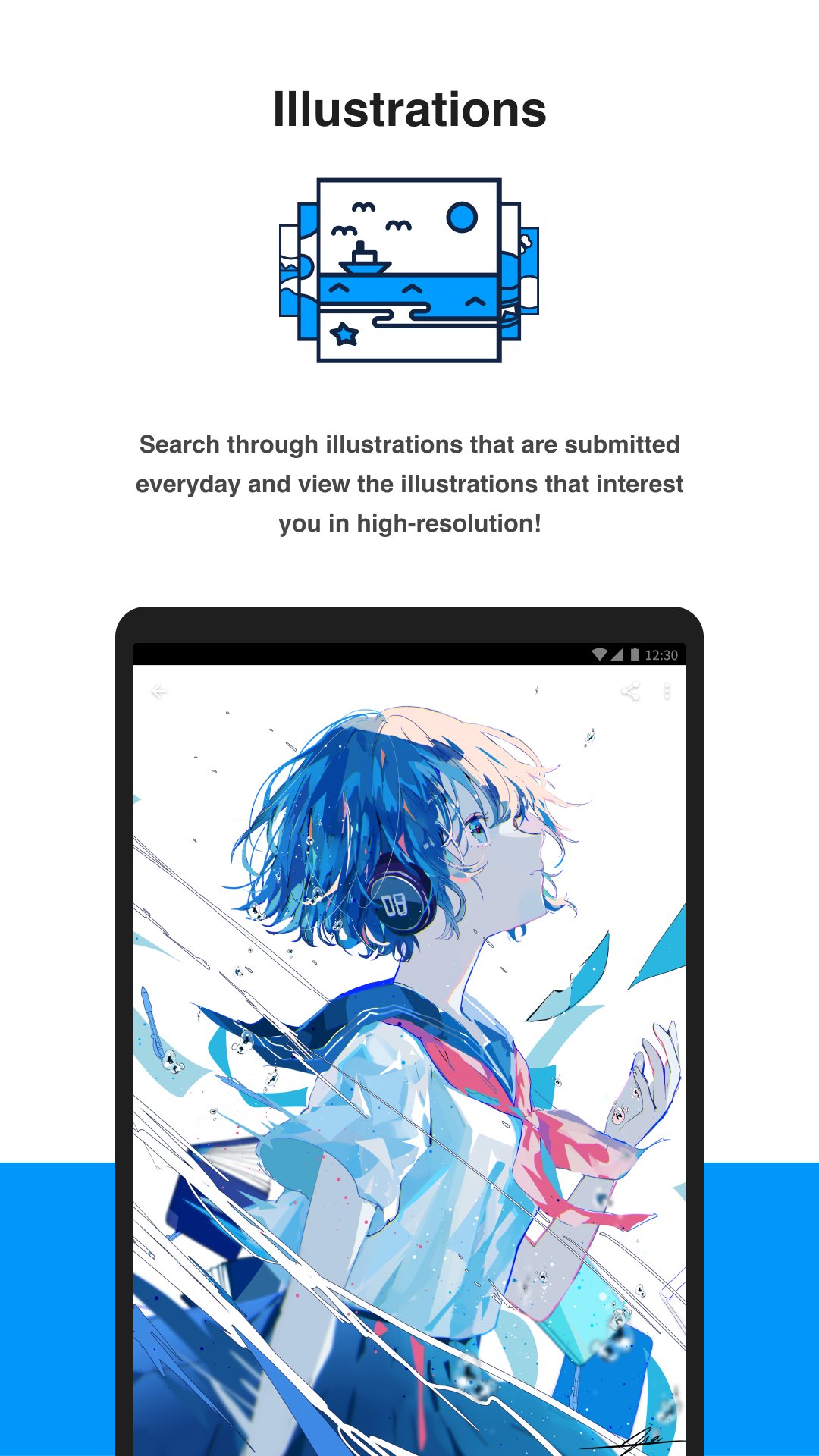
High-quality images with responsive loading and zoom for smooth mobile viewing.
The recommendation feed highlights illustrations, manga, and novels based on popular posts and your activity. As you like or bookmark pieces, the suggestions improve and surface creators similar to those you follow. On the artwork page, you can like and add to bookmarks in one tap, and the system updates almost immediately. The pixiv app uses this feedback loop to save time, making it easier to discover new styles or series without manual searching.
Rankings let you catch what the community is enjoying right now. You can switch between daily, weekly, and monthly views, then filter for male popularity, female popularity, or original works to match your interests. This is useful when you want a quick snapshot of high-quality pieces without scrolling endlessly. For example, check the daily list during a break, then open the weekly view to find sustained hits worth following. The pixiv app keeps the interface simple so toggling periods and categories feels quick and natural.
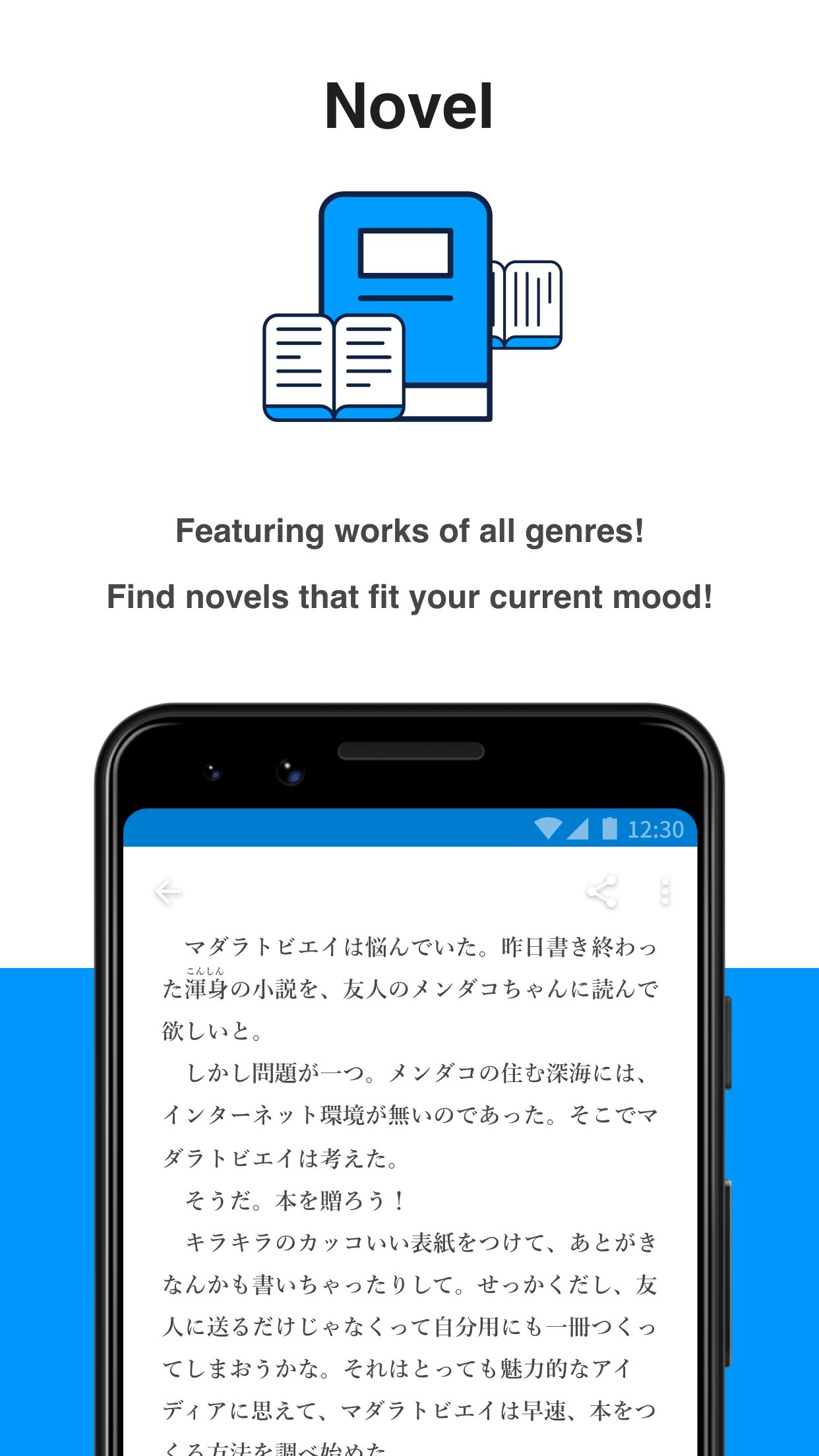
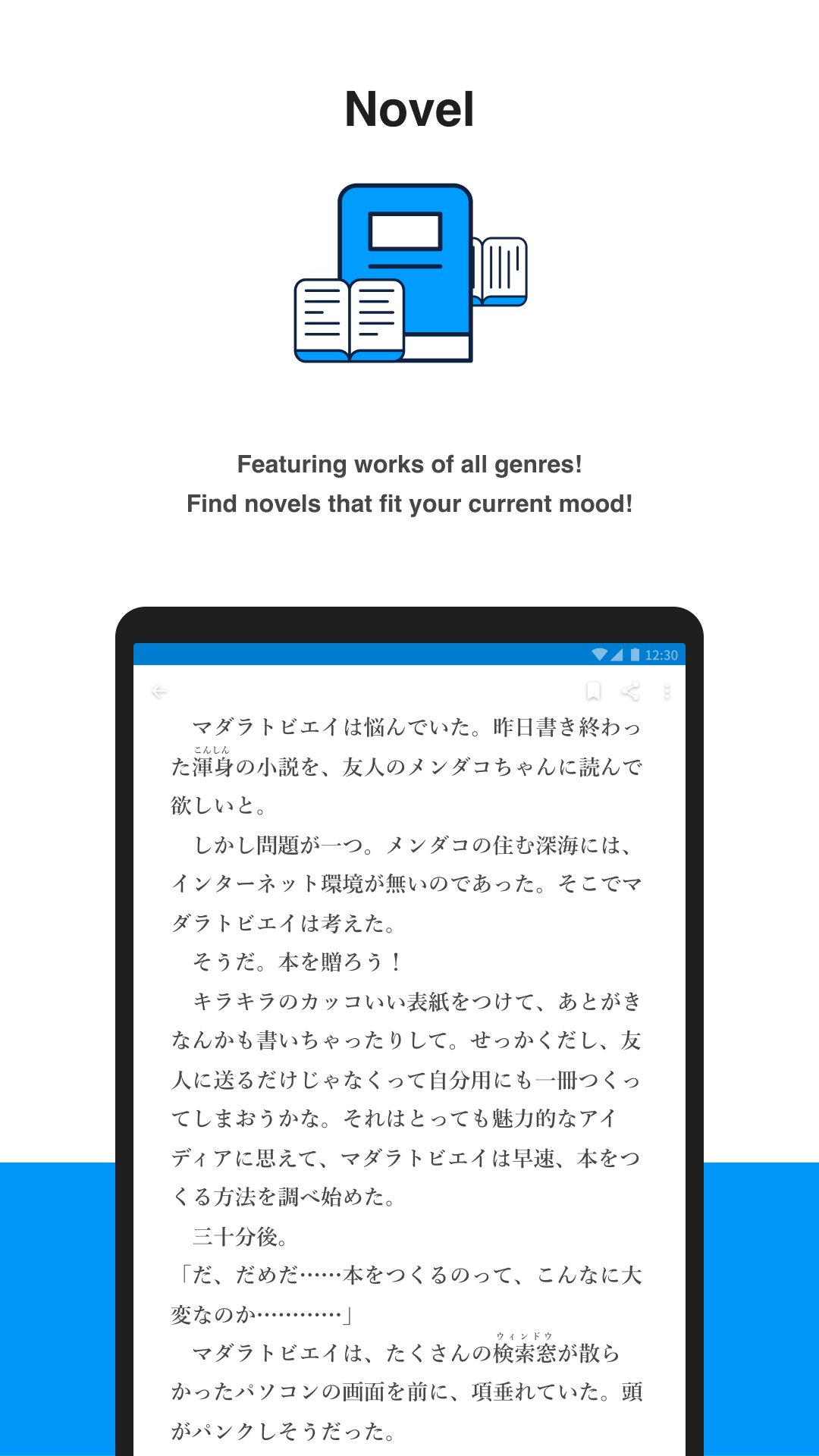
Search is built for precision. For illustrations and manga, you can search by tags or titles. For novels, full-text search helps you find exact phrases in the body of the work. Combine multiple tags by typing them with spaces to require all of them, and avoid commas to keep results clean. If you are not sure where to start, use Featured Tags to jump into trending themes, or revisit Search History for frequent queries. When tags are mostly in Japanese, try auto-suggestions, start from featured topics, or use basic translations; many popular tags are consistent enough for quick recognition in context. The pixiv app’s search tools reward accurate inputs and return focused results.
The “Following” feed shows new uploads from creators you care about, alongside fresh site-wide posts that might surprise you. This mix ensures you never miss updates while still discovering new voices. You can like and bookmark directly from the feed, which keeps your library tidy and ready for revisiting. A typical routine might be a morning check for your favorite series, then a quick browse of new uploads to spark inspiration for the day. In pixiv, following creators builds a personalized stream that stays relevant over time.
Works are presented in high resolution with responsive loading, so images look crisp and detailed. Pinch to zoom makes it comfortable to examine line work or textures on phone screens. On slower networks, very large images may take a moment; preloading on Wi-Fi helps if you plan to browse long galleries. Even with the pixiv APK on a mid-range device, viewing is smooth and stable thanks to optimizations designed for mobile use.
These strengths and trade-offs come from how the pixiv app blends community trends with precise search and curation. It favors accurate tagging and active engagement to deliver better results.
Pros
Massive library of high-quality illustrations, manga, and novels
Personalized feed improves with likes and bookmarks
Detailed rankings for fast trend discovery
Tag and full-text search for precise results
Smooth mobile viewing with high-resolution images
Cons
Tag system leans toward Japanese labels
Learning tag combinations takes some practice
You can download the latest pixiv APK from APKPure. The current pixiv APK latest version is 6.200.0, requires Android 8.0 or above, and the installer is about 38.0 MB. Over a typical home Wi-Fi connection, the download should finish in under a minute on most devices. Mobile data may take longer and use more data, so plan accordingly.
After installation, initial browsing may cache thumbnails and previews, which adds a small amount of storage usage over time. If your device blocks installs from unknown sources, enable the option in Settings before you download pixiv and start the setup. Keep enough free space for bookmarks and cached images, and make sure your connection is stable during the first run.
Once installed, try Featured Tags to explore current trends, then follow a few creators to personalize your feed quickly. If you share or save many works, consider browsing on Wi-Fi to keep data usage predictable.



One-click to install XAPK/APK files on Android!
Thanks for your rating and feedback!
You have already rated.