Scan Date:Nov 2, 2025
Show More


3.7 MB
File Size
Everyone
Android 7.0+
Android OS
Playback Mic is a lightweight audio tool for live mic monitoring and recording.
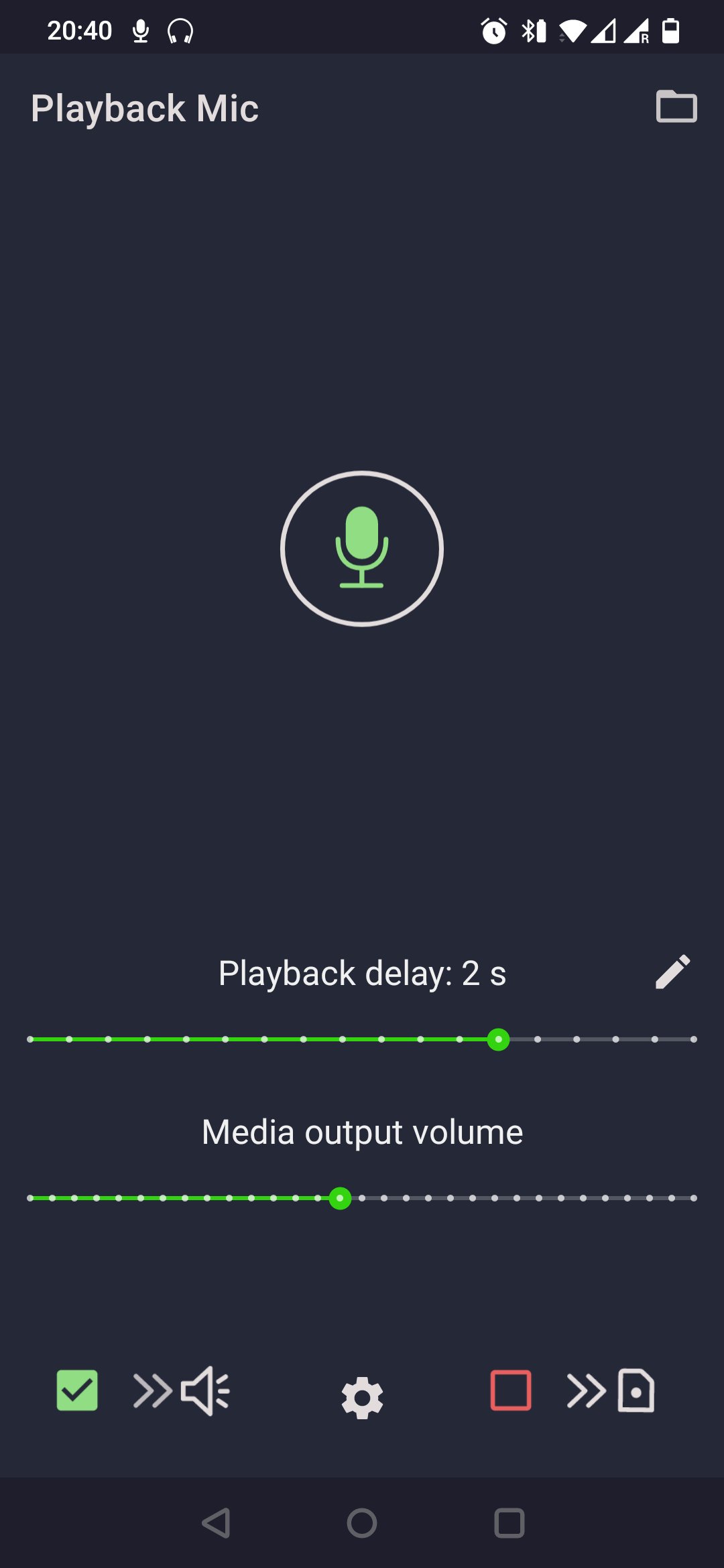
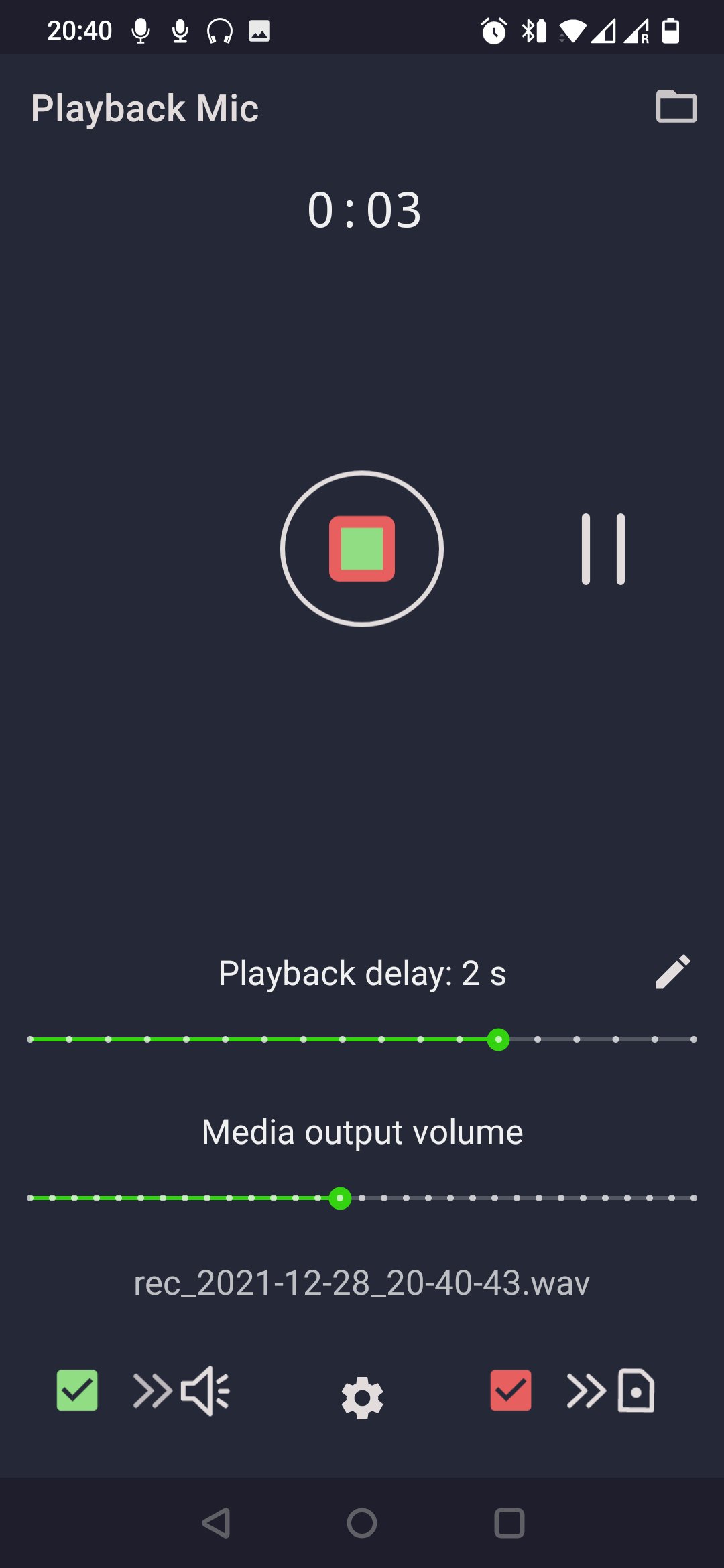
Developed by Time Tools, Playback Mic focuses on a clean, practical workflow for voice practice and quick self-checks. You route your phone’s mic input to headphones, adjust delay for comfort, capture takes in your preferred format, and replay the last segment instantly. It helps with vocal projection, pronunciation drills, audition prep, and even simple headphone testing. Users who download Playback Mic get a focused experience without distractions. Below are the key features that make it useful for everyday audio tasks.
Live monitoring routes the phone’s microphone to your headphones so you hear yourself in real time. The Pickup-to-playback delay is adjustable, which helps reduce cognitive dissonance when practicing speech or singing. For the most natural feel, wired headphones are recommended because Bluetooth adds extra latency by design. Due to Android’s audio stack and omnidirectional phone mics, zero-latency use is not possible, and loudspeakers are not advised because of feedback risk. The Playback Mic app also improved stability and delay calculation in the May 2023 update, making monitoring more consistent across devices.
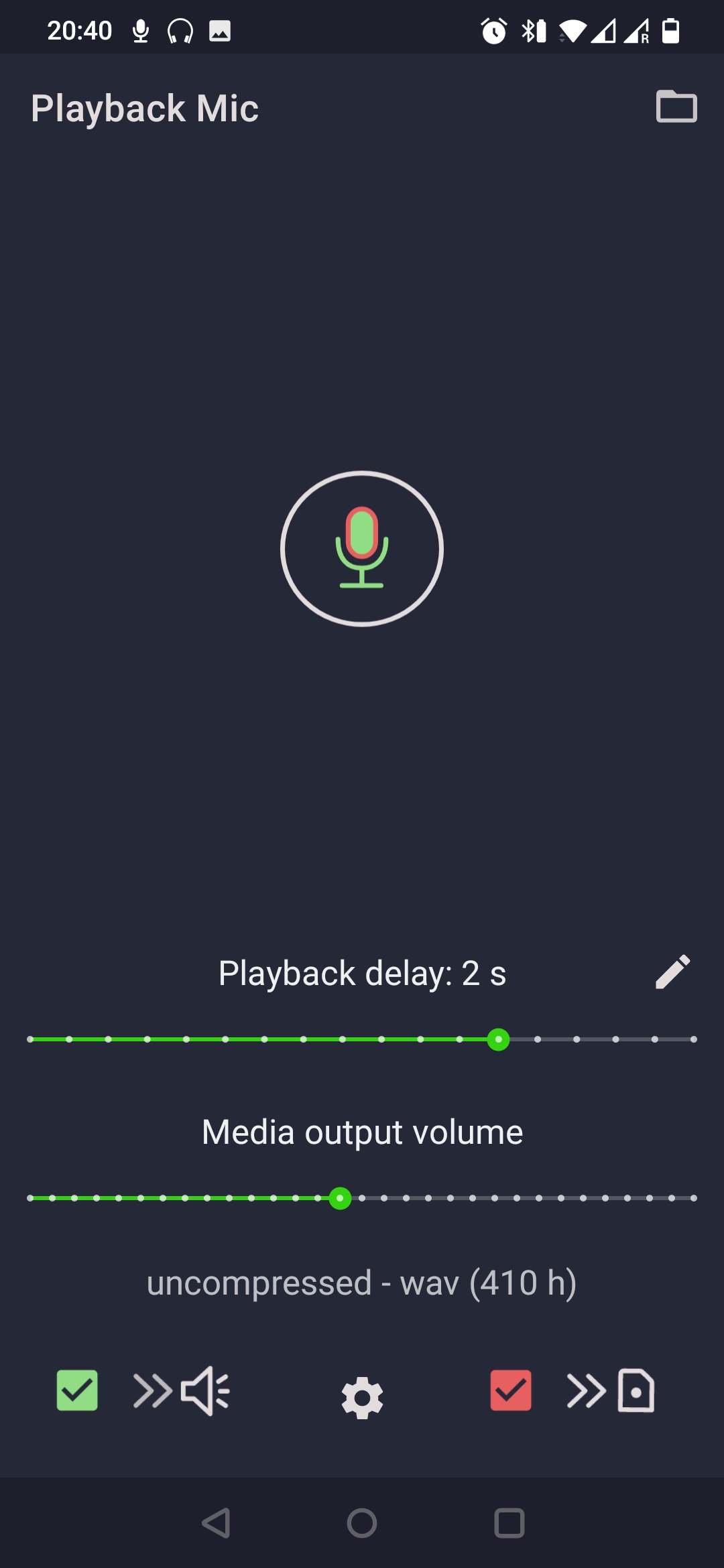
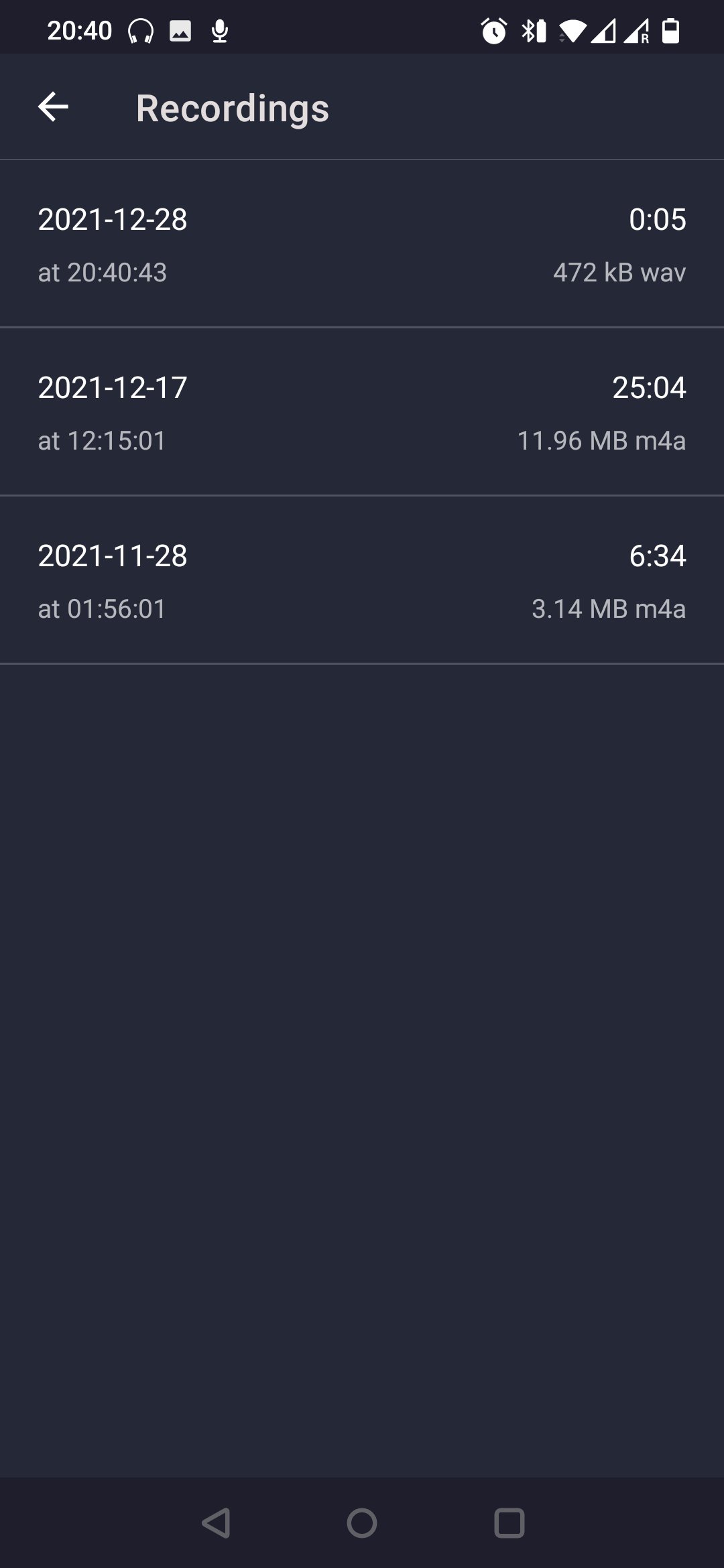
Recording is built around clarity and control. You can capture takes in compressed or uncompressed formats, depending on whether you want smaller files or higher fidelity. This suits everything from quick pronunciation clips to more careful vocal notes. It is helpful to keep an eye on available storage when choosing uncompressed audio, especially for longer sessions. Playback Mic does not collect personal data, making it a straightforward choice for private voice notes and practice logs.
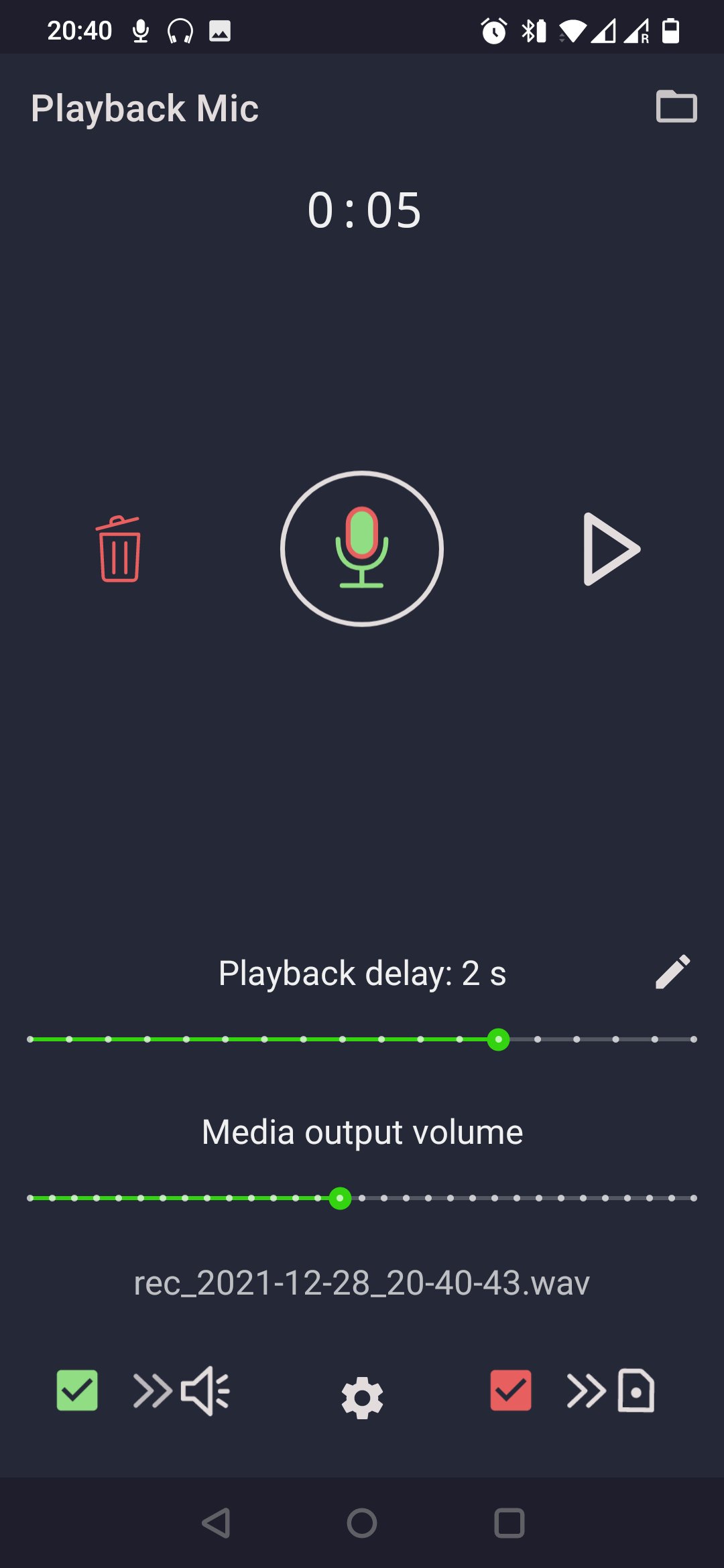
Instant replay lets you hear the most recent take immediately without digging through folders. A single tap plays back the last segment, which speeds up practice loops like line delivery, accent work, or short warm-ups. This quick audition aids fast correction because you can compare attempts back to back. It also avoids breaking flow during time-limited rehearsals, where staying focused matters. In Playback Mic, the one-tap replay keeps your practice moving with minimal friction.
When a take is ready to send, sharing uses the system share sheet so you can forward clips to messaging apps, email, or cloud drives in seconds. This is useful for audition checks with a coach, class submissions, or quick feedback from a friend. The free tier includes a total of three hours of monitoring and recording; after that, new sessions are limited to one minute. Planning practice into short, focused passes helps work within these limits efficiently. Playback Mic keeps the core workflow focused, with speed and convenience for real-world voice tasks.
You can download the latest Playback Mic APK from APKPure. Download time varies by connection speed, and size may change with different builds, so ensure sufficient storage before starting. After the file finishes, your device may prompt for permission to install apps from your browser. On first launch, grant microphone access, plug in headphones, and start with a comfortable delay setting to avoid distraction.
If you prefer to keep up with improvements, look for the Playback Mic latest version when checking for updates. Once installed, try a short monitoring session, record a quick line, and use instant replay to evaluate it. For the lowest latency, choose wired headphones and avoid loudspeakers to reduce feedback risk.


One-click to install XAPK/APK files on Android!

Thanks for your rating and feedback!
You have already rated.