Package Name:app.png.studio
Show More

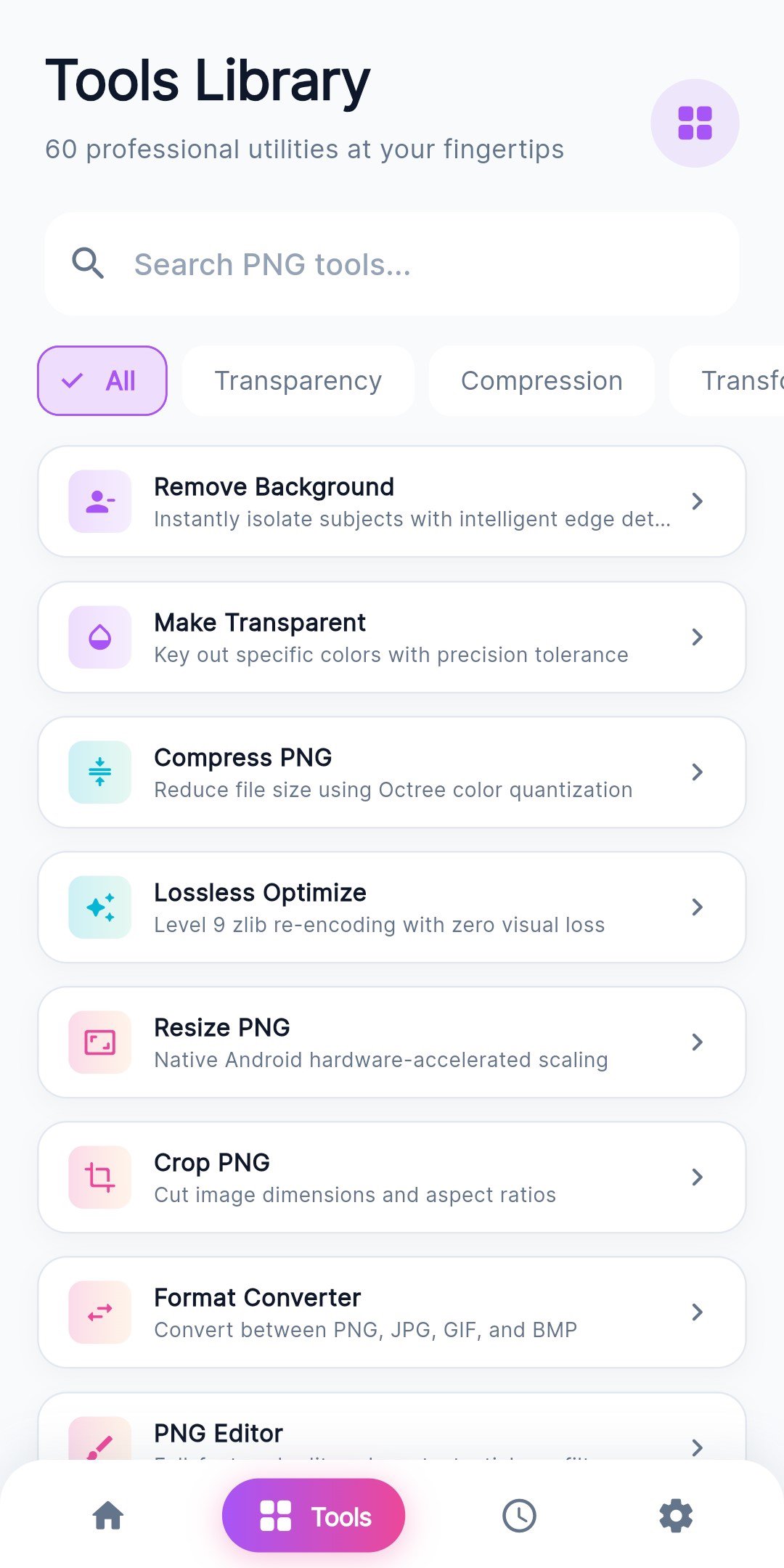
Remove background, compress PNG to exact KB, convert formats & edit with ease.
PNG Studio is your complete image companion built specifically for working with PNGs, transparency, and high-performance photo optimization. Whether you are creating graphics for e-commerce, preparing passport and ID photos, shrinking pictures to meet strict exam portal limits, or converting file formats, PNG Studio gets the job done cleanly right on your phone.
Your pictures never leave your device. All editing, background segmentation, and file compression happen directly using your device's built-in processing power.
WHAT YOU CAN DO WITH PNG STUDIO:
1. Automatic Background Remover
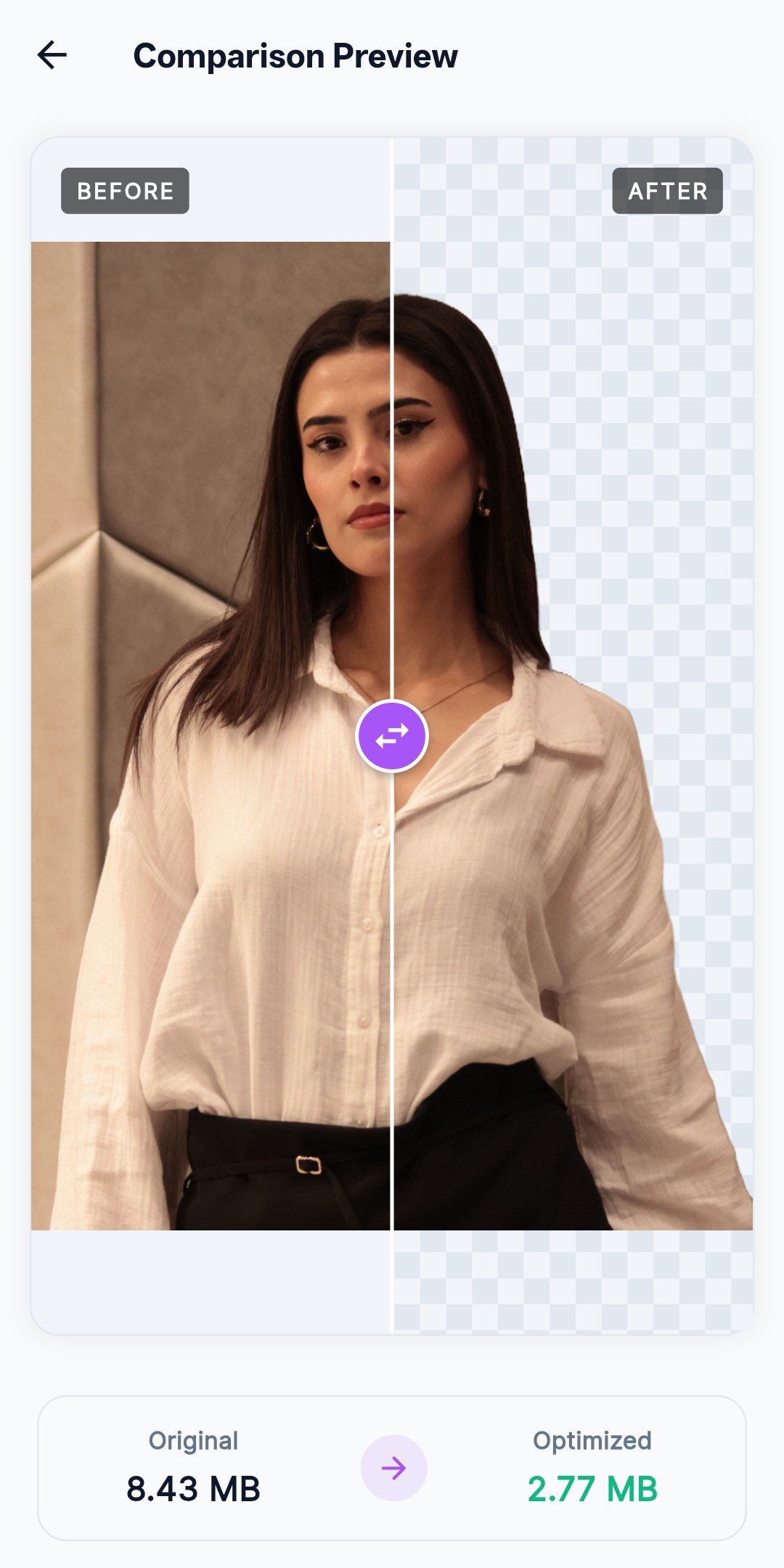
• Cut out people, products, clothing, and objects in seconds.
• High-precision edge detection isolates fine details cleanly.
• Interactive Before & After comparison slider lets you inspect cutouts before saving.
2. Smart Transparency & Alpha Tools
• Clear solid white or black backdrops from sketches, logos, and signatures with one tap.
• Extract handwritten ink signatures from photos onto transparent backgrounds.
• Add custom white outline strokes to create ready-to-print stickers.
• Invert transparency masks or sample dominant color palettes in HEX & RGB.
3. PNG Compressor & Target KB Reducer
• Shrink file sizes dramatically without turning your images blurry or pixelated.
• Choose from multiple compression levels: Lossless (100% quality), Balanced, or High Savings.
• Hit exact file limits: Compress photos directly to 20 KB, 50 KB, 100 KB, 200 KB, or 500 KB to breeze through job applications and official portal requirements.
• Color quantization profiles: 256, 128, and 64-color palettes with full alpha channel support.
4. Precise Resizing (Pixels, CM, MM & Inches)
• Scale images using exact pixels or percentages with hardware-accelerated rendering.
• Convert to physical print sizes (Centimeters, Millimeters, and Inches) at 300 DPI.
• Standard size presets for US Passports (2x2 inch), International Passports (3.5x4.5 cm), Visa applications, and social media avatars.
5. Universal Format Converter
• Turn photos into clean PNGs or export transparent PNGs into other formats.
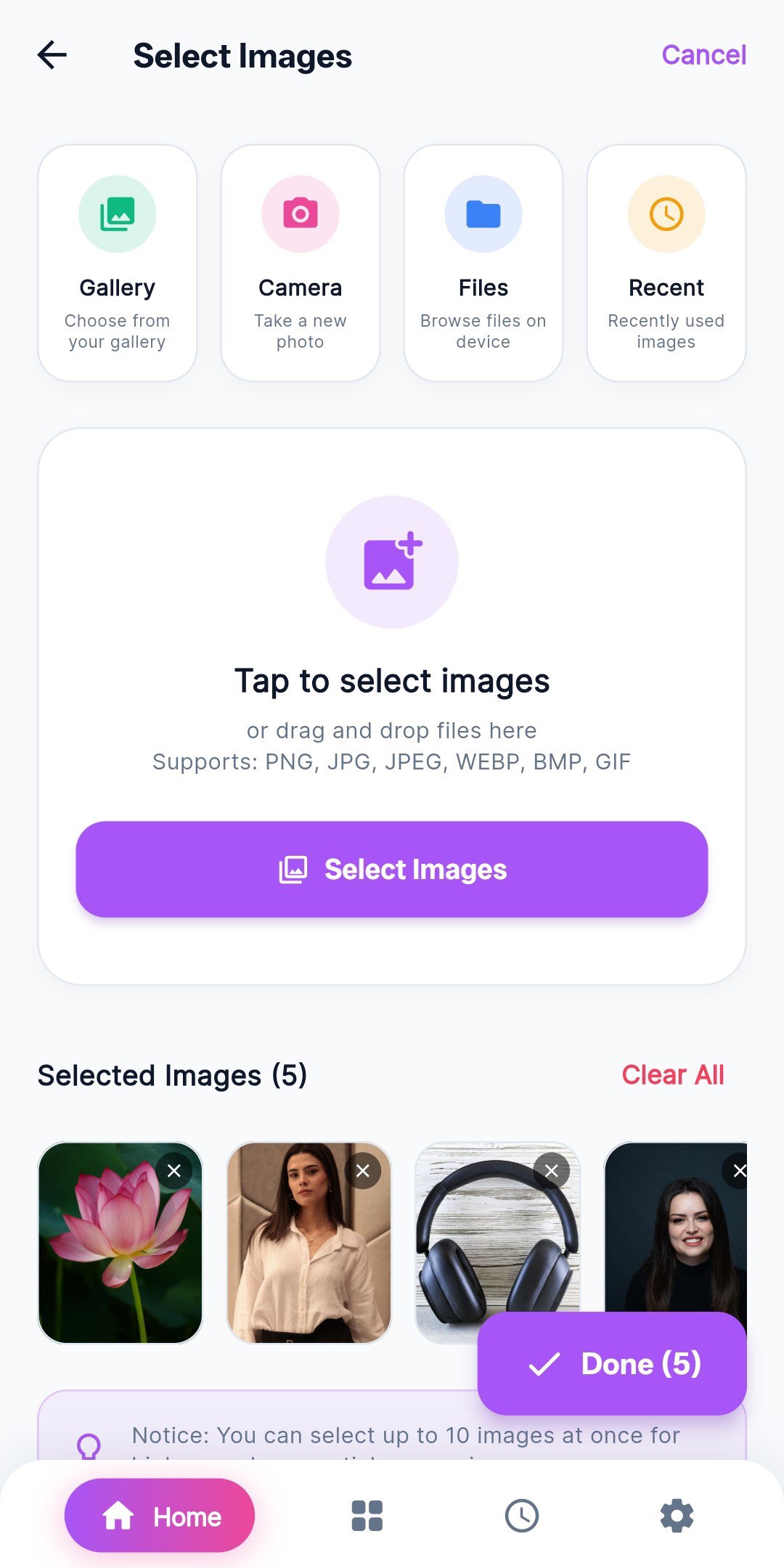
• Supports PNG, JPG, WebP, BMP, GIF, ICO (Favicon), and multi-image PDF exports.
• Seamlessly convert iPhone HEIC pictures to universal PNG.
6. Built-in Canvas Photo Editor
• Crop images to freeform or fixed aspect ratios.
• Draw notes, highlight key areas, add custom text layers, and apply visual filters.
Compress PNG:
Compress PNG to 1KB
Compress PNG to 5KB
Compress PNG to 10KB
Compress PNG to 25KB
Compress PNG to 50KB
Compress PNG to 100KB
Compress PNG to 150KB
Compress PNG to 200KB
Compress PNG to 250KB
Compress PNG to 300KB
Compress PNG to 350KB
Compress PNG to 400KB
Compress PNG to 450KB
Compress PNG to 500KB
Compression & Optimization Tools:
Compress PNG
PNG Lossless Optimize
PNG Lossless Compression (100% Quality)
PNG Compress 10% (Ultra High Quality)
PNG Compress 25% (High Quality)
PNG Compress 50% (Balanced)
PNG Compress 75% (Maximum Space Saving)
PNG Compress 90% (Ultra Tiny)
PNG-8 (256 Colors Palette)
PNG-8 (128 Colors Palette)
PNG-8 (64 Colors Palette)
Reduce PNG Images:
Reduce PNG Image 5KB
Reduce PNG Image 10KB
Reduce PNG Image 25KB
Reduce PNG Image 50KB
Reduce PNG Image 60KB
Reduce PNG Image 75KB
Reduce PNG Image 95KB
Reduce PNG Image 130KB
Reduce PNG Image 160KB
Resize PNG Images:
Resize PNG Image in CM
Resize PNG Image in MM
Resize PNG Image in Inch
Resize PNG Image 3.5cmx4.5cm
Resize PNG Image 600x600
Resize PNG Image 2x2
Resize PNG Image 4x6
HEIC to PNG
AVIF to PNG
BMP to PNG
TIFF to PNG
GIF to PNG
PRIVACY & PERMISSIONS
We believe your media belongs to you:
• Photos and media permissions are used strictly to open the pictures you select and save the final edited files to your gallery.
• Optional camera access is used only if you choose to snap a photo inside the app.
• Your images are never uploaded, monitored, or stored on external servers.
Download PNG Studio today and take full control over your images with speed, clarity, and precision!




One-click to install XAPK/APK files on Android!

Thanks for your rating and feedback!
You have already rated.