
Package Name:pt.firmwork.portalplayer
Show More

Your IPTV, organized. Play Xtream and M3U streams with favorites and a TV guide.
Your playlists. Your screen.
Portal Player brings your own IPTV services and playlists into a clear, landscape-first player for Android phones and tablets. Connect an Xtream service or add an M3U playlist URL, browse the content available from your source, and make your favorites easy to find.
CONNECT YOUR OWN SOURCE
Sign in with the server URL, username, and password supplied by your Xtream provider, or open an M3U playlist by URL. Portal Player is a player, not a TV service: you choose the source and supply your own access details.
FIND WHAT YOU WANT TO WATCH
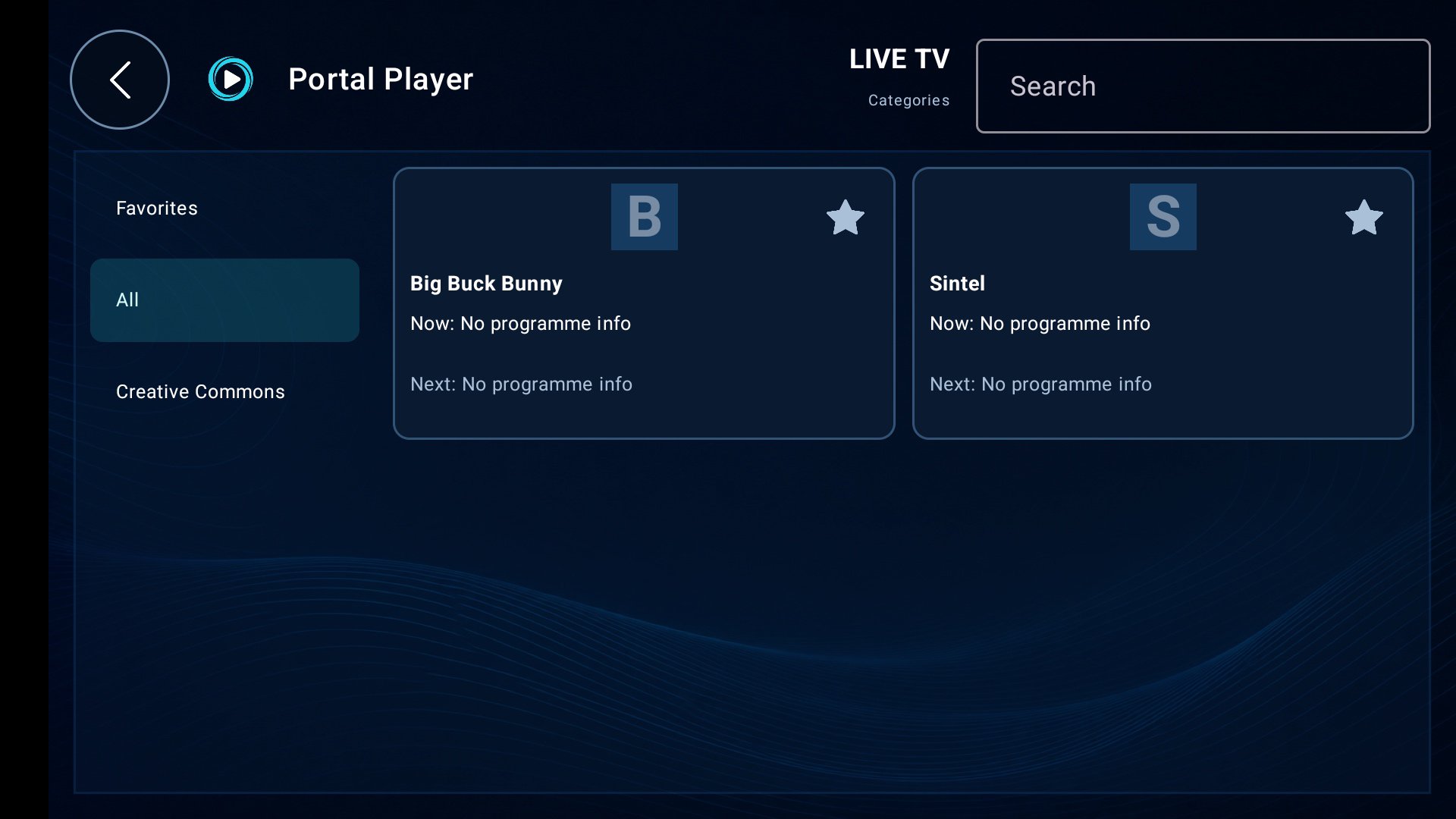
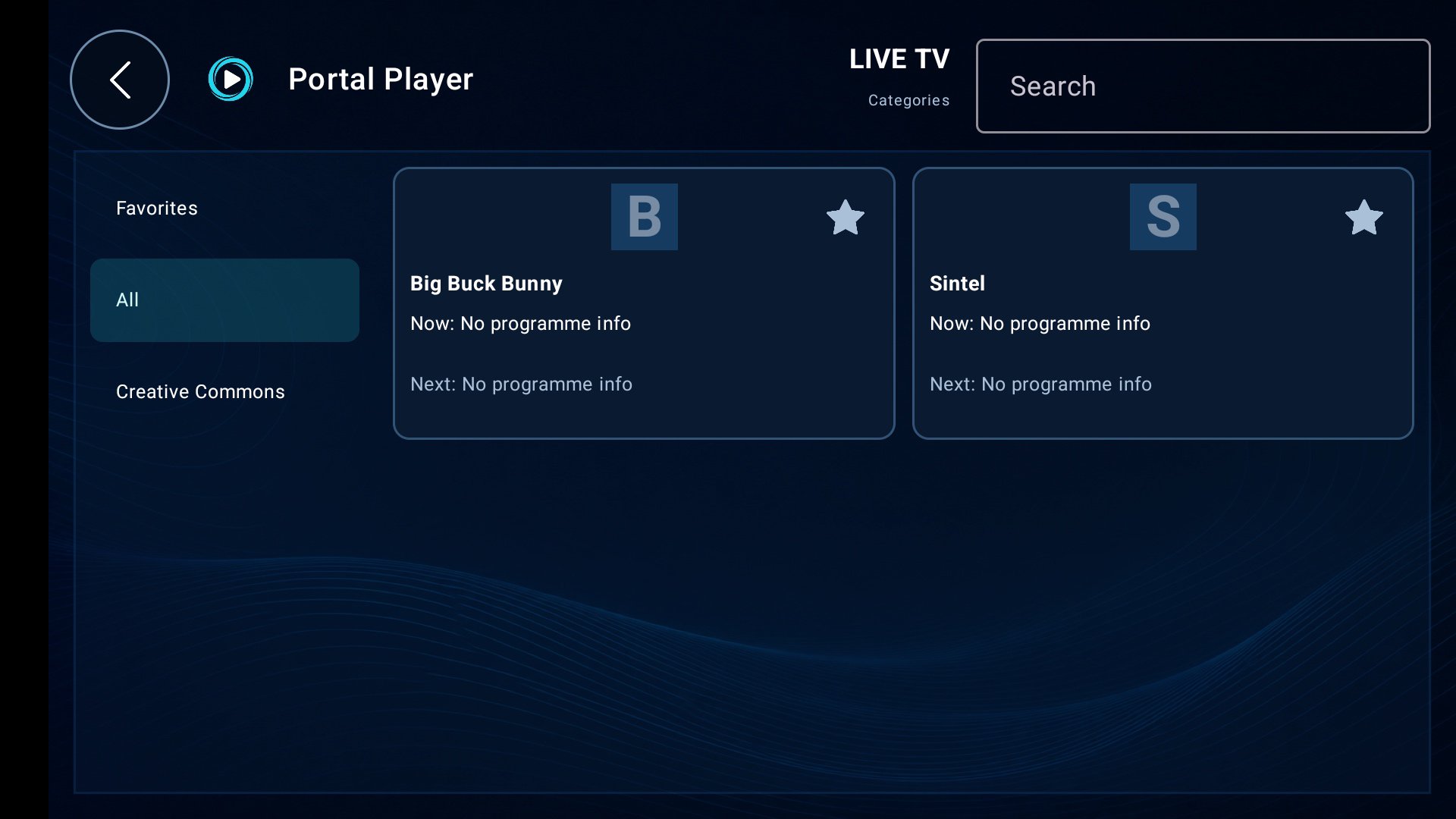
Browse live channels by category, search the current catalog, and save favorites for quick access. Compatible Xtream services also let you browse movies, series, and individual episodes.
SEE WHAT'S ON AND WHAT'S NEXT
For Xtream channels with programme information, channel cards show Now and Next with available start and end times. Compact phone cards make room for browsing; larger-screen layouts also show a guide panel with up to four upcoming programmes. Timing information uses your device's local timezone and clock format when the source provides usable timestamps. Guide coverage depends on your provider; M3U programme-guide import is not supported in this version.
WATCH IN LANDSCAPE
Enjoy full-screen playback with on-screen controls. Move to the previous or next live channel without returning to the catalog, and choose HLS or MPEG-TS live stream URLs in Settings when supported by your source and device.
KEEP YOUR SETUP CONVENIENT
Xtream sign-in details are saved on your device so the app can try to reconnect when you open it again. Account and Settings have separate screens, and you can remove saved login details using "Forget login and sign out". M3U playlist addresses are used for the current session.
IMPORTANT INFORMATION
Portal Player does not provide, host, sell, or include channels, movies, playlists, subscriptions, accounts, or provider URLs. It is not affiliated with any IPTV provider. Use only services and content you are legally authorized to access.
An internet connection and a compatible user-provided source are required. Available content, programme data, picture quality, and playback compatibility depend on your source, network, and device. Not every stream format or codec works on every device. Use HTTPS sources whenever available; HTTP connections are not encrypted.
Support: [email protected]







One-click to install XAPK/APK files on Android!

Thanks for your rating and feedback!
You have already rated.