Package Name:com.nimbletech.procast
Show More

ProCast, paired with NimbleTech devices (such as EZCast Pro), can mirror mobile phone screens to 4 screens. It is widely used in conferences, education and corporate scenarios to effectively improve productivity.
ProCast: a multi-screen mirroring solution that makes collaboration more efficient
Easily mirror your smartphone screen to up to 4 screens or projectors through the ProCast app paired with NimbleTech devices such as the EZCast Pro Dongle/Box. Its functions have been proven to effectively improve productivity in conference, education and enterprise scenarios.
ProCast’s core advantages:
- Easily solve multi-screen sharing needs
- Multi-screen mirroring: can synchronize mobile phone content to 4 display devices.
- Instant content sharing: supports projecting photos, videos, PPTs and files to meet the needs of various scenarios.
How to connect using ProCast devices:
1. Use WebSetting to connect the NimbleTech device to the same network.
2. Mobile phone connection: Make sure your mobile phone is also connected to the same network environment.
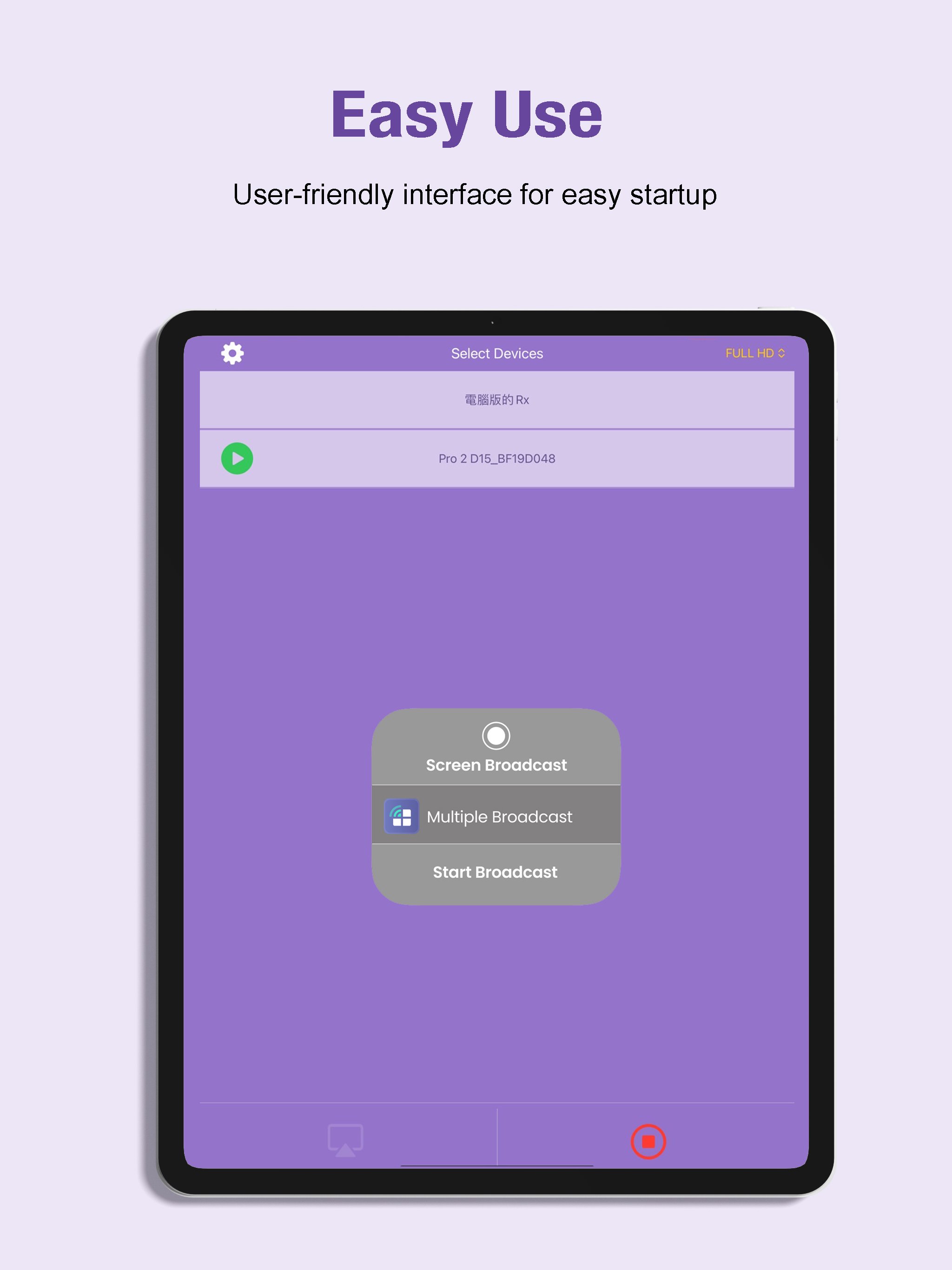
3. Enable mirroring: Open the ProCast app, select the device you want to mirror, and start multi-screen sharing.
Main features
-One-to-four broadcast: supports multi-screen transmission, performance depends on network conditions.
-Simple operation: Friendly user interface allows you to get started quickly.
-Efficient productivity: Complete mirroring operations anytime, anywhere, effortlessly.
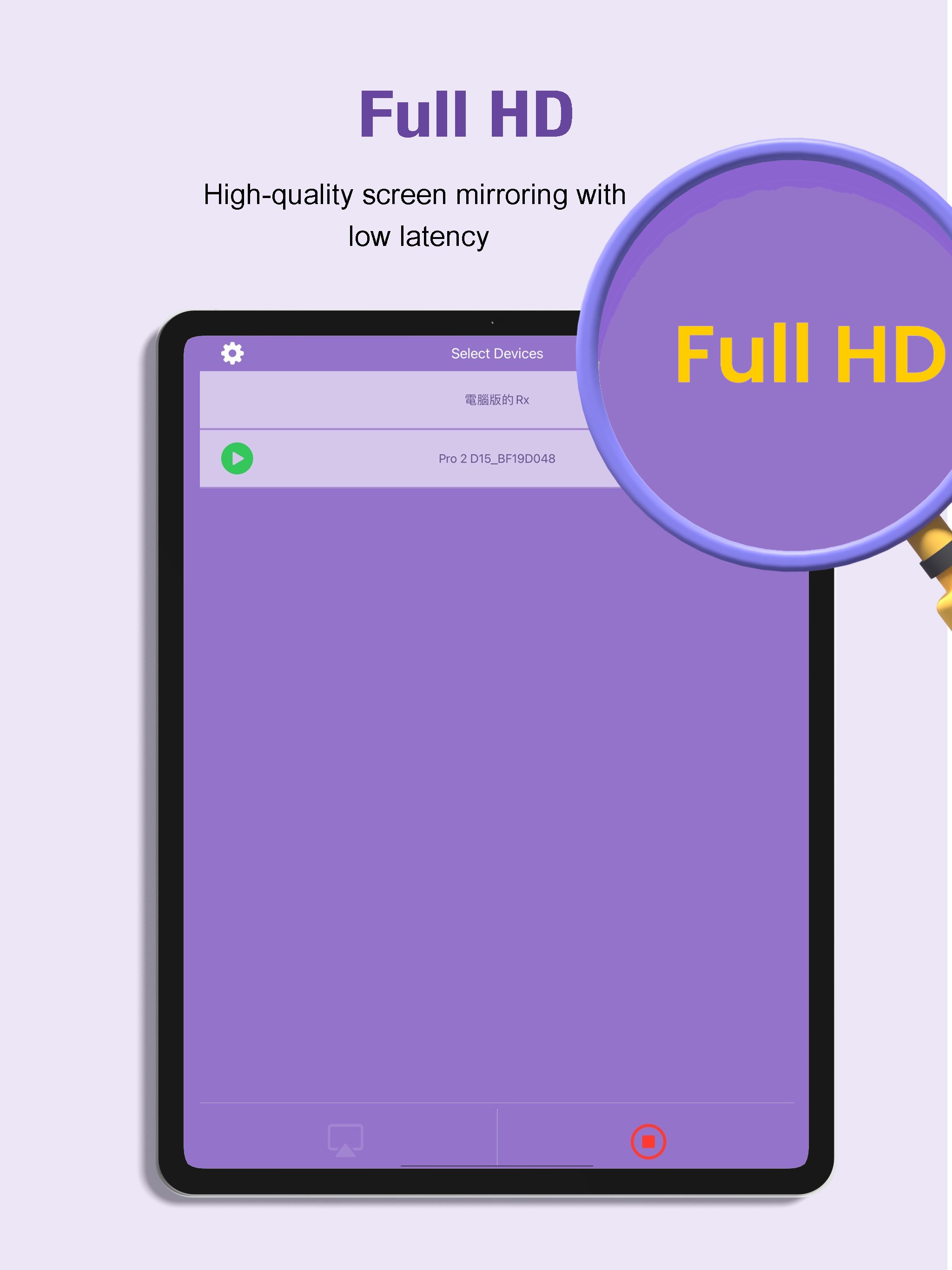
-High definition and low latency: clear picture quality and smooth transmission, suitable for presentation documents or multimedia playback.
Applicable scenarios
1. Business meeting
Whether it is data display or team discussion, ProCast's multi-screen function makes communication more intuitive and efficient.
2. Education and training
Teachers can display course content and real-time interactive materials at the same time to enhance students' learning concentration and sense of participation.
3. Corporate promotion
At trade shows or in-house training, quickly mirror your product videos or PPTs to make messaging more engaging.




One-click to install XAPK/APK files on Android!

Thanks for your rating and feedback!
You have already rated.