Package Name:com.cast.projector
Show More


5.7 MB
File Size
Everyone
Android 8.0+
Android OS
Connect phone to projector with screen mirroring. Cast to projector easily.
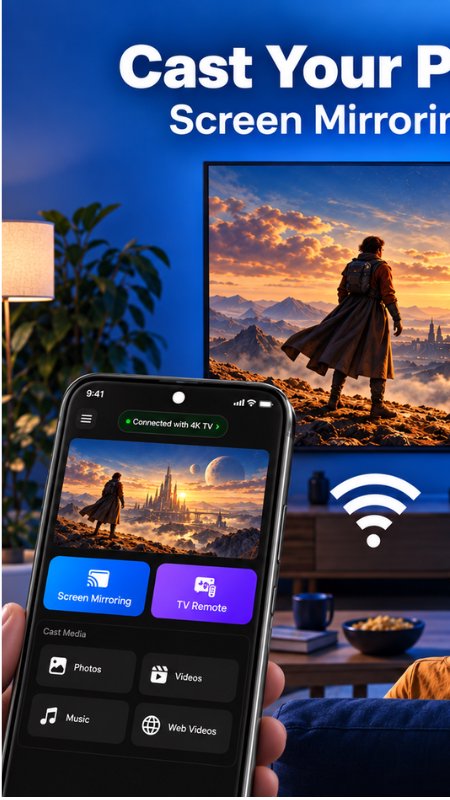
Bring your phone screen to a bigger display with Projector Screen Mirroring. Connect your phone to a compatible projector and share supported content for movie nights, presentations and everyday viewing.
Whether you want to mirror your phone screen or get ready to cast to a projector, start with a connection method supported by your phone and receiving device.
PHONE TO PROJECTOR
Enjoy a larger view of your phone’s screen on a compatible projector. Screen mirroring lets you display supported on-screen content so everyone can follow along without gathering around a small screen.
Use your projector setup to share a presentation, show your photos or view other supported content with family, friends or colleagues.
SCREEN MIRRORING FOR EVERYDAY MOMENTS
Make your projector useful beyond movie night:
• Show your photos on a larger display.
• Present supported documents and on-screen material.
• Share demonstrations and visual explanations.
• View compatible video content.
• Follow supported lessons and activities on a bigger screen.
Available video and audio features depend on your phone, projector and connection method. Some streaming services restrict screen mirroring or prevent protected content from appearing on an external display.
GET READY TO CAST TO YOUR PROJECTOR
A successful connection starts with compatible devices. Before you begin:
1. Turn on your projector and select the appropriate input or receiving mode.
2. Enable the connection features required by your projector.
3. For connection methods that require a shared Wi-Fi network, connect both devices to that network.
4. Follow the connection prompts and approve any required screen-sharing permission.
5. Open the supported content you want to display.
Your projector may require a compatible receiver or adapter. Follow the instructions provided by its manufacturer for your particular model.
UNDERSTAND YOUR CONNECTION OPTIONS
Wireless screen mirroring and wired display connections have different requirements. Support for one connection method does not mean your phone or projector supports every other method.
For a wired phone-to-projector connection, a USB cable alone may not be enough. Your phone must support the required video output, and you need a compatible adapter and projector input. Installing an app cannot add missing hardware capabilities.
BEFORE YOU START
• Check your phone and projector compatibility.
• Select the correct projector input.
• Keep the devices connected as required by your chosen method.
• Use supported content and allow the necessary permissions.
Projector Screen Mirroring requires an external projector or compatible receiving display. It does not turn your phone’s camera or flashlight into a physical projector.
Make room for a bigger view. Connect your compatible devices and explore phone-to-projector screen sharing.





One-click to install XAPK/APK files on Android!

Thanks for your rating and feedback!
You have already rated.