Push to Computer

Push to Computer

Bartalog
Nov 12, 2026
  • 21.9 MB

    File Size

  • 0/64
    Security
  • Everyone

  • Android OS

About Push to Computer

Share to computer

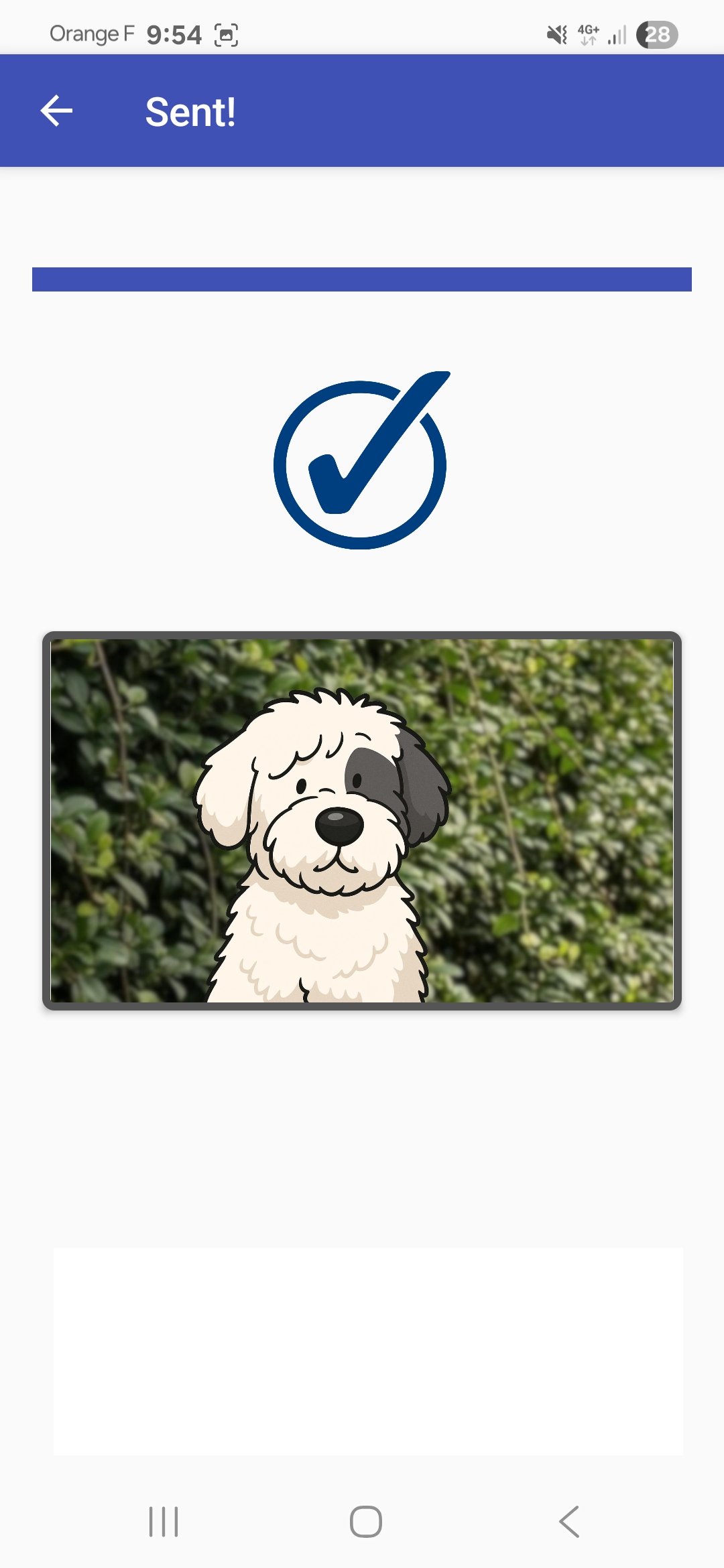
Send instantly your document to a computer browser. No login, no password, no USB! Just scan the QR-code™ at https://pushto.computer to initiate a transfer.

You may share photos, or a URL, a video, a PDF, or plain text.

Works well with video projectors too: scan the big cmaz QR-code™ from across the room!

Show More

What's new in the latest 1.2.2611

Last updated on 2026-11-12
Better memory usage on multiple upload
Show More

Videos and Screenshots

  • Push to Computer for Android official Trailer
  • Push to Computer screenshot 1
  • Push to Computer screenshot 2
  • Push to Computer screenshot 3
  • Push to Computer screenshot 4
  • Push to Computer screenshot 5
  • Push to Computer screenshot 6

Push to Computer APK Information

Latest Version
1.2.2611
Category
Tools
File Size
21.9 MB
Developer
Bartalog
Available on
Content Rating
Everyone
Security Report
0/64
Scan Result: Secure
No security vendors flagged this file as malicious
No Virus
No Spyware
No Malware
No Virus
No Spyware
No Malware
Scan Date:Nov 12, 2026
Package Name:com.bartalog.coolmaze
SHA-256:7ab7c0d11f03ff9a0a32775e9a239598ab706329190d70379b242385f69a2ca5
SHA-1:a1d13e23fed875e1129931062c30f209d626531f
Show More

Old Versions of Push to Computer

APKPure icon

Super Fast and Safe Downloading via APKPure App

One-click to install XAPK/APK files on Android!

Download APKPure
thank icon
We use cookies and other technologies on this website to enhance your user experience.
By clicking any link on this page you are giving your consent to our Privacy Policy and Cookies Policy.
Learn More about Policies