
Package Name:com.jellyfish.qrcode
Show More

Scan multiple codes, extract text, create QR codes and export scan records.
QR Scanner is a QR code scanner and barcode reader for everyday use. Scan with your camera or import an image, take action on the result, and keep important codes easy to find. Extract text with OCR, create QR codes, and export scan records from one app.
📷 SCAN QR CODES & BARCODES
• Point your camera at a code to scan automatically.
• Use the flashlight and zoom for small codes or low-light conditions.
• Read codes from photos and screenshots. If an image contains multiple codes, choose the result you need.
• Scan menus, website links, Wi-Fi details, contacts, product labels and more.
📋 BATCH SCANNING & EXPORT
Scan codes continuously without reopening the scanner after each result. Review your batch results, then share or export them as TXT or CSV for lists, stock checks or work records. Export individual saved results from their detail page, too.
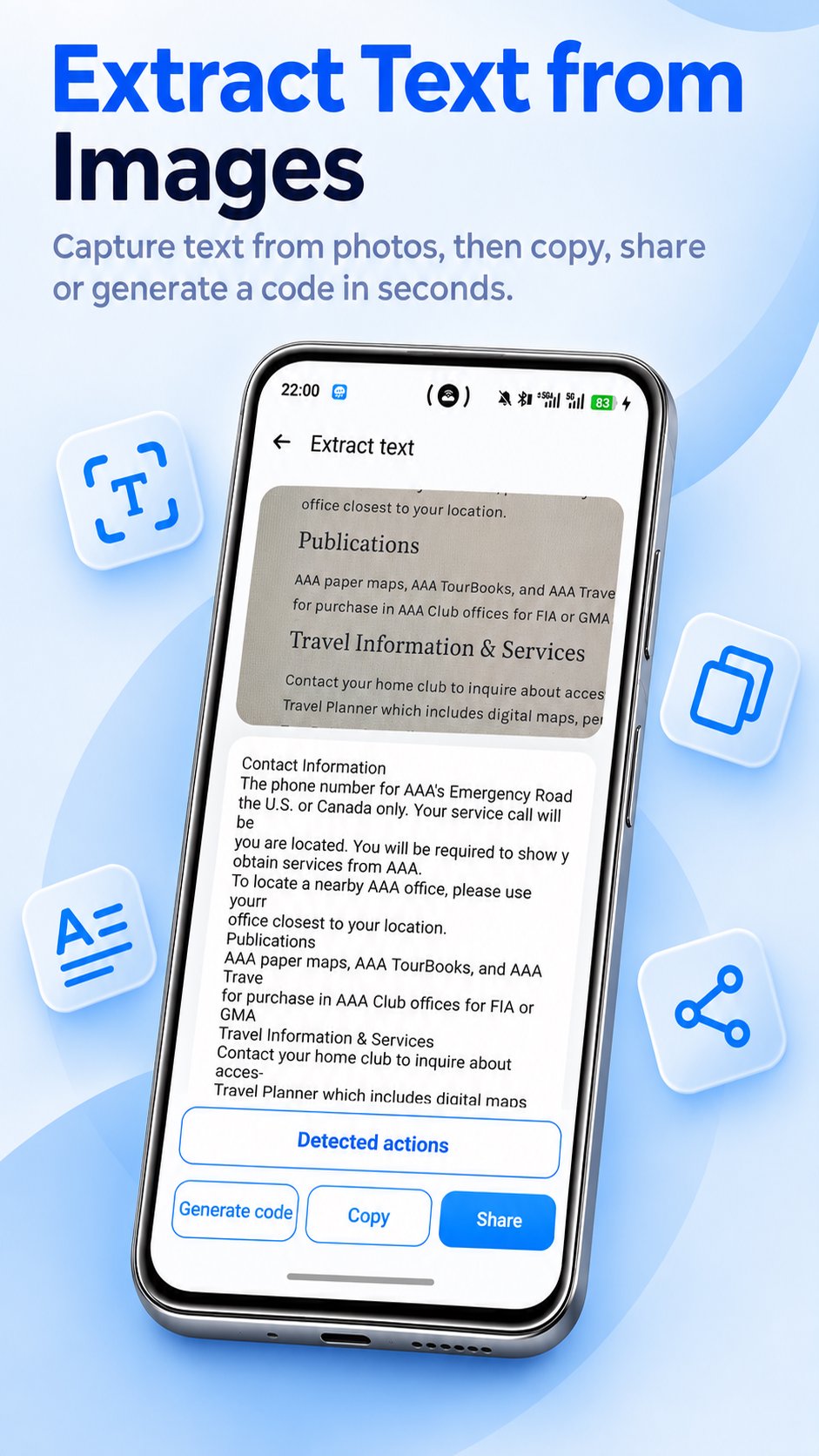
📝 EXTRACT TEXT WITH OCR
Capture text from photos, screenshots, signs, documents and labels. Review and edit the extracted text, then copy it, share it or turn it into a text QR code.
• Detect web links, email addresses and phone numbers in recognized text.
• Choose an action to open a link, draft an email or open the dialer.
🎨 CREATE QR CODES & BARCODES
Make a QR code for a website, text, Wi-Fi network, contact, calendar event, email, phone number or SMS. Create codes for social profiles and supported service links, too.
Generate barcodes in EAN-13, EAN-8, UPC-A, UPC-E, Code 128, Code 93, Code 39, Codabar and ITF formats. Choose templates and colors for supported code styles, then save or share your code.
🔎 SMART RESULTS & ONLINE LOOKUP
• Links: Open websites, copy URLs or share them.
• Wi-Fi: View network details, copy passwords and open system Wi-Fi settings.
• Contacts and events: Save contact details or add calendar entries.
• Email and SMS: Open a draft using the scanned details.
• Products: Search a barcode on supported shopping sites to explore listings and prices.
• Food: View available ingredients, nutrition facts, Nutri-Score and processing information from Open Food Facts.
• Books: Use an ISBN to search for book information online.
Online searches and product information require an internet connection. Available details depend on the barcode, region and data source.
⭐ HISTORY & FREQUENTLY USED CODES
Find previous scans in your history, mark favorites and add notes. Keep frequently used codes together, rename them and pin important ones for quick access. Use home screen shortcuts to open scanning, code creation or frequently used codes.
🌿 OBJECT SCAN
Take a photo or select an image to see possible object categories, then explore related search results or category information.
⚙️ MAKE IT YOURS
Choose dark mode, automatic copying, automatic website opening, and sound or vibration feedback. Use the app in your preferred supported interface language.
From restaurant menus and Wi-Fi stickers to business cards and package labels, QR Scanner helps you read, create and organize codes every day. Download it to scan your next code and keep the result within reach.



One-click to install XAPK/APK files on Android!

Thanks for your rating and feedback!
You have already rated.