Package Name:com.mobilegames.QRCodeCreator
Show More

6.6 MB
File Size
Everyone
Android OS
QR code generator for links, WiFi and contacts. Add your colors and logo.
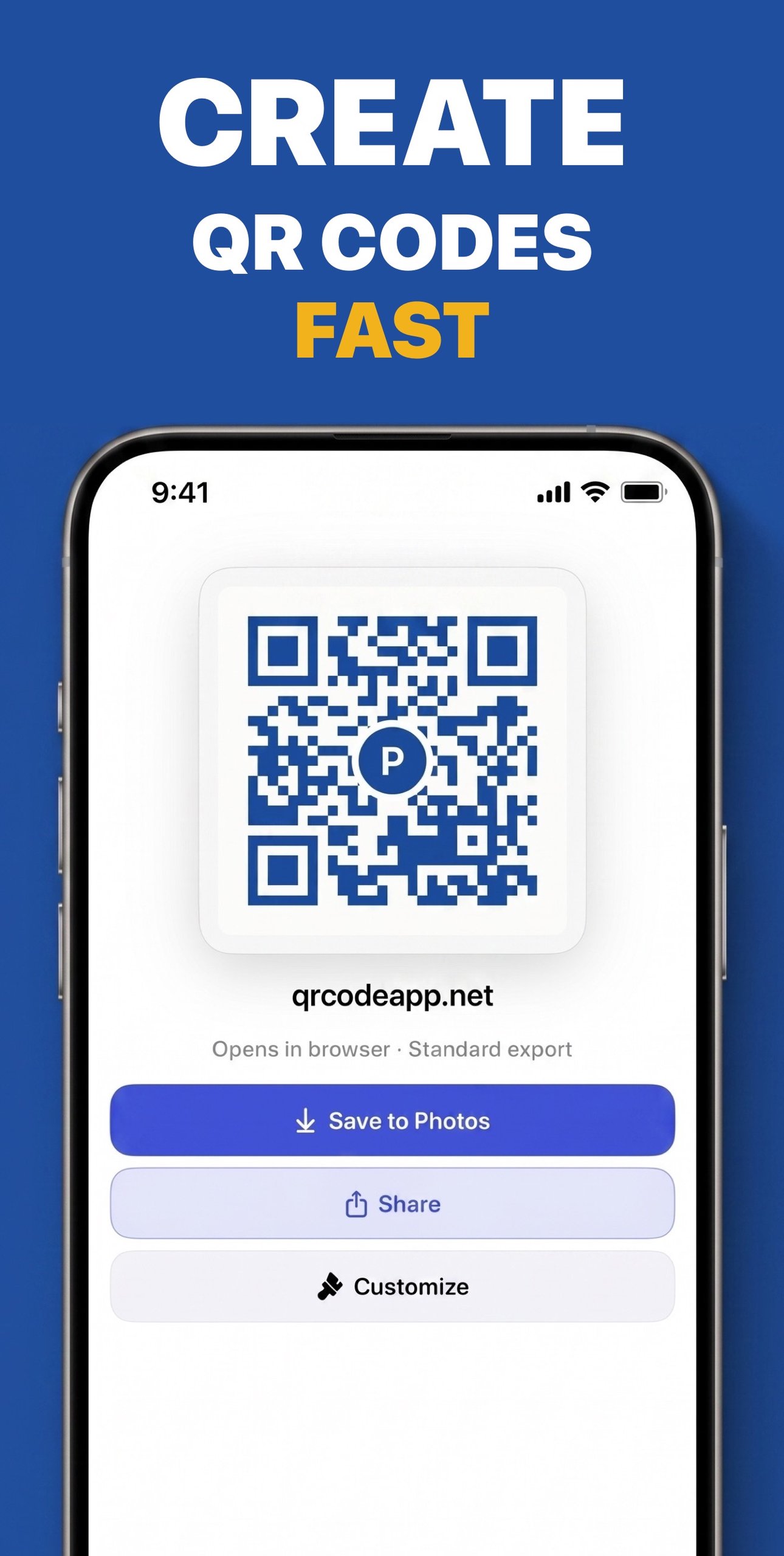
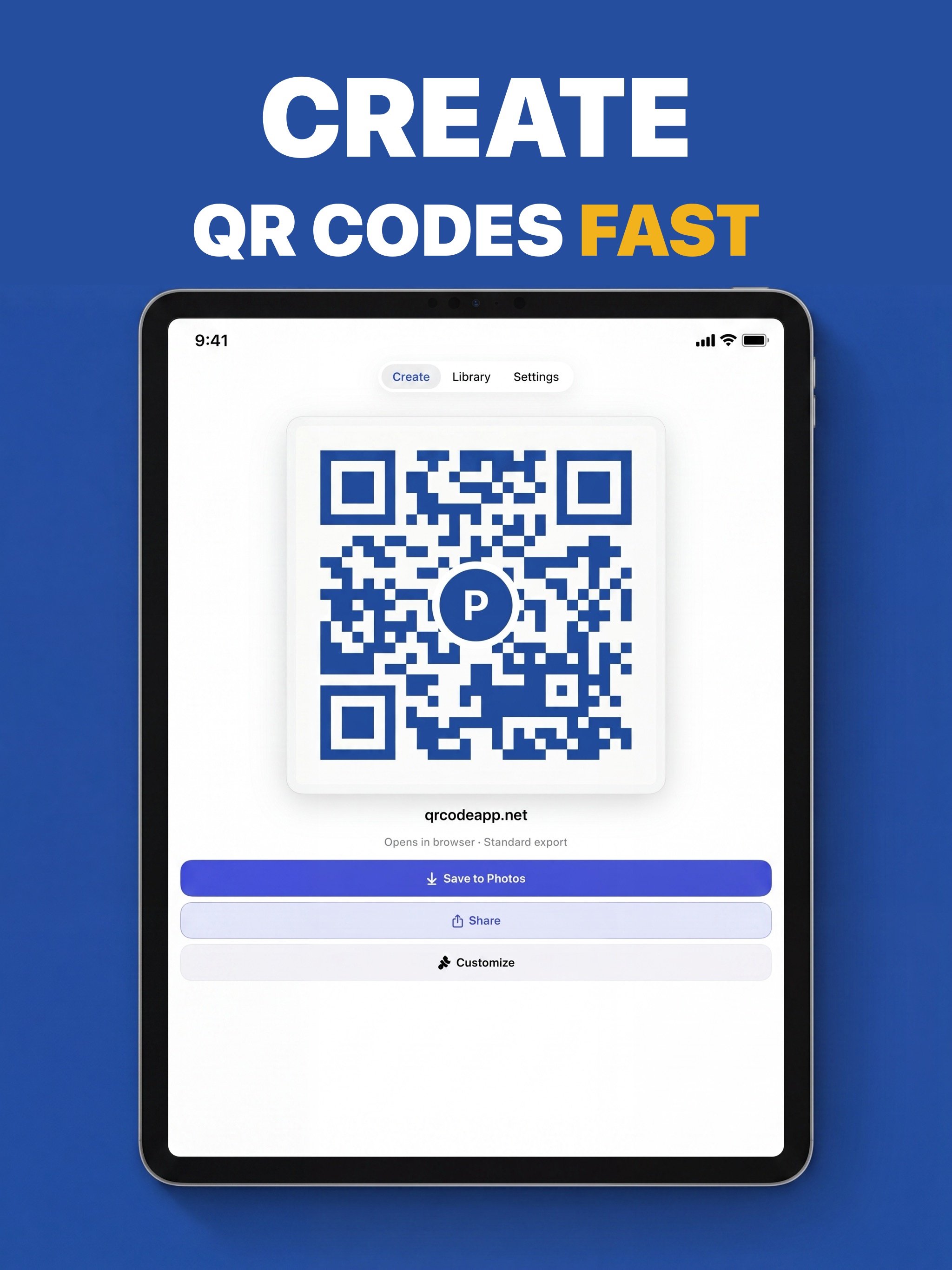
QR Code Generator turns a link, a WiFi network, a contact card or an event into a clean, scannable QR code in a few taps. Type what you want to share, choose your colors, add your logo, and let people scan it with their phone camera.
There is no account to create and no watermark. Everything is generated on your phone, so this QR code generator works without an internet connection.
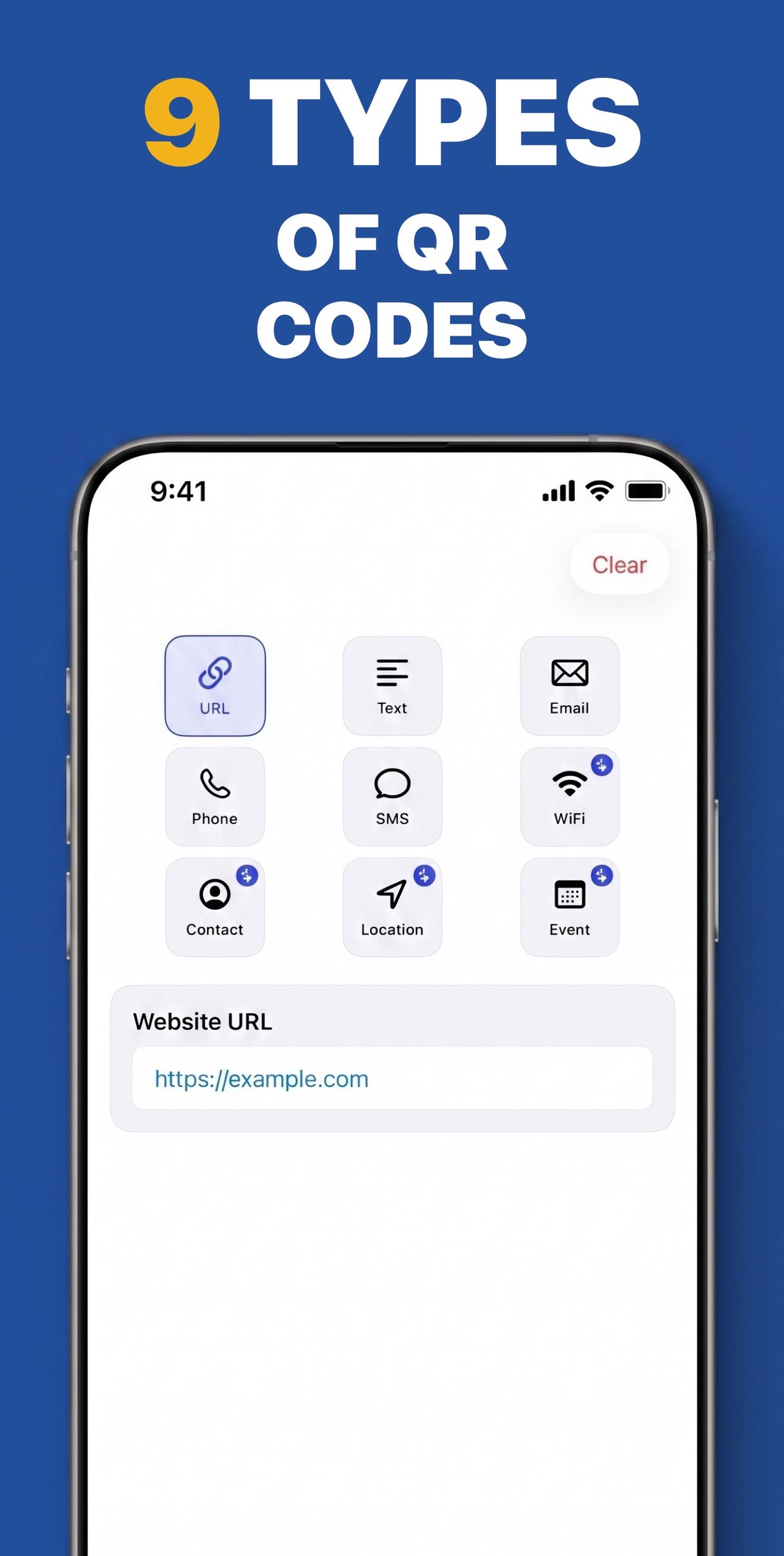
Nine types to choose from
• Link to QR code: a website, an online menu, a booking page or a portfolio
• Plain text, an email with subject and message, a phone number, or an SMS with the message already written
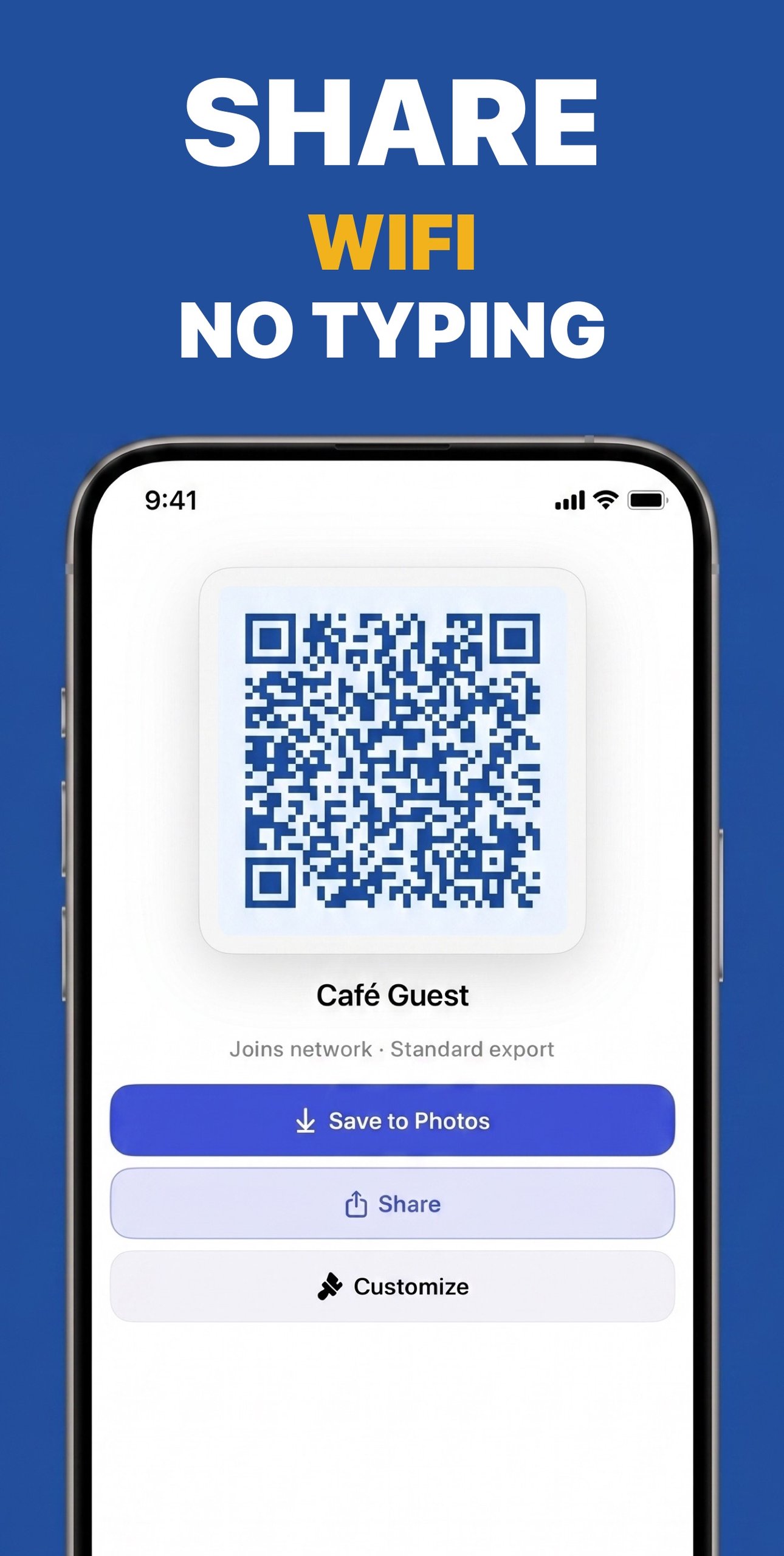
• WiFi QR code: guests join your network without typing the password (WPA/WPA2, WEP, open and hidden networks)
• Contact QR code (vCard) with as many phones, emails and websites as you need, or pick a person from your contacts
• Location QR code from coordinates or your current position
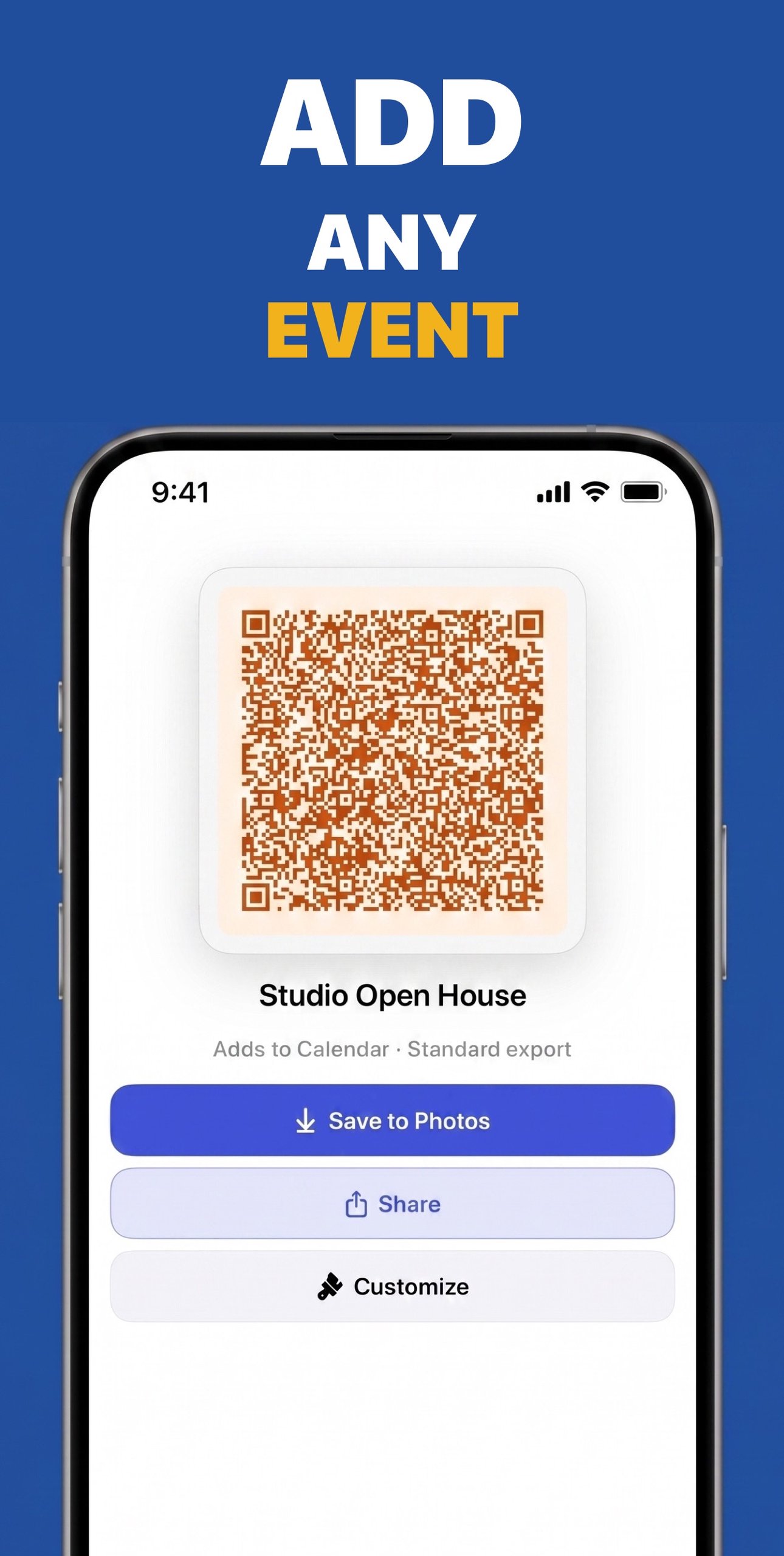
• Calendar event: pick one from your calendar or type it in
Custom QR code design, your way
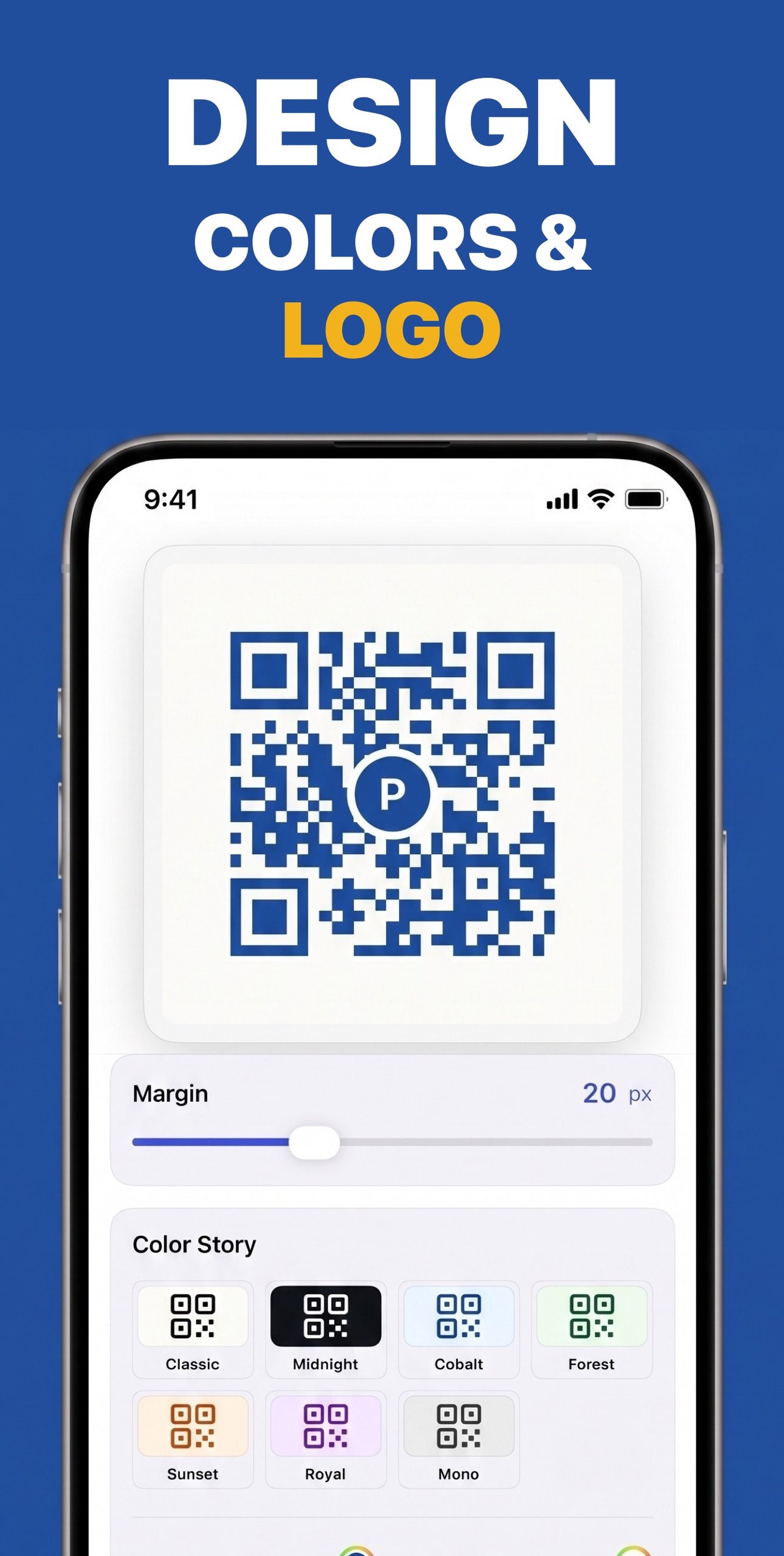
• Any foreground and background color, with a hex field for your brand colors
• Seven ready-made color presets when you'd rather not fiddle
• A margin slider for breathing room on a card, sign or slide
• QR code with logo: place your logo in the center as a square, circle or rounded badge, sized from 15% to 30% (Pro)
A QR code maker built for print
• Standard 512 × 512 px PNG for screens and messages
• Large 1024 × 1024 px for flyers or a QR code business card (Pro)
• Print 2048 × 2048 px for posters and signs (Pro)
• Save to your gallery, or share straight from the app (shared images are always 512 × 512 px)
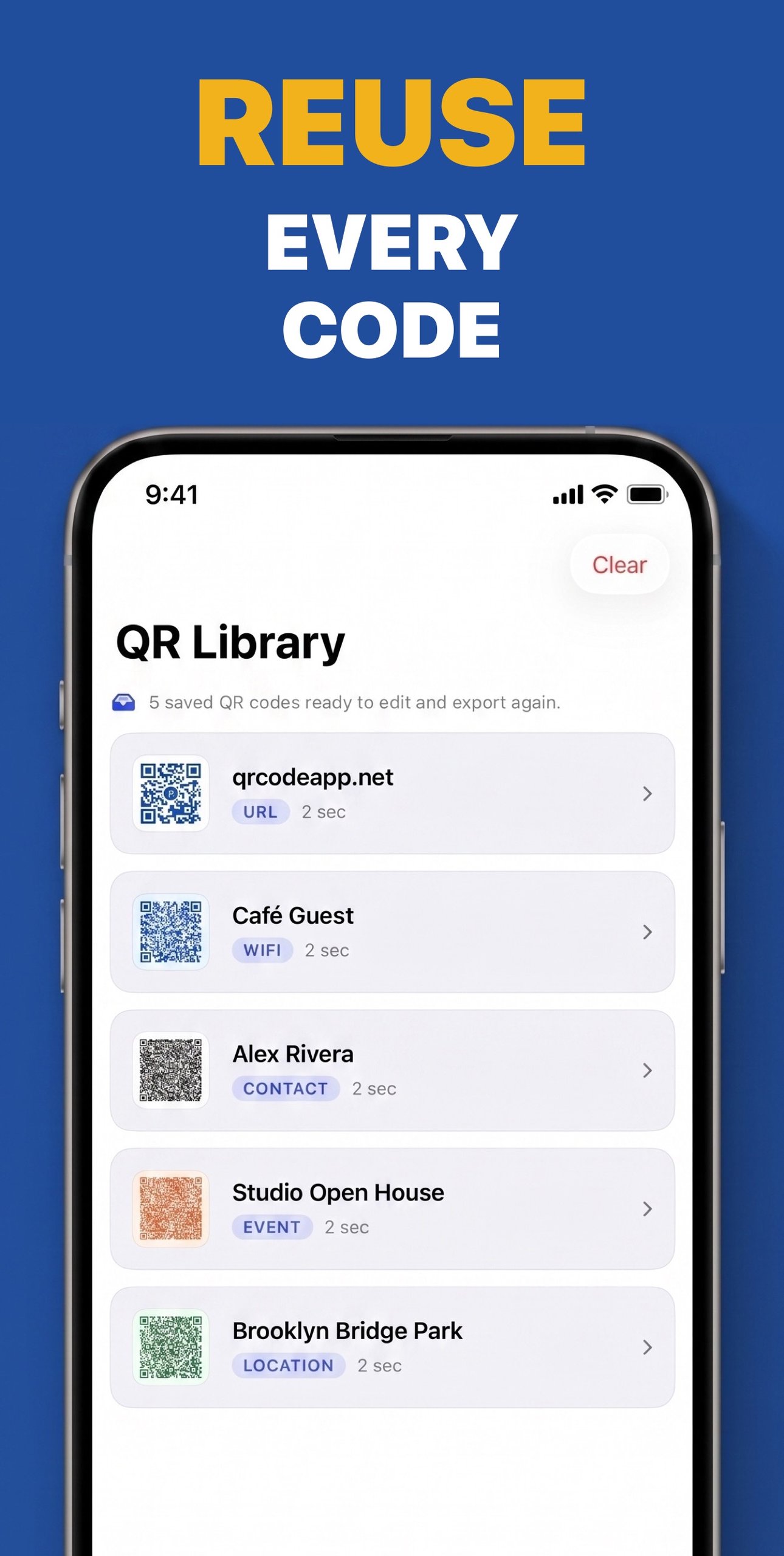
Your QR library
Everything you make is kept in your library, up to your last 100. Reopen one, change the link or the colors, and export a fresh copy. Codes are static: anything you've printed keeps working as it is, and an edit gives you a new image.
How it works
1. Open the QR code generator and pick a type: link, WiFi, contact, event and more.
2. Fill in the details, or bring them in from your contacts or calendar.
3. Choose colors and a margin, and add your logo with Pro.
4. Save it to your gallery or share it.
Who it's for
Cafés putting a menu QR code and a WiFi QR code on every table. Realtors adding listing links to yard signs. Teachers sharing assignment links without typos. Event hosts handing out a contact QR code instead of spelling out a phone number. Small businesses printing a QR code with logo on flyers, packaging and business cards. Anyone tired of spelling out a URL or reading a WiFi password across the room.
Plans
You can create, style and edit all nine types and keep them in your library without paying. Website-link codes can be saved and shared as 512 × 512 PNG images. Pro adds saving and sharing for the other eight types, the Large and Print sizes, and your logo in the center. Pro is available as a weekly subscription or as a one-time Lifetime purchase. The weekly subscription renews automatically each week until you cancel it in Google Play under Payments & subscriptions.
A QR code maker for phones and tablets
• A side-by-side layout on tablets and unfolded foldables
• Light and dark theme that follows your system setting
• Available in 32 languages
Make the code, hold up your phone, and get on with your day.


One-click to install XAPK/APK files on Android!

Thanks for your rating and feedback!
You have already rated.