
Package Name:com.home.dev.qrtransfer
Show More

Transfer files and text offline via QR codes. No internet or cloud required.
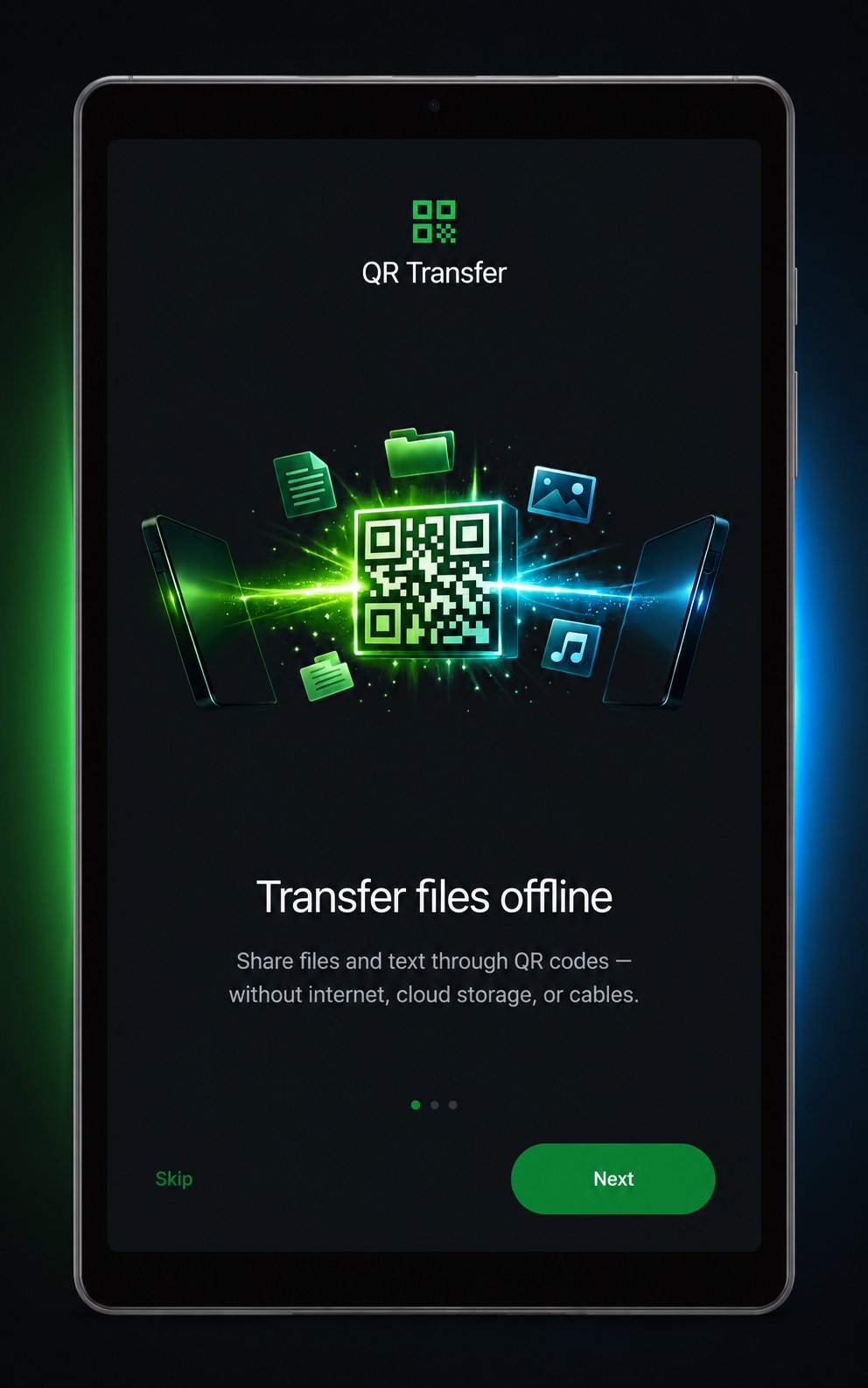
QR Transfer lets you send files and text offline between devices using animated QR codes.
Transfer data without internet access, cloud storage, Bluetooth pairing, cables, or a shared Wi-Fi network.
Select a file or enter text, generate a QR stream, then scan it on another device to receive and restore the content.
Everything related to the transfer is processed locally on your devices.
KEY FEATURES
• Transfer files through animated QR codes
• Send text, notes, links, and other written content
• Share documents, images, archives, audio, and other file types
• Works without internet or a shared network
• No account or registration required
• No cloud upload for transferred content
• Track sent and received transfers
• View transfer speed and performance statistics
• Verify received files before saving
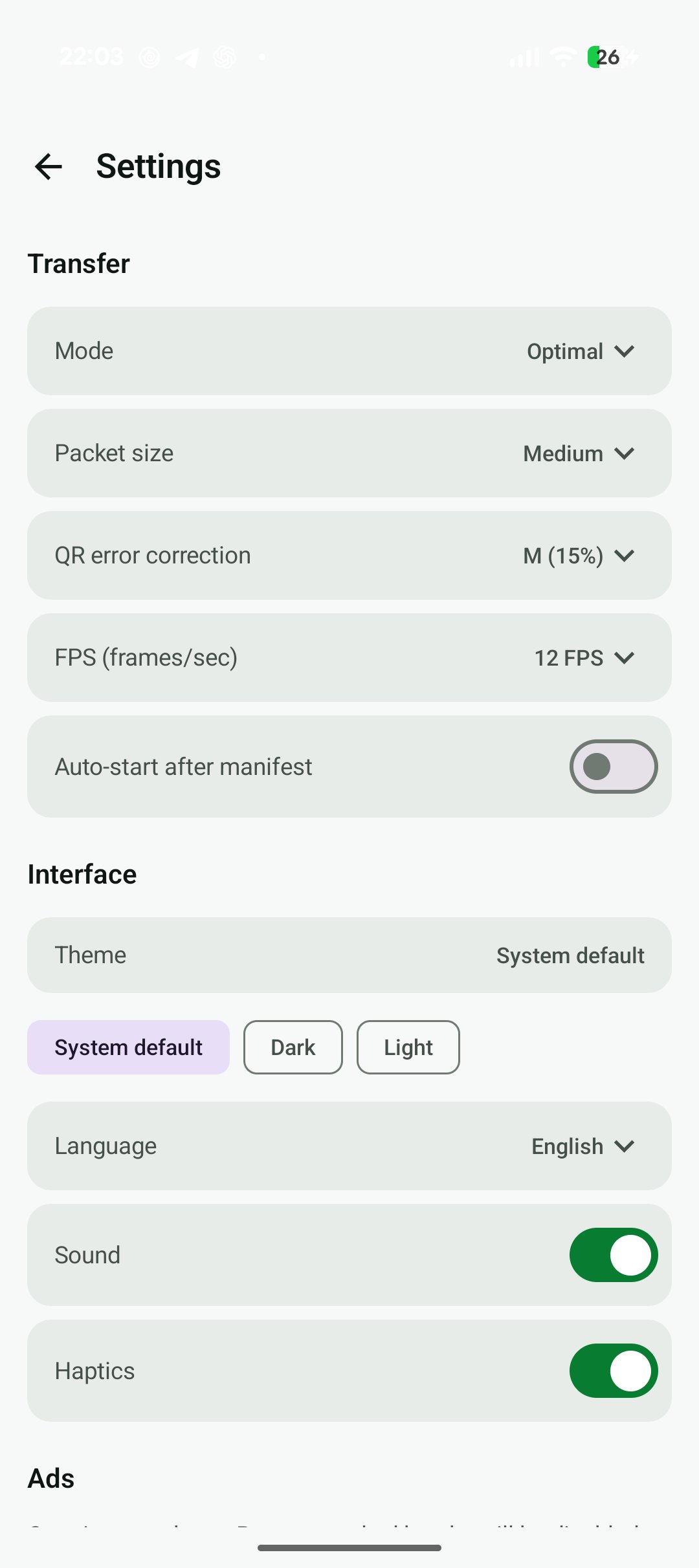
• Adjust QR speed and reliability settings
• Dark and light interface themes
HOW TO SEND
1. Open the Send section.
2. Select a file or enter text.
3. Generate the animated QR stream.
4. Show the QR codes to the receiving device.
5. Keep both devices steady until the transfer is complete.
HOW TO RECEIVE
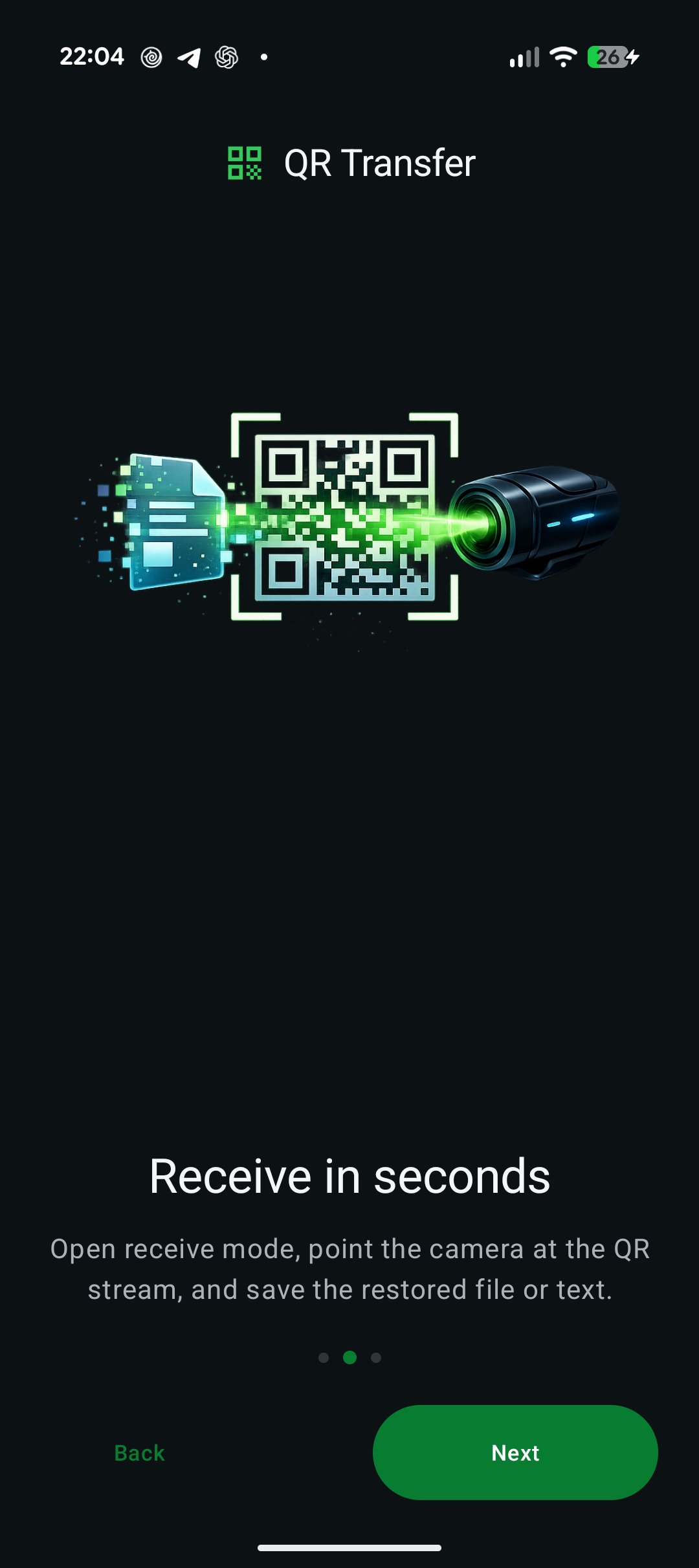
1. Open the Receive section.
2. Point the camera at the animated QR stream.
3. Wait while QR Transfer collects and reconstructs the data.
4. Verify and save the received file or open the transferred text.
PRIVATE AND LOCAL
QR Transfer is designed for local, device-to-device data exchange.
Files and text selected for transfer do not need to be uploaded to our servers.
The receiving device scans the QR sequence, rebuilds the original content, and checks the result before completion.
USE QR TRANSFER WHEN
• Internet access is unavailable
• Devices cannot connect to the same network
• Bluetooth or Wi-Fi sharing is restricted
• You do not want to upload a file to cloud storage
• You need to move text, documents, configuration files, or other data between isolated devices
• You want a simple offline alternative for small and medium-sized transfers
TRANSFER HISTORY AND STATISTICS
Review previously sent and received items, transfer direction, status, file size, duration, and speed.
Use local statistics to compare transfer performance and find the most reliable settings for your devices.
ADJUSTABLE TRANSFER SETTINGS
QR Transfer can balance transfer speed and scanning reliability.
Available options may include:
• QR frame rate
• Packet size
• Error-correction level
• Transfer mode
FOR THE BEST RESULTS
• Increase screen brightness
• Keep both devices stable
• Avoid glare and strong reflections
• Keep the QR code fully visible
• Use a moderate distance between the screen and camera
Transfer speed depends on the receiving camera, sender display, lighting conditions, file size, and selected QR settings.
For very large files, a cable or local Wi-Fi transfer may be faster.
QR Transfer is a simple, private, and practical way to transfer files and text offline through QR codes.






One-click to install XAPK/APK files on Android!

Thanks for your rating and feedback!
You have already rated.