
Safe & Fast APK Downloads on APKPure
APKPure uses signature verification to ensure virus-free Quick Notes Plus APK downloads for you.

User-friendly and Simple to create Notes & Task Lists & Share with friends.
User-friendly and Simple to create Notes & Task Lists.
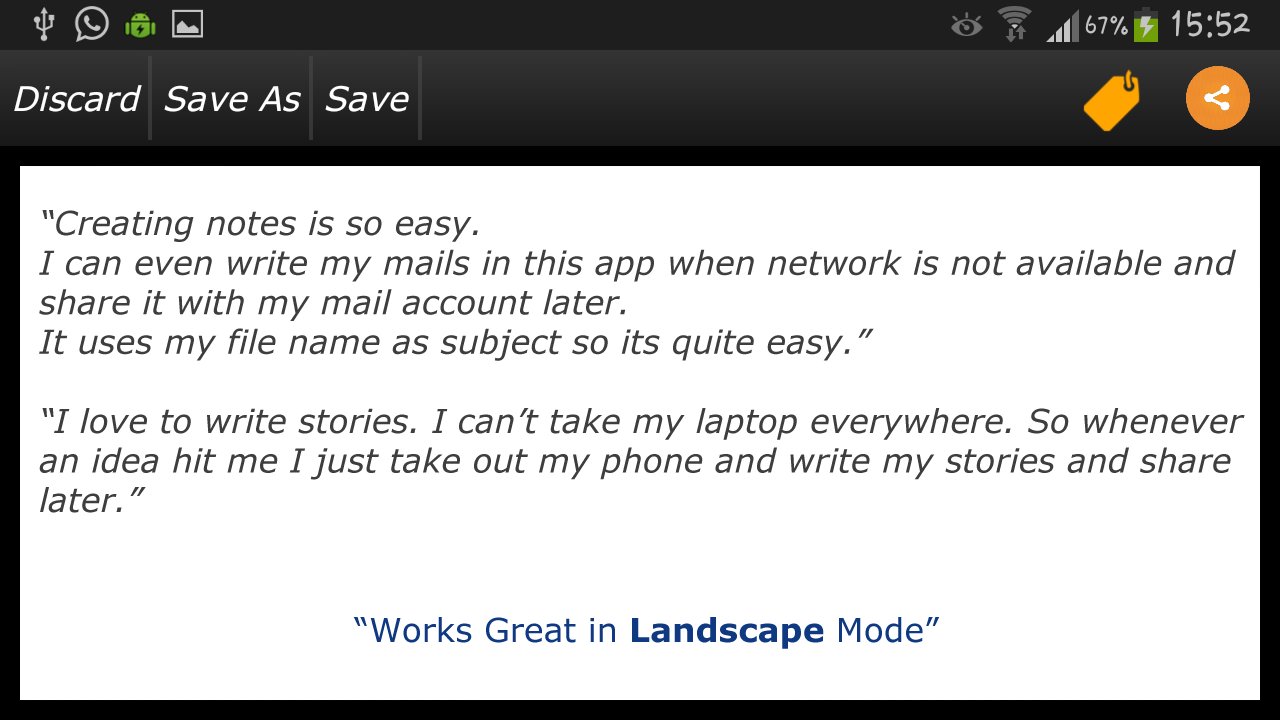
Create, Save & Share. Write Story articles or mails.
Create shopping list, or track daily errands with task list.
Assign color tag to files to organize.
Create Notes, save and share with your friends.
Create Task List with status update for every tasks.
Task include three type of Status.
- "DONE" , "UDONE", "PENDING". (D) (U) (P)
Sharing system is organized.
- Notes and Task List file can be shared as attachment or
- Contents can be shared as message.
- When send as attachment, File name will be automatically in the subject of mail.
Backup:
- Backup of files can be saved on device memory.
- Backup can be later Imported back
- Backup of files can be send as attachment on mails
- Backup files can only open in Quick Notes Plus App.
No annoying ads. Only a small banner at homescreen.




One-click to install XAPK/APK files on Android!

Thanks for your rating and feedback!
You have already rated.