Quick Office

Quick Office

Crazy Mind
Nov 4, 2025
  • 34.4 MB

    File Size

  • 0/35
    Security
  • Everyone

  • Android 7.0+

    Android OS

About Quick Office

Quick Office is the fastest PDF Creation technology.

Quick Office is the fastest PDF Creation technology.

With the help of this application, you can create the PDF through images. You can select the image from Phone Gallery as well as from the camera. This application is very fast and useful. This Application is totally free. Through this Application, you can also reduce the image size, image width, image height, and easy to compress. Through this application, you can also reduce the size of PDF. In this Application, you can also save your notes and you can easily share them in PDF Format. Currently, this Application is in development. In the future, we are going to add more options.

Show More

What's new in the latest 1.1.3

Last updated on 2025-11-04
New version release*
Show More

Videos and Screenshots

  • Quick Office poster
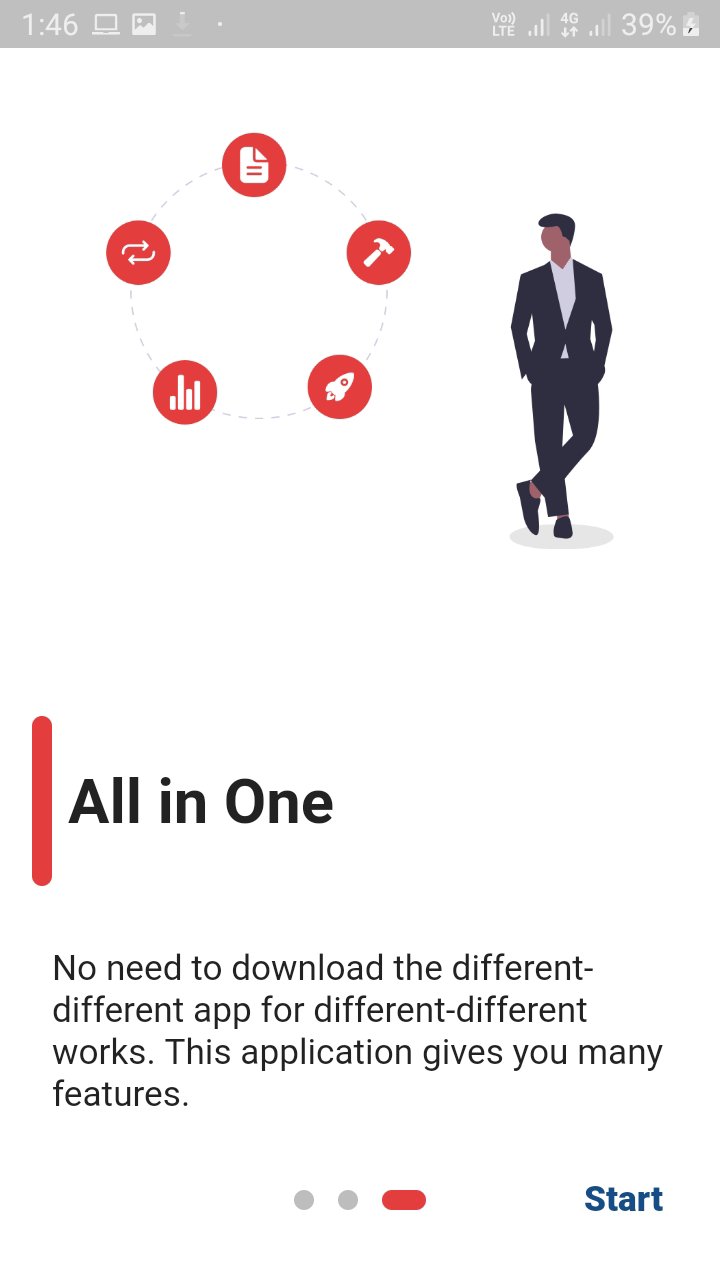
  • Quick Office screenshot 1
  • Quick Office screenshot 2
  • Quick Office screenshot 3
  • Quick Office screenshot 4
  • Quick Office screenshot 5
  • Quick Office screenshot 6
  • Quick Office screenshot 7

Quick Office APK Information

Latest Version
1.1.3
Category
Productivity
Android OS
Android 7.0+
File Size
34.4 MB
Developer
Crazy Mind
Available on
Content Rating
Everyone
Security Report
0/35
Scan Result: Secure
No security vendors flagged this file as malicious
No Virus
No Spyware
No Malware
No Virus
No Spyware
No Malware
Scan Date:Aug 3, 2026
Package Name:in.crazymind.quick_office_pro
SHA-256:4244ff33b7ba4982e1c861aac7b7fd84c6e78355e3f230c223d5e2bf7755659c
SHA-1:2d95da5aa6a334b9b9ac24d946d18af823184a98
Show More

Old Versions of Quick Office

APKPure icon

Super Fast and Safe Downloading via APKPure App

One-click to install XAPK/APK files on Android!

Download APKPure
thank icon
We use cookies and other technologies on this website to enhance your user experience.
By clicking any link on this page you are giving your consent to our Privacy Policy and Cookies Policy.
Learn More about Policies