Package Name:com.tk.quicksearch
Show More

Search apps, files, contacts, internet and more. Fast, private & open source.
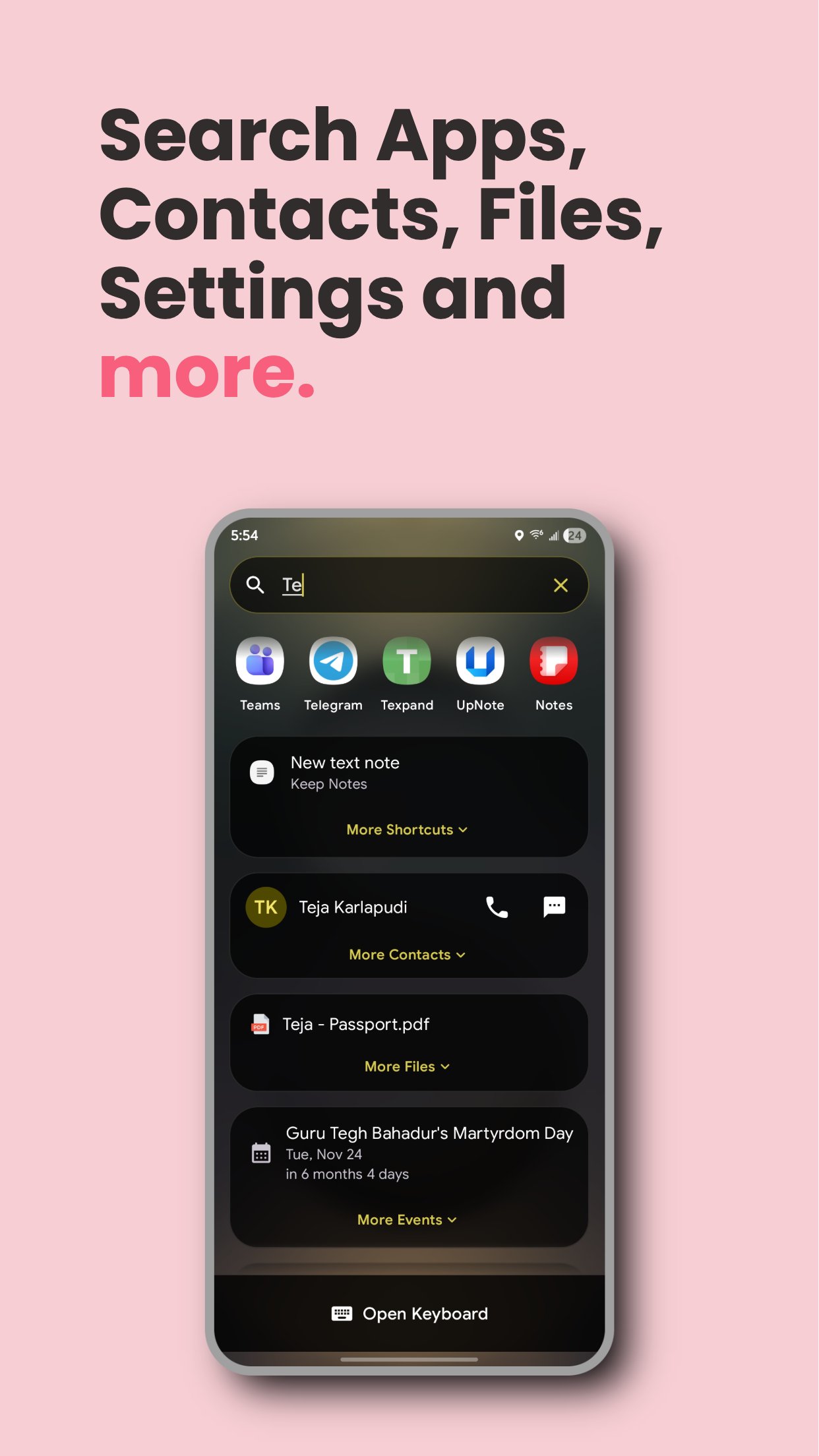
Quick Search lets you search apps, shortcuts, contacts, files, calendar events, notes, reminders, notifications, and settings, plus the web with 30 search engines, all from one search bar. Use it as a standalone search app, a Spotlight-style overlay over any app, or as your full home screen launcher.
Privacy First: Quick Search is ad-free, tracker-free, and open source. Your data stays on your device.
Key Features:
- Search apps, app shortcuts, contacts, files, calendar events, notes, reminders, notification history, and device settings instantly, with typo-tolerant matching
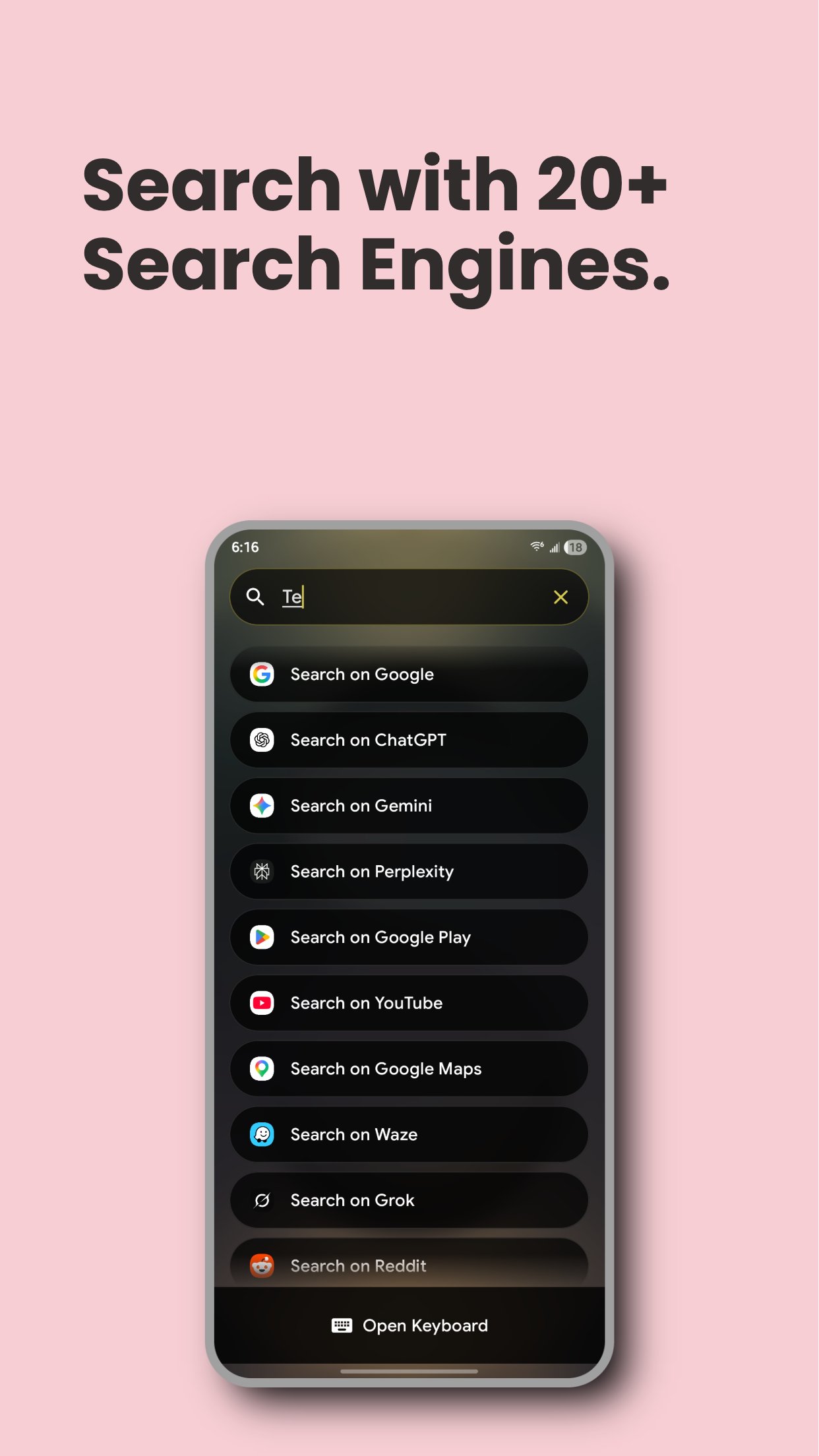
- 30 search engines: Google, ChatGPT, Gemini, Perplexity, Claude, Grok, Kagi, DuckDuckGo, YouTube, Spotify, Reddit, Wikipedia, and more, plus custom engines
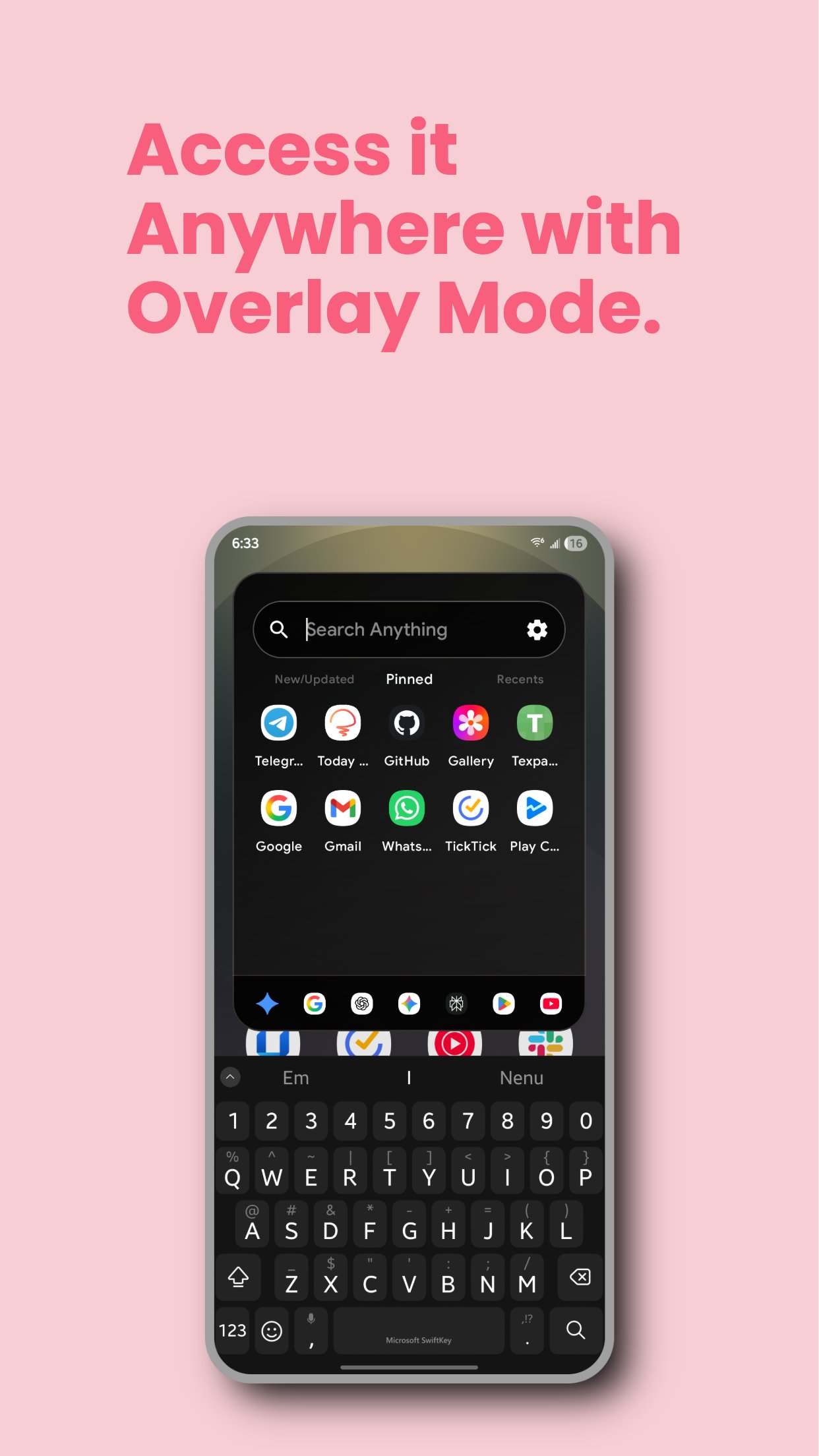
- Overlay mode: Pull up search over any app (Spotlight-style)
- At a Glance: Today's events, reminders, alarms and timers, media controls, missed calls, OTP codes, weather, battery and device status, and more, on Home or as a widget on any launcher
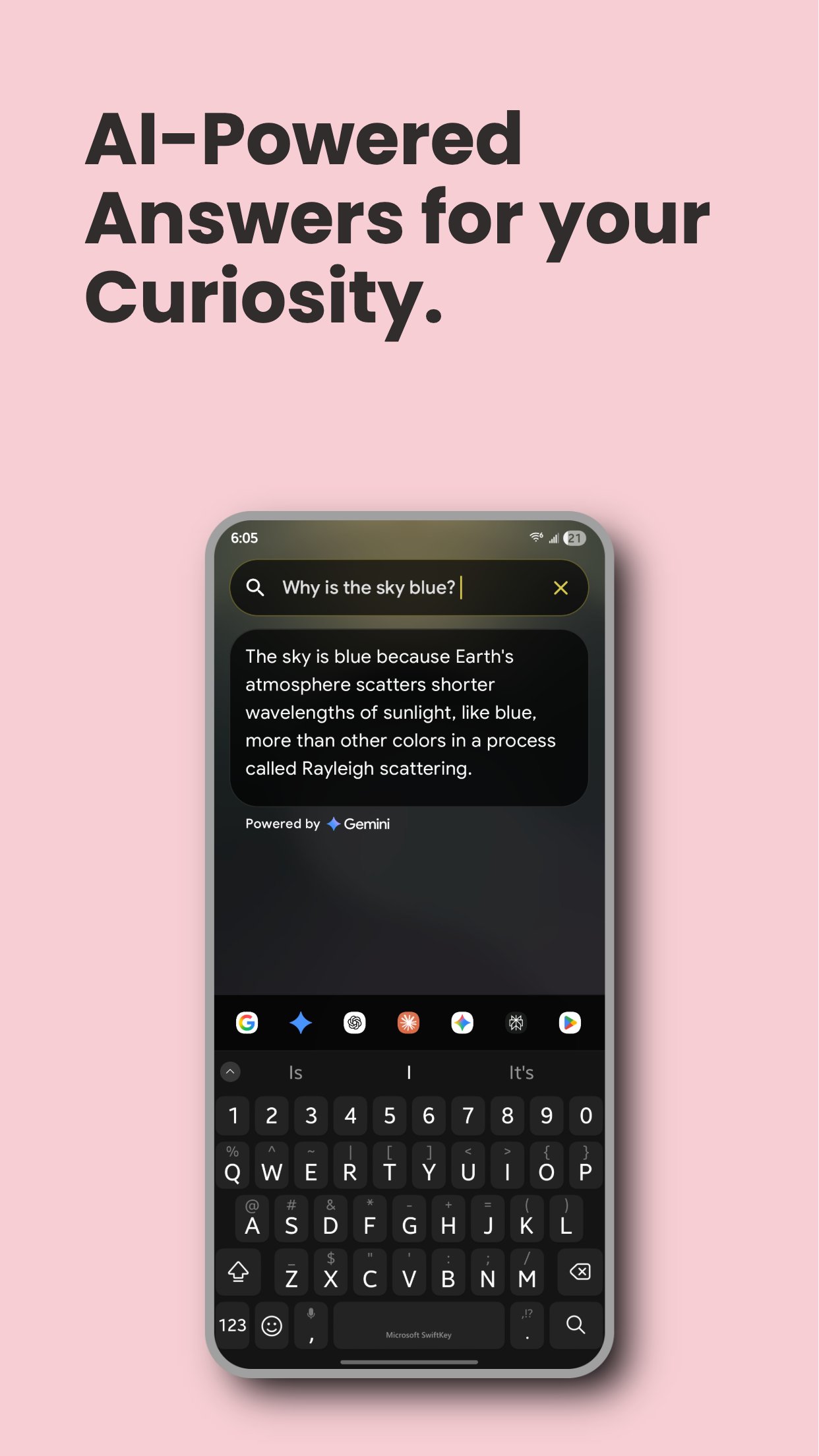
- AI Search: Gemini, OpenAI, Claude, Groq, Meta AI, OpenCode, or any OpenAI-compatible provider, with optional Tavily web results
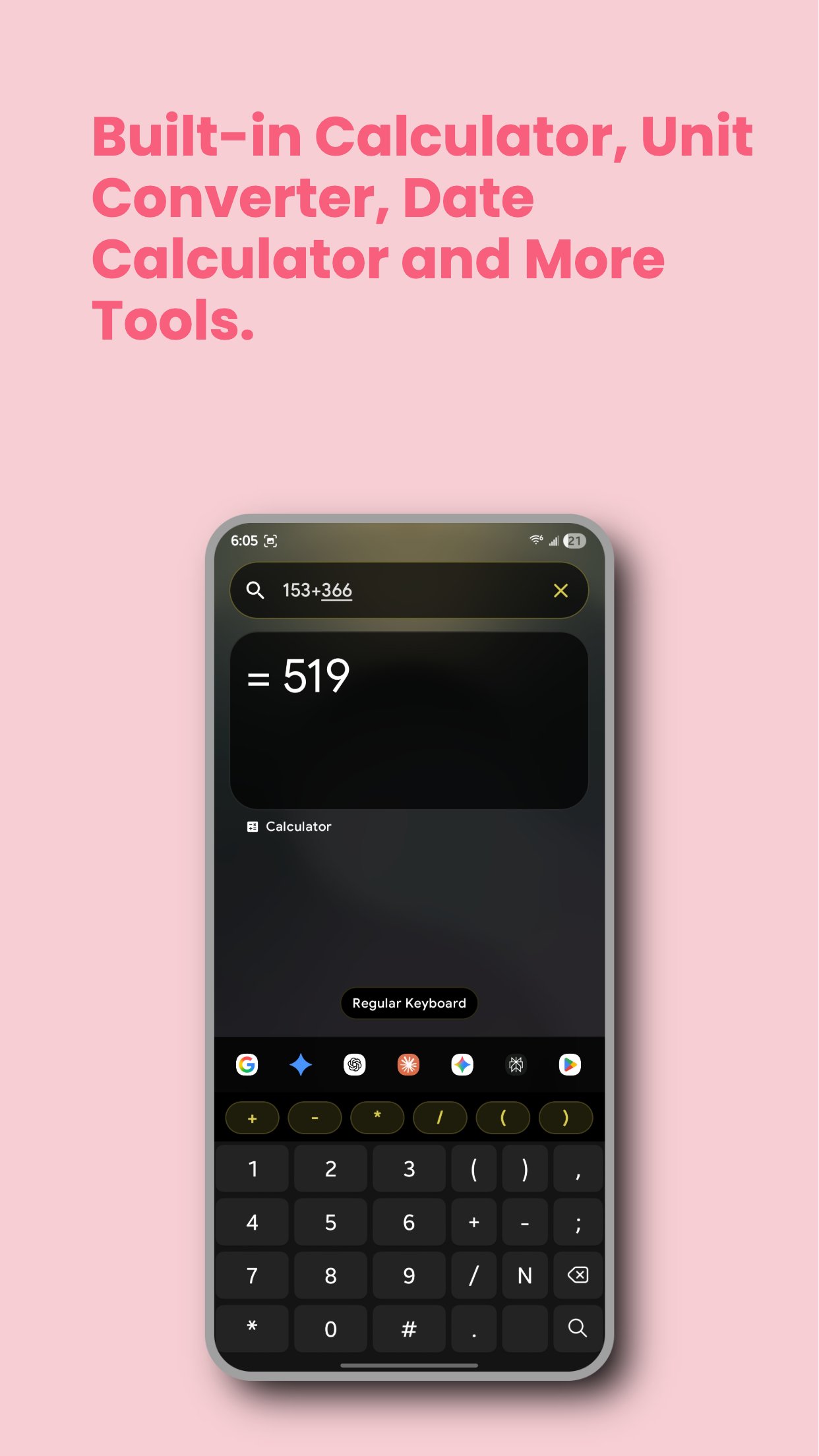
- Built-in tools: Calculator, Unit and Currency Converter, Date & Time Calculator, World Clock, Alarms & Timers, Weather, and Dictionary
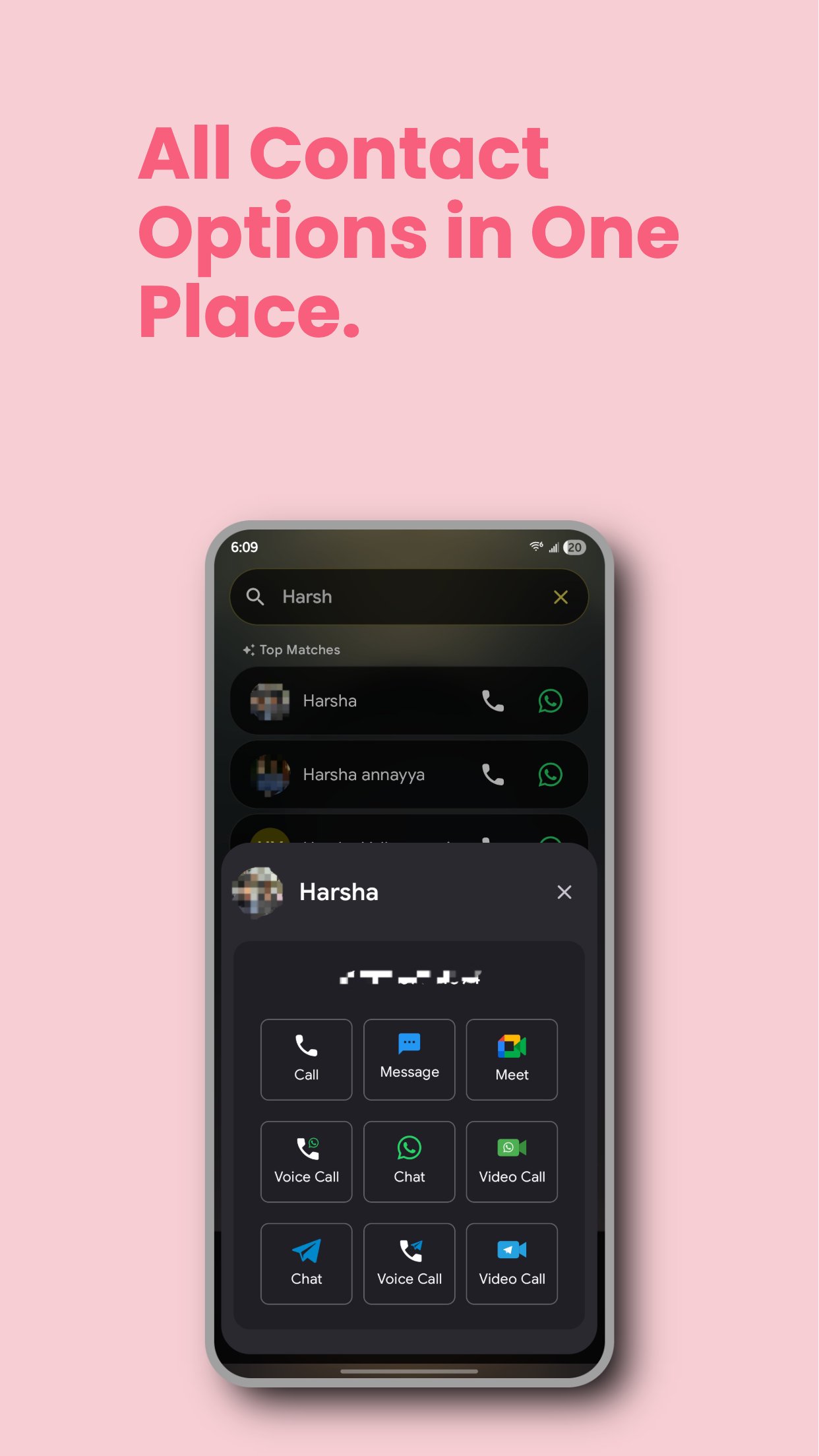
- WhatsApp, Telegram, Signal & Google Meet actions for contacts
- Reminders and notes created right from the search bar
- Aliases and trigger words to jump to any search engine, section, tool, or result
- Voice typing with the mic button in the search bar
- Launcher mode with app lock, Android Private Space support, gestures, and a Widgets Panel for any Android widget
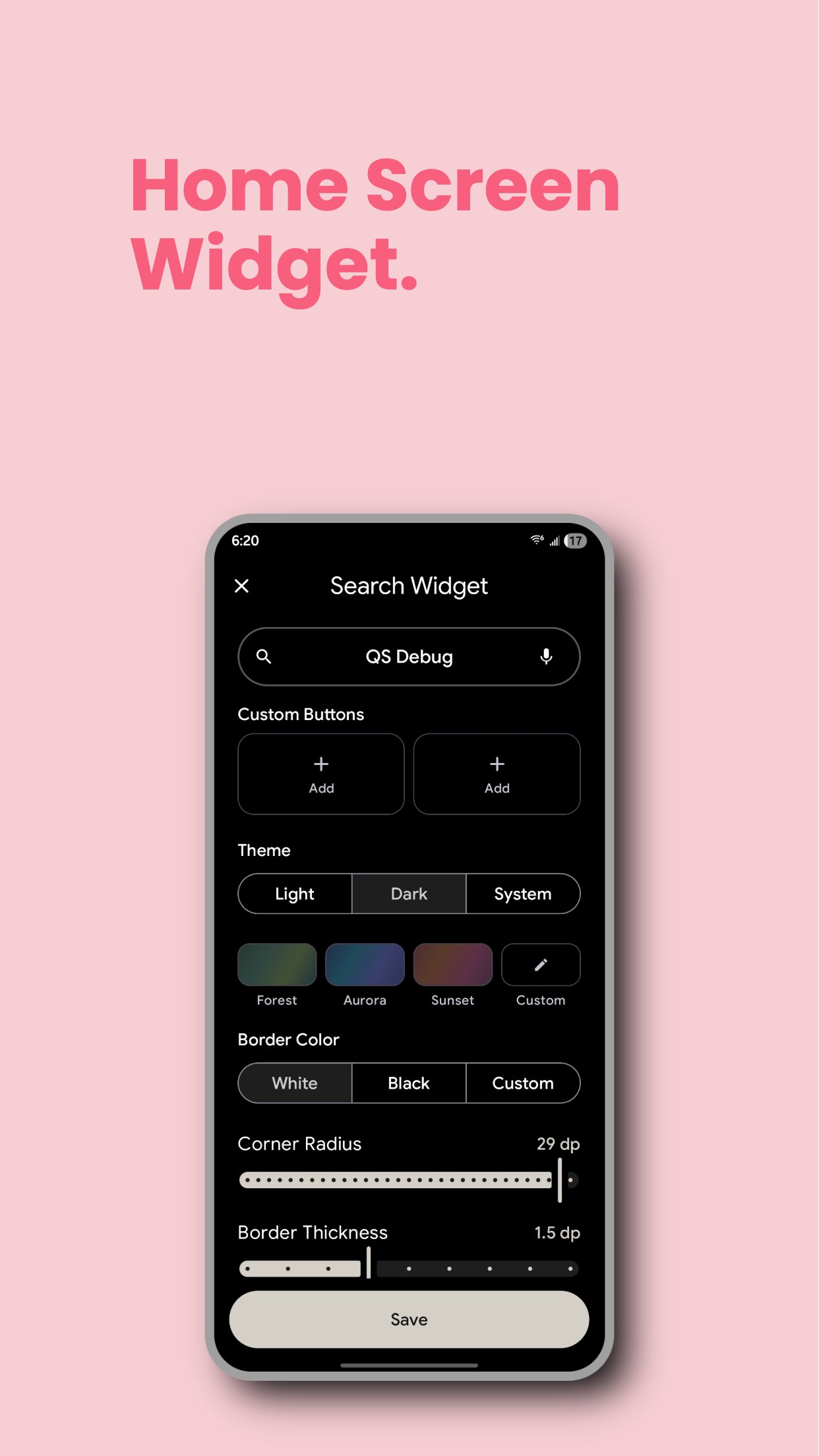
- Home screen widgets: Search, At a Glance, Custom Buttons, Media Controls, Note, and Countdown
- Default assistant, Quick Settings tile, edge swipe, and floating button to open Quick Search anywhere
- One-handed mode and bottom search bar
- Backup & Restore your settings when switching devices
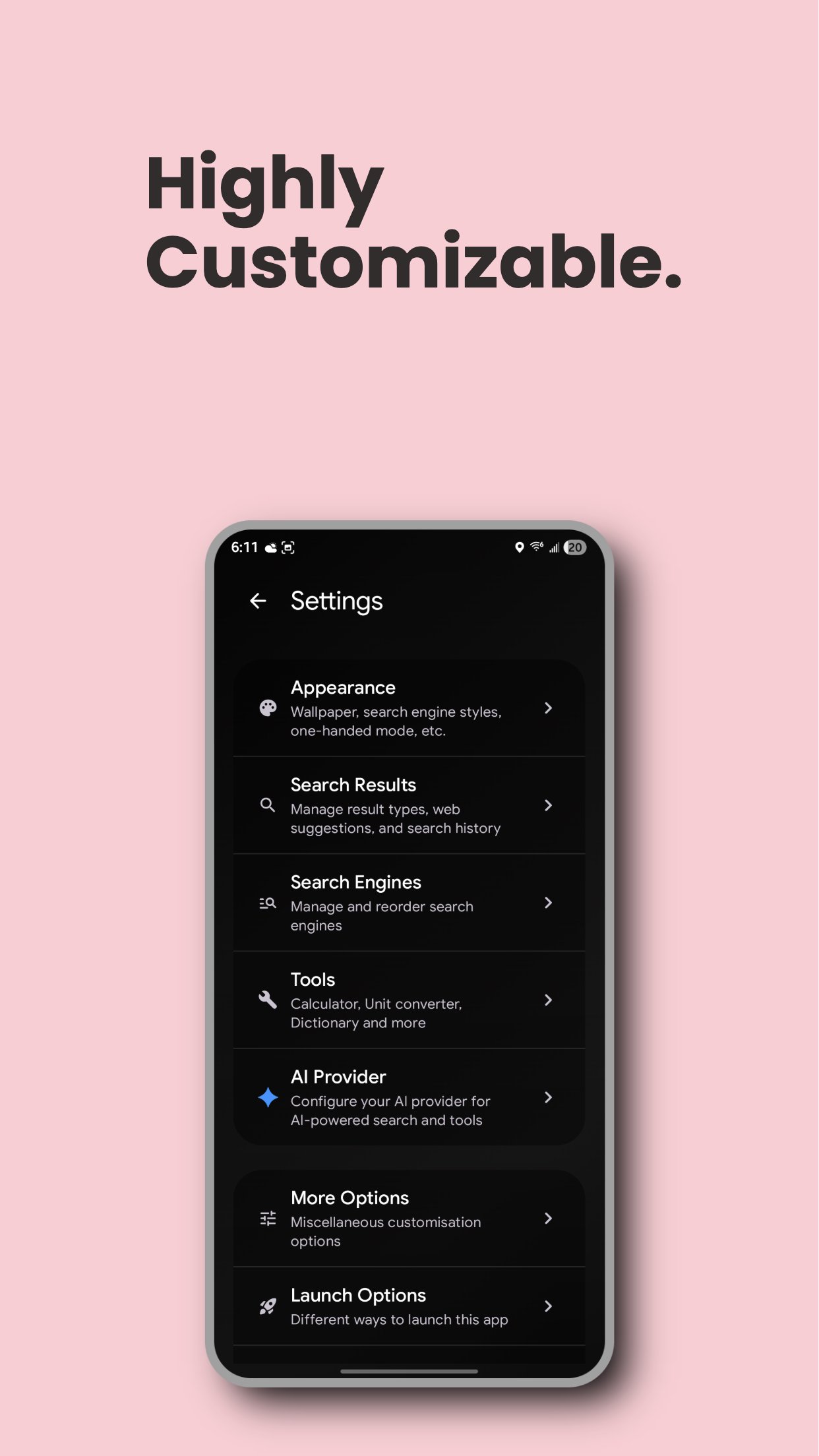
Fully Customizable:
- Compact, card-less layout to fit more on screen
- Material You and multiple themes (Mono, Forest, Aurora, Sunset) with light/dark mode and AMOLED black
- Wallpaper or custom image as background, with blur and transparency
- Adjust font size, app grid, icon size, and search bar style
- Icon pack support and themed icons
- Filter file types in results, with folder whitelist/blacklist
Permissions: Each permission only unlocks the features that need it. Quick Search keeps working if you decline the optional ones.
- Usage access: Shows recently used apps and improves app suggestions.
- Contacts and phone: Search contacts, place calls, and end an ongoing call from At a Glance.
- Files and calendar: Include device files and calendar events in search results. Calendar access is read-only.
- Notification access: Powers notification history, notification dots, At a Glance items, and media controls. Notification data stays on your device.
- Notifications and alarms: Deliver reminders and show items you pin to the notification shade.
- Accessibility service: Used only for the optional double-tap Home gesture to perform Android's system Lock Screen action. Quick Search does not read, collect, store, or share screen content or other personal data through this service.

One-click to install XAPK/APK files on Android!

Thanks for your rating and feedback!
You have already rated.