Quick Share

Quick Share

Tikhon Osipov
Aug 26, 2025
  • 2.7 MB

    File Size

  • 0/65
    Security
  • Everyone

  • Android 6.0+

    Android OS

About Quick Share

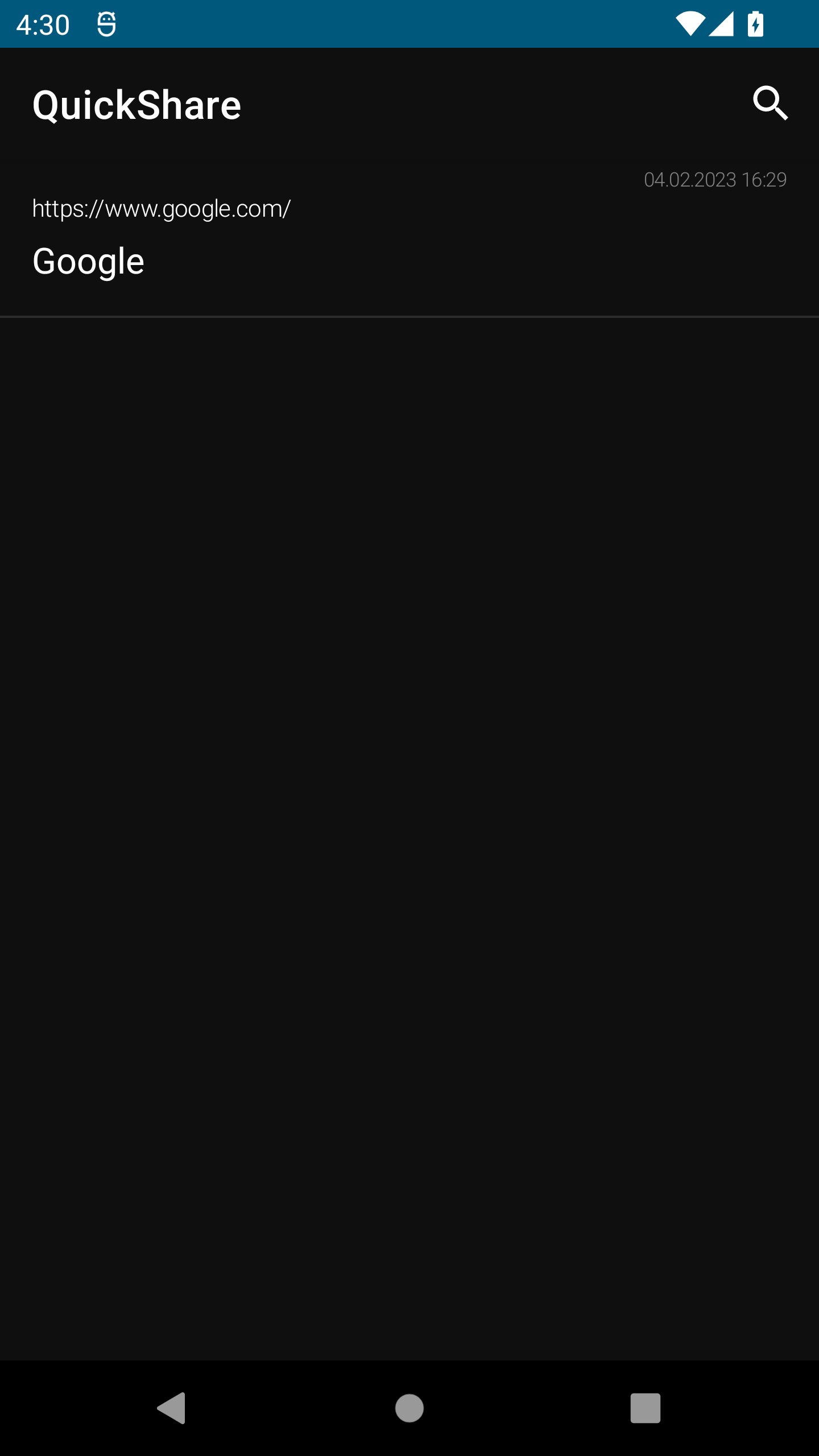
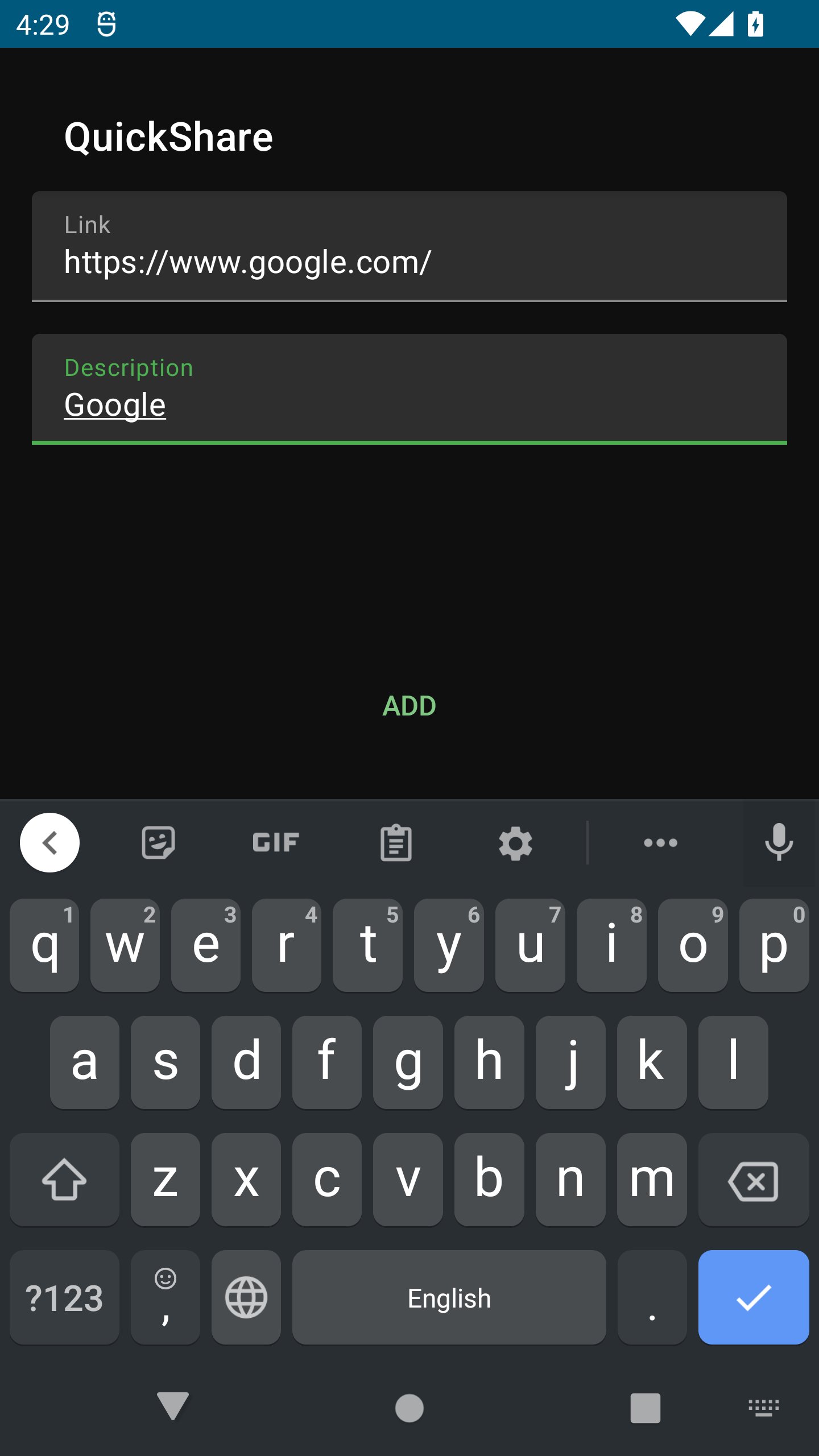
Quick Share app is designed for saving text content on your device locally.

Quick Share app is designed for saving text content on your device.

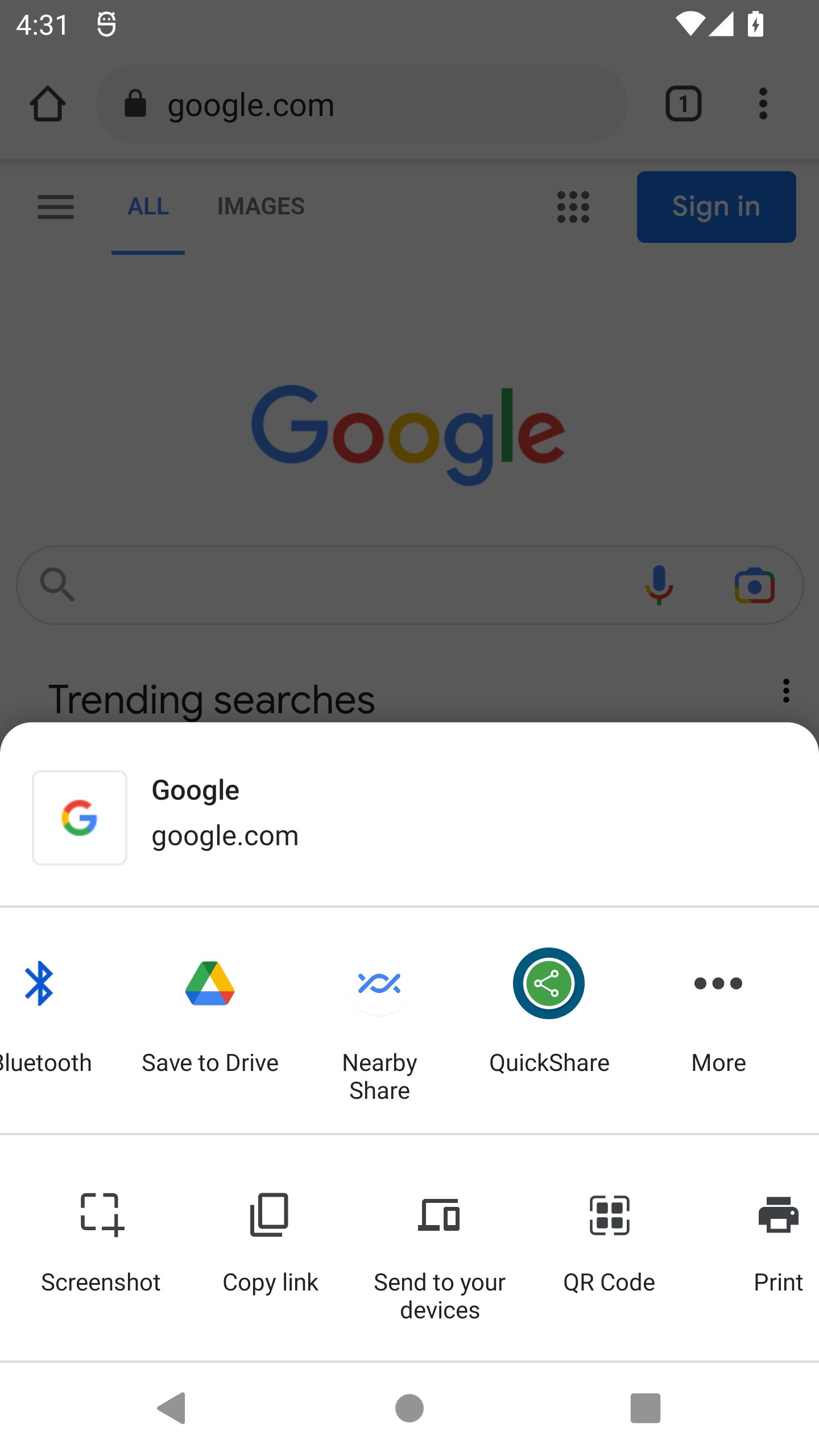
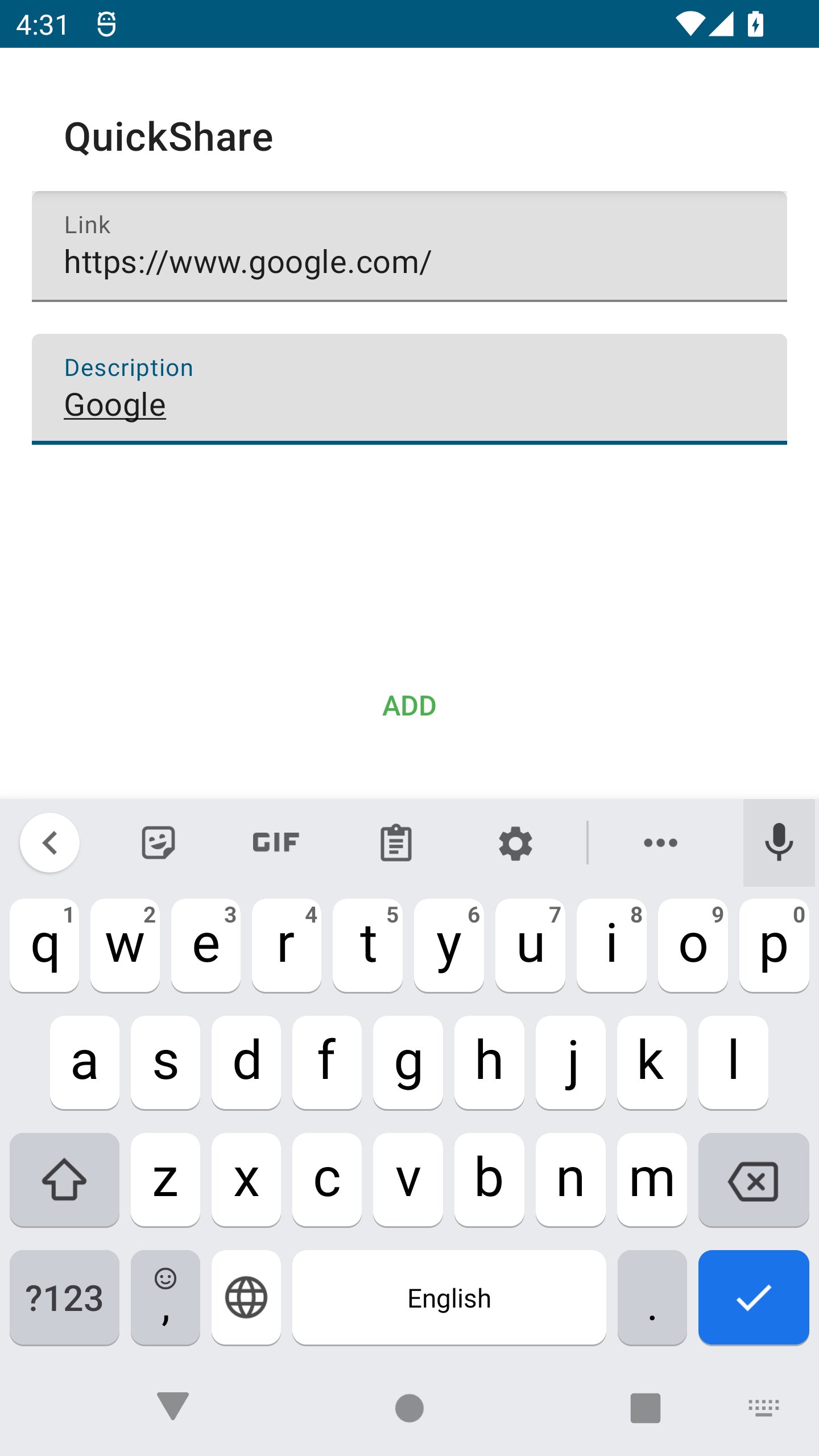
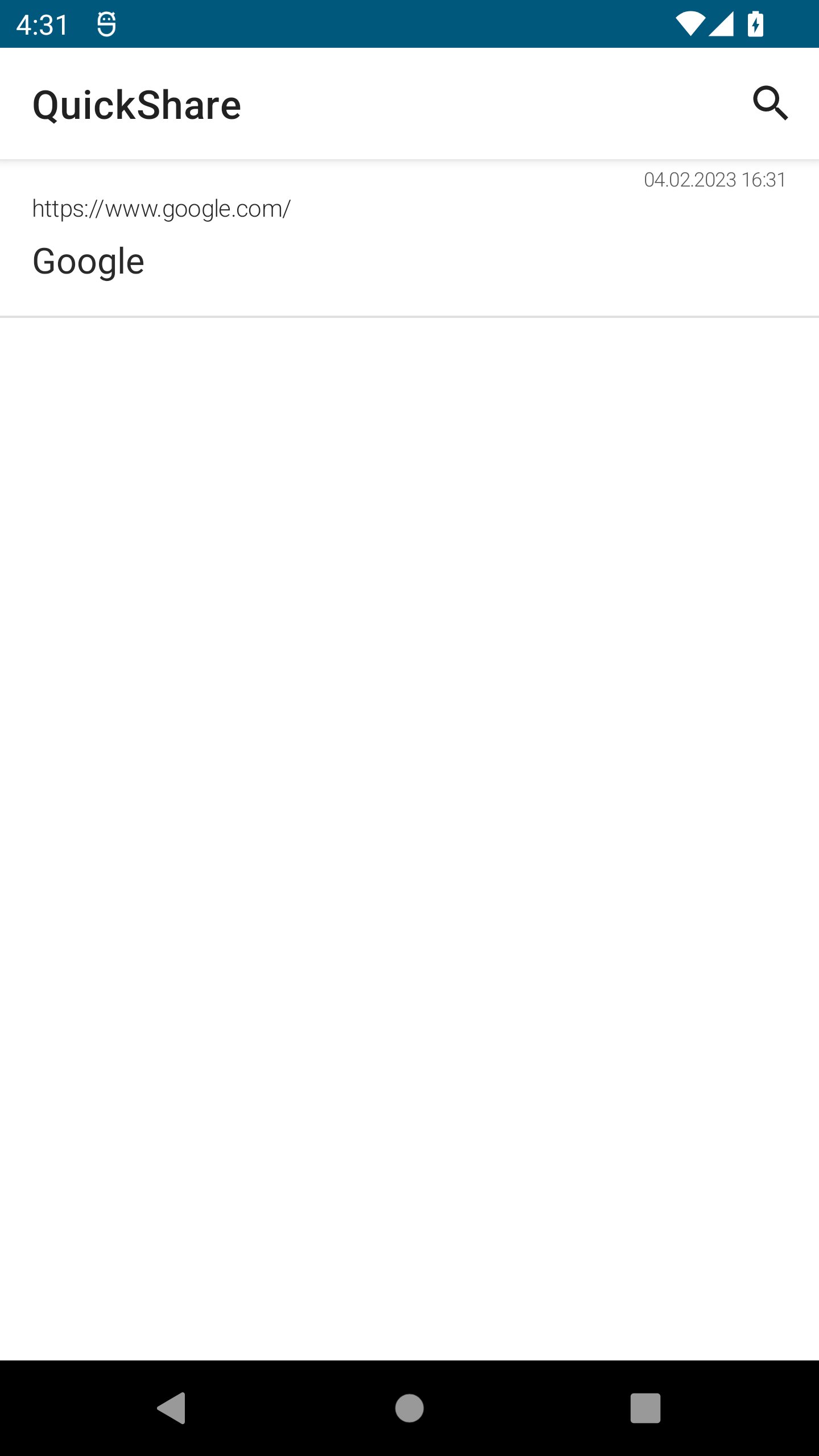
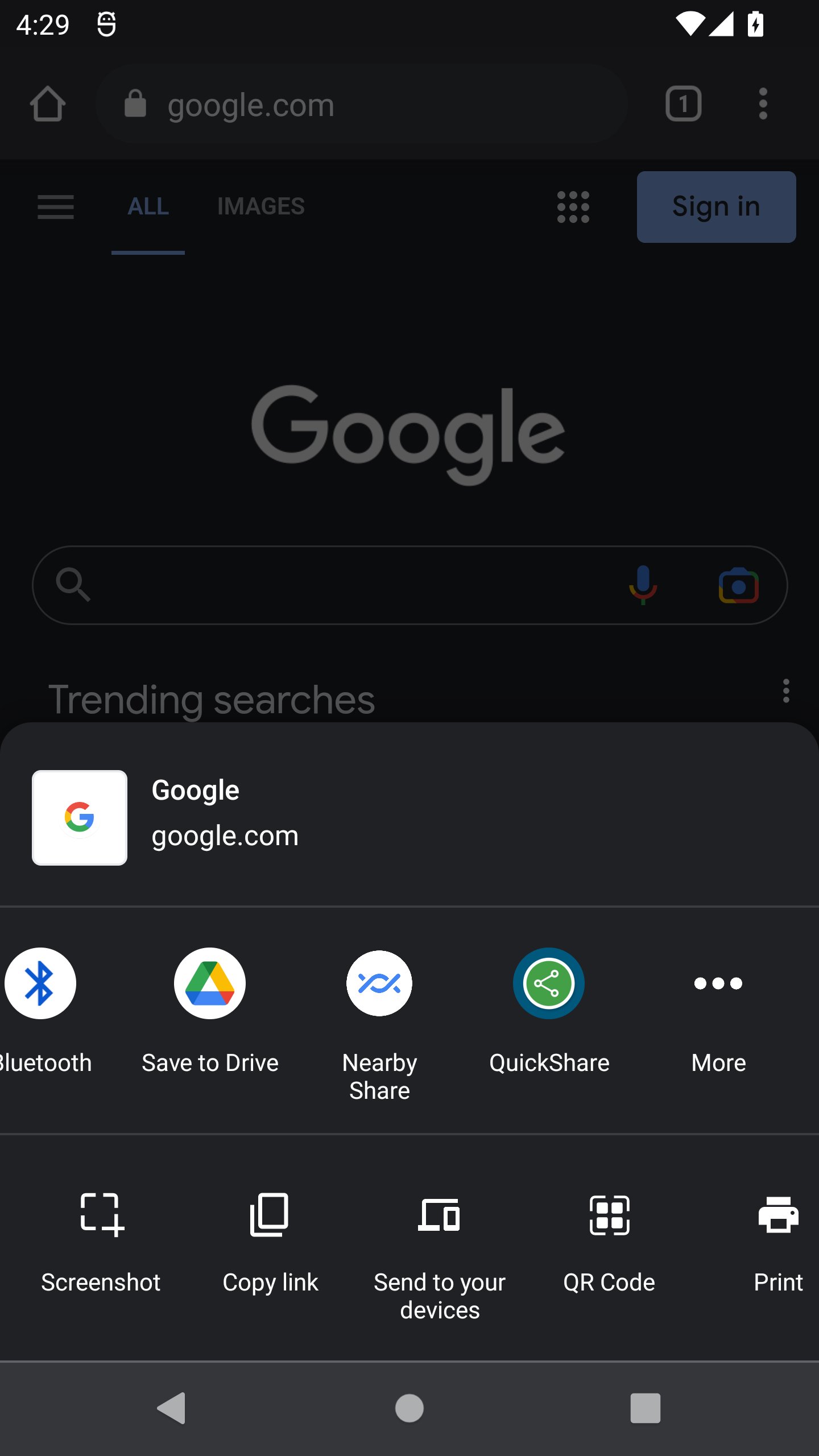
Here you can add notes only from another apps by sharing content via system sharing dialog.

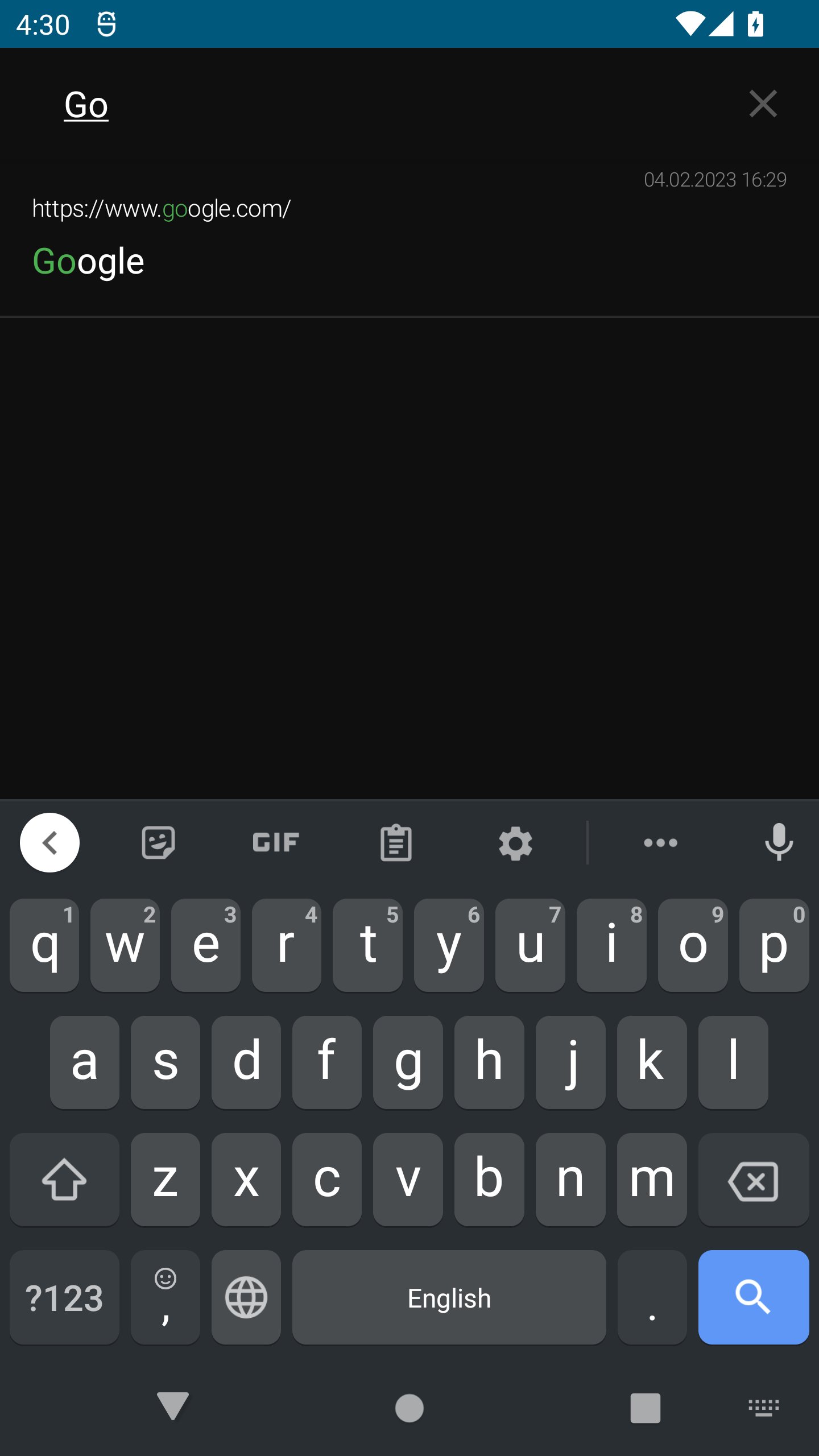
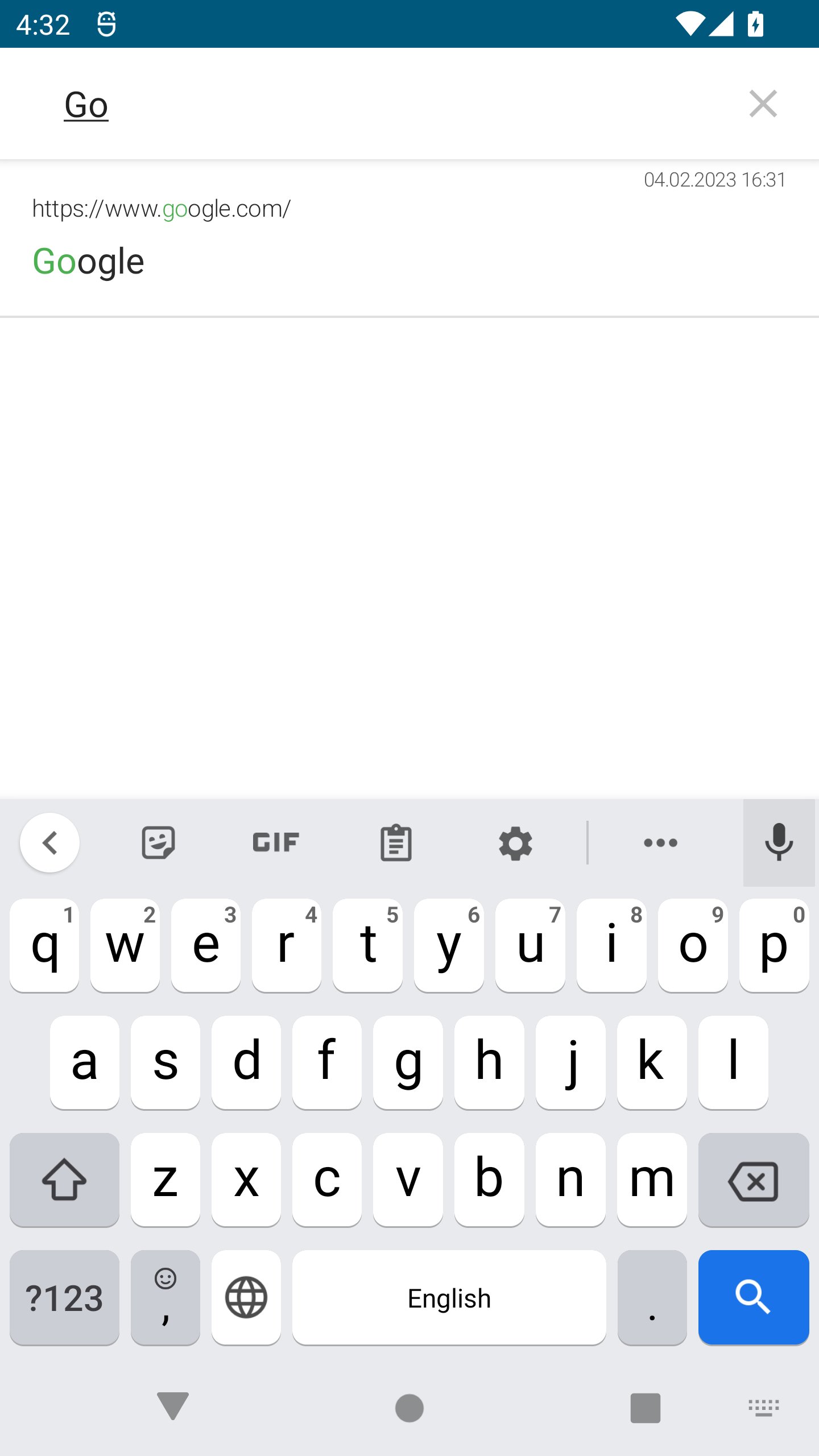
You can search over your notes, copy links from the app, edit and remove your saved notes.

Quick Share does not require an Internet connection and does not use any network. Its idea is only in improving user's data safety with usage of local storage.
Show More

What's new in the latest 1.2

Last updated on 2025-08-26
New feature: calendar was added - you can see by day how many links have been added.

Improved display of the application on new devices.

Improved SDK compatibility.
Show More

Videos and Screenshots

  • Quick Share poster
  • Quick Share screenshot 1
  • Quick Share screenshot 2
  • Quick Share screenshot 3
  • Quick Share screenshot 4
  • Quick Share screenshot 5
  • Quick Share screenshot 6
  • Quick Share screenshot 7

Quick Share APK Information

Latest Version
1.2
Category
Tools
Android OS
Android 6.0+
File Size
2.7 MB
Developer
Tikhon Osipov
Available on
Content Rating
Everyone
Security Report
0/65
Scan Result: Secure
No security vendors flagged this file as malicious
No Virus
No Spyware
No Malware
No Virus
No Spyware
No Malware
Scan Date:Oct 6, 2025
Package Name:com.tixon.quickshare
SHA-256:170432b8d0df9cc2100ef41a426ee2bcfb85bba6e9645086b3054c17a902917c
SHA-1:4d8a4ef4b740e5a9a89cf0f687e069f4c8180115
Show More

Old Versions of Quick Share

APKPure icon

Super Fast and Safe Downloading via APKPure App

One-click to install XAPK/APK files on Android!

Download APKPure
thank icon
We use cookies and other technologies on this website to enhance your user experience.
By clicking any link on this page you are giving your consent to our Privacy Policy and Cookies Policy.
Learn More about Policies