Package Name:mindware.volwidget
Show More


4.6 MB
File Size
Everyone
Android 8.0+
Android OS
Sound profiles with Phone only, home screen widgets and a Quick Settings tile.
Quick Volume switches your phone's sound with one tap. Pick a profile in the app, on a home screen widget or in Quick Settings, and it sets ringtone, notification, media and system volume and the ringer mode together.
Phone only: calls ring at the level you choose, while media, notification sounds and touch sounds stay quiet. On phones where notification volume follows ringtone, Phone only silences notifications with Do Not Disturb instead. Alarms are never changed.
Profiles
• Normal, Phone only, Vibrate and Silent are built in.
• Quiet and Loud are included, and you can add your own.
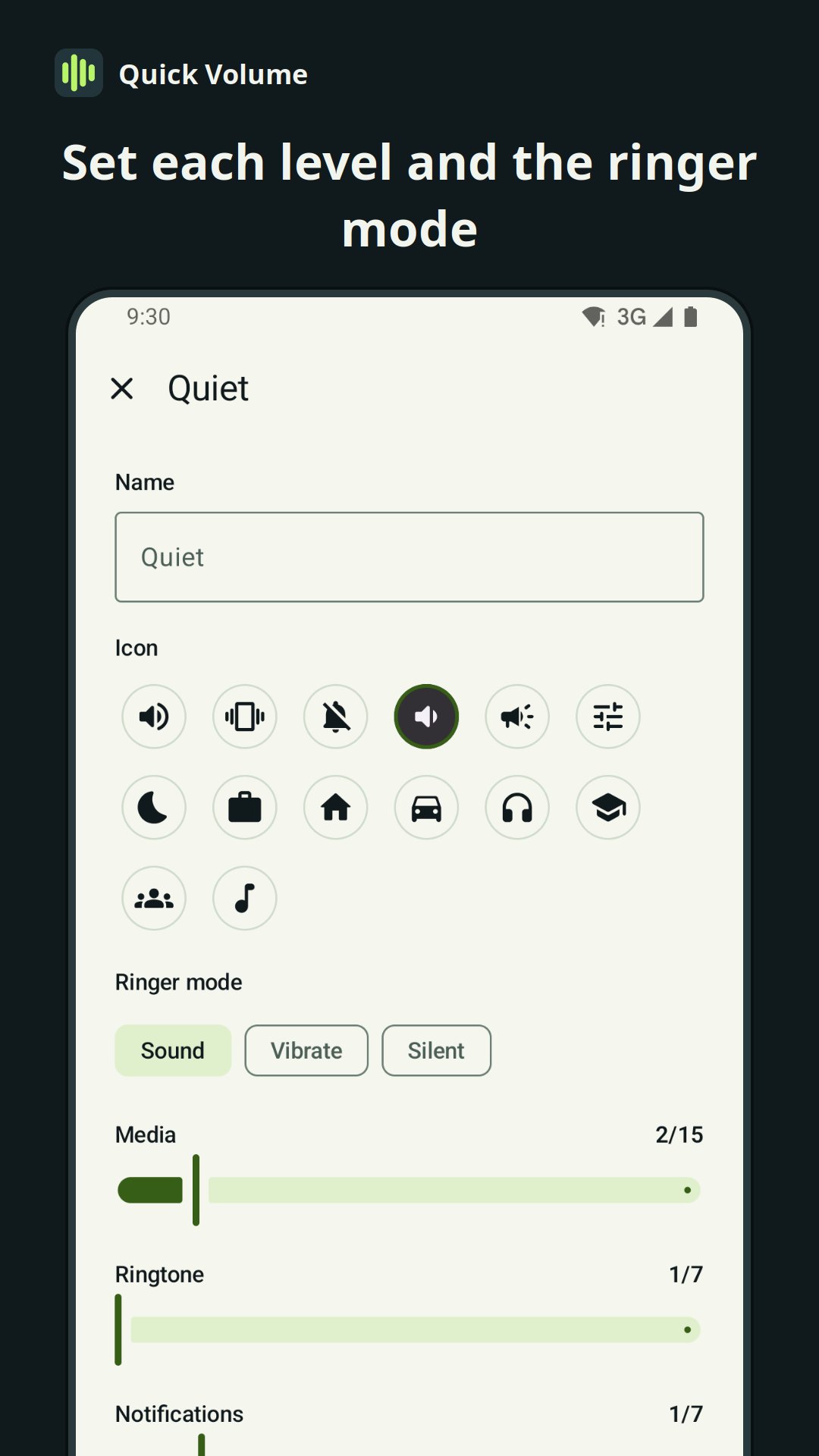
• A profile sets ringtone, notification, media and system volume and the ringer mode.
• Profiles never change alarm or call volume.
Widgets and Quick Settings
• 1×1 widget: shows the current profile. Tap it to switch.
• 4×2 widget: the current profile, plus a button for each profile.
• Each widget can cycle through the profiles you choose, or turn one profile on and off.
• Quick Settings tile: tap it to switch to the next profile.
• Optional status notification with buttons for the next profile and Phone only.
Volume
• Sound, Vibrate and Silent with one tap.
• Sliders for media, ringtone, notifications, system sounds, alarm and call, in your phone's own volume steps.
• Undo after switching profiles.
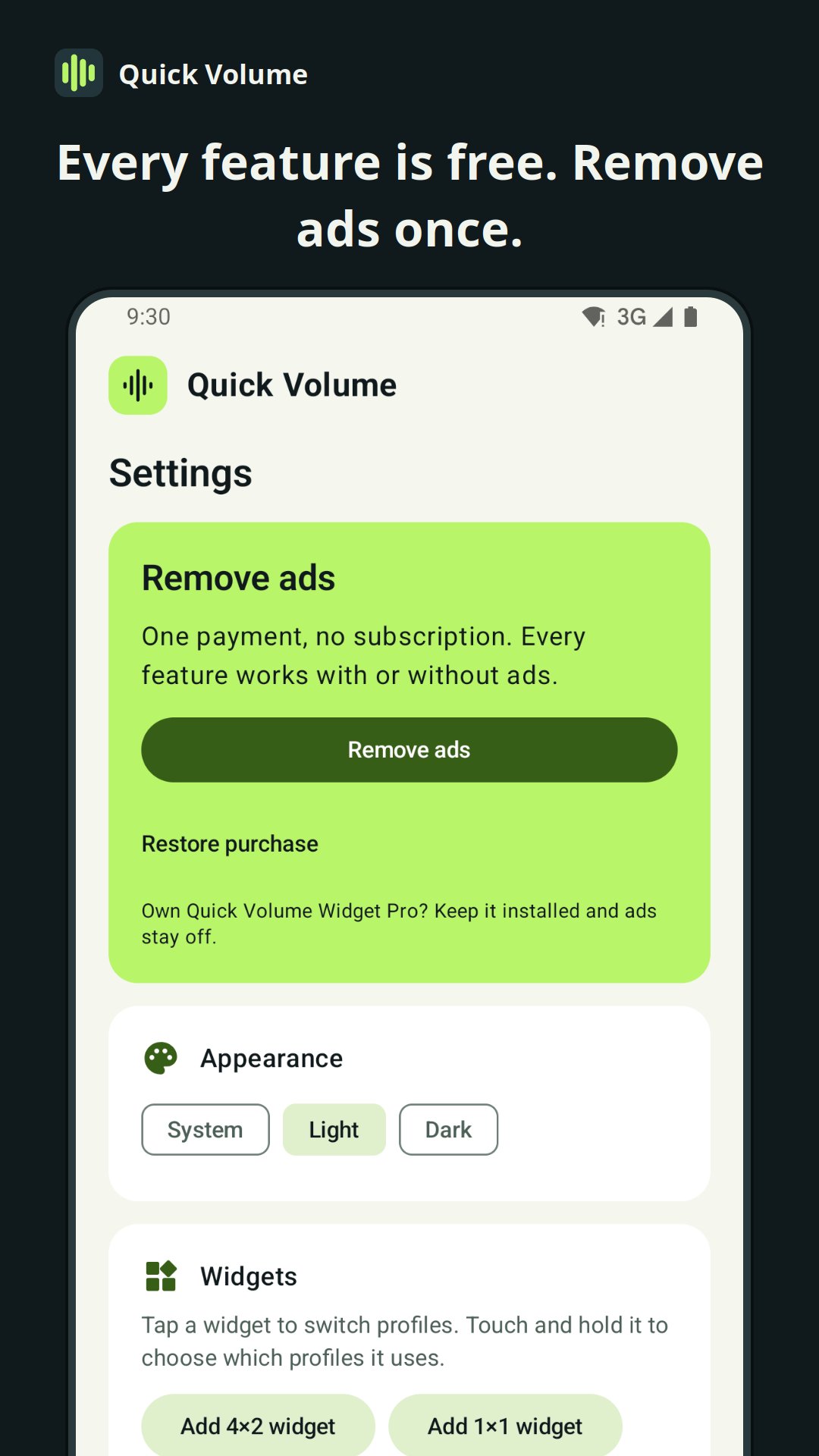
Free with ads. A one-time purchase removes ads, with no subscription. If Quick Volume Widget Pro is installed, ads are off.
Silent, and Phone only on some phones, need Do Not Disturb access, which you allow in Android settings. Sound controls work offline; ads need an internet connection. No account, location, contacts or microphone access is needed.
Support: [email protected]
Privacy policy: https://mindware.mobi/quick-volume-privacy-policy/



One-click to install XAPK/APK files on Android!

Thanks for your rating and feedback!
You have already rated.