















Thanks for your rating and feedback!
You have already rated.

9.5
19 Reviews
57.5 MB
File Size
Everyone
Android 10.0+
Android OS
PDF Scanner app - TapScanner is an Android scanner and PDF management app.
Tap AI develops PDF Scanner app - TapScanner for users who need a practical way to turn paper documents into usable digital files. Its main appeal is simple: a phone camera becomes a portable scanner for receipts, contracts, notes, business cards, and multi-page paperwork. Users looking to download PDF Scanner app - TapScanner can expect these core tools:
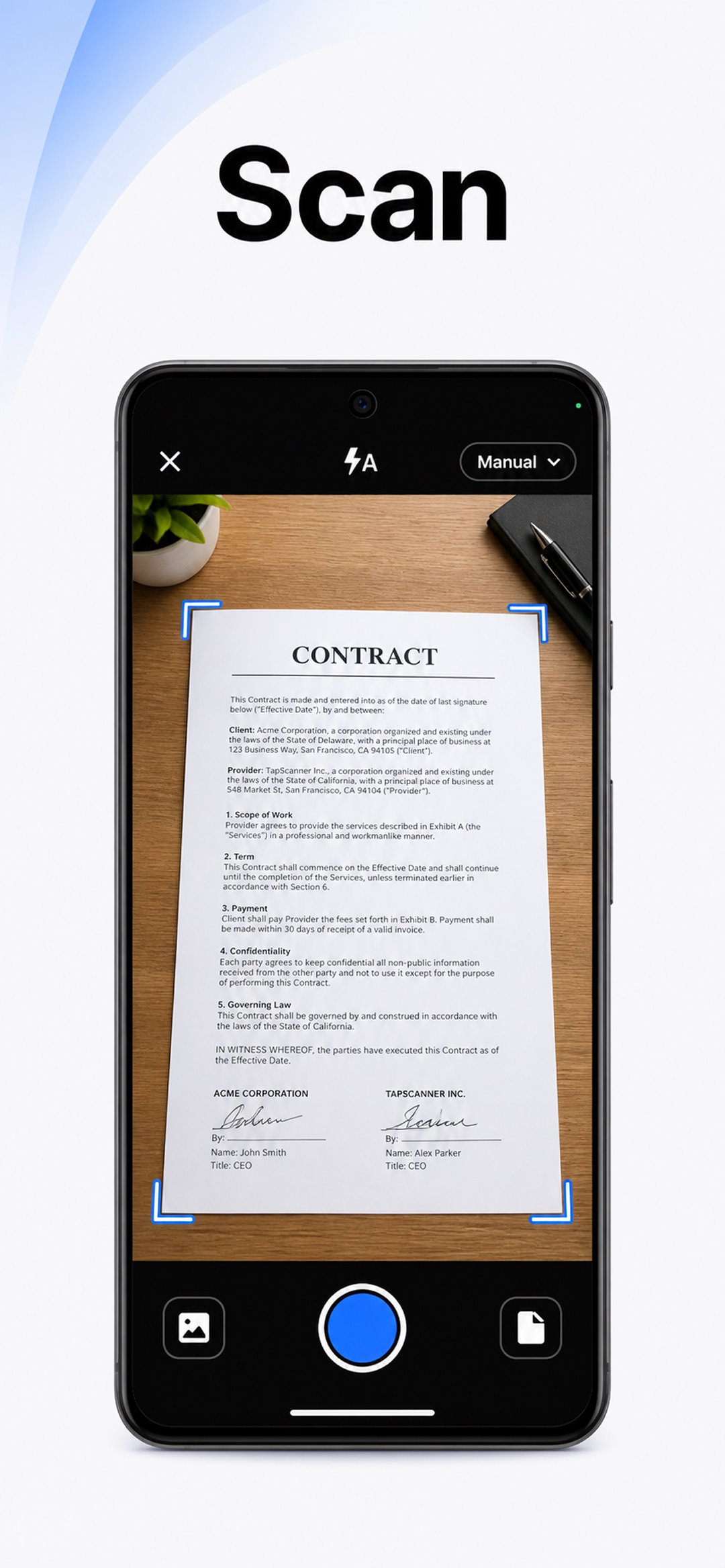
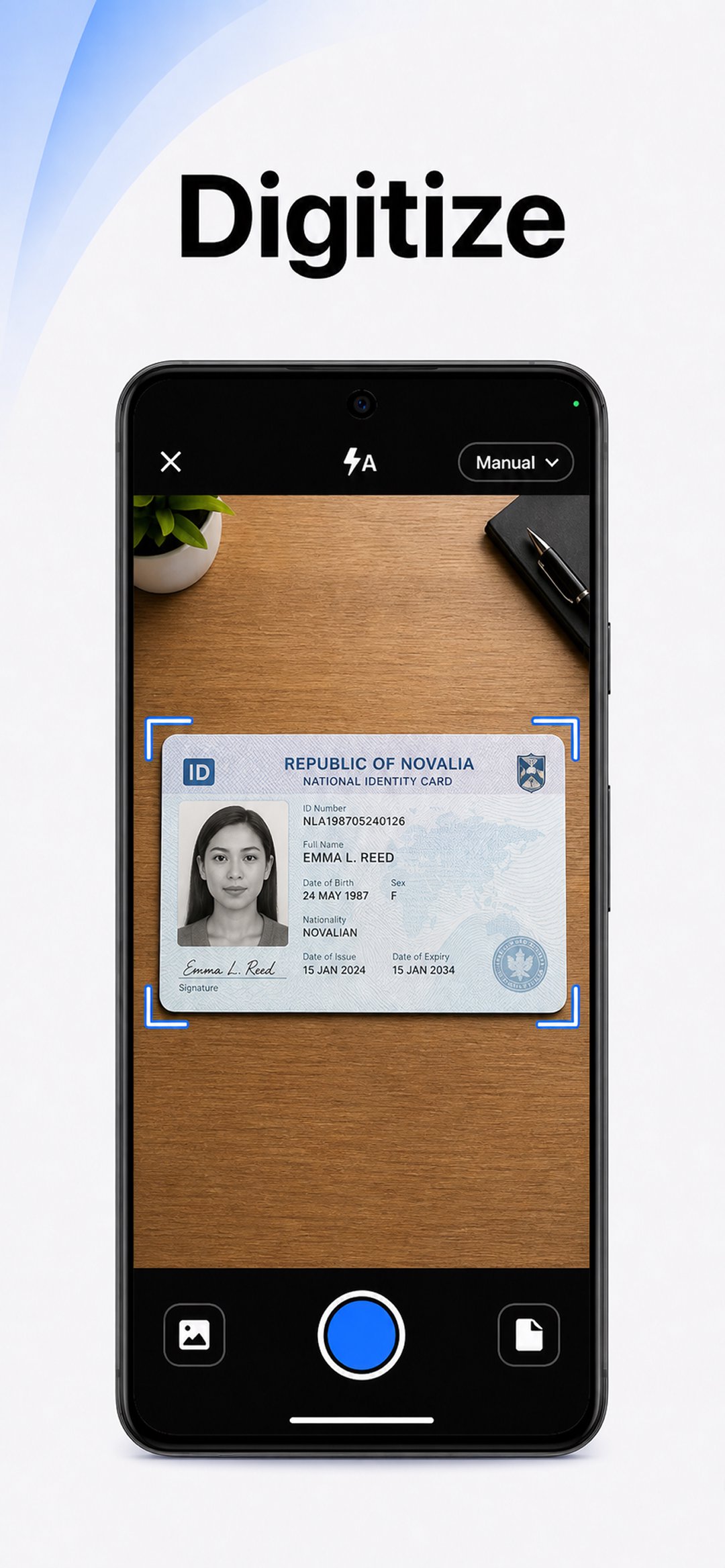
PDF Scanner app - TapScanner turns the phone camera into a quick scanner for everyday paperwork. It is useful when a user needs to save a receipt before it fades, capture a signed contract after a meeting, or digitize class notes without finding a desktop scanner.
The scanning flow feels focused on speed. After opening the camera scanner, the user places the paper inside the viewfinder, and automatic edge detection helps find the document borders. Manual crop adjustment is still available when a page sits at an angle or the background is close in color. Good lighting matters, because shadows, curled pages, and low contrast can affect the final scan, but the built-in correction tools help clean up many common issues.
PDF Scanner app - TapScanner supports batch scanning and multi-page PDF creation, which makes it more useful than a simple camera capture. A user can scan several pages in a row and keep them in one ordered file instead of saving separate images that are harder to share or archive.
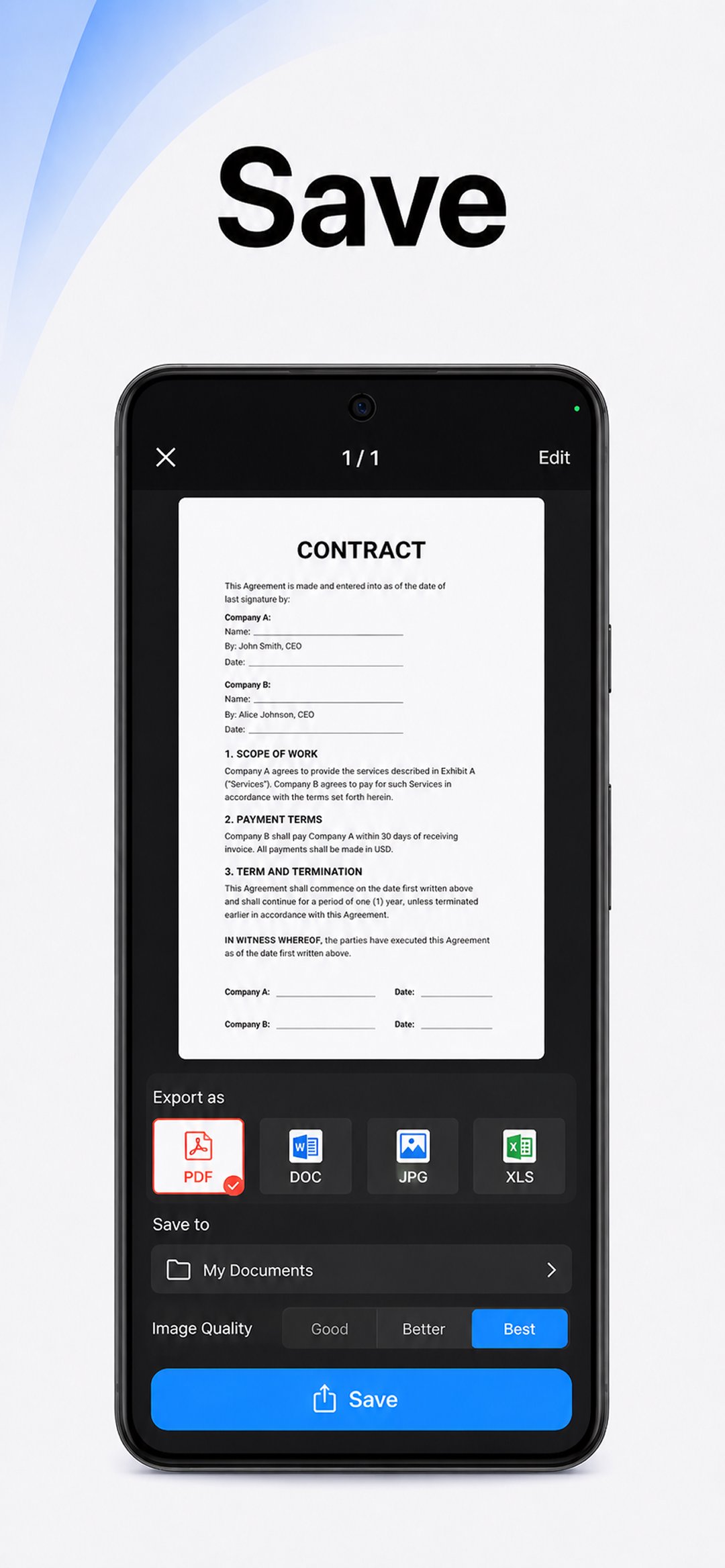
This helps with longer documents such as reports, study handouts, invoices, and business agreements. After capturing pages, the app lets users rotate pages, reorder them, and apply visual adjustments before saving the final PDF. That extra control is helpful when one page is upside down or a later page needs to move closer to the beginning. The result is a cleaner file that looks easier to read on a phone, tablet, or computer.
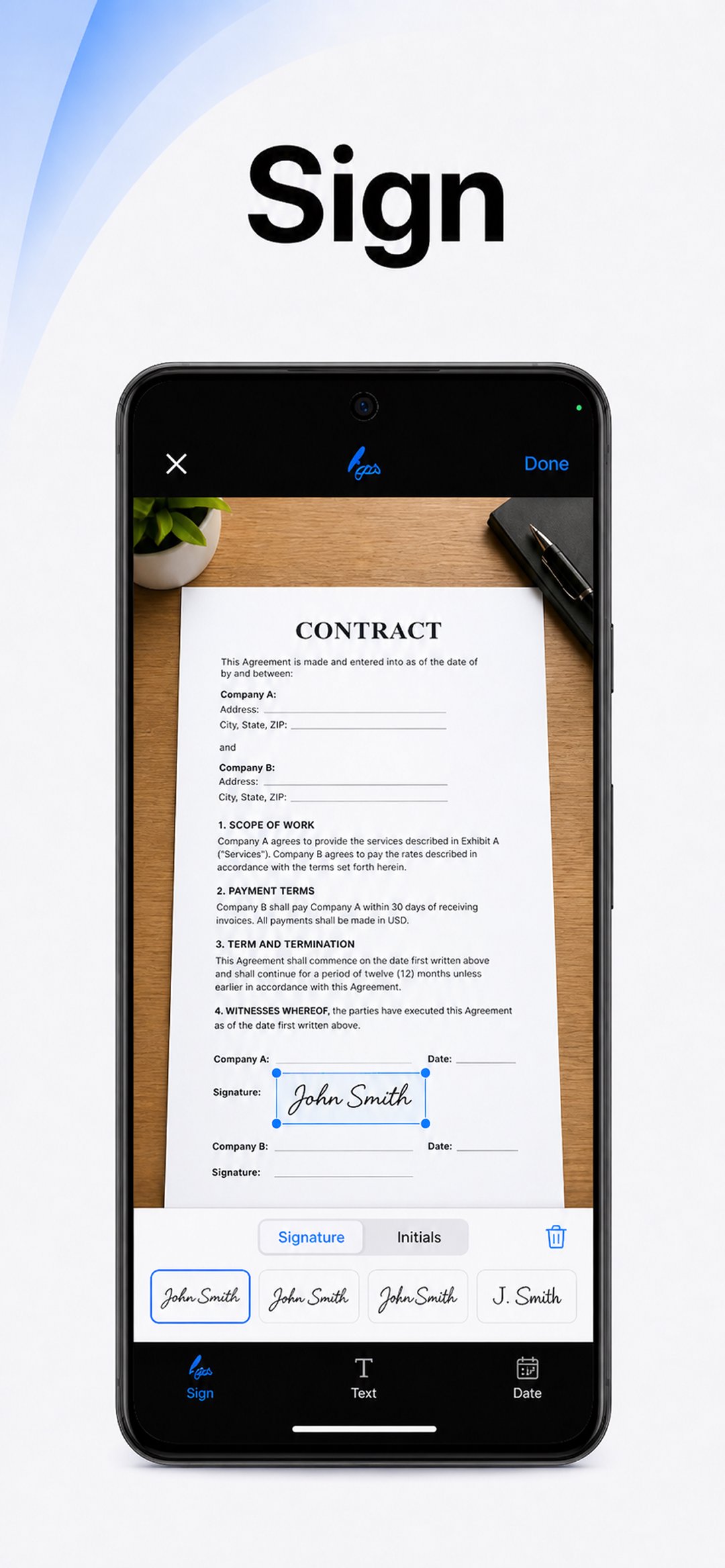
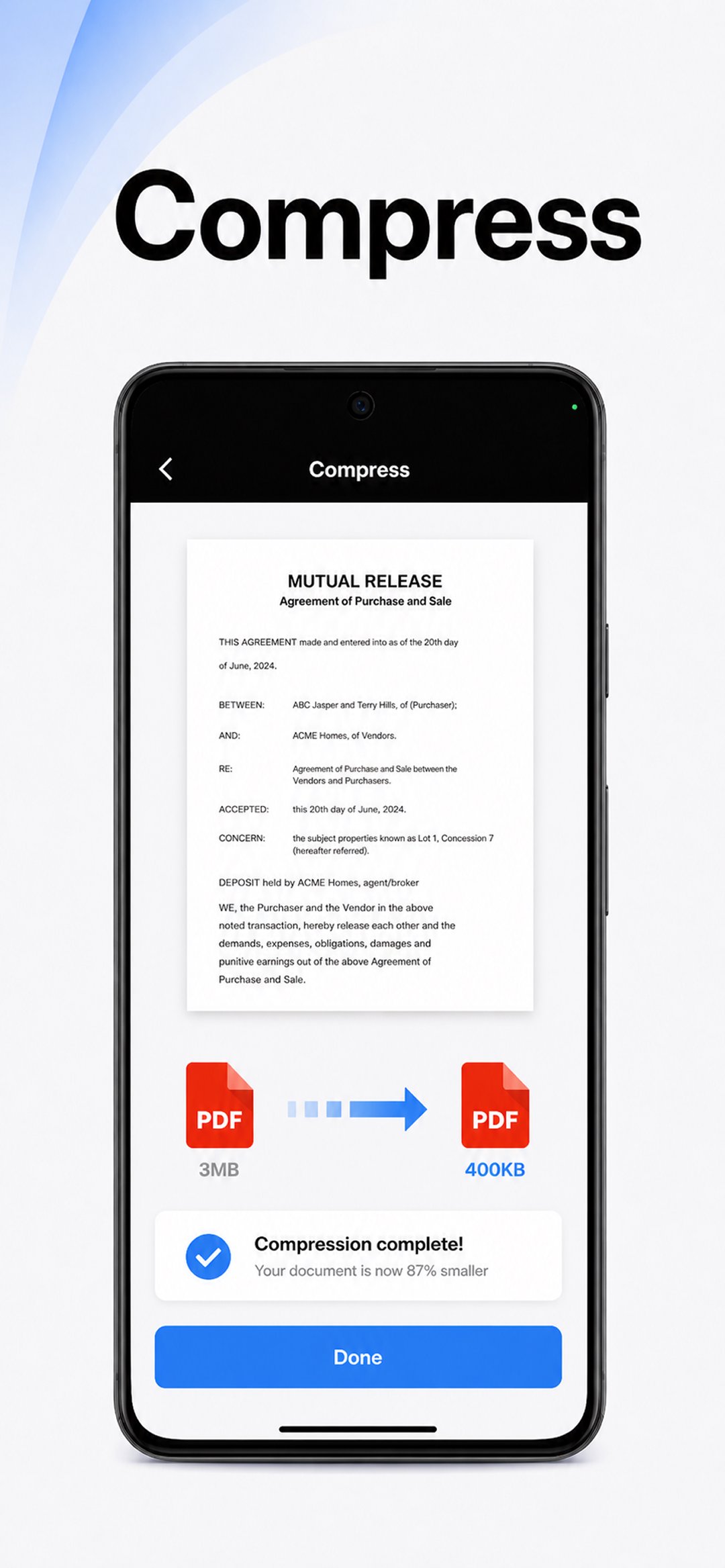
PDF Scanner app - TapScanner includes several PDF tools in one place, including Compress, Merge, Split, Organize, Sign, Add Password, Watermark, and Rotate. These tools cover common document tasks that often come up after scanning, especially when a file must be sent to a colleague, teacher, client, or office system.
The editing tools are practical rather than decorative. Users can combine related files, separate pages from a larger PDF, sign a form, reduce file size before sending, or add a password to private documents. The feature set is broad, so new users may need a little time to learn where each tool sits. Once familiar, the app works well for managing small document jobs directly on Android without moving files between several separate apps.
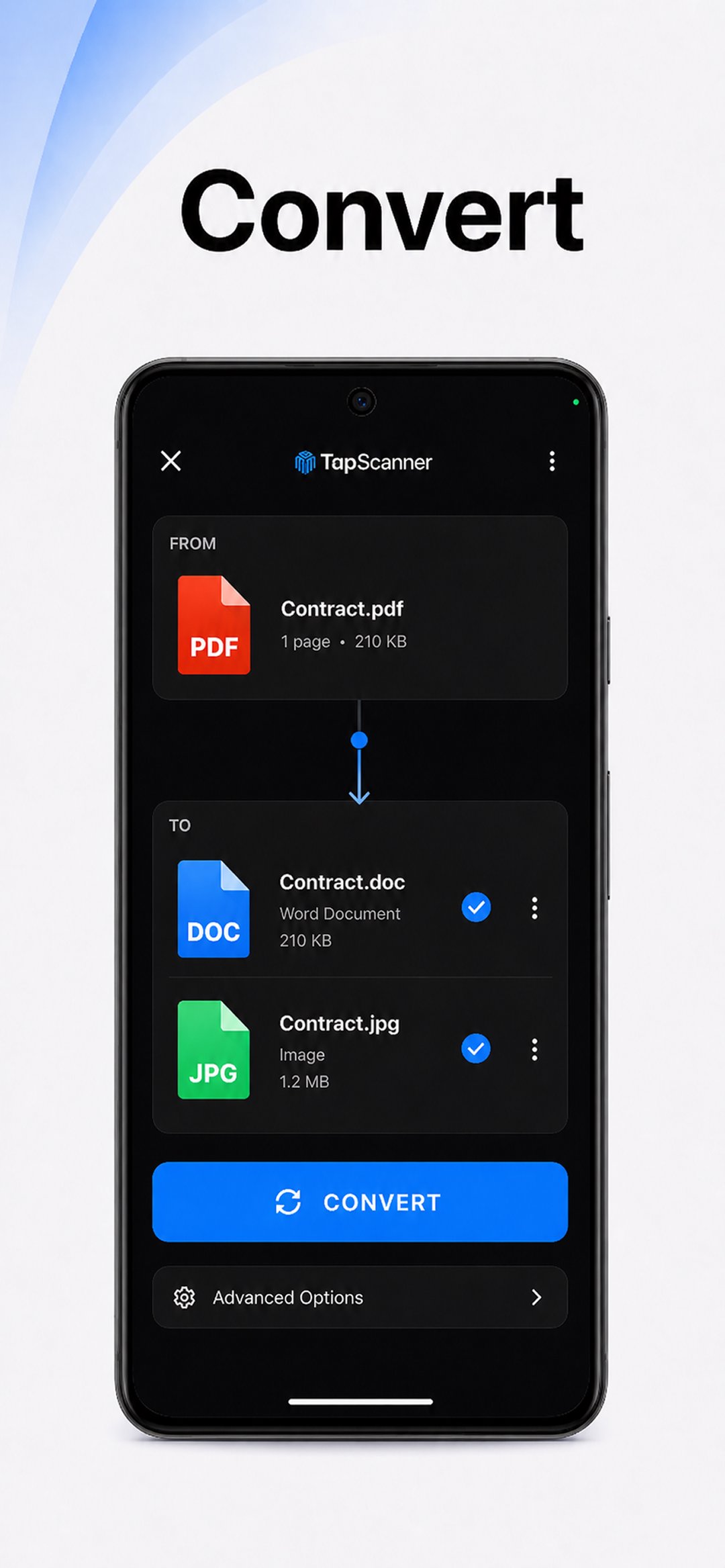
PDF Scanner app - TapScanner includes OCR for turning scanned images into searchable and editable text. This is especially useful for notes, printed forms, business cards, and paper records where finding a name, date, or keyword later can save time. The OCR support covers more than 110 languages, which makes it useful for multilingual documents and international users.
OCR accuracy still depends on the source image. Clear print, straight pages, and steady lighting usually give better results, while handwriting, glare, or damaged paper may need review after conversion. Finished files can be renamed, saved as PDFs, protected with a password, backed up to Google Drive, Dropbox, or OneDrive, shared through email or messaging apps, and printed over Wi-Fi. These options make the TapScanner APK Download useful for both quick personal scans and more sensitive work documents.
PDF Scanner app - TapScanner works best for users who scan, edit, protect, and share documents from one Android device. Its strengths are strongest in everyday document handling, while some results still depend on lighting and source quality.
ProsUsers can download the PDF Scanner app - TapScanner latest version from APKPure and install it on a compatible Android device. The PDF Scanner app - TapScanner APK is around 60 MB, so download time is usually short on a stable connection, though slower mobile networks may take longer.
After installation, it is worth checking camera permission and available storage before scanning larger batches of documents. A clear surface, steady hands, and bright room lighting help the app produce cleaner pages. Once the first scan is complete, users can save it as a PDF, add protection if needed, and share or back it up from the file screen.

One-click to install XAPK/APK files on Android!
Thanks for your rating and feedback!
You have already rated.