Scan Date:Nov 18, 2026
Show More


9.7 MB
File Size
Everyone
Android 7.0+
Android OS
Screen recorder with audio, video trimmer, merger, GIF maker, screenshot markup
Screen Recorder with Audio records your phone screen in HD video with sound from the microphone, so you can save gameplay, tutorials, video calls, app demos or a bug to show someone. No root needed and no time limit on recordings.
QUICK START
• Choose High Definition or Standard Definition and tap record
• Turn Record Audio on to add your voice from the microphone
• Stop from the notification or the floating button, and the video is saved
FLOATING BUTTON CONTROLS
• A small floating button stays on top of other apps
• Start, pause, resume and stop a recording without going back to the app
• Take a screenshot with one tap from the same button
CUSTOM SETTINGS FOR SHARP VIDEO
• Resolution from 240p up to 1080p Full HD
• Frame rate up to 60 FPS for smooth gameplay
• Bit-rate from 1 Mbps up to 12 Mbps, or Auto
• Video encoder: H.264, HEVC (H.265), H.263, MPEG-4 SP or VP8
• Output format: MP4, 3GP or WebM
• Audio source: default, camcorder or microphone
YOUR RECORDINGS AND SCREENSHOTS
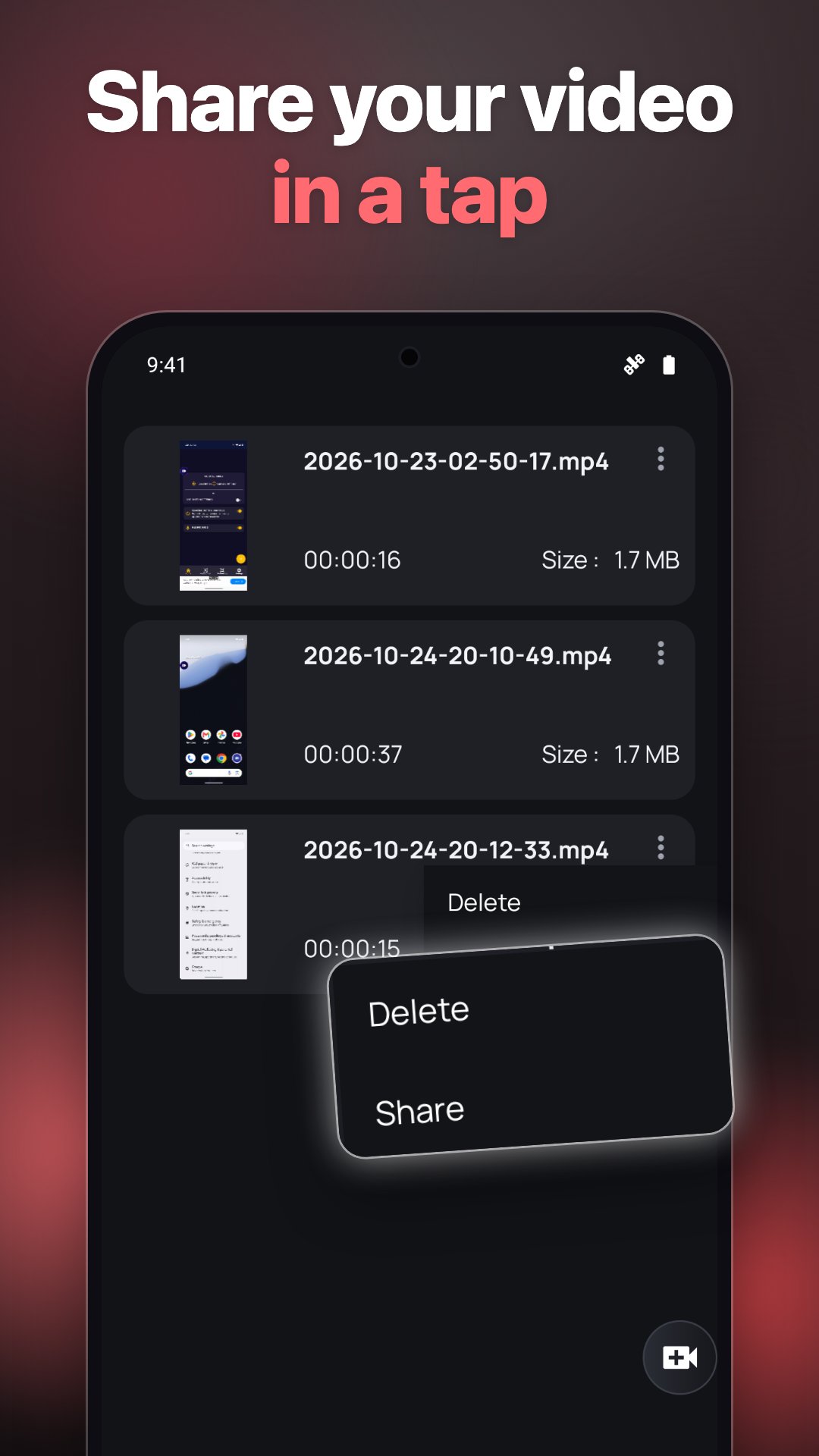
• All recordings in one list with date and file size
• Play a video, share it or delete it right from the app
• Screenshots are kept in their own gallery tab
• Videos are saved to Movies/Screen Recorder on your phone
HOW TO RECORD YOUR SCREEN
1. Open the app and pick the quality or your custom settings.
2. Tap the record button and allow screen capture.
3. Use your phone as usual; everything on screen is recorded.
4. Tap stop in the notification or on the floating button.
5. Open Recordings to watch or share the video.
GOOD TO KNOW
• Audio is recorded from the microphone. Android does not let apps capture the internal sound of every other app.
• The floating button needs the "display over other apps" permission; you can turn it off and use the notification instead.
• Works on Android 7.0 and newer, including Android 16.
Screen Recorder with Audio is free and supported by ads.
Screen recorder and video editor in one app: record screen with audio from the mic, trim video, merge videos, make a GIF from a recording, remove sound and annotate or blur screenshots. A screen recorder for gameplay, tutorials and app demos with no root and no time limit.



One-click to install XAPK/APK files on Android!

Thanks for your rating and feedback!
You have already rated.