Package Name:com.apprise.sketchpad
Show More

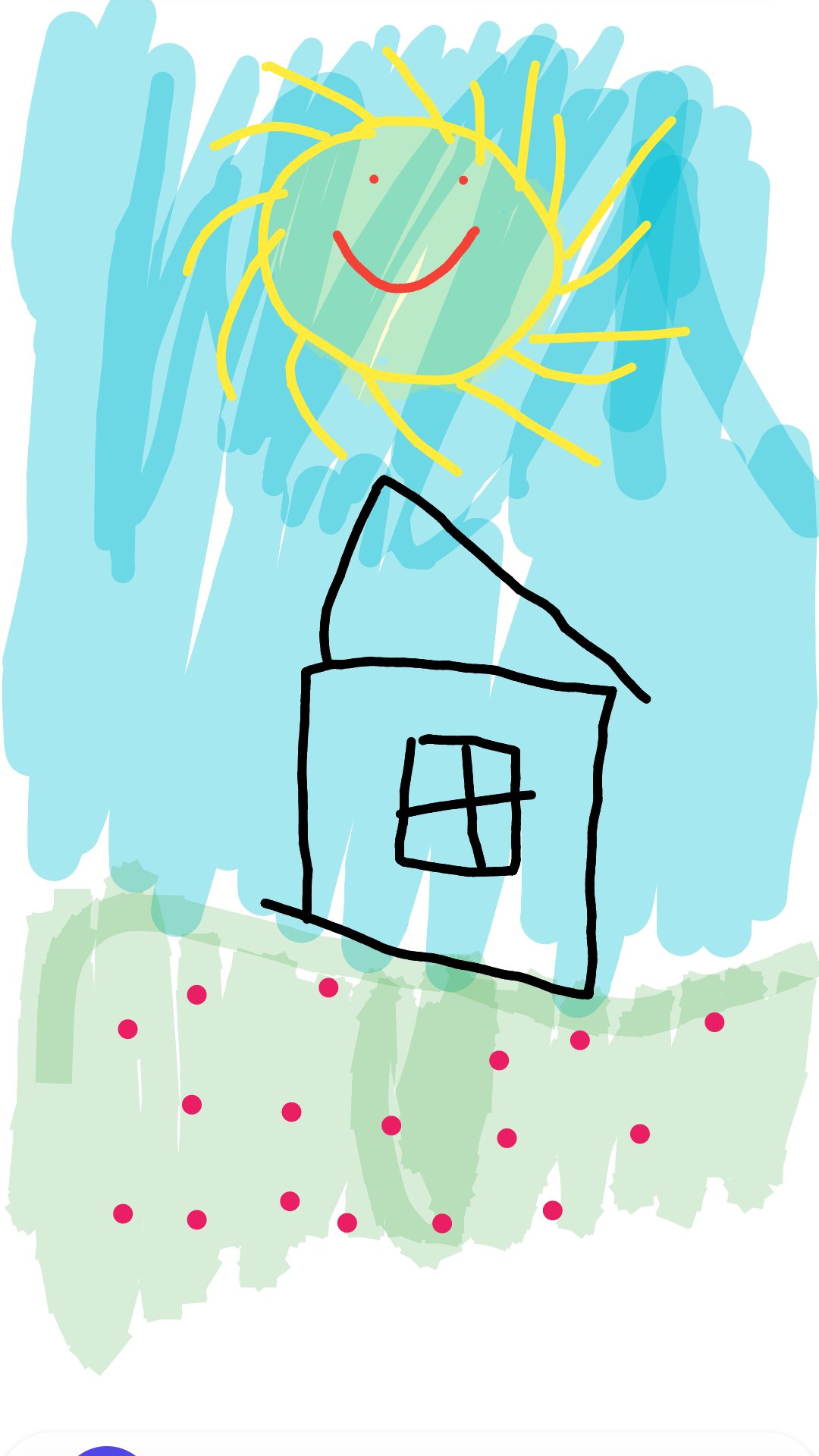
Draw offline with layers, custom brushes, a color picker and PNG export.
SketchPad is a calm, private drawing app for phones and tablets. It runs entirely on your device, with no account, no sign-in and no internet connection required. Open it and the canvas is right there, ready for your first stroke.
Drawing feels smooth and natural. Lines are gently smoothed as you move, so curves stay clean instead of showing jagged corners, and if your stylus reports pressure, the stroke gets thicker as you press harder. The white canvas keeps your colors looking exactly the way you chose them, in both light and dark themes.
Pick from a full set of tools, each with its own feel:
✏️ Pen — a solid, confident line
🖋️ Fineliner — a thin, constant-width technical pen
✒️ Pencil — a light, pressure-sensitive sketching stroke
🖊️ Marker — a wide, semi-transparent highlighter
🟡 Highlighter — a broad, translucent chisel tip
🖌️ Calligraphy — an angled nib with rich thick-and-thin lines
🧽 Eraser — cleanly removes what you no longer want
Fine-tune every brush the way you like:
🎨 Full HSV color picker with a saturation/value square and hue slider
🌈 Handy preset palette plus your recently used colors
📏 Adjustable brush size and opacity, with a live preview
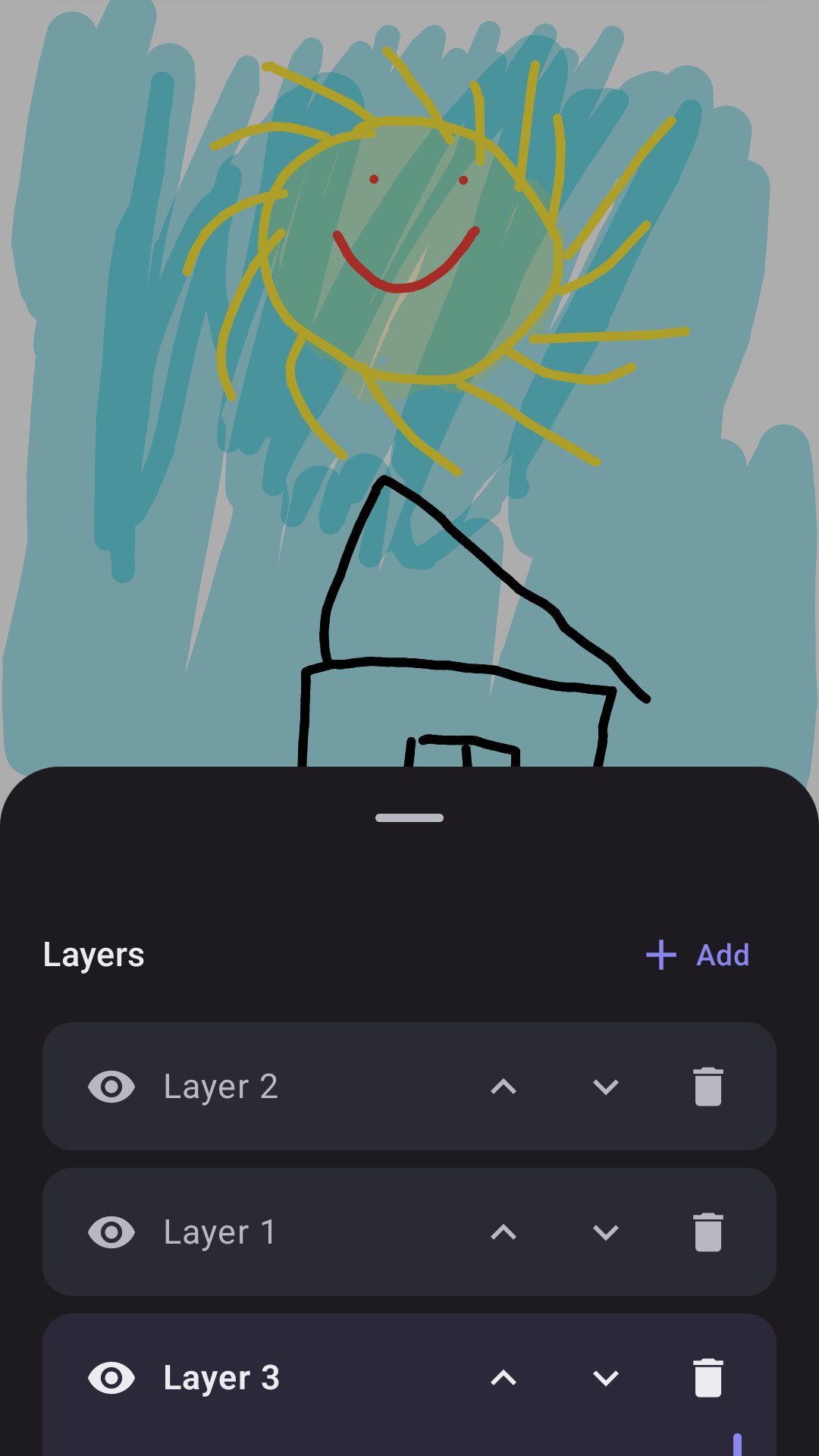
Work in layers, just like a desktop art tool:
🗂️ Add, delete and reorder layers
👁️ Toggle each layer's visibility
🔅 Set per-layer opacity
✍️ Draw straight into the active layer while the rest stay untouched
Everything else you need is built in:
↩️ Undo and redo your strokes
🧼 Clear the canvas or start over, always with a confirmation
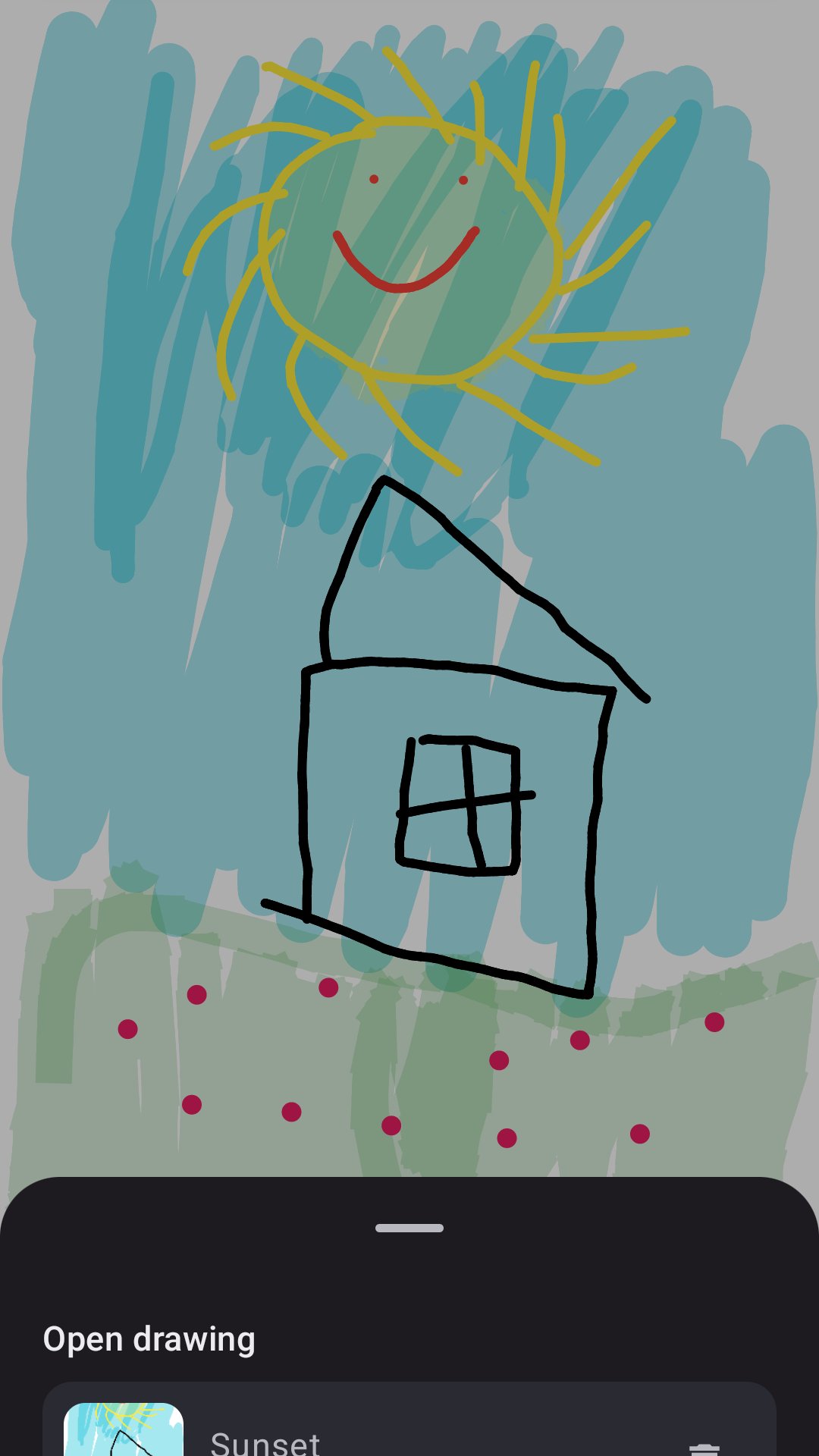
💾 Save your artwork on the device and reopen it later to keep editing — drawings are stored as editable strokes, not flattened images
🖼️ Export to your gallery as a PNG, with a transparent or white background
🔍 Pan and zoom the canvas with two fingers
🌗 Light and dark themes that follow your system or switch on demand
SketchPad is designed to be respectful of your work and your privacy. Your drawings and settings stay on your device. There are no servers, no analytics and no ads, and nothing is uploaded anywhere. The only permission the app can use is writing a PNG to your gallery when you choose to export, and that is only needed on older Android versions.
Whether you are sketching an idea, doodling for fun, taking visual notes or teaching yourself to draw, SketchPad gives you a focused, offline space to create. Grab a brush, choose a color and start drawing.




One-click to install XAPK/APK files on Android!

Thanks for your rating and feedback!
You have already rated.