Package Name:com.appinitdev.draw.free
Show More


10.0
1 Reviews
58.1 MB
File Size
Everyone
Android 7.0+
Android OS
Learn to trace images on paper with augmented reality.
🎨 SketchTrace: AR Drawing
Trace any image onto paper using augmented reality (AR) and improve your drawing skills today!
✨ SketchTrace – Your Personal AR Drawing Assistant ✨
Turn your phone into an interactive art tool. With SketchTrace, you can trace photos, web images, or templates directly onto paper using augmented reality technology. Simply position your device over your sketchbook and follow the guidelines on the screen.
Forget about complicated proportions! See the projected image on your surface and start tracing step-by-step like a professional artist.
🌟 Discover the New Drawing Modes
📸 Camera Mode (Augmented Reality): Prop your phone up on a tripod, a glass, or a stack of books. Look at the screen and draw on real paper by following the virtual camera projection.
📱 Screen Mode: Draw directly on top of your phone! Place a translucent sheet or a piece of paper over your device screen and trace over the illuminated lines of the projected template with maximum ease.
🎨 Multiple Sources of Inspiration
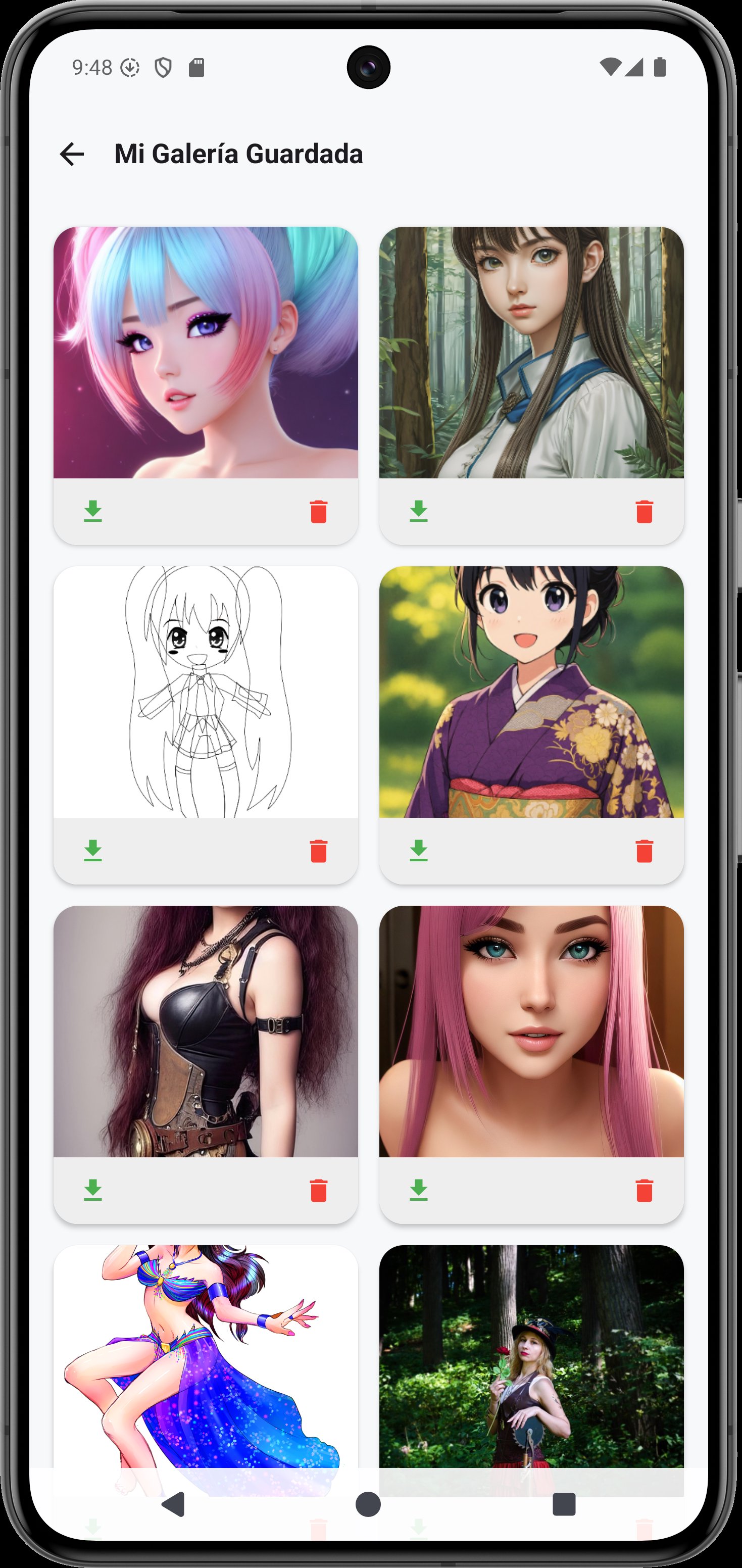
🖼️ Your Local Gallery: Import any photo, sketch, or screenshot saved on your device to turn it into your next guide template.
🌐 Built-In Web Search: Explore and download images from the internet directly within the application.
📦 Offline Image Packs: Download full catalogs and thematic packages (including a curated anime gallery) to use locally without an internet connection.
🛠️ Advanced Precision & Control Tools
🚫 Completely Ad-Free: Enjoy a pure, uninterrupted creative workflow with absolutely zero ads.
🔄 Full Canvas Manipulation: Move, rotate, scale, and zoom using multi-touch gestures to position your template in the exact spot.
🔒 Image Lock (Padlock): Activate the lock to freeze the image position, allowing you to draw without worrying about moving the design by mistake.
👁️ Immersive Mode: Hide all on-screen controls with a single tap to focus 100% on your art without distractions.
💡 Camera & Flash Control: Easily toggle the camera on or off depending on your mode, and turn on the built-in flashlight to keep tracing in low-light environments.
🔮 Powerful Smart Editing Filters
Customize your template visually before you start sketching to make tracing your lines effortless:
✂️ Remove Background (Local AI): Isolate the main object by erasing backgrounds using local artificial intelligence right on your device.
🔲 Outline & Edges: Highlight the main lines and contours of any drawing.
🌓 Invert Colors & Grayscale: Perfect for tracing dark images or generating high-contrast outlines.
🍂 Sepia & Warmth: Adjust color temperatures to protect your eyes during long drawing sessions.
🚀 Why Choose SketchTrace?
✅ 100% Ad-Free experience for clean, focused sketching sessions.
✅ Incredibly easy to use, designed for both absolute beginners and advanced illustrators.
✅ Works perfectly with any type of paper, sketchbook, canvas, or physical surface.
✅ Reliable offline functionality—perfect for taking your saved templates anywhere.
✅ Automatically accelerates learning of anatomy, perspective, and geometric forms through consistent tracing practice.
📲 Download SketchTrace today!
Unlock your creativity, master line control, and learn to draw like never before by combining traditional sketching with the power of augmented reality.





One-click to install XAPK/APK files on Android!

Thanks for your rating and feedback!
You have already rated.